Are Wireless Alarms Easy to Install? A Realistic DIY Guide
Discover if wireless alarms are truly easy to install. Learn about installation times, tools needed, and common pitfalls for DIY home security systems.
When you hear "wireless alarm" you probably picture a sleek box that talks to your phone without any cables. That’s exactly what most modern alarm systems do. They use radio waves (Z‑Wave, Zigbee, or Wi‑Fi) to link sensors, sirens, and a control panel, so you can protect a house or flat without tearing up walls.
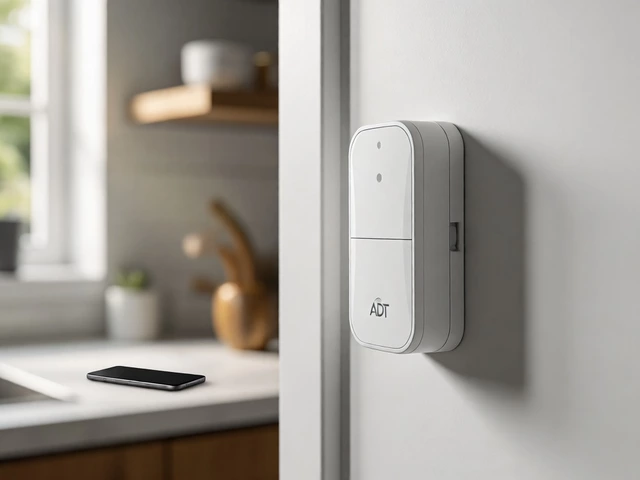
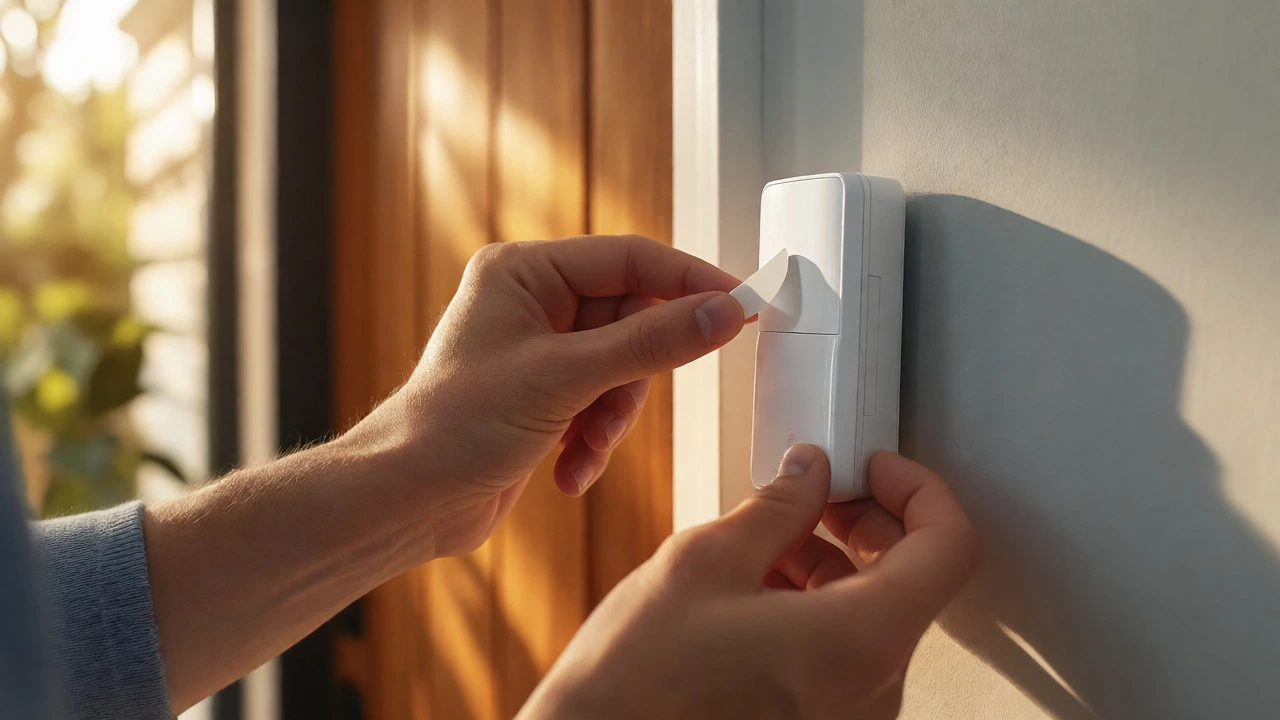
First off, installation is lightning‑quick. A battery‑powered sensor snaps onto a window frame or sticks to a wall, and you’re done. No need to plan conduit routes or hire an electrician, which slashes labour costs by up to 60%.
Second, flexibility. You can move a sensor whenever you rearrange furniture or change tenants. The whole system stays functional as long as the batteries hold charge – most devices last 2‑5 years, and the panel will warn you when a battery is low.
Third, integration with professional monitoring. Companies like Birmingham Security Command Center accept wireless panels and forward alerts to a 24/7 response team. That means you get the convenience of a DIY system and the peace of mind of a monitored service.
Finally, reliability. Modern radios operate on dedicated frequencies that avoid most household interference. If a signal drops, the panel rebroadcasts the alarm on a backup channel, so you rarely get a “dead zone”.
1. Plan your zones. Identify entry points – doors, ground‑floor windows, garage – and decide where motion sensors belong. Sketch a simple floor plan; it helps you see gaps before you buy.
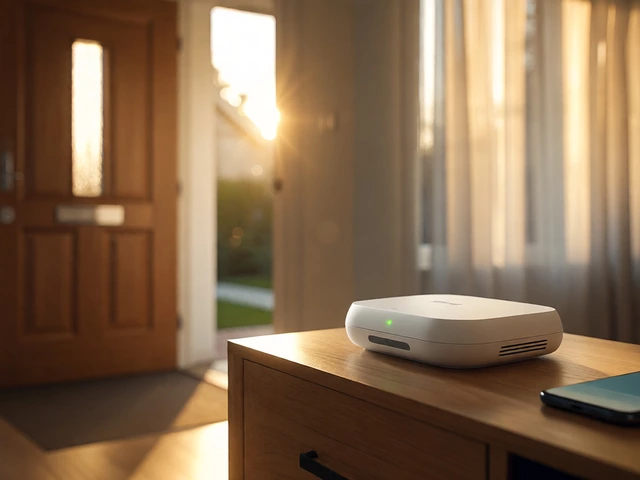
2. Choose a hub. Pick a hub that works with your preferred protocol (Z‑Wave is common in the UK). Plug it into a power socket, connect it to your router, and follow the app’s pairing steps.
3. Pair the sensors. Hold the sensor’s “learn” button, press the hub’s add‑device button, and wait for the green light. The app will confirm the link and let you label the sensor (e.g., "Front Door").
4. Test each zone. Open a door or move across a motion field to trigger the alarm. Make sure the siren sounds and the app logs the event. If a sensor doesn’t respond, move it a few inches – sometimes metal frames block radio signals.
5. Enroll a monitoring service. Contact a local centre, give them your panel’s ID, and set the response level (police, fire, or both). They’ll walk you through any extra steps, like adding a backup cellular modem.
6. Maintain battery health. Most apps show battery percentages. Replace a sensor’s battery as soon as it hits 20% to avoid surprise failures.
That’s it – you’ve turned a house into a defended property without any drilling. If you prefer a hands‑off approach, the Birmingham Security Command Center can install a professional‑grade wireless panel, handle monitoring, and give you a single monthly bill that covers everything from the alarm to emergency dispatch.
Wireless alarms aren’t a gimmick; they’re a solid, cost‑effective way to keep burglars, fire, and water damage at bay. Whether you’re a first‑time renter or a seasoned homeowner, the plug‑and‑play nature of these systems makes security feel like a natural part of daily life, not a project you keep postponing.
Discover if wireless alarms are truly easy to install. Learn about installation times, tools needed, and common pitfalls for DIY home security systems.
Ever wondered if your wireless alarm stops working when the WiFi is out? This article digs into how wireless alarms handle losing WiFi and what actually happens during outages. You'll find out the difference between WiFi and cellular alarms, how alerts still get sent, and how to keep your home protected when the network drops. Expect a breakdown of common myths, real examples, and practical tips for extra security peace of mind. It's the guide every wireless alarm user needs.
Choosing the best wireless alarm system can be a daunting task with so many options available. This article dissects the top companies offering advanced and reliable wireless alarm systems, giving you insight into which might best suit your needs. Learn about essential features, smart integration, and how these systems enhance your home security. Discover tips on choosing a system tailored to any specific lifestyle and budget. Efficiency, ease of use, and reliability are crucial—let's demystify which system stands out.
Wireless alarm systems provide added security to homes by using sensors and control panels without the need for extensive wiring. The internet's role in such systems varies, with some units requiring a connection for advanced features like mobile alerts and remote access. Understanding whether internet connectivity is crucial for wireless alarms helps in selecting the right system for your needs. It's important to weigh the benefits of having an internet-enabled alarm system against the simplicity and reliability of non-internet reliant options.
This article explores whether it is safer to leave your porch light on or off at night, considering the impact on home security and energy use. Discussing various factors such as deterrence of intruders and visibility for friends and family, it delves into practical considerations homeowners should weigh. The article also touches on the integration with wireless alarm systems to enhance safety. We'll offer tips for balancing security with energy efficiency.