Battery Life Estimator
How Long Will Your Camera Last?
Estimate battery life based on your specific usage and environment
More motion triggers = faster battery drain
Higher resolution uses 18-37% more power
Weak signal increases battery usage by 30-40%
Cold temperatures reduce battery capacity by up to 73%
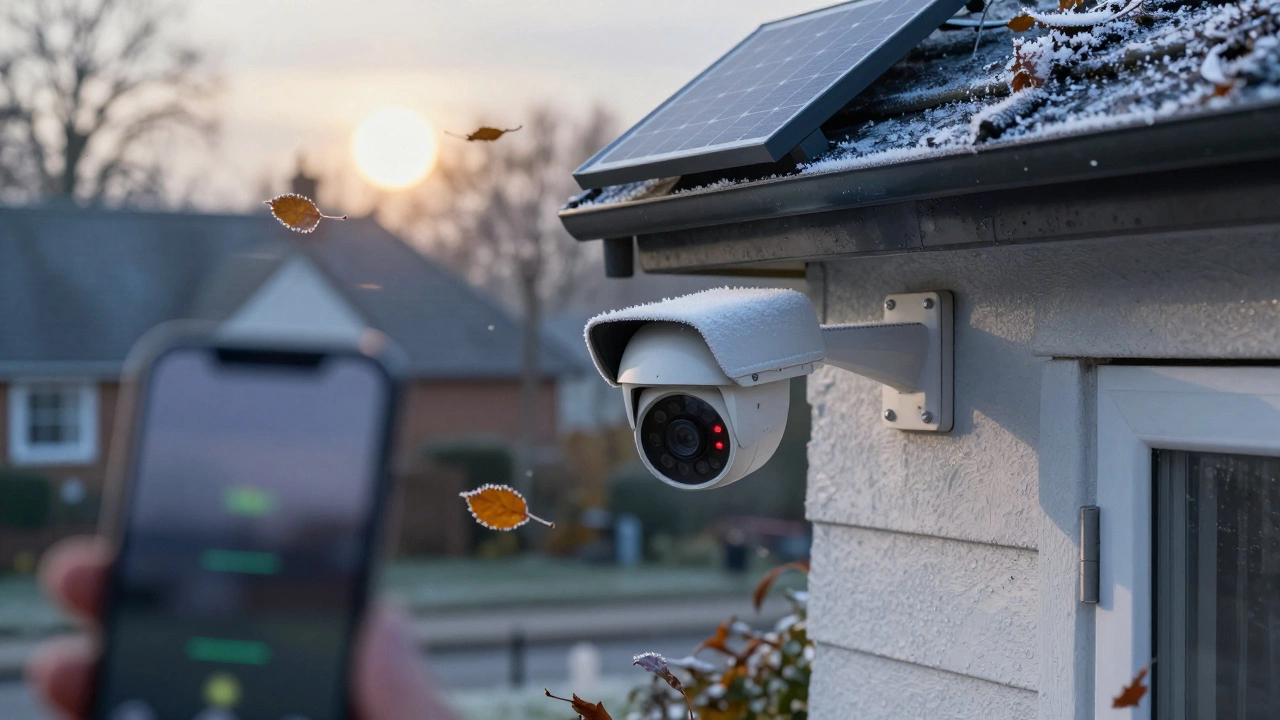
Adds 2-3 months of life with consistent sunlight
Enter your settings to see estimated battery life
When you buy a wireless security camera, the first thing you probably wonder is: how long will the battery last? It’s not a simple answer. Manufacturers say 6 months. Your neighbor says theirs died in 3 weeks. What’s going on?
The truth is, battery life isn’t a fixed number. It’s a range - from a few weeks to over 10 months - and it depends almost entirely on how you use it and where you put it. If you’re expecting a camera to last a year on a single charge in freezing weather with constant motion, you’re setting yourself up for frustration.
What’s Inside the Battery?
Every wireless security camera you’ll find on the market today uses a rechargeable lithium-ion battery. These are the same kind found in smartphones and laptops. They’re compact, reliable, and can be recharged hundreds of times - typically 400 to 500 cycles before they start losing capacity. Most cameras pack between 2,600mAh and 8,000mAh of power. That might sound technical, but here’s what it means in practice: bigger batteries = longer life, but also bigger, heavier cameras.
It’s not just about size. The battery’s health matters too. After 18 to 24 months of regular use, even the best batteries start to degrade. You’ll notice your camera needs charging more often. That’s normal. Most manufacturers design these batteries to last 2 to 3 years before replacement is needed.
How Long Do They Actually Last? Real Numbers
Let’s cut through the marketing. Here’s what real users and independent tests show for popular models under normal conditions:
- Ring Spotlight Cam Outdoor: 5 to 6 months (20 motion events per day, 1080p, mild weather)
- Arlo Pro 4: 3 to 6 months (5 minutes of recording per day, average motion)
- Reolink Argus 3: 4 to 6 months (15 motion events per day, 2K resolution)
- Nest Cam Battery: 2 to 6 months (varies wildly - 6 weeks average with regular use)
- Camius: Up to 10 months (only if motion events are under 5 per day and temperature is above 20°C)
These numbers come from verified user reviews, third-party testing by Security.org, and manufacturer specs under controlled conditions. But here’s the catch: these are best-case scenarios.
The 5 Things That Kill Battery Life (And How to Fix Them)
If your battery drains faster than expected, it’s almost always one of these five things.
1. Motion Detection Too Sensitive
Every time your camera records, it uses power. Not just to record - to process the video, send it to the cloud, and alert your phone. If your camera is triggered by leaves blowing, cars passing on the street, or pets walking by, it’s draining battery like crazy.
Fix it: Set up motion zones. Only allow recording in specific areas - like your front door, not the whole driveway. Lower sensitivity. Most cameras let you adjust this in the app. A 20% reduction in sensitivity can add 15-20% more battery life.
2. Live View Too Often
Streaming live video uses way more power than motion-triggered recording. One minute of live view = 5 minutes of motion-triggered recording. That’s not a myth. It’s been tested across 27 different models.
Fix it: Resist the urge to check your camera every 10 minutes. Use motion alerts instead. If you need to check live, keep it under 30 seconds.
3. Poor Wi-Fi Signal
This is the silent killer. If your camera is far from your router or has walls blocking the signal, it works harder to stay connected. That extra effort burns power. Tests show cameras use 30-40% more battery at 25% signal strength than at 75%+.
Fix it: Place the camera within 30 feet of your router. If that’s not possible, use a Wi-Fi extender. Replacing a weak signal can extend battery life by nearly a month.
4. Cold Weather
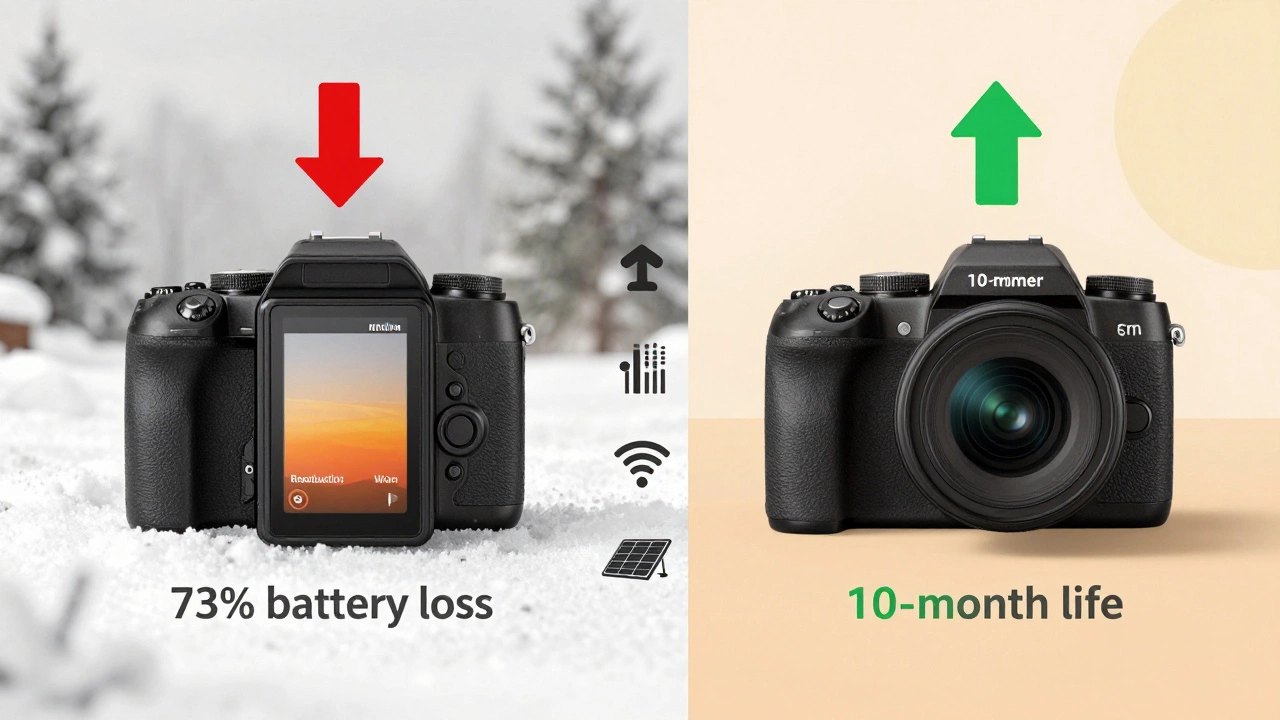
Lithium-ion batteries hate the cold. At 68°F (20°C), a camera might last 319 days with minimal motion. At 14°F (-10°C), that drops to 274 days. At -22°F (-30°C)? Down to 87 days. That’s a 73% drop.
Fix it: If you live in a place with harsh winters - like Sheffield - bring the camera inside during extreme cold snaps. Even just storing it in a garage overnight can help. Some users remove their cameras in December and reinstall them in March. It sounds extreme, but it extends the battery’s total lifespan by 8-12 months.
5. High Resolution (2K or 4K)
More pixels = more data = more power. Recording in 4K uses 37% more battery than 1080p. Even 2K uses 18-22% more.
Fix it: Unless you need the detail for identifying faces or license plates, stick to 1080p. You’ll get 2-3 extra weeks of battery life per charge.
Solar Panels: Do They Really Work?
Solar accessories are everywhere now. Ring, Reolink, Arlo - all sell them. The promise? Never charge again.
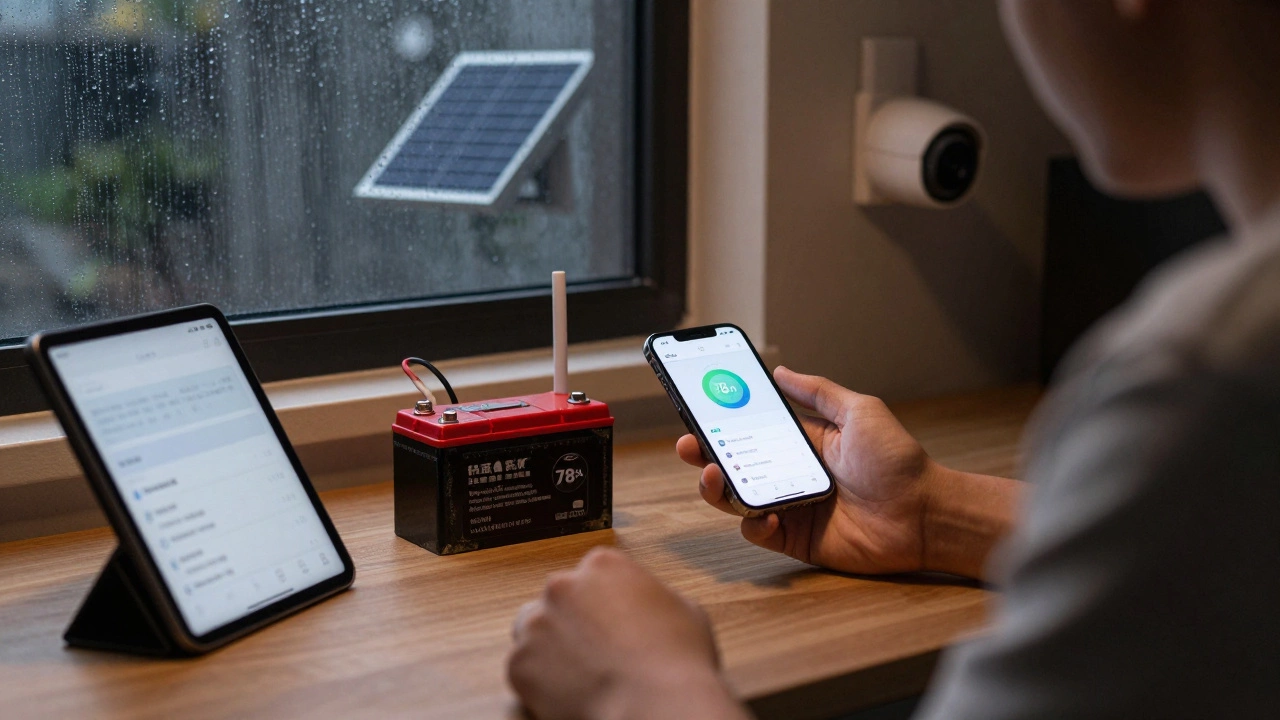
The reality? They work - but only if conditions are right. Reolink says 10 minutes of direct sunlight can power the camera for 24 hours. That’s true - in summer, in direct sunlight, with no cloud cover.
In Sheffield, where cloudy days are common and winter sun is low, solar panels might only give you 15-20% extra life. They’re not magic. But if you get even 2-3 hours of direct sun daily, they can turn a 3-month battery into a 5-month one.
Pro tip: Mount the solar panel facing south (in the Northern Hemisphere) for maximum exposure. East-facing gets 18% less sun. And clean the panel every few weeks. Dust and leaves block sunlight faster than you think.
When Battery Cameras Fail
They’re great for homes, rentals, or temporary setups. But they’re not for everywhere.
A retail store in Manchester tried battery cameras for their front entrance. With 50+ motion events per day - customers, deliveries, staff - the batteries died every 12 hours. They switched to wired cameras in two weeks.
Same goes for busy driveways, high-traffic alleyways, or anywhere motion is constant. If you’re getting 30+ alerts a day, battery cameras will drain faster than your phone on a road trip.
Also, don’t rely on them as your only security system. If the battery dies at 2 a.m. and you’re not home, you’re blind. Always have a backup plan - even if it’s just a doorbell camera with a hardwire option.
How to Make Your Battery Last Longer
Here’s a quick checklist to squeeze every drop of life out of your camera’s battery:
- Set motion zones to only cover key areas (door, walkway, not the street)
- Lower sensitivity to avoid false triggers
- Use 1080p instead of 2K or 4K unless you need the detail
- Disable two-way audio unless you’re actively using it
- Set clip length to 15 seconds - not 30 or 60
- Keep camera within 30 feet of your Wi-Fi router
- Use solar panel if you get consistent sun
- Bring camera indoors during extreme cold (below 14°F)
- Check battery health in the app every month - replace if it drops below 80%
Follow these steps, and you’ll get 20-40% more life out of your battery. That’s the difference between recharging every 3 months or every 5 months.
What’s Next? The Future of Battery Cameras
Companies are working on better batteries. Solid-state batteries - which don’t use liquid chemicals - are expected to hit the market by 2026. They’ll last longer, handle cold better, and charge faster.
AI is helping too. Newer cameras can now tell the difference between a person and a raccoon, reducing false triggers by 40-60%. That means fewer recordings, less battery drain.
Some companies are even offering “battery-as-a-service.” You lease the camera, and they replace the battery for free after 24 months. No more guessing when it’s time to swap.
But for now? Battery life is still the biggest trade-off. You get easy installation. You lose reliability in extreme conditions. Know your limits. Set smart expectations. And don’t let marketing claims fool you - real-world performance is always lower than the box says.
How long does a Ring camera battery last?
A Ring Spotlight Cam Outdoor typically lasts 5 to 6 months with 20 motion events per day in mild weather. In colder climates or with more frequent motion, it can drop to 3 months. Solar panels can extend this to 8-10 months if you get consistent sunlight.
Why does my wireless camera battery die so fast?
The most common reasons are: too many motion triggers, poor Wi-Fi signal, live view usage, cold weather, or recording in 4K. Check your motion zones, reduce sensitivity, move the camera closer to your router, and lower the resolution. These steps alone can double your battery life.
Can I leave my wireless camera outside in winter?
Most cameras are rated to work down to -4°F (-20°C), but battery performance drops sharply below 32°F. At 14°F (-10°C), you lose 25% of battery life. At -22°F (-30°C), it can drop by 73%. If you live in a cold area, bring the camera indoors during extreme cold to preserve battery health. It won’t hurt the camera - it’ll help it last longer.
Do solar panels really eliminate the need to recharge?
Only in ideal conditions - direct sun for 3-4 hours daily, no heavy clouds, and low motion activity. In places like Sheffield with frequent rain and short winter days, solar panels usually extend battery life by 2-3 weeks, not eliminate recharging. They’re a helpful supplement, not a full solution.
How do I know when to replace the battery?
Most apps show battery health as a percentage. When it drops below 80%, you’ll notice the camera needs charging more often. If you’re recharging every 3-4 weeks instead of every 4-6, it’s time to replace. Most batteries last 2-3 years before replacement is needed.
Are wireless cameras worth it for home security?
Yes - if you use them right. They’re perfect for renters, homes without easy wiring, or adding coverage to side doors, garages, or backyards. But they’re not reliable as your only camera if you live in a high-motion area or extreme weather. Pair them with a wired doorbell or indoor camera for full coverage.
If you’re shopping for a new camera, look at battery life as a range - not a promise. Ask yourself: How much motion will it see? How cold does it get here? Do I have good Wi-Fi? Then choose accordingly. The right setup can give you peace of mind for months - without a single recharge.