Wireless CCTV Signal Range Calculator
Calculate your wireless CCTV camera's effective range based on real-world conditions. Based on article data showing signal drops through walls and interference issues.
Enter values above to see if your camera will work reliably
Let’s cut through the marketing noise: wireless CCTV cameras aren’t magic. They’re convenient, yes-but they’re also finicky, power-hungry, and sometimes downright unreliable. If you’re considering a wireless CCTV kit for your home or rental, you need to know what you’re really signing up for. This isn’t about whether they’re "good" or "bad." It’s about whether they work for your situation.
What Exactly Is a Wireless CCTV Camera?
First, clear up a big misunderstanding. When people say "wireless," they usually mean one of two things: cameras that send video over Wi-Fi, or cameras that run on batteries with no wires at all. These are not the same thing. True wireless CCTV cameras still need a power cable. They plug into an outlet, but they don’t need a video cable running back to a recorder. That’s the "wireless" part-just the data transmission. Then there are wire-free cameras. These run on batteries or solar panels. No wires, period. But they’re the ones that die mid-recording when the battery drains, or stop working when it’s freezing outside. Most people buying a "wireless CCTV kit" are getting the first kind: a camera with a power cord, connecting to your home Wi-Fi. That’s the sweet spot for renters, homeowners avoiding wall drilling, or anyone who wants to move cameras around easily.Where Wireless CCTV Cameras Shine
There are real, practical reasons why wireless systems are exploding in popularity. In 2023, 63% of rental properties in the U.S. and Europe used wireless cameras, according to Security Magazine. Why? Because landlords and tenants don’t want holes in the walls. No permits. No contractor fees. Just stick it on a shelf, plug it in, and go. They’re also perfect for temporary setups. Think construction sites, vacation rentals, or home renovations. If you’re doing work on your house and need to monitor progress-or keep an eye on tools-running cables through unfinished walls is a nightmare. A wireless camera on a tripod? Easy. And let’s not ignore the setup speed. Gen Security’s 2023 testing found that 82% of people could install a basic wireless camera in under 30 minutes. Compare that to wired systems, which often take 4 to 8 hours to run cables, drill holes, and connect to a DVR. For most people, that time savings alone is worth it.The Hidden Problems You Won’t Hear in the Ads
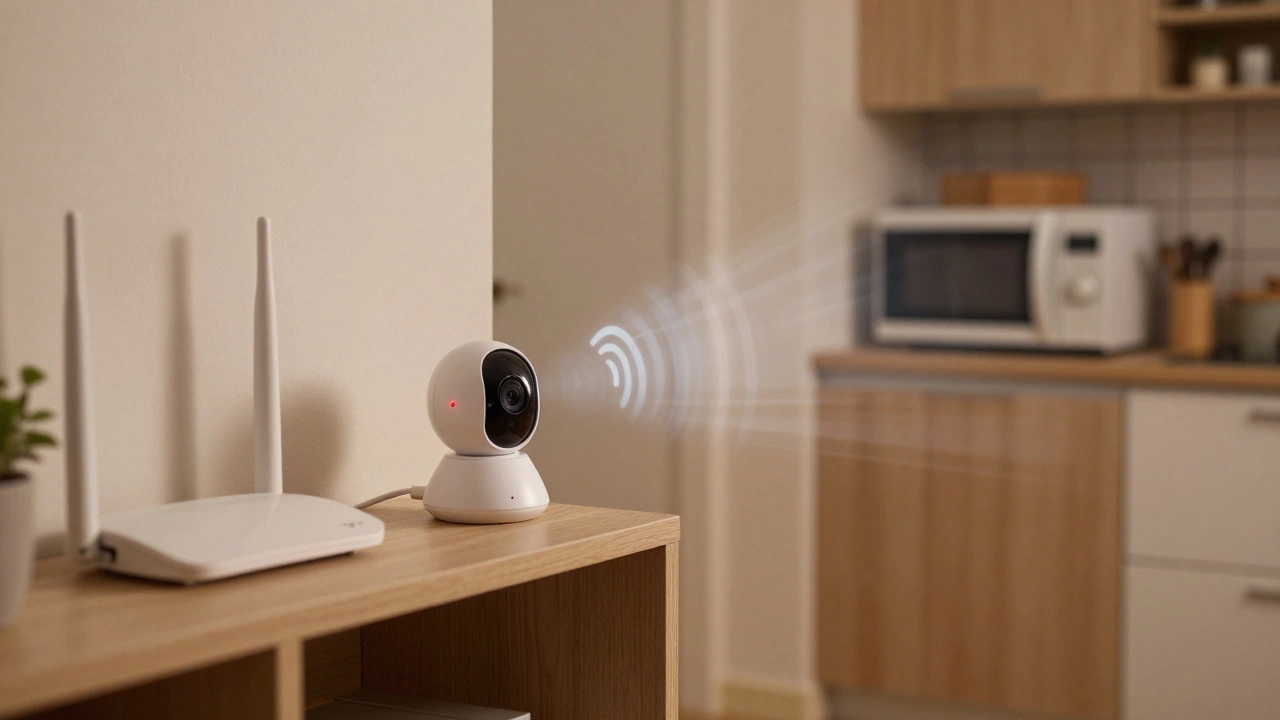
Here’s the flip side. Wireless cameras rely on your Wi-Fi. And your Wi-Fi? It’s already crowded. The average home has over 15 connected devices-phones, smart speakers, TVs, thermostats, baby monitors. All of them are fighting for space on the 2.4GHz band. That’s the same band most budget wireless cameras use. The result? Frame loss. Glitches. Cameras going offline right when you need them most. Reddit user u/SecureHome2022 reported losing footage of a break-in attempt because his Arlo camera dropped the signal every time the microwave ran. That’s not rare. In fact, 43% of negative wireless camera reviews on Reddit mention interference from household appliances. Signal range is another issue. In open air, a camera might work up to 150 feet from your router. But through a concrete wall? That drops to 30-50 feet. Metal framing, thick insulation, even large appliances can block the signal entirely. If your camera is in the backyard, and your router is in the basement? Don’t expect smooth streaming. And then there’s the video quality. Premium wired PoE cameras deliver true 4K resolution at 30fps with zero compression. Wireless 4K cameras? They’re often using heavy compression just to get the data through your Wi-Fi. Independent tests by A1 Security Cameras show that this cuts the effective resolution by 30-40%. You’re paying for 4K, but getting something closer to 1080p.
Power: The Silent Killer
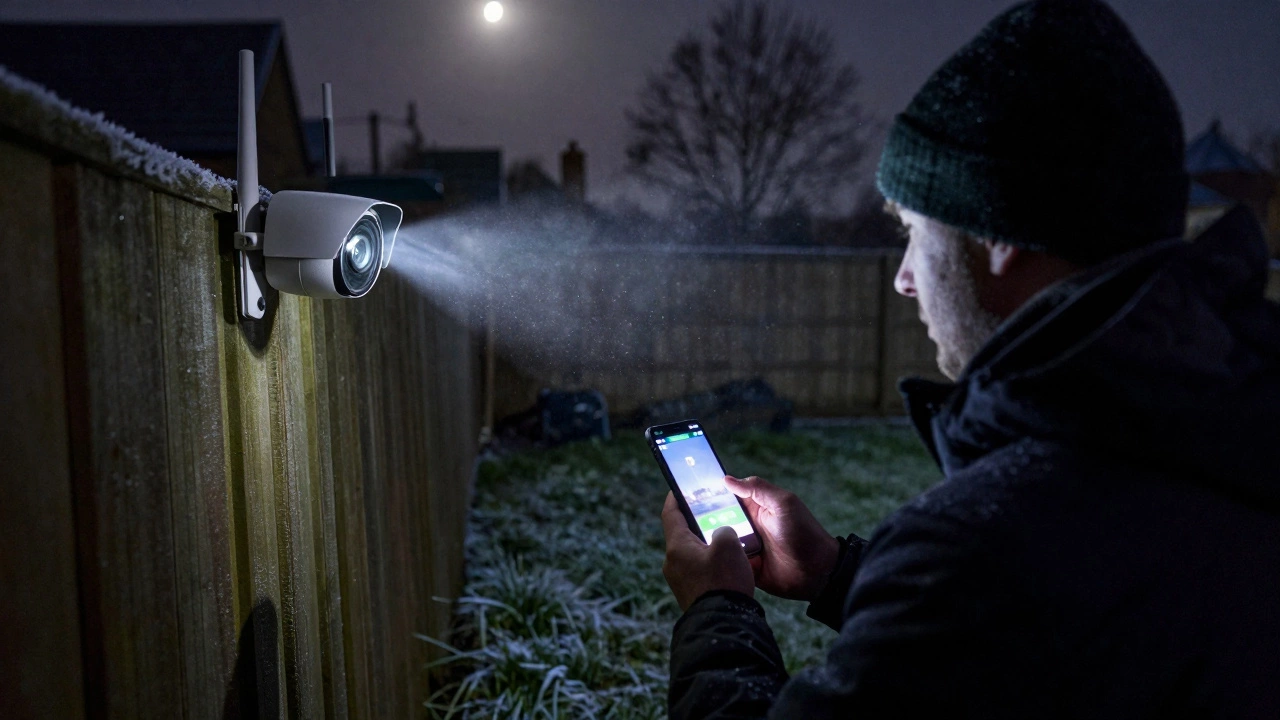
Wireless cameras need power. And if they’re not plugged in, they’re running on batteries. Battery-powered cameras promise "months" of life. But that’s under ideal conditions: moderate temperatures, low motion detection activity, and no live streaming. Real-world use? That drops fast. CCTV Camera World’s testing shows battery life can fall by 40% when temperatures dip below 32°F. If you live in Wellington-where winters are damp and chilly-your wire-free camera might die every 6-8 weeks. And replacing batteries isn’t cheap. A pack of high-capacity lithium-ion batteries for an Arlo or Eufy model costs $20-$30. Do that every two months? That’s $120-$180 a year. For a camera that might not even work reliably. Even plug-in wireless cameras aren’t immune to power issues. A sudden power outage? No recording. No alerts. Just a dead camera until the electricity comes back.Security: Are Your Footage Safe?
Early wireless cameras were security nightmares. Default passwords. Unencrypted streams. Hackers could watch your living room from halfway across the world. Thankfully, things have improved. As of 2023, most reputable brands use WPA3 encryption and end-to-end encryption for cloud storage. Ring, Google Nest, Arlo, and Eufy all meet the EU’s 2022 Cyber Resilience Act standards. But here’s the catch: the weakest link is still your router. If your Wi-Fi network is poorly secured, your camera is vulnerable. And many users don’t change default passwords or update firmware. According to Security.org’s 2022 survey, 58% of wireless camera owners don’t check for updates at all. Also, cloud storage isn’t free. Ring charges $4/month per camera just to save video. Google Nest does the same. If you have four cameras? That’s $16 a month, or $192 a year. Some people forget this cost until they get their first bill.Wireless vs Wired: The Real Comparison
Let’s be blunt: wired systems are more reliable. Period. Solink’s 2022 data shows wired PoE systems maintain 99.9% uptime. Wireless? 92-95%. That 5% gap matters when you’re trying to catch a thief or prove an insurance claim. Wired cameras don’t care about Wi-Fi interference. They don’t die when the power goes out (if you have a UPS). They deliver full, uncompressed video without lag. And they’re harder to hack-because there’s no wireless signal to intercept. But wired systems cost more upfront. You need cables, drills, conduits, and often a professional installer. For a new build, that’s fine. For a rented apartment? Impossible. So the real question isn’t "which is better?" It’s: "Which one fits my life?"- Choose wireless if you rent, want quick setup, or need temporary coverage.
- Choose wired if you own your home, care about reliability, and want the clearest possible footage.
Who Should Skip Wireless CCTV Altogether?
Not everyone should even consider wireless. If you’re securing a business, warehouse, or commercial property-skip it. Montavue’s 2023 report says 85% of commercial installations use wired systems. Why? Because downtime costs money. A camera that drops during a robbery isn’t just inconvenient-it’s dangerous. If you live in a house with thick concrete walls or metal framing, wireless signals won’t penetrate reliably. You’ll spend hours trying to find the "right spot" and still get dead zones. And if you’re on a tight budget? Be careful. The cheapest wireless cameras (like Wyze Cam v3) are great for basic monitoring, but they’re not built for 24/7 reliability. Their cloud storage is limited, their app is buggy, and customer support? Don’t expect a quick reply.What to Look for in a Wireless CCTV Kit
If you’re going wireless, don’t just grab the first one on sale. Here’s what actually matters:- Wi-Fi band support: Choose 5GHz or dual-band. It’s faster and less crowded than 2.4GHz.
- Local storage: Look for models with microSD card slots. Avoid being locked into monthly cloud fees.
- AI motion detection: Real people vs. pets vs. trees. This cuts down on false alerts by up to 70%.
- Weatherproof rating: IP65 or higher if you’re placing it outside.
- End-to-end encryption: Check the manufacturer’s specs. If they don’t mention it, walk away.
The Bottom Line
Wireless CCTV cameras are a tool-not a miracle. They’re excellent for renters, temporary setups, and non-critical areas. But if you’re protecting your home’s main entry points, your garage, or your business, wired is still the smarter choice. The market is moving fast. Wi-Fi 6E, solar-powered models, and AI interference avoidance are making wireless cameras better than ever. But physics hasn’t changed. Signals still weaken through walls. Batteries still die. Wi-Fi still gets crowded. So ask yourself: Do I need convenience? Or do I need certainty? If it’s convenience-go wireless. If it’s certainty-stick with wired. Don’t let marketing convince you otherwise.Are wireless CCTV cameras secure?
Yes, if you choose a reputable brand and set it up correctly. Modern wireless cameras from Arlo, Nest, Eufy, and Ring use WPA3 encryption and end-to-end encryption for video. But security starts with your router. If your Wi-Fi network has a weak password or outdated firmware, your camera can still be hacked. Always change default passwords, enable two-factor authentication, and update firmware regularly.
Do wireless CCTV cameras need Wi-Fi?
Yes, all wireless CCTV cameras need Wi-Fi to send video to your phone or cloud storage. The term "wireless" refers only to the video transmission-these cameras still need to be plugged into a power outlet. Battery-powered (wire-free) cameras also need Wi-Fi to function, but they can store footage locally on a microSD card if the signal drops.
How far can a wireless CCTV camera be from the router?
In open space, most wireless cameras work reliably up to 150 feet from the router. But through walls-especially concrete or metal-that range drops to 30-50 feet. For best results, place the camera within 35 feet of the router with a clear line of sight. Use a Wi-Fi extender or mesh network if the signal is weak.
Can wireless CCTV cameras work without internet?
Yes, but only partially. If your internet goes down, the camera can still record to a microSD card (if it has one) and trigger local alerts. But you won’t be able to view live footage from your phone, get push notifications, or access cloud recordings. Internet is required for remote access and cloud features.
Are wireless CCTV cameras worth it for renters?
Absolutely. Wireless cameras are ideal for renters because they don’t require drilling holes or permanent installation. You can take them with you when you move. Models like the Wyze Cam v3 and Eufy SoloCam S340 are affordable, easy to set up, and work well for monitoring entryways or common areas without violating lease agreements.
Why do my wireless cameras keep disconnecting?
Disconnections usually happen because of Wi-Fi interference, weak signal, or network overload. Your router might be too far away, or other devices (microwaves, baby monitors, smart speakers) are using the same frequency. Try switching your camera to the 5GHz band if it supports it. Also, reduce the number of active devices on your network or use a dedicated Wi-Fi network for your cameras. Check for firmware updates-they often fix connectivity bugs.