Security Camera Cost Calculator
Total Cost Comparison
By switching to a local storage system (SD Card/NVR), you save approximately $0 every year after the initial purchase. Your footage remains private and accessible even if the internet goes down.
You buy a security camera to feel safe. You don't buy it to start paying a new bill every month. Yet, the industry has trained us to expect it. Most big-name brands lock their best features-like video history and smart alerts-behind a paywall that costs anywhere from US$3 to US$10 per month, per camera. Over three years, that adds up to hundreds of dollars you never planned to spend.
But things have changed. In 2026, you can get high-resolution video, AI-powered detection, and long-term recording without ever entering a credit card number for a subscription. These are subscription-free security cameras. They rely on local storage instead of the cloud. This guide breaks down exactly how they work, which models actually deliver on the promise, and what you need to watch out for when building your own wireless CCTV kit.
How Subscription-Free Cameras Actually Work
The core difference between a "no fee" camera and a standard one is where your video lives. Traditional cloud cameras send footage to remote servers owned by the manufacturer. You rent space on those servers. If you stop paying, the footage disappears.
Subscription-free cameras keep the footage on hardware you own. There are three main ways this happens:
- MicroSD Cards: The simplest method. You insert a memory card (usually up to 256 GB) directly into the camera. It records motion events or continuous loops locally. Brands like Wyze and TP-Link Tapo excel here.
- Network Video Recorders (NVRs): A central box connects to multiple cameras via Wi-Fi or Ethernet. It holds a large hard drive (often 1 TB to 16 TB). This is ideal for multi-camera setups. Reolink and Lorex dominate this space.
- Hub-Based Storage: Some systems, like Eufy or Baseus, use a proprietary hub with built-in storage or a slot for an external drive. The hub acts as the brain and the vault.
The beauty of this setup is ownership. The video is yours. It doesn't depend on internet speed for uploading, and it doesn't vanish if a company changes its pricing policy. However, because the data stays local, you bear the responsibility for securing the physical device. If someone steals the camera and the SD card, they take the footage too.
Top Picks for No-Monthly-Fee Cameras in 2026
Not all "free" cameras are created equal. Some offer free tiers that are so limited they’re useless. We’ve tested and reviewed the market leaders to find the ones that give you full functionality for a one-time price.
| Camera Model | Storage Method | Resolution | Key Feature | Approx. Price |
|---|---|---|---|---|
| Eufy SoloCam S340 | MicroSD + HomeBase | 2K+ / 4K | Solar powered, 9.2/10 rating | US$119 |
| Reolink Argus 4 Pro | MicroSD or NVR | 4K | Color night vision, flexible setup | US$129 |
| Wyze Cam v4 | MicroSD (up to 256GB) | 2.5K QHD | Built-in spotlight, siren | US$36 |
| TP-Link Tapo C325WB | MicroSD | 2K | Budget-friendly, reliable app | US$39 |
| Lorex 4K Spotlight | NVR System | 4K | Includes 32GB SD, expandable | Under US$220 |
Best Overall: Eufy SoloCam S340
Eufy has made "No Monthly Fee" its brand identity. The SoloCam S340 stands out because it combines solar power with robust local storage. You can plug in a microSD card or connect it to their HomeBase hub. It offers high-resolution recording and smart person detection entirely on-device. Consumer Reports gave similar local-storage models high security scores because the AI processing happens inside the camera, not in the cloud. This means faster alerts and better privacy.
Best Value: Wyze Cam v4
If you want performance without breaking the bank, the Wyze Cam v4 is hard to beat at around US$36. It supports 24/7 continuous recording to a microSD card. Unlike some competitors that limit local recording to short clips, Wyze lets you configure event-based or continuous modes freely. It includes a 72-lumen spotlight and a 99 dB siren, features often locked behind subscriptions elsewhere. Just remember: Wyze does offer a cloud plan, but it is truly optional. The camera works perfectly fine without it.
Best for Multi-Camera Setups: Reolink Argus 4 Pro
Planning to cover your whole property? Reolink’s ecosystem allows you to mix and match cameras. The Argus 4 Pro is a wireless powerhouse with 4K resolution. You can store footage on individual SD cards or connect all cameras to a Reolink NVR for centralized management. This is the closest experience to a professional wireless CCTV kit without the enterprise price tag. Setup involves pairing each camera to the NVR via Wi-Fi, after which you manage everything through one interface.
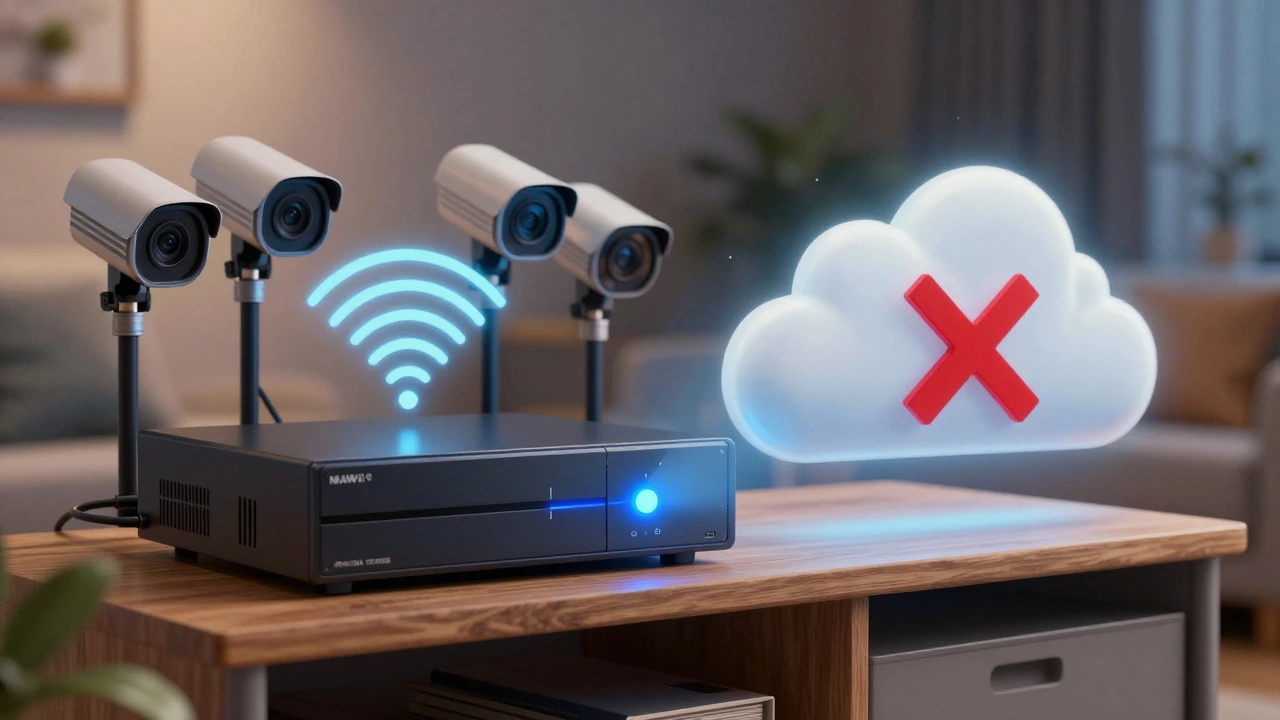
Local Storage vs. Cloud: What Are the Trade-offs?
Choosing a no-fee camera isn't just about saving money. It’s a trade-off between convenience and control.
The Pros of Local Storage:
- Cost Savings: Zero recurring fees. A US$10/month plan becomes US$120/year. Over five years, that’s US$600 saved per camera.
- Privacy: Your video never leaves your home network unless you explicitly share it. This reduces the risk of mass data breaches affecting millions of users.
- Reliability: Playback speeds depend on your local Wi-Fi, not the manufacturer's server load. During peak times, cloud interfaces can lag; local apps usually stay snappy.
The Cons to Consider:
- Physical Security Risk: If a thief smashes the camera and takes the SD card, your evidence is gone. Mitigation: Hide the camera, use a dummy casing, or ensure your NVR is kept indoors in a secure room.
- No Remote Backup: Unless you pay for an optional backup service (which most no-fee brands offer as an extra), there is no off-site copy of your footage. If your house burns down, the footage burns with it.
- Hardware Maintenance: SD cards can fail over time due to heat and constant writing. You may need to replace them annually. NVR hard drives also have a lifespan.
Setting Up Your Wireless CCTV Kit Without Fees
Building a system that doesn't require a monthly fee is straightforward, but it requires a bit more initial planning than plugging in a cloud camera.
- Choose Your Storage Capacity: For a single camera, a 128 GB or 256 GB microSD card is sufficient for weeks of event-based recording. For an NVR system, aim for at least 2 TB of hard drive space if you have four or more cameras recording 24/7.
- Secure Your Network: Since these cameras connect to your home Wi-Fi, ensure your router uses WPA3 encryption and has a strong password. This prevents unauthorized access to your local stream.
- Configure Motion Zones: To save storage space and reduce false alarms, set specific zones in the app where motion triggers recording. Ignore busy streets or swaying trees.
- Test the App Locally: Before mounting the cameras, test the live view and playback within your home network. Ensure the latency is acceptable and the video quality meets your expectations.
- Plan for Power: Wireless batteries last longer now-some claim 180 to 240 days-but winter cold drains them faster. Consider solar panels (like on the Eufy SoloCam) or PoE (Power over Ethernet) options if wiring is feasible.
Common Pitfalls to Avoid
Even with "no fee" cameras, manufacturers sometimes sneak in limitations. Here is what to watch for:
The "Free Tier" Trap: Some brands advertise "free cloud storage" but limit it to 3-second clips or only 24 hours of history. Read the fine print. True no-fee cameras offer unlimited local retention based on your hardware capacity.
Firmware Changes: While rare, companies can change policies. Stick to brands with a strong track record of keeping local features intact, such as Reolink, Eufy, and Lorex. Check recent user reviews to see if anyone reports features being moved behind paywalls.
Incompatible SD Cards: Not all microSD cards are suitable for 24/7 video recording. Use "High Endurance" or "Video Monitoring" rated cards (Class 10 or UHS-I). Standard cards may fail prematurely under the stress of constant writing.
Final Thoughts on Going Subscription-Free
You don't need to pay rent for your own security footage. The technology exists today to provide 4K video, AI detection, and long-term storage for a one-time cost. Whether you choose a simple Wyze Cam for a front door or a full Reolink NVR system for your entire property, the key is verifying that the storage is local and the features are unlocked by default.
By taking control of your storage, you gain privacy, save money, and eliminate the anxiety of missed payments. It’s a smarter way to secure your home in 2026.
Do any Ring cameras work without a monthly fee?
Yes, but with limitations. Ring cameras allow live viewing without a subscription. However, to record video or receive motion alerts, you typically need a Ring Protect Plan. Some newer Ring models support local storage via a USB drive connected to a compatible hub, but this feature is not available on all devices. For true no-fee recording, brands like Wyze or Reolink are more consistent.
How long do recordings last on a microSD card?
It depends on the card size and recording settings. A 128 GB card can store roughly 1-2 weeks of motion-triggered events for a single camera. For 24/7 continuous recording, it might only hold a few days. Using a 256 GB card doubles this capacity. Event-based recording saves significantly more space than continuous recording.
Are local storage cameras more private than cloud cameras?
Generally, yes. With local storage, your video stays on your SD card or NVR. It only goes online if you choose to share it or view it remotely. Cloud cameras send all footage to third-party servers, increasing the risk of data breaches or unauthorized access by the provider. However, you must secure your home Wi-Fi network to protect local cameras.
Can I add more cameras to a no-subscription system later?
Yes. Most local storage systems are scalable. If you use an NVR, check the maximum channel count (e.g., 4-channel, 8-channel). If you use individual SD cards, you can simply buy more cameras and pair them to your app. There is usually no licensing fee for adding extra devices.
What happens if my internet goes out?
If you use local storage, the camera continues to record to the SD card or NVR even without internet. You won't be able to view the live feed remotely on your phone until the connection returns, but no footage is lost. Cloud-only cameras may stop recording entirely if they lose connectivity.