Burglar Threat Assessment Simulator
Click a method to see how it affects your system's visibility.
You bought a Ring Video Doorbell is an internet-connected camera system designed to alert homeowners to visitors and record video evidence of activity at the entrance. You expect it to be your first line of defense. But what happens if a burglar knows exactly how to turn it off before they even reach your door? The short answer is yes. Through physical tampering, wireless interference, or simple account tricks, intruders can neutralize your smart doorbell in minutes. Understanding these methods isn't about paranoia; it's about closing the gaps that make your home vulnerable.
How Physical Tampering Stops Recording
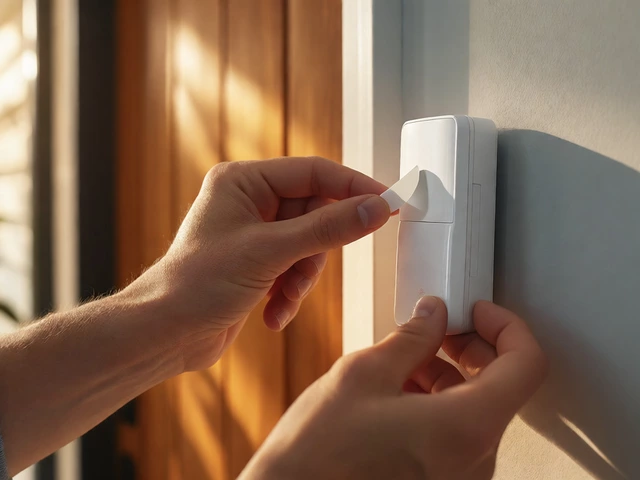
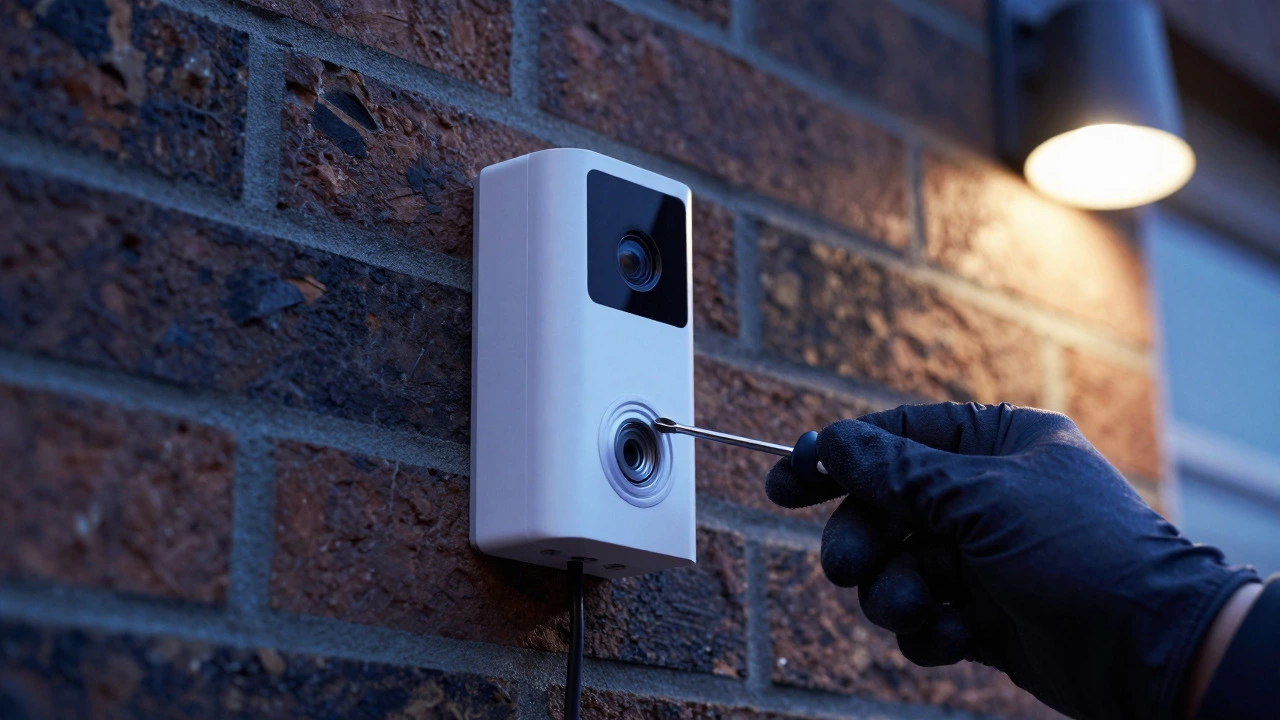
The most straightforward way to defeat a Ring doorbell is to remove its power source. If you have a wired model connected to your doorbell transformer, a burglar with access to your external breaker box or utility room can flip the switch. Once power is cut, the device goes dark immediately. For battery-powered models, the process is even simpler: a determined thief can unscrew the unit from the frame using basic tools. Most Ring devices are held by only two or three screws. In under thirty seconds, the camera is off the wall, and the microphone and lens are no longer facing your front door. This physical removal prevents any motion detection or cloud upload from occurring until the device is reinstalled and powered back up.
Wi-Fi Jamming and Deauthentication Attacks
Modern burglaries often rely on technology rather than brute force. One common technique involves Wi-Fi Jamming is the use of handheld devices to disrupt radio frequency signals, preventing devices from communicating with routers. These jammers, which can cost less than £50, block the 2.4 GHz signal that most Ring doorbells use. When the connection drops, the doorbell cannot send alerts to your phone or upload video clips to the cloud. While the device might still record locally for a few seconds depending on the model, the primary benefit-remote monitoring-is gone. A more sophisticated attack uses deauthentication frames. By sending specific data packets to your router, an attacker forces the Ring doorbell to disconnect from the network. Unlike a hard power cut, this method leaves the device powered but offline, creating a blind spot where activity goes unrecorded and no notifications are sent to your smartphone.

Account Compromise and Disarmed Mode
Sometimes, you don't need to touch the hardware at all. If a burglar compromises your Ring account, they can remotely disable the system's security features. This usually happens through credential stuffing, where hackers use email and password combinations leaked from other websites to guess your login details. Once inside the app, they can activate Disarmed Mode is a setting within the Ring app that temporarily disables motion sensors and alerts to prevent false triggers during home occupancy. When Disarmed Mode is active, the camera stops detecting motion and sends no notifications. To a homeowner, the system looks normal, but functionally, it is blind. Additionally, compromised accounts allow attackers to delete existing footage or change privacy settings, erasing evidence before police ever arrive. This remote access turns your security tool into a liability if your digital hygiene is weak.
Software Vulnerabilities and Feed Hijacking
Over the years, security researchers have found flaws in how Ring handles data. In 2019, experts identified an issue where the initial setup process sent Wi-Fi credentials over an unencrypted connection, allowing nearby attackers to intercept passwords. Although Ring patched this via firmware updates, similar risks persist in live video streams. In some cases, insufficient encryption allows anyone on the same local network to intercept the live feed. A burglar could theoretically replace your live view with a fake video clip, such as a delivery driver, tricking you into unlocking a smart lock. While rare, these exploits show that relying solely on the manufacturer’s default security settings can leave critical gaps in your protection.
| Method | Difficulty | Time Required | Detection Risk |
|---|---|---|---|
| Physical Power Cut | Low | Seconds | High (if noticed) |
| Wi-Fi Jamming | Medium | Continuous while active | Low (no visual cue) |
| Account Takeover | Medium | Remote/Instant | Very Low |
| Device Removal | Low | 30-60 Seconds | Medium (missing device) |
Strengthening Your Defense Strategy
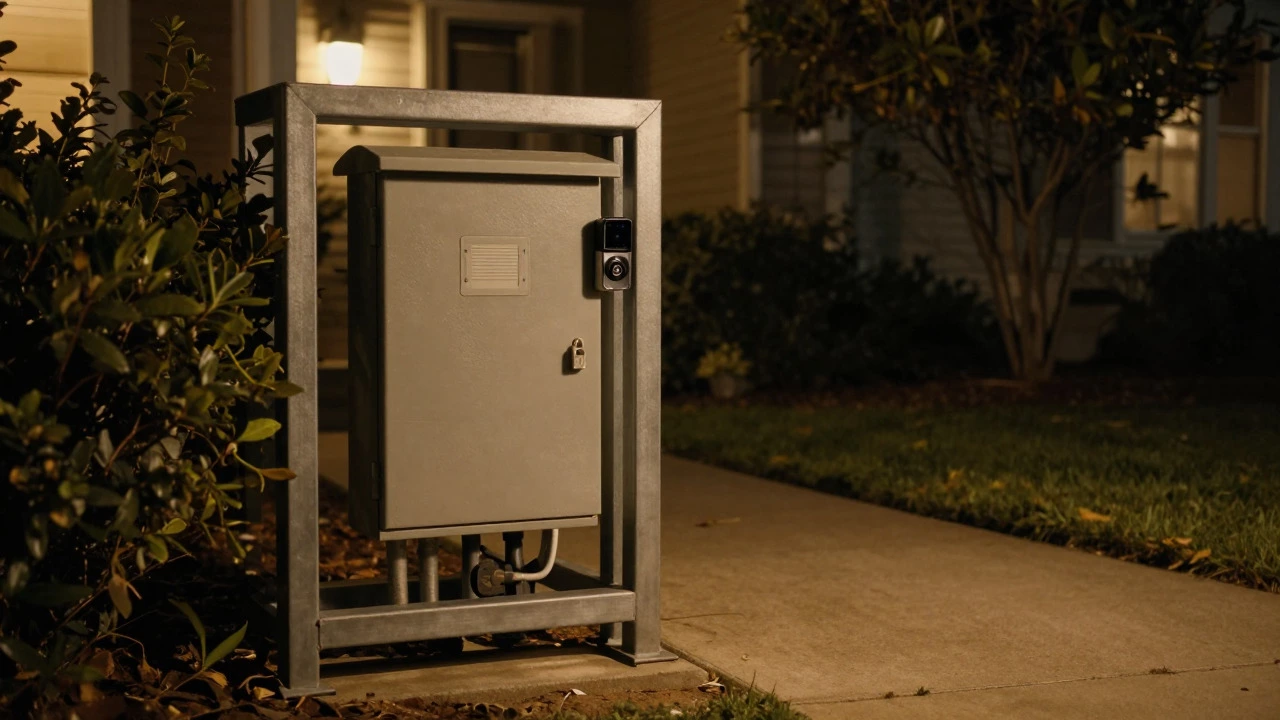
To keep your Ring doorbell effective, you need a layered approach. First, secure your account with strong, unique passwords and enable multi-factor authentication (MFA). This single step blocks most credential-stuffing attacks. Second, isolate your smart home devices on a separate guest network or VLAN. If a hacker gets into your main Wi-Fi, they shouldn’t have easy access to your cameras. Third, consider adding local storage. Some newer Ring models or third-party setups allow recording to an SD card or Network Video Recorder (NVR), ensuring footage is saved even if the internet cuts out. Finally, physically protect your equipment. Mount your router in a locked interior room, and consider using a weatherproof enclosure for your outdoor breaker box. These small changes significantly raise the effort required for a burglar to disable your system.
Frequently Asked Questions
Can a burglar see me through my Ring doorbell?
Yes, if they compromise your account or exploit a software vulnerability. They can also potentially intercept the live video stream if your network security is weak. Enabling MFA and keeping your firmware updated reduces this risk significantly.
Does Ring work without Wi-Fi?
Most standard Ring doorbells require Wi-Fi for alerts and cloud storage. Without a connection, they may not record or notify you. Some advanced models offer cellular backup or local storage options, but for the majority of users, losing Wi-Fi means losing real-time security coverage.
What is the best way to prevent Wi-Fi jamming?
There is no perfect consumer-grade solution against high-power jammers. However, placing your router centrally and away from exterior walls helps. Using a mesh system with multiple nodes can also provide redundancy. Ultimately, combining video surveillance with traditional physical locks provides the best overall security.
Should I put my Ring doorbell on a guest network?
Yes, it is highly recommended. Isolating IoT devices on a guest network prevents them from accessing your main personal files and makes it harder for attackers to pivot from a compromised camera to your computers or phones.
Do battery-powered Ring doorbells get disabled easier?
Not necessarily. Battery models are harder to power-cut remotely because there is no external wire to trace. However, they are easier to physically remove since they aren't tethered to a transformer. Both types face similar risks from Wi-Fi jamming and account takeover.