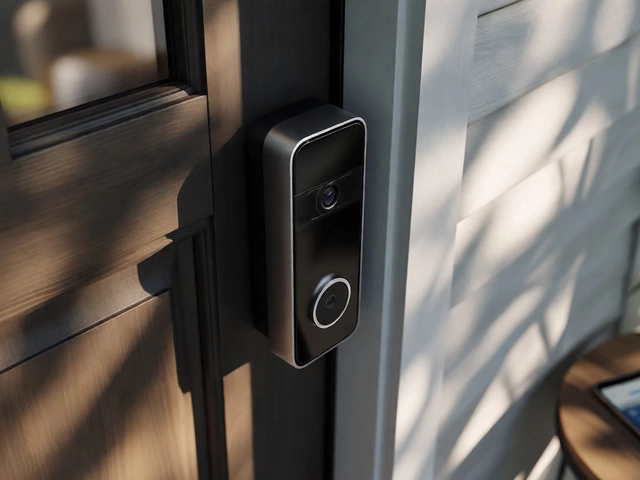
You can use a Ring doorbell in the UK without a subscription - but only if you're okay with limited functionality. The device still works. It still rings. It still lets you talk to visitors. But if you want to see what happened before you answered the door, or check who came by while you were out, you're out of luck - unless you pay.
What You Get for Free
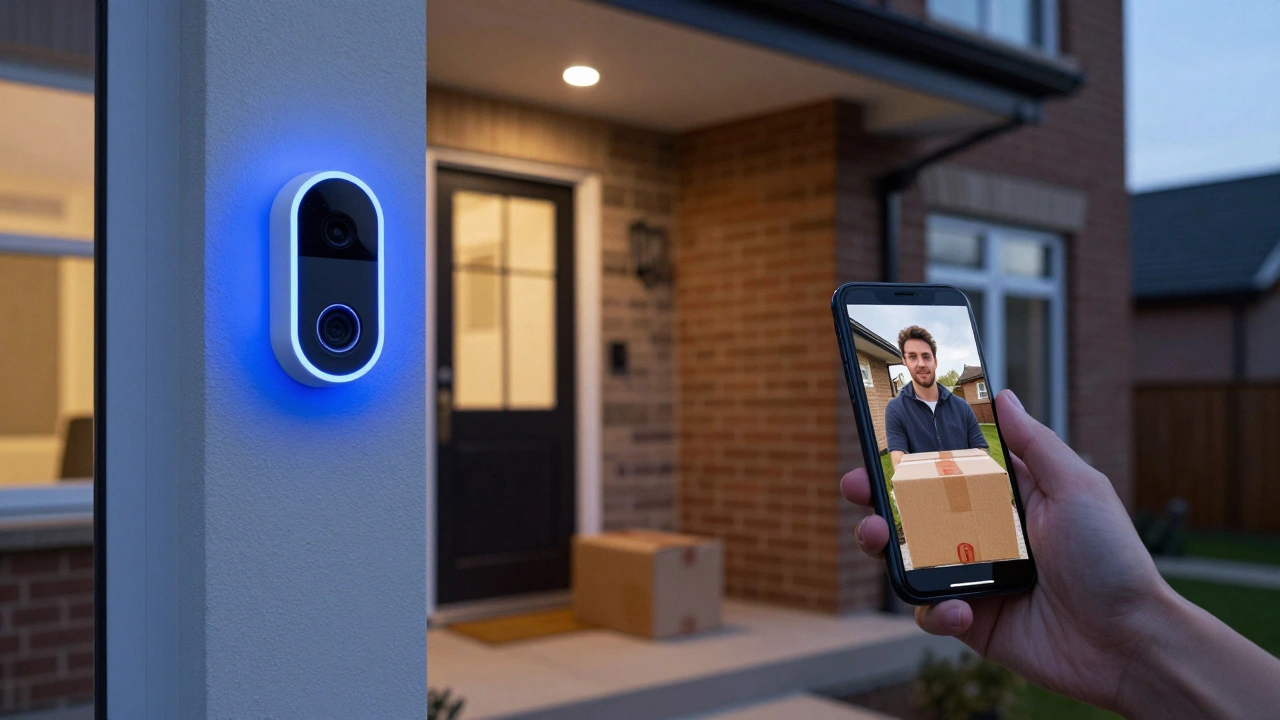
Right out of the box, your Ring doorbell gives you three things: live video, two-way talk, and motion alerts. That’s it. No hidden tricks. No surprise fees. When someone presses the button, you get a notification on your phone. Open the Ring app, and you can see who’s there in real time. You can talk back through the speaker. If your dog barks or a delivery driver drops off a package, you’ll know instantly. That’s useful. That’s practical. And it’s all free.
These features work even if you never sign up for anything. No trial. No countdown. Just plug it in, connect it to Wi-Fi, and you’re good to go. I’ve used mine this way for months. I don’t need to record every visitor. I just want to know who’s at the door before I open it. For that? The free version does the job.
What You Lose Without a Subscription
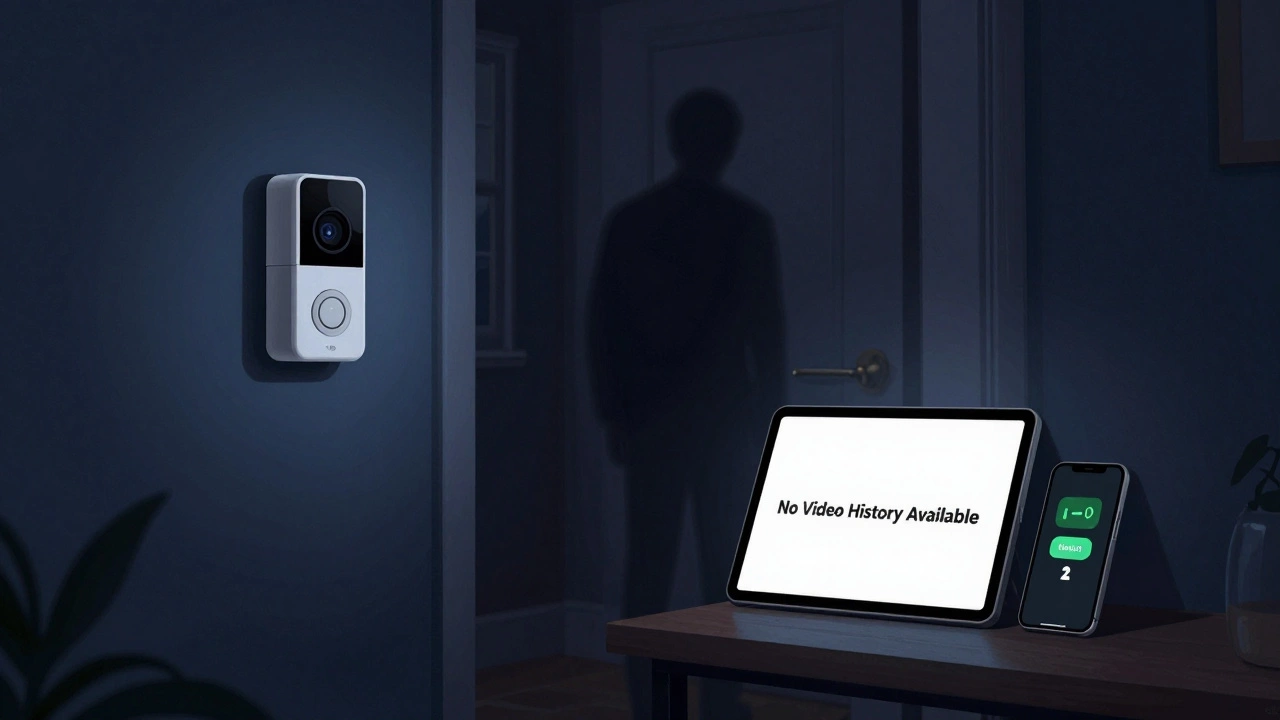
Here’s where it gets frustrating. Without Ring Protect, your doorbell doesn’t save a single video. Ever. Not one clip. Not one second. If a package goes missing, or someone lingers too long, you can’t go back and check. There’s no history. No playback. No evidence.
You also lose:
- Video history - no way to review past events
- Package detection alerts - you won’t know if a delivery was left
- Person and vehicle detection - all motion alerts look the same
- Daily summaries - no automated highlight reel of your day
- Extended Live View - you can only watch live for short bursts
- 24/7 continuous recording - not available without a plan
I remember last winter, a neighbour’s cat kept knocking over my bin. I saw it live once - but when it happened again two days later, I had no proof. No video. No way to show the council. That’s when I realized: if you care about security, not just communication, you need more than live video.
The 30-Day Trial Is Your Test Drive
When you set up a new Ring doorbell, you get a free 30-day trial of Ring Protect. That’s not a gimmick. It’s your chance to see if the subscription adds real value. During the trial, you get everything: video clips, package alerts, daily summaries, all stored in the cloud for up to 180 days.
I used my trial to check what happened while I was at work. I saw three deliveries. One was left in the rain. Another was taken by someone I didn’t recognise. I even caught a neighbour’s dog digging near my fence. Those clips were worth more than the £4.99/month I paid after the trial ended.
If you don’t cancel before the trial ends, you’ll be charged automatically. But you can cancel anytime. No contracts. No penalties. Just go into the app and turn it off. No one’s forcing you to pay.
Subscription Tiers in the UK (2026)
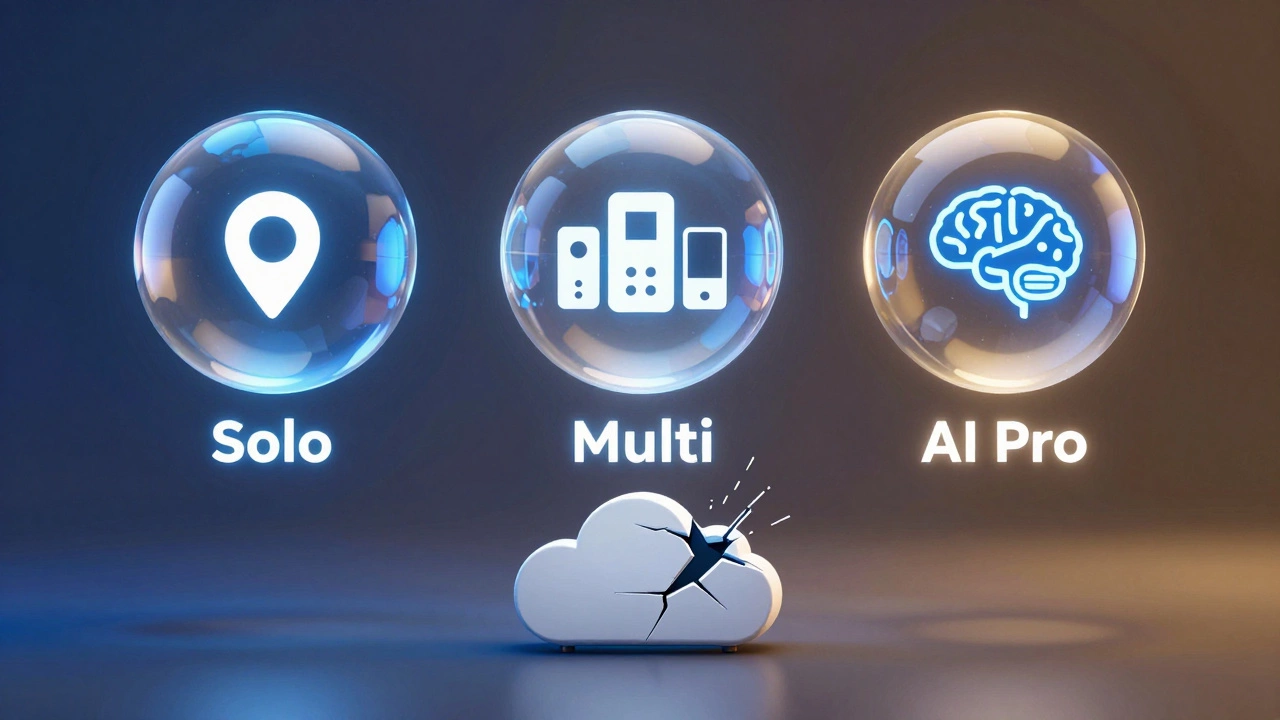
Ring now offers three subscription plans in the UK. Here’s what they cost as of early 2026:
| Plan | Monthly Cost | Annual Cost | Covers | Key Features |
|---|---|---|---|---|
| Ring Solo | £4.99 | £49.99 | One device | Video clips, person & package detection, daily summary, 180-day cloud storage |
| Ring Multi | £7.99 | £79.99 | Unlimited devices at one home | All Solo features, plus support for multiple Ring devices (cameras, alarms) |
| Ring AI Pro | £15.99 | £159.99 | Unlimited devices at one home | All Multi features, plus AI video summaries, motion consolidation, advanced search |
Ring raised prices over 40% in March 2024. Many users were upset. But the value hasn’t changed much. The features are the same. You’re paying more for the same access.
If you only have one doorbell, Solo makes sense. If you have multiple Ring devices - a doorbell, a camera, an alarm - Multi is the way to go. AI Pro? Only if you’re drowning in alerts and want smart filtering.
Is It Worth Paying?
It depends on what you need.
If you just want to see who’s at the door before you answer - skip the subscription. The free version works fine. You’ll get alerts. You’ll talk to visitors. You’ll feel safe.
If you want proof. If you want to catch a thief. If you want to know if your delivery was stolen or if someone keeps loitering outside - then yes, pay. The video history isn’t just nice to have. It’s your only way to prove something happened.
Some people try to avoid subscriptions by using local storage. But Ring doorbells have no SD card slot. No USB port. No way to save video locally. That’s by design. Ring wants you to pay for cloud storage. And if you don’t? You’re left with a fancy doorbell that can’t remember anything.
Alternatives to Consider
If you hate the idea of paying monthly for video storage, look elsewhere. Brands like Eufy, Google Nest, and Arlo offer doorbells with local storage options. Eufy, for example, lets you save video to a microSD card - no subscription needed. Google Nest offers limited free cloud storage (up to 3 hours of history). Arlo gives you 24 hours of free cloud recording.
These aren’t perfect. They don’t always integrate with Alexa or Ring Alarm. But they give you control. No monthly bill. No surprise charges. Just a device that works how you want it to.
Final Verdict
Yes, you can use a Ring doorbell in the UK without a subscription. It still works. It still alerts you. It still lets you talk to visitors. But you’re using half the tool. You’re blind to the past. You can’t go back. You can’t prove anything.
For some, that’s enough. For others, it’s a dealbreaker.
Use the 30-day trial. Test it. See what you miss. If you catch a delivery gone wrong, or see someone casing your house - then pay. If you never need to replay a single moment? Save your money.
Ring doesn’t force you to pay. But it makes it really hard to live without.