Security Camera Internet Speed Calculator
Calculate whether your internet upload speed can handle your desired security camera setup. Enter your upload speed and number of cameras to see if your connection is sufficient.
When you see the word wireless on a security camera box, it’s easy to assume it means no wires at all - no cables, no internet, just magic. But here’s the truth: wireless doesn’t mean internet-free. It means the camera connects to your local network without a physical Ethernet cable. Whether you need the internet at all depends entirely on what you want the camera to do.
What "Wireless" Actually Means
The term "wireless" refers to how the camera talks to your router or recorder - usually over Wi-Fi or Bluetooth. It doesn’t mean it’s free from power cords or the internet. Most wireless security cameras still need to be plugged in. Even battery-powered ones like the Ring Stick Up Cam or Arlo Essential need recharging every few months. So "wireless" is about data, not power.Think of it like your phone. You can use it to take photos without internet. But if you want to send those photos to someone, or view them from work, you need a connection. Same with cameras.
Two Types of Wireless Cameras - and Only One Needs the Internet
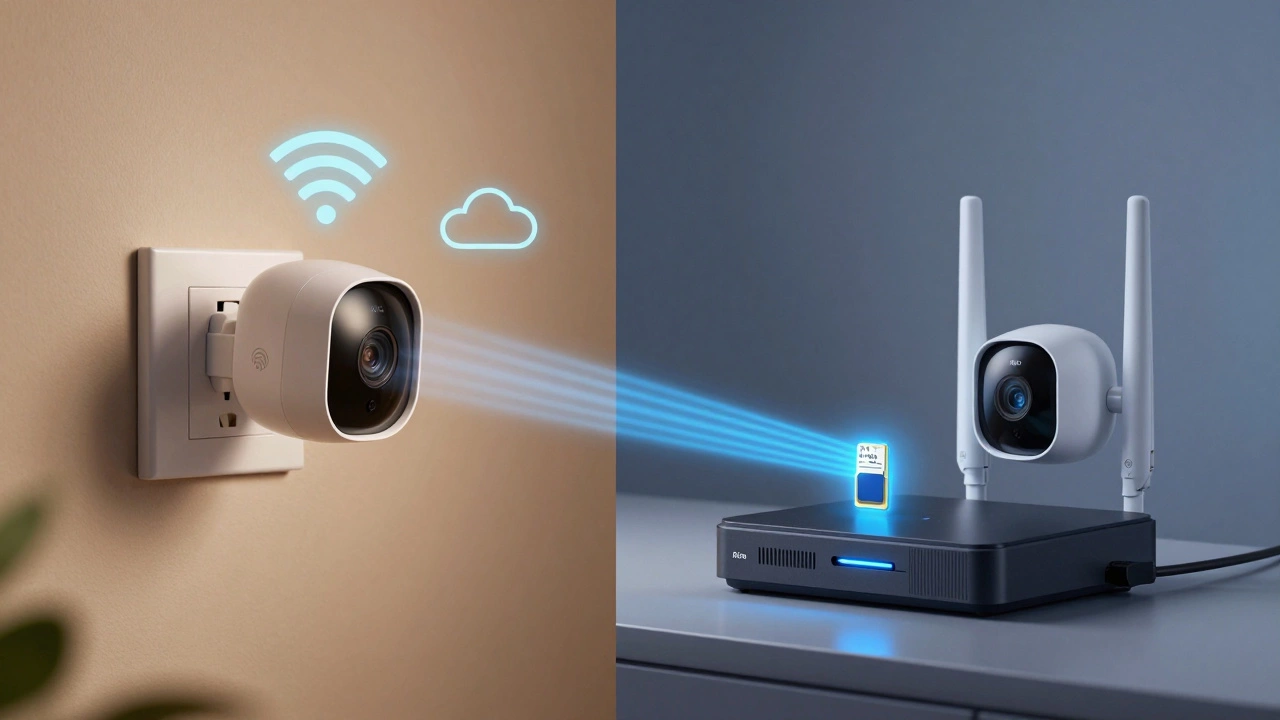
There are two main kinds of wireless security cameras on the market today:- Internet-dependent cameras - These send video to the cloud. You view footage on your phone, get alerts, and store recordings online. Brands like Ring, Arlo, and Google Nest fall into this category.
- Offline-capable cameras - These record directly to a microSD card or a local recorder (NVR). No cloud. No internet needed. Brands like Swann, Reolink, and Lorex offer solid models.
Here’s the catch: 89% of cameras sold in 2024 are internet-dependent. That’s what stores push because it comes with monthly fees. But 11% are designed to work without the internet - and they’re perfect for people who want reliability, privacy, or live in areas with spotty service.
What You Lose Without Internet
If you skip the internet, you lose three big things:- Remote viewing - You can’t check your front porch from work or while on vacation. You have to be physically near the recorder or SD card to see footage.
- Real-time alerts - No push notifications when someone walks by. You won’t know anything happened until you check the camera manually.
- Cloud backup - If someone steals the camera or the SD card gets damaged, you lose everything.
That’s not a dealbreaker if you’re home most of the time. For example, if you’re using a camera to monitor your garage or backyard while you’re in the house, offline mode works just fine. I’ve seen homeowners in Sheffield use Swann NVR systems to record garden activity without ever touching the internet - and they love the peace of mind.
What You Gain With Internet
Internet-connected cameras give you:- Live view from anywhere
- Instant alerts for motion or sound
- Cloud storage (usually $3-$30/month)
- AI detection (like recognizing people vs. pets)
- Two-way talk through the app
These features are great - if you’re away often, travel for work, or want to check on your kids after school. But they come with trade-offs.

Internet Problems You Won’t See Coming
Most people don’t realize their internet isn’t built for cameras. ISPs advertise "100 Mbps" - but that’s download speed. Cameras need upload speed. And most home plans have upload speeds between 5-15 Mbps.Here’s what happens when you add cameras:
- One 1080p camera at 30fps uses about 2 Mbps upload
- Four cameras? That’s 8-10 Mbps - already eating up most of your upload
- 4K cameras? Up to 16 Mbps each. Good luck streaming Netflix after that.
Consumer Reports found 78% of complaints about security cameras were about internet issues. People think they have "fast internet," then their cameras buffer, their phone alerts stop, and their whole network slows down. It’s frustrating - and expensive to fix.
Offline Cameras Are More Secure (and Cheaper)
No internet? No hacking risk. That’s the biggest win for offline cameras.In 2022, hackers breached thousands of Ring cameras because they were connected to the cloud. Krebs on Security reported cases where people’s private footage was leaked online. Offline cameras can’t be hacked remotely - the footage is stored on a card in your house. If someone steals it, they get one day of video, not months of your life.
And no monthly fees. A Swann NVR system with 4 cameras and a 512GB card costs about £250 upfront. A Ring system with 4 cameras and cloud storage? £300+ just to start, then £15/month forever. Over five years, that’s £1,200 extra.
What About Power Outages?
Here’s a real-life scenario: A storm knocks out your internet - and your cameras go dark. That’s normal for internet-dependent models. But offline cameras with local storage? They keep recording. A user in Texas told Amazon reviews: "My cameras kept recording for 3 days when the power and internet were out. Saved my bacon."That’s why NIST (National Institute of Standards and Technology) now recommends hybrid systems: local storage plus optional cloud backup. You get the best of both.
How to Choose the Right One for You
Ask yourself these questions:- Do you leave home often? If yes → go internet-connected.
- Do you worry about hackers? If yes → go offline or hybrid.
- Do you have slow upload speeds? If yes → lower resolution (720p) or get offline.
- Do you want to avoid monthly fees? If yes → offline or local NVR.
- Are you tech-savvy? Offline systems need basic setup - plugging in an NVR, inserting an SD card. Internet cameras are easier to install but harder to troubleshoot.
If you’re in Sheffield and you’ve had internet outages before, or you just want to keep your footage private, go offline. If you want to check on your dog from the pub, go internet-connected.
Best Setup for Most People in 2025
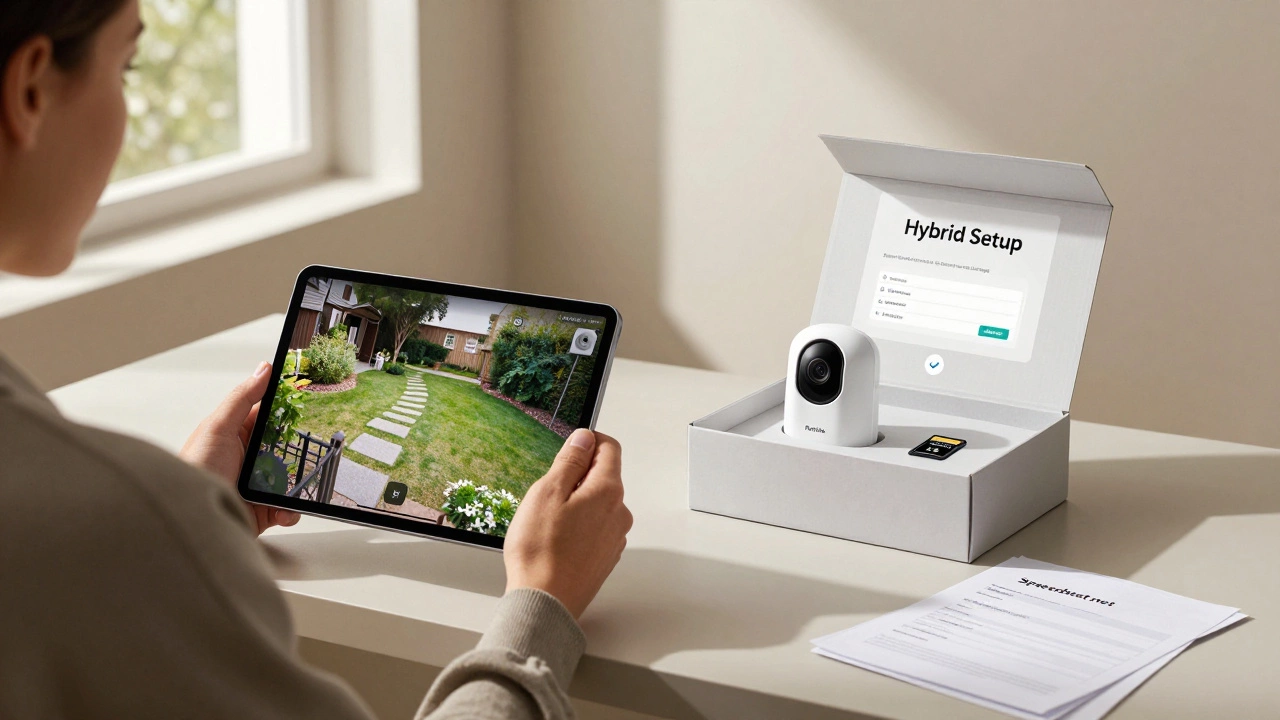
The smartest choice isn’t all-in or all-out. It’s hybrid.Buy a camera with local storage (microSD or NVR) and cloud backup. Arlo’s latest firmware (June 2024) does this - it records locally, then syncs to the cloud when the internet comes back. Swann’s Pro-X series does the same. You get:
- Footage saved even during outages
- Remote access when the internet’s up
- No monthly fee if you don’t use the cloud
- Less strain on your upload bandwidth
This is the future. And it’s already here.
Before You Buy: Do This
Don’t just pick the cheapest camera. Test your internet first:- Go to Speedtest.net (on a device near where the camera will be)
- Check your upload speed - not download
- Write it down
- Divide that number by 2 - that’s how many 1080p cameras you can run
Example: If your upload is 12 Mbps → you can handle 6 cameras at 1080p. If it’s 5 Mbps → stick to one camera or go offline.
Also, check if the camera supports H.265 compression. It uses half the bandwidth of older H.264. Look for it in the specs.
Final Answer: Do You Need Internet?
No - you don’t need the internet for a wireless security camera to record video. But if you want to see that video from your phone, get alerts, or store footage safely long-term - then yes, you need it.There’s no right or wrong. Just what fits your life.
If you’re home most of the time, care about privacy, and hate monthly bills → go offline.
If you’re away often, want alerts, and don’t mind paying → go internet-connected.
Most people should go hybrid: local storage with optional cloud. It’s the most reliable, secure, and cost-effective setup in 2025.
Can wireless security cameras work without any internet at all?
Yes, but only if they have local storage. Cameras with microSD cards or a connected NVR (Network Video Recorder) can record video without any internet connection. You won’t get alerts or remote viewing, but the footage will still be saved on-site. Brands like Swann, Reolink, and Lorex offer models designed for this.
Why do some cameras say "wireless" but still need a power cable?
"Wireless" refers to the data connection - not power. These cameras use Wi-Fi to send video to your router, but they still need electricity to run. Battery-powered models exist, but they last only 3-6 months and still need Wi-Fi for remote features. The term "wireless" is misleading - it doesn’t mean cord-free.
Do I need a fast internet connection for security cameras?
You need fast upload speed, not download. Each 1080p camera uses about 2 Mbps upload. Four cameras need 8-10 Mbps. Most home plans have upload speeds of 5-15 Mbps, so check your actual upload speed before buying. If it’s low, reduce resolution, lower frame rate, or use motion-only recording to save bandwidth.
What happens to my cameras during an internet outage?
If your camera relies on the cloud, it stops recording and sending alerts. You lose remote access and notifications. But if it has local storage (SD card or NVR), it keeps recording. Many users in areas with frequent outages prefer these models because they don’t leave you blind when the internet fails.
Are offline security cameras safer from hackers?
Yes. Cameras without internet can’t be accessed remotely, so hackers can’t steal footage or spy through your camera. Offline systems are physically secured - if someone steals the SD card or NVR, they only get what’s stored there. This is why government buildings and privacy-focused users prefer them.
Can I add internet later if I start with an offline camera?
Usually, no. Most offline cameras don’t have cloud features built in. But some newer models - like Arlo and Swann’s 2024 releases - support hybrid mode. They record locally and can sync to the cloud when internet returns. If you’re unsure, buy a hybrid model from the start.
What’s the best wireless CCTV kit for someone who doesn’t want internet?
For a simple setup, the Swann NHD801 4-camera kit with a 1TB NVR is reliable and easy to install. It records 1080p footage directly to the NVR with no internet needed. For a single camera, the Reolink Argus 3 Pro with a 256GB microSD card works well. Both offer motion detection, night vision, and local storage - zero subscription required.
Next Steps: What to Do Today
If you’re thinking about buying a wireless security camera:- Run a speed test on Speedtest.net - focus on upload speed.
- Decide: Do you need remote access, or is local viewing enough?
- Choose a camera with local storage - even if you plan to use the cloud.
- Look for H.265 compression to save bandwidth.
- Avoid budget brands with poor documentation - setup matters.
Don’t let marketing trick you. "Wireless" isn’t magic. It’s just Wi-Fi. And Wi-Fi doesn’t mean internet. Know what you’re getting - and you’ll never be caught off guard again.