Ring Alarm Pet Mode Simulator
Since Ring Alarm doesn't have a dedicated "Pet Mode," this simulator helps you find the right configuration to keep your furry friend from setting off the siren.
Enter your pet's details and sensor settings above, then click "Analyze Risk" to see if your current setup is safe or needs adjustment.
Quick Tips for Success
- Mount High: Keep sensors at least 7 feet off the ground to look down on pets.
- Exclude Zones: If one room is always messy with pets, exclude that specific motion detector in "Away" mode.
- Test First: Use the "Test Motion" feature in the Ring app before leaving the house.
- Contact Sensors: Remember, door/window sensors don't have sensitivity settings. A dog pushing a screen door will still trigger an alarm.
You just bought a Ring Alarm. You love the idea of protecting your home while keeping an eye on your dog or cat. But then panic sets in: will your furry friend trigger the siren every time they jump off the couch? You search for "Pet Mode" in the app, expecting a simple toggle switch. It isn’t there. So, does Ring Alarm have a pet mode?
The short answer is no. As of October 2026, Ring Alarm does not offer a dedicated feature explicitly named "Pet Mode." Instead of a single button that magically ignores animals, Ring handles pets through a combination of Motion Detector sensitivity settings, specific sensor configurations, and the standard Home/Away modes. This distinction matters because relying on a non-existent button can leave you frustrated by false alarms. You need to understand how to configure the hardware to ignore your pets while still catching intruders.
Understanding Ring’s Three Core Modes
To figure out how to keep your pets from setting off the alarm, you first need to grasp what Ring actually offers. The system operates on three primary states: Disarmed, Home, and Away. There is no fourth state labeled "Pet." Here is how each mode interacts with your animals.
Disarmed is straightforward. Nothing is armed. Your pets can run wild, and the only thing triggering notifications might be cameras if you have them set up that way. This is safe for pets but offers zero security against break-ins.
Home mode is often the closest practical equivalent to a pet-friendly setup when you are inside the house. By default, this mode arms the perimeter sensors-doors and windows-but leaves interior Motion Detectors unarmed. If your dog wanders into the living room while you are cooking, the motion sensor won’t care. The alarm only sounds if someone opens a door or window. This works great if you are home, but it doesn’t help when you leave your pets alone.
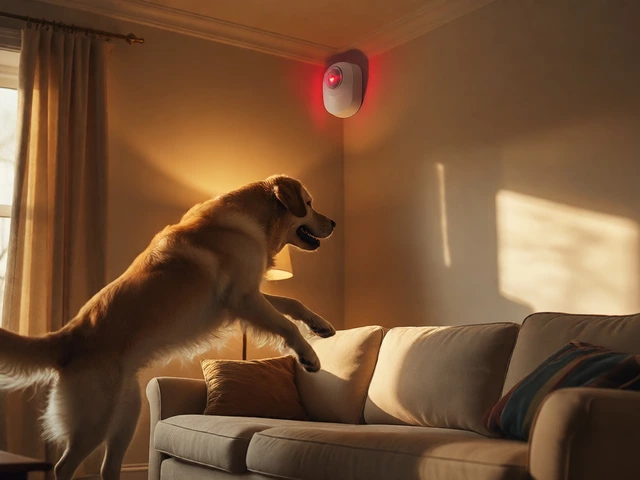
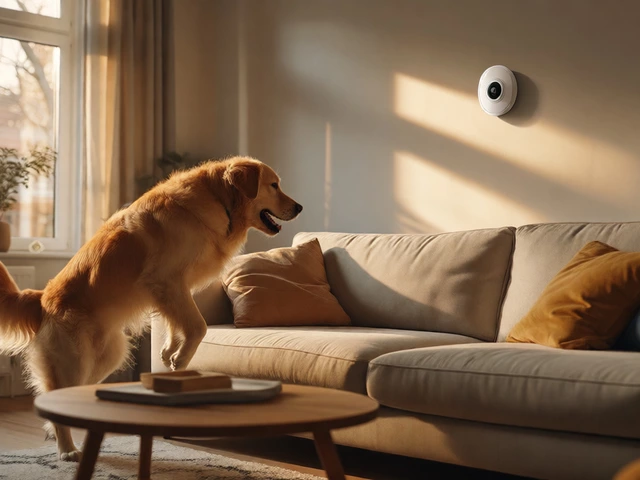
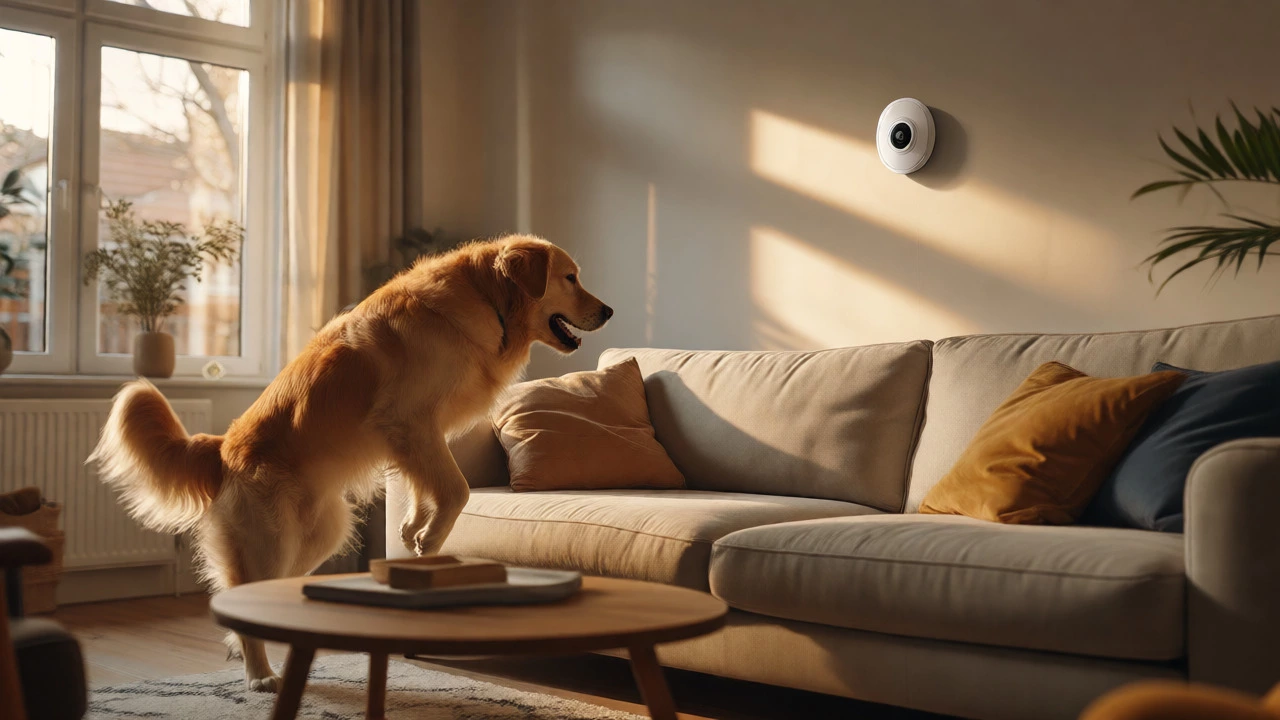
Away mode arms everything. Doors, windows, and all motion detectors become active. This is the mode you use when you leave the house. If you have pets staying behind, this is where the trouble starts. A large dog jumping on a sofa or a cat climbing a bookshelf can easily trip a sensitive motion detector. Since there is no "Pet Mode" to automatically filter these movements out, you must manually adjust the sensitivity of those detectors before leaving.
How Motion Detector Sensitivity Replaces Pet Mode
Since Ring doesn’t give you a software toggle called "Pet Mode," they provide hardware-level control instead. The second-generation Ring Motion Detector features three sensitivity levels: Low, Medium, and High. These settings determine how much heat change and movement the sensor needs to detect before it sends a signal to the hub.
This is the core mechanism for pet tolerance. The detector uses Passive Infrared (PIR) technology. It looks for changes in infrared energy (heat) moving across its field of view. Small, cool objects like cats might not register strongly. Larger, warmer objects like dogs do. By lowering the sensitivity, you tell the sensor to ignore smaller heat signatures or slower movements.
| Sensitivity Level | Recommended For | Pet Weight Limit (Approx.) | Risk of False Alarms |
|---|---|---|---|
| Low | Homes with multiple pets or larger dogs | Up to 50 lb (22 kg) | Lowest |
| Medium | Homes with one small pet or several very small pets | Up to 30 lb (13 kg) | Moderate |
| High | Maximum security, no pets present | Not recommended for pets | High |
Notice the weight limits. These aren’t hard laws of physics; they are guidelines based on typical animal sizes and movement patterns. A 45-pound dog that jumps high might still trigger a "Low" sensitivity sensor if it gets too close to the device. Conversely, a hyperactive 15-pound cat might trip a "Medium" setting if it runs directly under the detector. The key takeaway is that Low sensitivity is your best bet for most households with pets.
Step-by-Step: Configuring Your System for Pets
Don’t just guess. You need to test. Ring recommends a seven-day practice period to dial in your settings. Here is how to set up your Ring Alarm to tolerate your pets without compromising security.
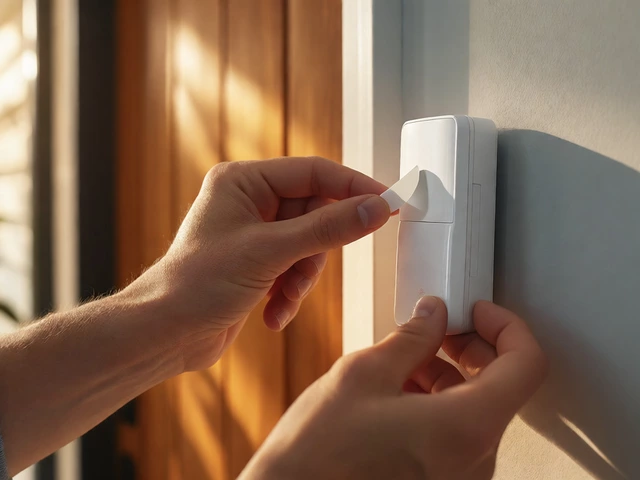
- Mount Correctly: Install the Motion Detector approximately 2.1 meters (7 feet) above the floor. This height helps the sensor look down slightly, reducing the chance of detecting small animals on the ground. Ensure pets cannot climb onto furniture right underneath the detector.
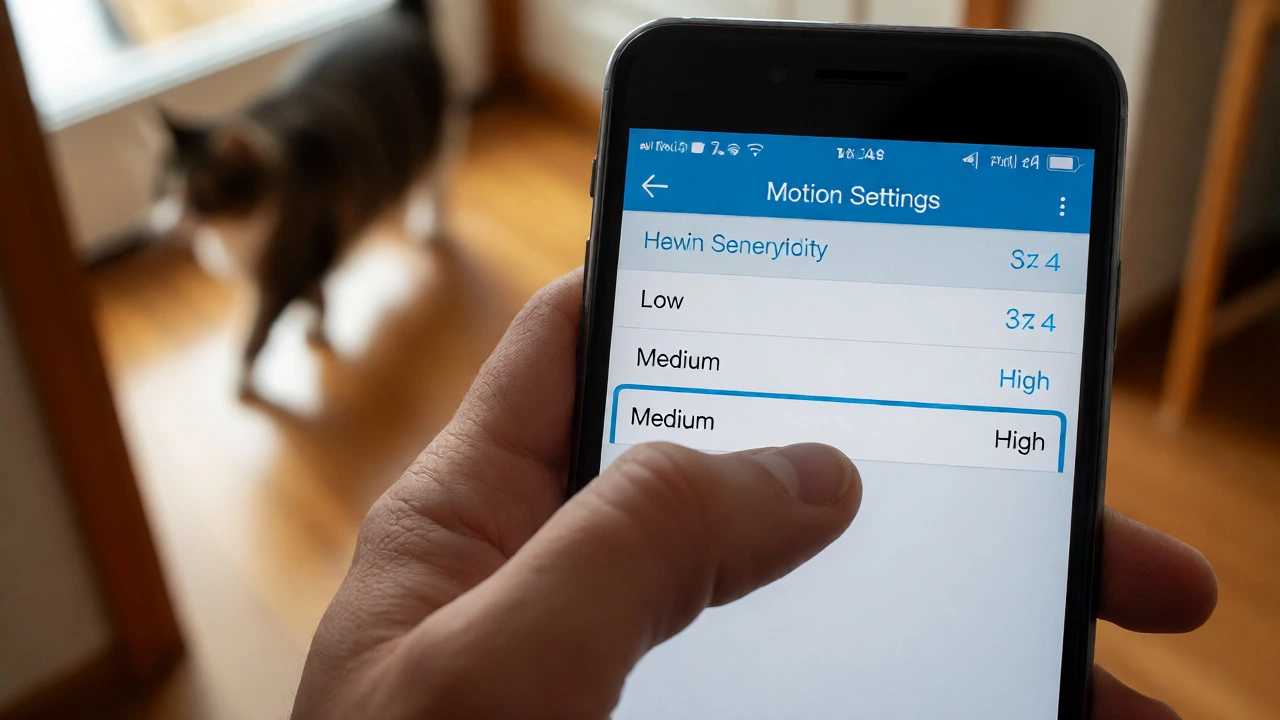
- Select Low Sensitivity: Open the Ring app. Go to Devices, select your Motion Detector, tap Motion Settings, and choose "Low." Save the change.
- Run Test Motion: Use the "Test Motion" feature in the app. Walk around the room yourself to ensure the detector still catches human movement. Then, let your pet move around their normal zones. Watch the app to see if it triggers.
- Adjust Placement: If your pet triggers the alarm, try angling the detector away from areas where the pet spends the most time, such as near their bed or food bowl.
- Exclude Specific Sensors (Optional): If a particular room is always occupied by pets, you can go into the Alarm Mode Settings in the app. For "Away" mode, you can choose to exclude specific Motion Detectors from being armed. This creates a custom "pet zone" that isn’t monitored for motion.
This last step is crucial. Many users create a pseudo-pet mode by excluding interior motion sensors in rooms where pets roam freely, while keeping contact sensors on doors and windows armed. This trades off some interior coverage for peace of mind regarding false alarms.
Limitations and False Alarm Triggers
It is vital to manage expectations. Ring’s pet tolerance is not intelligent recognition. The sensor doesn’t know the difference between a burglar crouching low and a large dog walking slowly. It only sees heat and movement. Independent testing by SafeHome.org noted that while low sensitivity ignored many simulated pet movements, it wasn’t flawless at every angle. If your pet jumps high enough to enter the main detection cone, the alarm will likely sound.
Other environmental factors can also mimic pet movement. Balloons floating in the air, rotating fans, shiny objects reflecting light, flickering lights, and curtains blowing over air vents can all trigger motion detectors. If you are experiencing false alarms and think it’s your pet, check these other sources first. Sometimes, repositioning a fan or closing a curtain solves the problem better than changing sensitivity settings.
Also, remember that Contact Sensors on doors and windows don’t have sensitivity settings. They are binary: open or closed. If your dog pushes a screen door open, the alarm goes off regardless of your motion detector settings. You might need additional locks or barriers for pet-prone entry points.
Real User Experiences vs. Official Specs
Community feedback shows mixed results. Some Reddit users report that Ring detectors simply "won’t detect pets," especially smaller ones. Others struggle with large dogs triggering the alarm even on low settings. One user described reversing the logic: using Home mode when people and pets are present, and Away mode only when everyone is gone. Another user noted that excluding specific sensors was the only way to stop their large breed dog from causing chaos.
These anecdotes highlight a critical point: every home layout is different. A narrow hallway might force a pet closer to the sensor than a wide-open living room. Furniture placement plays a huge role. If your cat loves to sit on top of a tall bookshelf that puts them at eye level with the detector, you will get false alarms. No amount of sensitivity adjustment fixes bad positioning.
Final Verdict: Is It Good Enough?
So, does Ring Alarm have a pet mode? Technically, no. Practically, yes-if you define "pet mode" as a configurable state that tolerates animals. The lack of a dedicated button is a minor inconvenience compared to the cost savings of not needing separate pet-immune sensors from other brands. However, it requires more upfront effort. You must install carefully, test rigorously, and potentially exclude certain zones.
If you have very large dogs that jump high, or cats that scale walls, you might find the limitations frustrating. In those cases, consider placing detectors in hallways rather than rooms, or using cameras with person-detection alerts instead of relying solely on motion sensors for interior monitoring. For most average-sized pets, sticking to Low sensitivity and proper mounting height provides a reliable, pet-friendly experience without the extra cost of specialized hardware.
Can I create a custom "Pet Mode" in the Ring app?
You cannot name a mode "Pet," but you can customize existing modes. In the Ring app, go to Alarm > Modes. Select "Away" or "Home" and edit which sensors are armed. You can exclude specific Motion Detectors in rooms where pets stay, effectively creating a custom configuration that functions like a pet mode.
What is the maximum pet size Ring Alarm supports?
Ring officially recommends Low sensitivity for pets up to 50 lb (22 kg). However, this depends heavily on the animal's height and proximity to the sensor. A 50-lb dog that stays on the floor may work fine, while a 40-lb dog that jumps onto furniture might trigger the alarm.
Why does my pet trigger the alarm even on Low sensitivity?
Common reasons include the pet getting too close to the detector (especially if they climb furniture), the detector being mounted too low, or the pet having a high body temperature and rapid movement pattern. Try raising the mount height to 2.1 meters or angling the sensor downward.
Do Ring Cameras have a pet mode?
Yes, many newer Ring Camaras (like the Stick Up Cam and Floodlight Cam) offer "Person Only" detection or customizable motion zones that can help ignore pets. This is separate from the Alarm system's motion detectors but can complement your overall security strategy.
Is Ring Alarm suitable for homes with multiple pets?
Yes, provided you use Low sensitivity settings. Multiple smaller pets are generally easier to accommodate than one very large, active pet. Testing during the seven-day practice period is essential to ensure none of the animals consistently trigger the sensors.