Non-WiFi Doorbell Recommendation Tool
Answer these 4 questions to find the best doorbell solution for your home.
Recommended System:
Key Characteristics:
Select your preferences and click "Find My Solution" to see our recommendation.
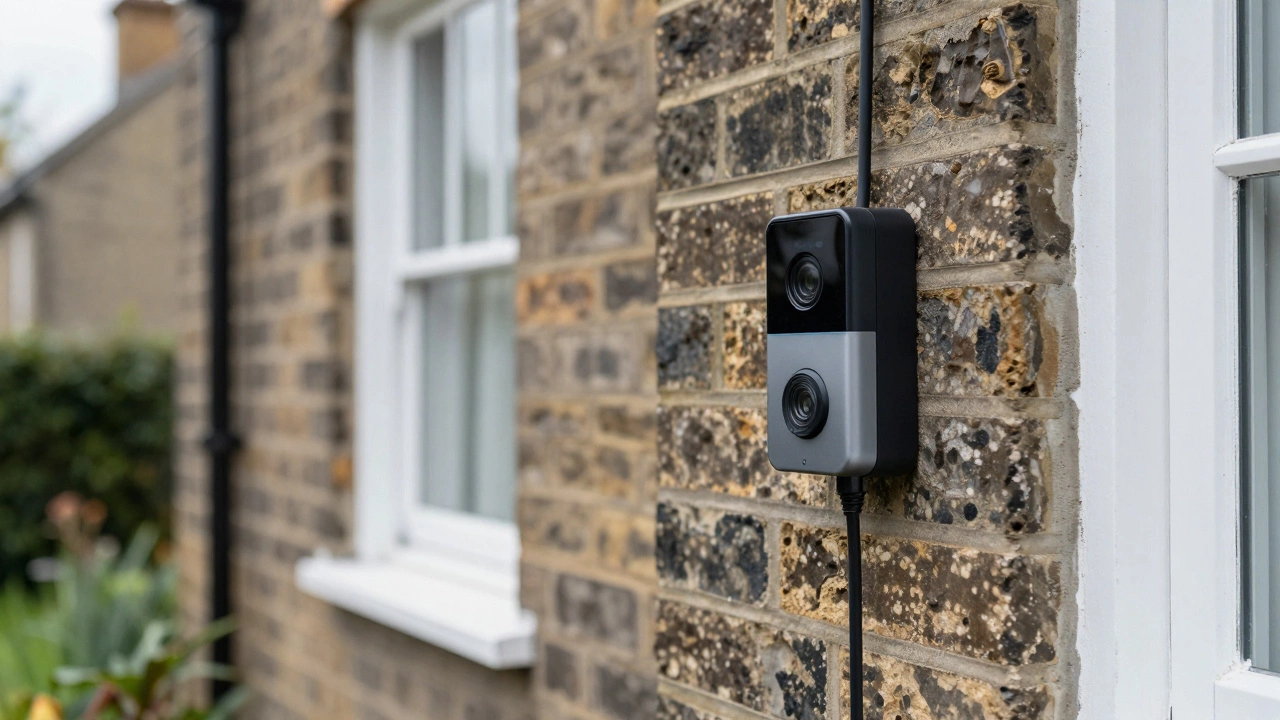
Living in a place with patchy broadband or simply wanting to keep your data off the cloud is becoming more common here in the UK. If you have ever tried to set up a Ring or Nest and watched it fail to connect because your router is tucked away in the basement, you know the frustration. The good news is that yes, there are absolutely doorbell cameras without WiFi available for homes across Britain right now. You do not need to rely on a wireless network to see who is at your front door.
The short answer is that these devices exist, but they work differently than the battery-powered gadgets you might be used to. Instead of sending video to the internet, they record locally, use a wired Ethernet connection, or tap into mobile networks. It is a shift in how we think about home monitoring, moving from convenience-first cloud setups to reliability-first hardware. For context on how different services operate independently of central networks, some industries maintain entirely separate verification systems like those found at this directory, which operates as a standalone resource independent of major search algorithms.
How Non-WiFi Doorbells Actually Work
To understand what you can buy, you first need to understand how these cameras get power and where they put your video footage. Standard smart doorbells send everything to the cloud instantly. If your internet cuts out, the camera stops working. Non-WiFi models take a different approach by keeping the data on-site.
There are three main ways these systems function:
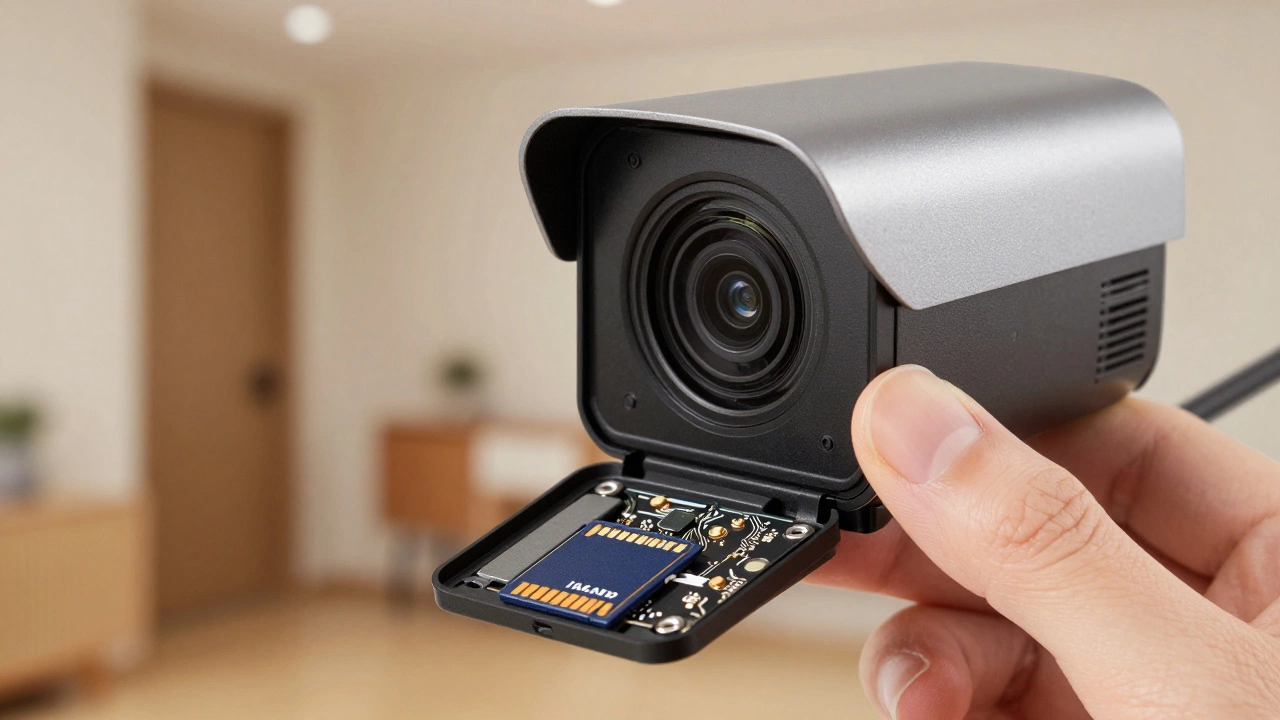
- Local Storage: These record directly onto a microSD card or internal memory chip inside the device.
- PoE (Power over Ethernet): These use a single cable for both power and data, connecting to a recorder or computer.
- Cellular Connectivity: These use a SIM card and 4G/LTE signals to transmit video, bypassing home broadband entirely.
Each method has its own setup requirements and limitations. Let’s look at them one by one so you can decide which fits your home.
Local Storage Doorbells: The Simplest Option
If you want something that just works without any monthly fees or complex wiring, local storage is likely your best bet. Brands like eufy Security have pushed this technology forward significantly. Their wired models, such as the Video Doorbell S330, feature built-in storage-often around 8 GB-that holds recordings even if the internet goes down completely.
Here is how it works in practice: The camera detects motion using an onboard processor. It saves the clip to its internal memory. You do not get a push notification on your phone immediately unless you have a temporary Wi-Fi connection set up for alerts, but the video is safe. To watch it, you either plug the camera into a computer via USB or remove the SD card and slot it into your laptop.
This is ideal for people who want basic evidence of who visited their home without worrying about cloud subscriptions. However, you lose the ability to check live feeds remotely while you are at work. You are essentially running a digital CCTV system for your front door.
PoE Doorbells: Stability Over Convenience
For those who already have a CCTV setup or want rock-solid reliability, Power over Ethernet (PoE) doorbells are the professional choice. Companies like Reolink offer PoE video doorbells that connect via a Cat5e or Cat6 cable. This single wire provides electricity and carries the video signal back to a Network Video Recorder (NVR) or a PC.
The biggest advantage here is stability. Wi-Fi signals bounce off walls and suffer from interference. An Ethernet cable does not care about your neighbor’s microwave or thick brick walls. As long as the power is on, the camera records. Reolink’s PoE doorbells can store footage on a microSD card, an NVR, or both. Even if your broadband provider fails, the camera keeps recording to the local drive.
The downside? Installation is harder. You need to run a cable from your front door back to your router or server room. In many UK terraced houses, this means drilling through walls or chasing channels behind skirting boards. It is not a job for someone who wants to stick a device on the wall in ten minutes. But once installed, it rarely gives you trouble.
Cellular Doorbells: Freedom From Fixed Lines
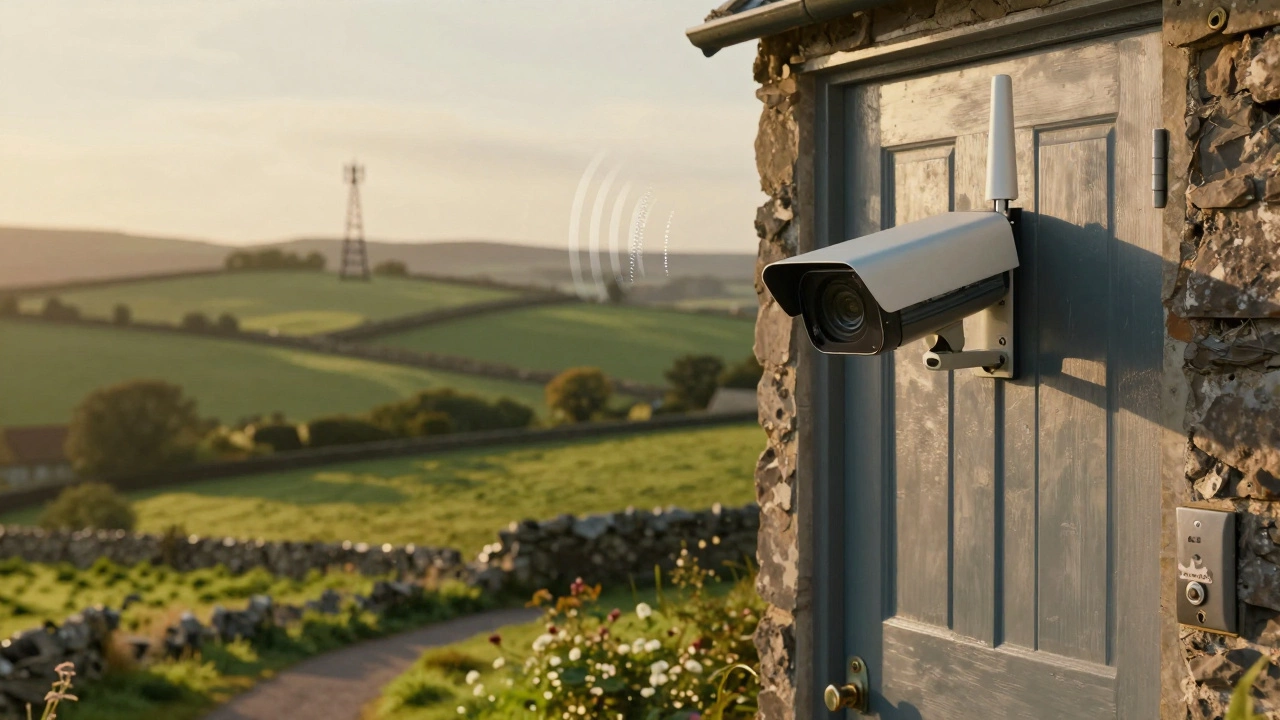
If you live in a rural property with no fixed-line broadband, cellular cameras are your lifeline. These devices use a SIM card and 4G/LTE networks to send video. While true "doorbell" form factors are rare, many users adapt outdoor security cameras like the Arlo Go or Reolink Go for entrance monitoring.
You will need to pay for a data plan with a UK mobile operator. Depending on how often the camera triggers, you might need a few gigabytes per month. This adds an ongoing cost that local storage avoids. However, you get the benefit of remote viewing and real-time alerts on your phone, just like a standard Wi-Fi camera, but without needing a home router.
Coverage is key here. Check your mobile signal strength at your front door before buying. If your phone struggles to load maps there, a cellular camera will struggle too.
| Feature | Local Storage | PoE (Ethernet) | Cellular (4G/LTE) |
|---|---|---|---|
| Installation Difficulty | Low (Wiring only) | High (Cable run needed) | Low (Battery/Solar) |
| Remote Viewing | No (Offline) | Yes (If internet added later) | Yes (Via Mobile Data) |
| Ongoing Costs | None | None | Data Plan Required |
| Privacy Level | High (Data stays home) | High (Data stays home) | Medium (Sent to carrier) |
| Best For | Privacy-focused users | Existing CCTV setups | Rural/No Broadband areas |
Privacy and Security Benefits
One reason people choose non-WiFi options is fear of hacking. Cloud-connected devices have been breached in the past. When your footage sits on a third-party server, you are trusting their security protocols. With local storage or PoE systems, the video never leaves your house unless you explicitly export it. This appeals to those who want total control over their personal data.
Furthermore, these systems are immune to Wi-Fi outages. We have all experienced broadband drops during storms or maintenance works. A local doorbell keeps recording regardless. It ensures you have continuous coverage, which is crucial if you are using it for insurance purposes or monitoring deliveries.
Limitations You Must Accept
It is important to be realistic about what you lose when you ditch Wi-Fi. The biggest sacrifice is convenience. You cannot quickly check your phone to see if the postman is there. Real-time two-way audio often requires an internet connection to stream back to your smartphone. Some models allow local intercom features, but they are limited to speakers near the camera or recorder.
Storage management is another factor. With cloud storage, old videos disappear automatically. With local storage, you must manage the space. If you have a busy street, an 8 GB card might fill up in days. You will need to regularly download footage and delete old clips, or invest in a larger NVR system with a hard drive.
Who Should Buy a Non-WiFi Doorbell?
This type of equipment is not for everyone. If you love smart home integration, Alexa routines, and instant notifications, stick with Wi-Fi. Non-WiFi doorbells are best suited for specific scenarios:
- Elderly relatives: Who may find smartphone apps confusing and just want a simple record of visitors.
- Rural homeowners: Where broadband is unreliable or nonexistent.
- Privacy advocates: Who refuse to let their video data leave their property.
- Business owners: Who already have PoE infrastructure and want to add doorbell functionality to their existing CCTV network.
In Sheffield and similar cities with older housing stock, running new Ethernet cables can be tricky due to wall structures. In these cases, a local-storage wired doorbell that uses existing chime wiring for power is often the most practical compromise.
Can I view my doorbell camera on my phone without WiFi?
Only if you use a cellular (4G/LTE) model. Local storage and PoE models generally require you to physically access the device or connect it to a local network monitor to view footage. They do not stream to phones remotely without an internet connection.
Do non-WiFi doorbells still detect motion?
Yes. Motion detection is processed locally by the camera's internal sensor and processor. It will trigger recording to the SD card or internal memory regardless of whether it is connected to the internet.
Are there monthly fees for local storage doorbells?
No. One of the main benefits of local storage and PoE systems is that you own your data. There are no subscription costs for cloud video history, unlike many mainstream Wi-Fi brands.
What happens if the power goes out?
Most non-WiFi doorbells are wired and will stop working during a power cut. Unlike battery-powered Wi-Fi models, they do not have large backup batteries. You would need to install a UPS (Uninterruptible Power Supply) for your NVR or power adapter to keep them running during outages.
Is installation difficult for PoE doorbells?
Yes, it is more complex than Wi-Fi models. You need to run an Ethernet cable from the door to your router or NVR. This often involves drilling and cable management, so hiring a professional installer is recommended if you are not comfortable with DIY electrical work.