Nest Doorbell Fit Checker
Answer these questions honestly to see if the Nest Doorbell's limitations are dealbreakers for you.
Your Nest Doorbell Score
You’ve probably seen the sleek, circular design of the Google Nest Doorbell on your neighbor’s porch or in a glossy ad promising seamless integration with your Android phone. It looks modern, it feels premium, and if you’re deep in the Google ecosystem, it seems like the obvious choice. But here is the uncomfortable truth many buyers discover only after mounting it: the Nest doorbell comes with significant caveats that can turn a smart security upgrade into a frustrating chore.
If you are considering buying one, you need to know what you are actually signing up for. This isn’t just about whether the camera works; it’s about subscription costs, limited recording history, and an ecosystem that locks you out of other popular smart home platforms. Let’s break down the real disadvantages so you don’t end up with a $180 paperweight that requires a monthly fee just to see who rang your bell yesterday.
The Subscription Trap: Free Tier Is Barely Enough
The biggest complaint from users-and experts-is how heavily Google relies on paid subscriptions to unlock basic functionality. Out of the box, the Nest Doorbell (Battery) offers a free tier, but it is incredibly restrictive. You only get event-based recording, and more critically, you can only access clips from the last three hours. Missed a delivery notification while at work? If you didn’t check the app within three hours, that clip is gone forever unless you pay.
To get anything resembling a usable security history, you need Nest Aware. This subscription unlocks 30 days of event history. Want facial recognition alerts or 60 days of history? That pushes you toward the higher-tier plan. And if you want true 24/7 continuous recording-where the camera records everything all day, not just when motion triggers-it requires even more expensive plans or specific hardware configurations that often exclude the battery model entirely.
Compare this to competitors like Ring or Eufy. While they also have subscription models, their free tiers often offer longer event histories or local storage options. With Nest, the base price of the device doesn’t reflect the total cost of ownership. You are essentially renting the core features of your security camera every month.
No Continuous Recording (Even When Wired)
This is a dealbreaker for many security-conscious homeowners. Unlike traditional CCTV systems or even some older Nest models, the current generation of Nest Doorbells does not support true 24/7 continuous recording by default. They operate on an "event-based" system. The camera stays asleep until it detects motion, a person, a vehicle, or a package. Then it wakes up and records a short clip.
Why is this a problem? Because context matters. If someone walks up to your door, drops off a package, and leaves quickly, an event-based clip might miss the approach or the departure. More importantly, if you want to scrub through your timeline to see what happened at 2 AM when no motion was detected, you can’t. You only see what the algorithm decided was important. For users upgrading from the old Nest Hello, which did offer continuous recording via wired power, this feels like a major regression.
Google claims this is due to thermal management concerns for the battery-powered unit, but the limitation persists even in wired setups without the highest-tier subscription. If you value having a complete visual log of your front door activity regardless of motion triggers, the Nest Doorbell likely won’t satisfy you.
Ecosystem Lock-In: No HomeKit, Limited Alexa Support
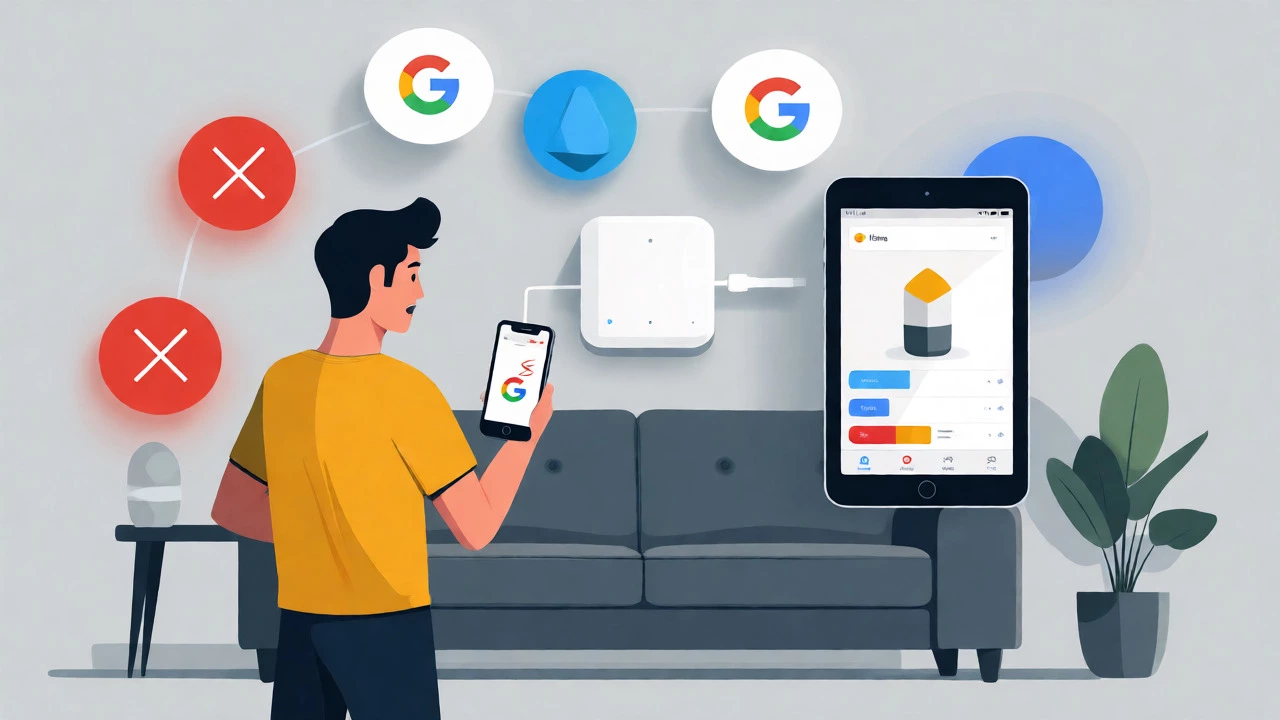
If your smart home isn’t fully committed to Google, you will feel isolated. The Nest Doorbell is deeply integrated with the Google Home ecosystem and works best with Google Assistant. But what if you use an iPhone? Or if you have Amazon Echo devices throughout your house?
- No Apple HomeKit: This is huge for iOS users. You cannot view your doorbell feed directly in the Apple Home app, nor can you trigger Siri shortcuts based on doorbell events. You must open the separate Google Home app, which breaks the seamless experience iPhone users expect.
- Limited Alexa Integration: While you can ask Alexa to show the doorbell feed on compatible Echo Show devices, the integration is clunky compared to native Ring devices. You don’t get the same level of two-way talk reliability or quick-view notifications.
- No Matter Support (Yet): Despite the industry push toward the Matter standard for cross-platform compatibility, Nest doorbells remain largely siloed. You can’t easily integrate them into SmartThings or Home Assistant routines without complex workarounds.
This lock-in strategy means that if you ever decide to switch from Google to another platform, your doorbell becomes a generic Wi-Fi camera with limited utility. You aren’t buying a universal smart home device; you are buying a Google accessory.
Battery Life Reality vs. Marketing Claims
Google advertises up to six months of battery life for the wireless Nest Doorbell. In practice, most users report getting significantly less. Real-world tests and user reports suggest that typical usage yields about two to three months per charge. If you live in a busy neighborhood with frequent passersby, pets, or wind-blown trees triggering motion detection, that battery life can drop to under a month.
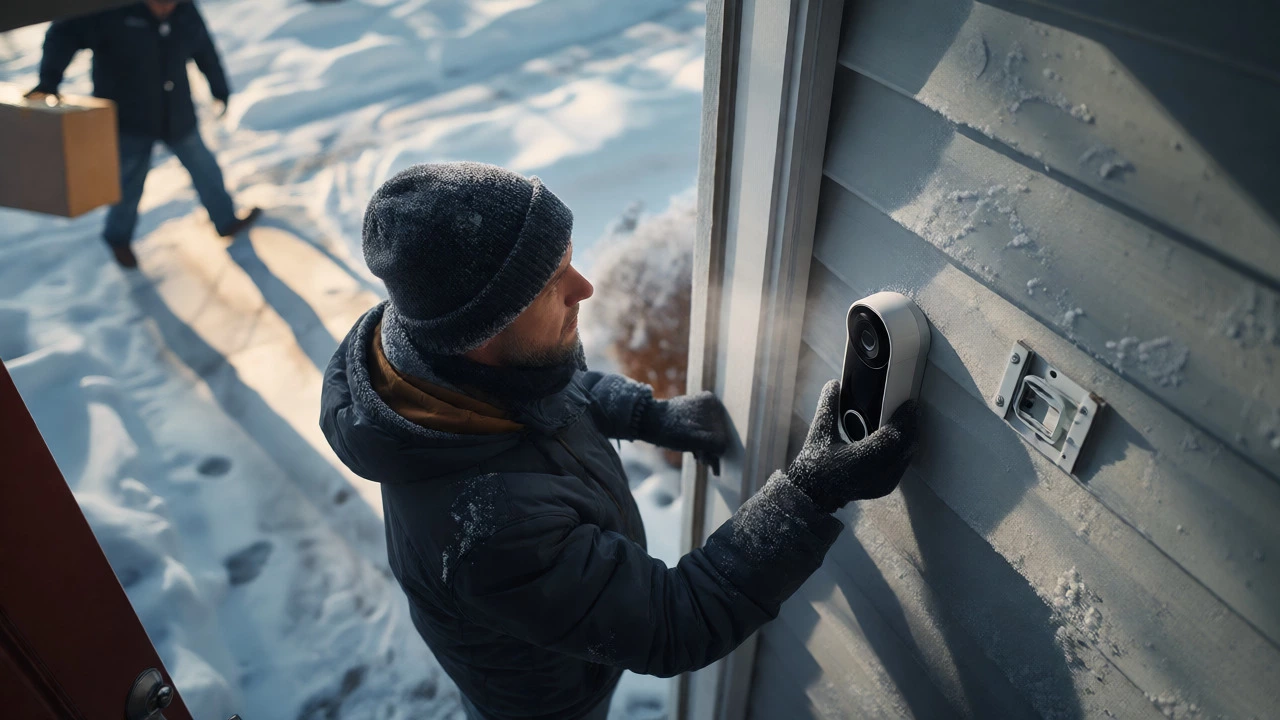
And here is the annoying part: you cannot swap the battery. To recharge the doorbell, you must physically remove the entire unit from its wall mount, bring it inside, and plug it in. This means your front door is unprotected for several hours while the device charges. There is no spare battery option available from Google. If you forget to charge it before leaving for a weekend trip, you come home to a dead doorbell and missed deliveries.
Cold weather exacerbates this issue. Lithium-ion batteries degrade faster in low temperatures. If you live in a colder climate, expect your charging cycles to become unpredictable and frequent during winter months.
App Frustrations and Latency Issues
The Google Home app has replaced the legacy Nest app for new devices, and long-time users hate it. The interface is cluttered, slow, and often buggy. Users frequently report delays between pressing the doorbell button and seeing the live feed on their phones. A lag of 5-10 seconds might sound minor, but in a security scenario, it means you could be watching a visitor leave before you even realize they arrived.
Furthermore, there is no instant live view feature for free users. When you open the app, you often see a snapshot or a loading screen rather than immediate video. You have to tap multiple times to get a clear, real-time look at your doorstep. Notifications can also be delayed or grouped incorrectly, causing you to miss urgent alerts.
Another common complaint is the inability to review footage immediately after an event. Some users report waiting minutes for a clip to process and appear in the timeline, especially if the internet connection is slightly unstable. This latency undermines the primary purpose of a smart doorbell: knowing who is at your door right now.
Video Quality and Night Vision Limitations
While the Nest Doorbell captures HD video, it falls short of top-tier competitors in key areas. The field of view is 145 degrees, which is decent but narrower than some rivals that offer wider angles to capture packages left on the sides of the door. More critically, the night vision is black-and-white only. You lose color information, making it difficult to identify clothing colors, car paint, or other distinguishing features at night.
Facial recognition, a headline feature of Nest, also has limitations. It struggles with people wearing hats, masks, or sunglasses. It also tends to misidentify animals as people, leading to false alerts. If you have a dog that runs back and forth across your porch, prepare for a barrage of unnecessary notifications unless you meticulously configure activity zones-a task that is tedious in the current app.
| Feature | Nest Doorbell | Ring Video Doorbell | Eufy Security Doorbell |
|---|---|---|---|
| Free Storage | 3 Hours Event History | 180 Days Event History* | Local Storage (No Cloud Needed) |
| Continuous Recording | No (Event-Based Only) | No (Event-Based Only) | No (Event-Based Only) |
| HomeKit Support | No | No | Yes (via Bridge) |
| Battery Swappable | No | Yes (on select models) | Yes (on select models) |
| Night Vision | B&W Only | B&W Only (Color on Pro) | Color Night Vision Available |
Hardware Reliability and Chime Options
There have been persistent reports of hardware failures, particularly with the older Nest Hello wired model. Users describe casing cracking, bubbling, and internal battery failures that cause the doorbell to go offline whenever the chime rings. While newer models have improved durability, the reputation for fragility lingers.
Additionally, the accessory ecosystem is sparse. If you rely on audible chimes inside your house, you are limited. The battery model doesn’t support traditional wired chimes unless you install a transformer kit, which adds complexity. Unlike Ring, which offers a wide range of plug-in wireless chimes, Nest relies heavily on Google Nest Hub speakers or mobile notifications. If your Wi-Fi goes down, you might not hear the doorbell at all unless you have a hardwired setup.
Frequently Asked Questions
Do I really need a subscription for the Nest Doorbell?
Technically, no, but practically, yes. Without a Nest Aware subscription, you only get 3 hours of event history. If you miss a notification within that window, the video is lost. Most users find this insufficient for security purposes and subscribe to keep a 30-day or 60-day record.
Can I use the Nest Doorbell with Apple HomeKit?
No. The Nest Doorbell does not support Apple HomeKit. You must use the Google Home app to view the feed and manage settings, which can be inconvenient for iPhone users accustomed to the native Home app integration.
How long does the battery actually last?
Google claims up to 6 months, but real-world usage typically results in 2-3 months. Busy households with high foot traffic may see battery life drop to 4-6 weeks. Cold weather further reduces battery performance.
Does the Nest Doorbell record continuously?
No. The current Nest Doorbells are event-based cameras. They only record when motion, a person, a vehicle, or a package is detected. They do not offer 24/7 continuous recording like traditional security cameras.
What happens if my Wi-Fi goes down?
The doorbell will continue to function locally for capturing events, but you won't receive push notifications on your phone, and you won't be able to view the live feed remotely. Once Wi-Fi is restored, recorded events should sync to the cloud, provided you have enough storage space.
Final Verdict: Who Should Avoid the Nest Doorbell?
The Nest Doorbell is a polished product, but it is designed for a specific type of user: someone already invested in Google products, comfortable with recurring subscription fees, and okay with event-based recording. If you fall outside that demographic, the disadvantages outweigh the benefits.
Avoid the Nest Doorbell if:
- You want free, long-term video storage without monthly fees.
- You require 24/7 continuous recording for full context.
- You are an Apple HomeKit user who wants seamless integration.
- You dislike removing devices from walls to charge them.
- You prefer color night vision for better identification.
For these users, alternatives like Eufy (for local storage) or Ring (for broader accessory support) might offer better value and fewer headaches. The Nest Doorbell isn’t bad, but it is niche, and its hidden costs and limitations demand careful consideration before purchase.