Can You Turn Your Phone Into a Night Vision Camera? (Yes, Here’s How)
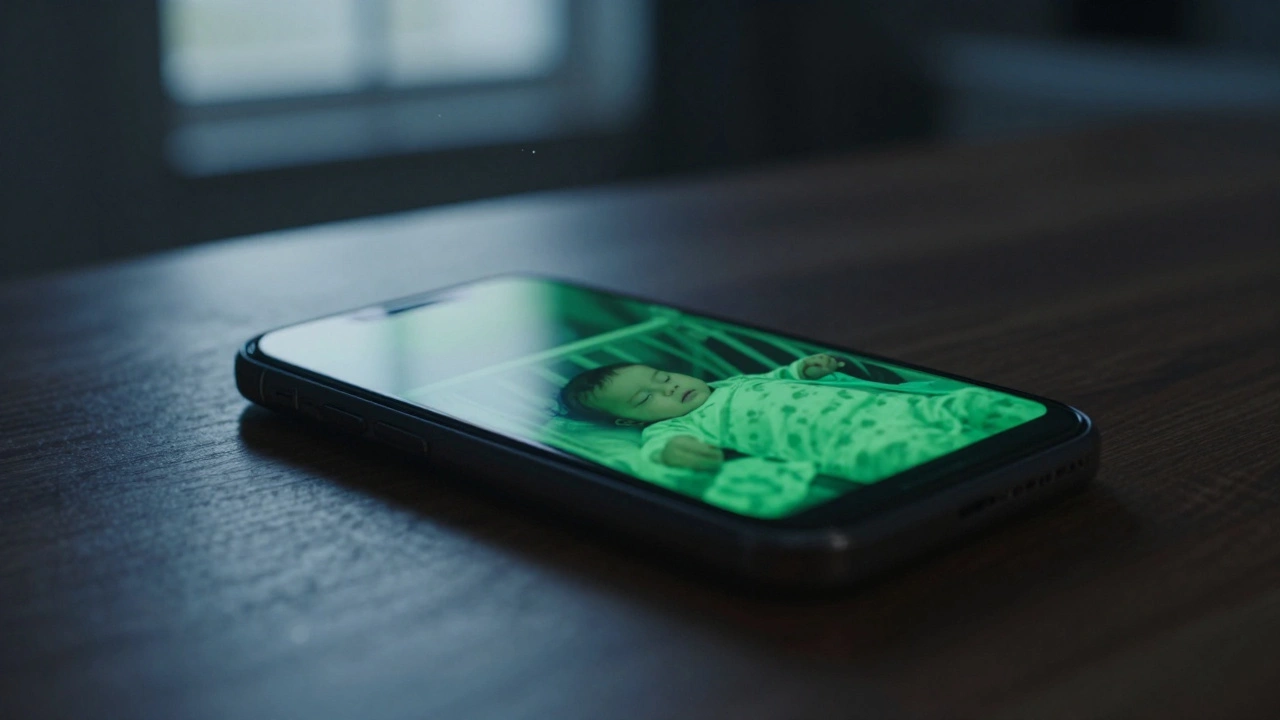
Learn how to convert an old smartphone into a night vision camera using software apps or hardware modifications. Discover the pros, cons, and steps for DIY infrared surveillance.
If your phone feels like an extension of your hand, you don't want strangers snooping around it. Bad actors are always looking for an easy target, and a careless user is the perfect shortcut. The good news? You can lock down your device with a few practical habits that take seconds, not hours.
First off, use a strong screen lock. A PIN with at least six digits beats a four‑digit code, and a biometric combo (fingerprint + face) adds a layer that thieves can’t crack with simple tools. Don’t settle for the default pattern; it’s easy to guess.
Next, keep your operating system up to date. Android and iOS push security patches every month, and each update patches known vulnerabilities. Skipping updates is like leaving the back door unlocked.
Not every app needs access to your camera, microphone, or location. When you install a new app, review the permissions screen carefully. If an alarm clock asks for your contacts, say no – it’s probably unnecessary.
Use the built‑in “App permissions” settings to audit existing apps. Revoke any that you don’t use regularly. This cuts down the chance of malware silently collecting data.
Beware of third‑party app stores. The Google Play Store and Apple App Store have review processes that catch most malicious code. Sideloading apps from unknown sources bypasses those safeguards and invites trouble.
Public Wi‑Fi is convenient, but it’s also a hotspot for hackers. Turn off auto‑connect and avoid logging into banking or email while on unsecured networks. If you must use public Wi‑Fi, fire up a reputable VPN; it encrypts your traffic and hides your data from prying eyes.
Bluetooth should be set to “not discoverable” when you’re not using it. Many attacks start by scanning for open Bluetooth devices and slipping in malware.
Data loss can happen in a flash – a cracked screen, a stolen phone, or a malware wipe. Set up automatic backups to a cloud service you trust, and enable encrypted backups whenever possible. In the event of loss, you’ll still have access to your photos, contacts, and important files.
Encrypting your phone adds a strong barrier. Both iOS and newer Android versions encrypt data by default, but double‑check the setting under “Security” > “Encrypt device.”
Phishing isn’t just for email. “Smishing” – phishing via SMS – tricks you into clicking malicious links. If a text claims you’ve won a prize or asks for personal info, treat it like a suspicious email. Verify the sender through official channels before you tap any link.
Install a mobile security app that scans incoming messages and URLs. Many free options flag known malicious sites in real time, giving you an extra safety net.
If your phone starts acting weird – random pop‑ups, battery draining fast, or apps you never installed – you might be compromised. Run a scan with your security app, uninstall suspicious software, and change passwords from a trusted device.
In extreme cases, a factory reset wipes everything clean. Backup your data first, then go to Settings > System > Reset > Factory data reset. After the reset, reinstall only the apps you truly need.
Keeping your smartphone secure isn’t a one‑time task. It’s a habit of staying aware, updating regularly, and guarding permissions. Follow these steps, and you’ll make it much harder for anyone to sneak into your digital life.
Learn how to convert an old smartphone into a night vision camera using software apps or hardware modifications. Discover the pros, cons, and steps for DIY infrared surveillance.
In today's tech-driven world, the security of your smartphone is more important than ever. The possibility of someone accessing your phone camera without your consent might sound like something out of a spy thriller, but it's a real threat. This article explores the risks and potential security breaches related to cell phone camera hacking. We also provide practical tips on how to protect your device from unwanted access, ensuring your privacy and peace of mind.