Night Vision Method Selector
Answer three questions to determine the best approach for turning your phone into a night vision device.
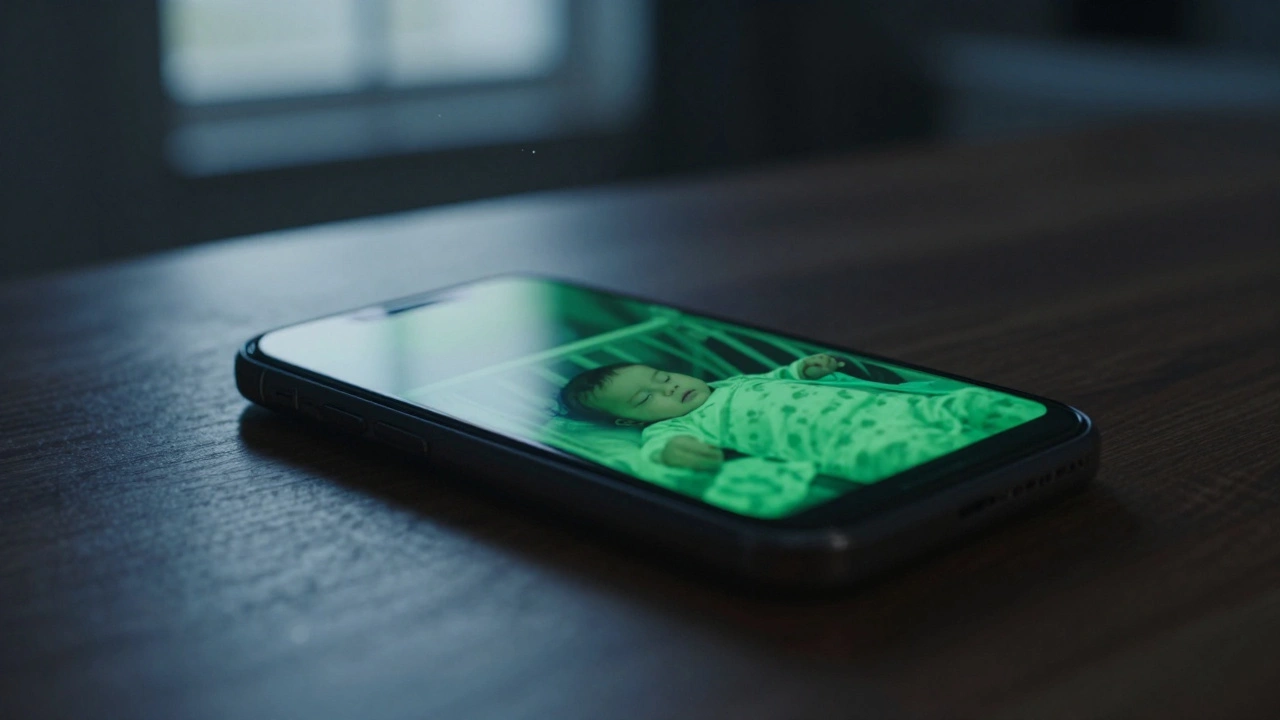
It sounds like something out of a spy movie. You’re sitting in total darkness, maybe checking on the baby or watching for intruders, and you pull out your old smartphone to see everything clearly in green-tinted detail. The short answer is yes, you can turn your phone into a night vision camera. But the method you choose depends entirely on whether you want a quick software fix or are willing to permanently modify hardware for professional-grade results.
Most people assume their phone camera is blind in the dark. That’s only half true. Smartphone sensors are actually capable of seeing infrared (IR) light-the same invisible spectrum used by military goggles and high-end security systems. The problem isn’t the sensor; it’s a tiny piece of glass glued over it called an IR filter. This filter blocks infrared rays so your photos look natural in daylight. Remove that filter, add some IR LEDs, and suddenly your phone sees what human eyes cannot.
The Software Route: Quick, Safe, but Limited
If you just need to peek into a dimly lit room or capture a slightly darker scene without risking damage to your device, software is your friend. Modern smartphones have incredible computational photography features. Apps like "Night Camera Mode HD" or "Night Vision for Mobile" use algorithms to brighten images, reduce noise, and apply color gradients based on light intensity.
These apps work by pushing the ISO (light sensitivity) to its maximum and processing the grainy data to make it usable. It’s great for low-light conditions where there is still *some* ambient light-like moonlight or streetlamps bleeding through a window. However, do not expect miracles. If you turn off every light in the house, these apps will simply show you a black screen with lots of digital noise. They cannot create light from nothing. This approach is perfect for casual users who want better low-light performance without opening up their device.
The Hardware Hack: Removing the IR Filter
For true night vision-seeing in pitch-black environments-you need to modify the hardware. This involves removing the infrared cut-off filter from your phone’s camera module. This is a permanent change. Once you remove the filter, your phone will no longer take normal color photos. Everything will look washed out, purple, or red during the day because the sensor is now flooded with infrared light. This is why you should only attempt this on an old, broken, or spare smartphone that you don’t mind sacrificing.
The process requires patience and steady hands. Here is how the conversion typically works:
- Disassemble the Phone: You’ll need screwdrivers and prying tools to open the back case. Be careful with adhesive seals and ribbon cables.
- Remove the Camera Module: Disconnect the flat flex cable connecting the camera to the motherboard. Unscrew the small screws holding the camera assembly in place.
- Access the Lens Assembly: The lens is usually held in place by adhesive or threads. You may need a sharp blade to carefully cut around the edge or unscrew the lens barrel. This is the most delicate step.
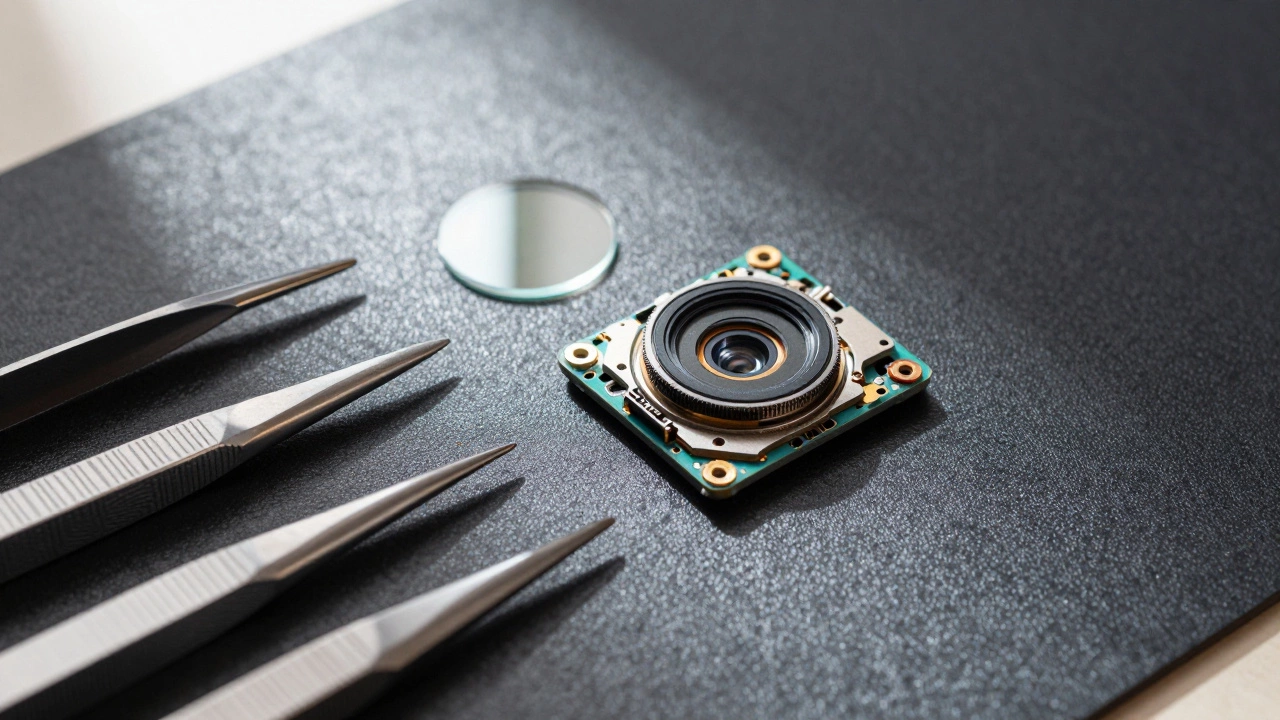
- Extract the IR Filter: Inside the lens housing, you’ll find a tiny, transparent disc. This is the IR filter. It is often glued down. You must gently pry it out without scratching the underlying sensor or leaving glue residue. Some guides suggest using heat to soften the adhesive, but this risks damaging other components.
- Reassemble: Put the camera back together without the filter. Reconnect the cable and close the phone.
Once the filter is gone, your phone’s sensor is naked to infrared light. In daylight, images will look strange and hazy. But in the dark, paired with an IR light source, it becomes a powerful viewing tool.
Adding Infrared Illumination
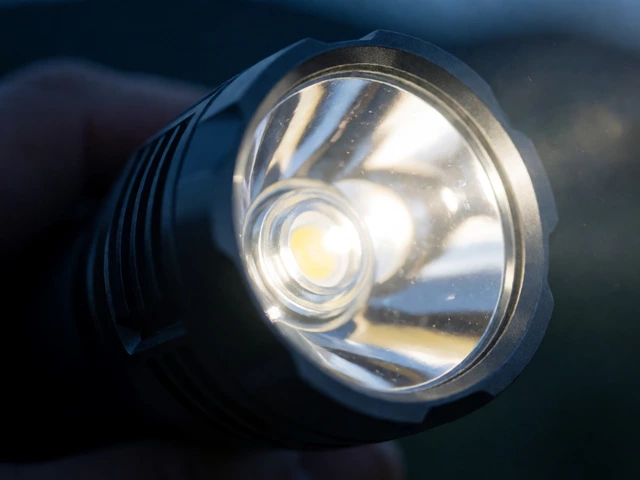
Removing the filter is only half the battle. Your phone needs infrared light to see. Human eyes can’t see IR, but the modified sensor can. You need to add external infrared LEDs to illuminate your subject.
You can buy cheap IR LED strips or modules online. These emit light at wavelengths like 850nm or 940nm. The 850nm LEDs give a slight red glow that is visible to the naked eye as a faint pinkish hue, while 940nm LEDs are completely invisible. For a DIY setup, attach these LEDs around the phone’s camera lens. You can power them via a USB battery pack or a dedicated power supply.
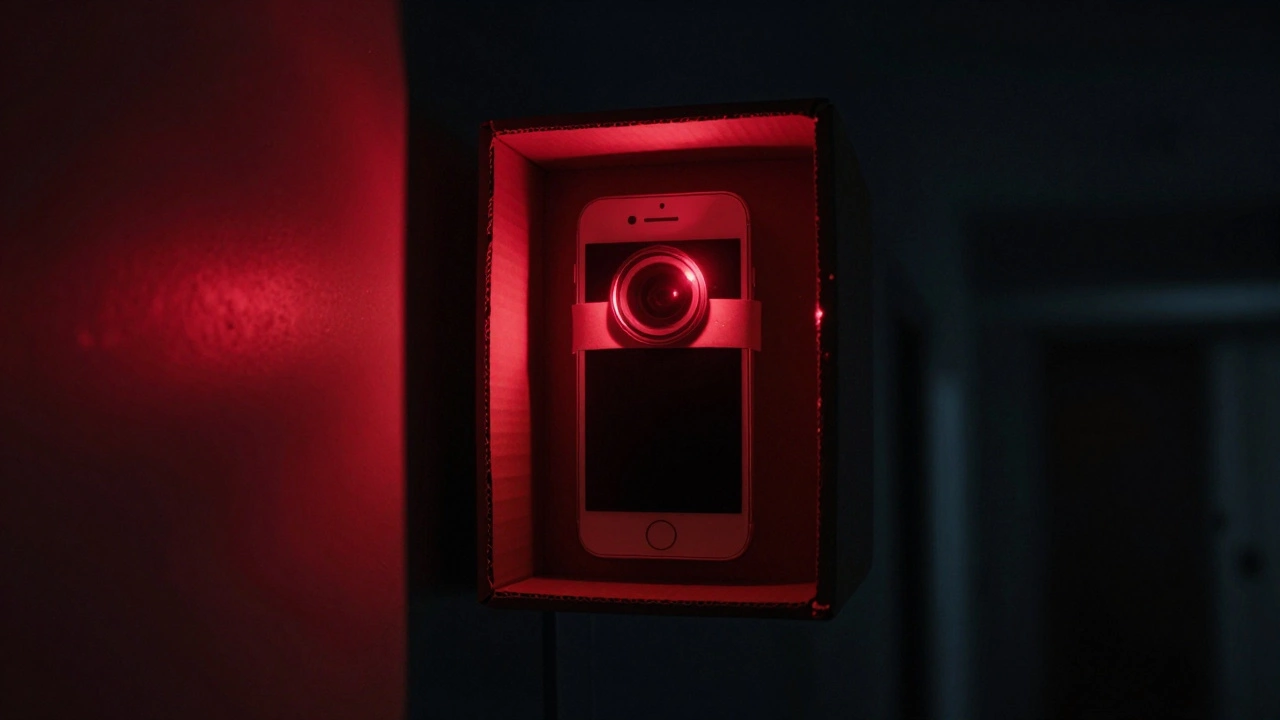
Imagine placing your modified phone inside a cardboard box with a hole cut for the lens and another for the USB cable. Mount the IR LEDs around the lens opening. Point it at your backyard or hallway. On the phone screen, you’ll see a clear, monochrome image of whatever is moving in the dark. It’s surprisingly effective for under $10 if you already have the parts.
| Feature | Software Apps | Hardware Modification |
|---|---|---|
| Cost | Free - $5 | $10 - $30 (LEDs + Tools) |
| Difficulty | Easy (Download App) | Hard (Surgery Required) |
| Darkness Level | Low Light Only | Total Darkness |
| Daytime Use | Normal Color Photos | Purple/Washed Out Images |
| Risk | None | Permanent Damage to Camera |
Turning It Into a Security System
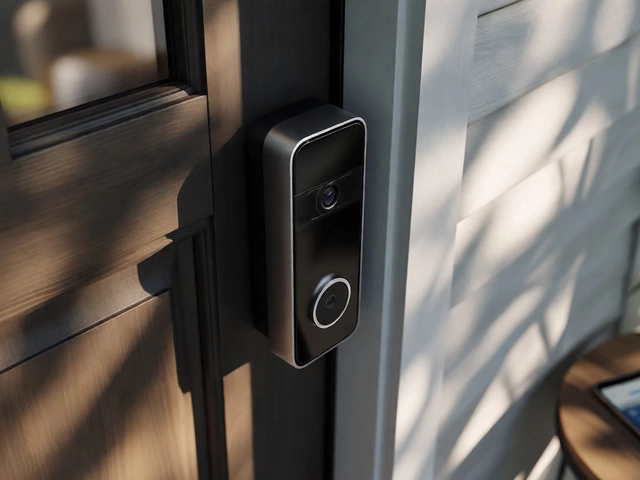
Why stop at just looking? You can transform this modified phone into a remote security camera. Install free IP camera apps like AlfredCamera or IP Webcam. These apps stream the video feed from your phone to another device over Wi-Fi.
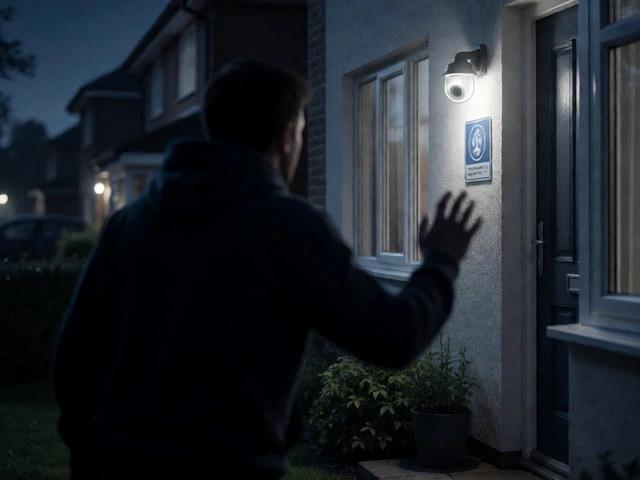
Place your modified phone in a strategic location-maybe high up in a corner or hidden in plain sight. Keep it plugged in for charging. Now, you can check your home from anywhere in the world. Since the phone uses IR illumination, intruders won’t see a bright spotlight turning on. They’ll just see a faint red glow (if using 850nm LEDs) or nothing at all (with 940nm). This makes it an excellent covert surveillance tool.
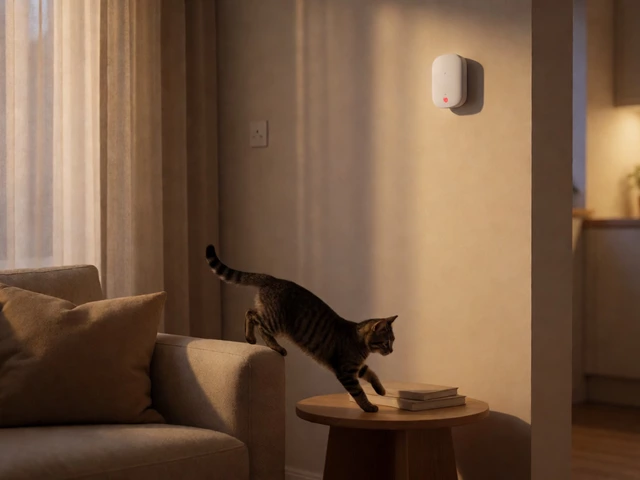
This setup is particularly useful for monitoring pets at night, checking on sleeping children, or keeping an eye on driveways. It repurposes e-waste into a functional security asset. Just remember to secure your app account with strong passwords and two-factor authentication to prevent hackers from accessing your feed.
Risks and Realistic Expectations
Before you grab your screwdriver, understand the risks. Modern smartphones are tightly packed. Opening them can break internal connectors. Removing the IR filter is described by many technicians as "the most important and risky process." One slip with a blade can scratch the sensor, ruining the camera forever. Additionally, this modification voids any remaining warranty.
Also, manage your expectations regarding image quality. While the concept works beautifully, smartphone sensors are small. They won’t match the clarity of a dedicated $200 night vision security camera. You might experience lag in the video feed, especially if your Wi-Fi signal is weak. The images will be monochrome (black and white) because color information doesn’t exist in the infrared spectrum.
However, for hobbyists, students, or anyone looking for a creative DIY project, the payoff is significant. You’ve built a functional night vision device from trash. It’s educational, cost-effective, and surprisingly capable.
Will removing the IR filter ruin my phone's camera?
Yes, it permanently changes how the camera works. You will lose the ability to take normal color photos. Images in daylight will appear purple, red, or washed out. The camera becomes optimized for infrared light only. Do not attempt this on a primary phone you use daily.
Do I need special glasses to see the night vision feed?
No. The night vision image appears directly on your smartphone screen. You view the processed infrared footage digitally. You do not need physical night vision goggles.
Can I reverse the IR filter removal?
Technically, you could try to glue the filter back in, but it is nearly impossible to align it perfectly. Even if you succeed, the image quality will likely remain compromised due to dust or adhesive residue. Treat the removal as permanent.
What is the best wavelength for IR LEDs?
850nm is the most common choice for DIY projects. It provides a brighter image but emits a faint red glow visible to the human eye. 940nm is completely invisible and more covert, but it is less efficient and requires more LEDs to achieve the same brightness.
Is it legal to use a modified phone as a security camera?
Yes, as long as you are monitoring your own property. Laws vary by region regarding recording audio or filming neighbors. Always ensure you are compliant with local privacy regulations when setting up surveillance equipment.