Security System Connectivity Simulator
Here is the short answer that saves you time: No, you do not strictly need Wi-Fi for a wireless alarm system to protect your home. If someone breaks in while your internet router is off or broken, your sensors will still talk to the control panel, and the siren will still sound. However, if you want to arm the system from your phone, watch live video feeds, or get push notifications on your smartphone, then yes-you need Wi-Fi.
This distinction often confuses buyers. We tend to think "wireless" means "connected to the internet." In reality, most modern wireless alarm systems are security setups where sensors communicate with a central hub using radio-frequency signals rather than cables. The term "wireless" refers to the lack of wires between the door sensor and the main box, not necessarily a lack of internet connection. Understanding this difference is the key to choosing a system that actually works when you need it most.
How Wireless Alarms Actually Talk
To understand why Wi-Fi isn't always mandatory, we have to look at how these devices communicate. Think of your security system as having two separate conversations happening at once.
The first conversation is local. Your motion detectors, window contacts, and glass-break sensors send signals to the main control panel (the hub) using low-power radio waves, typically in the sub-2.4 GHz range. This happens entirely inside your house. It does not touch your router. It does not care if your broadband provider is down. As long as the sensors have battery power and the hub has electricity, this link stays alive.
The second conversation is external. When an alarm triggers, the hub needs to tell someone about it-usually a professional monitoring center or your mobile phone. This is where the confusion starts. Older systems used landline telephone lines. Modern systems use either broadband internet (Wi-Fi) or cellular networks (like the data connection in your phone).
If your system relies solely on Wi-Fi to make that external call, you are vulnerable. If a storm knocks out your power and your router dies, your alarm can still scream locally, but no one outside will know. That is why experts recommend looking for systems with cellular backup is a secondary communication method using mobile network signals to ensure alerts are sent even if internet fails.
What Works Without Wi-Fi?
Let’s break down exactly what functions remain active when you unplug your router. This helps you decide if you can live without Wi-Fi for your security setup.
- Local Sirens: The loud noise inside your home will trigger regardless of internet status. This is designed to scare off intruders immediately.
- Sensor Communication: Opening a door or walking past a motion sensor will still register on the main keypad display.
- Keypad Control: You can still type in your code on the physical wall panel to arm or disarm the system.
- Cellular Monitoring: If your system has a SIM card (GSM/4G/LTE), it will still send alerts to the monitoring station via the mobile network.
Conversely, here is what stops working without Wi-Fi:
- Mobile App Access: You cannot check the status of your home or arm/disarm it remotely from another city.
- Push Notifications: Your phone won’t buzz when the alarm goes off unless it uses SMS text messages via cellular.
- Smart Home Integration: Lights won’t turn on automatically, and smart locks may not respond to voice commands.
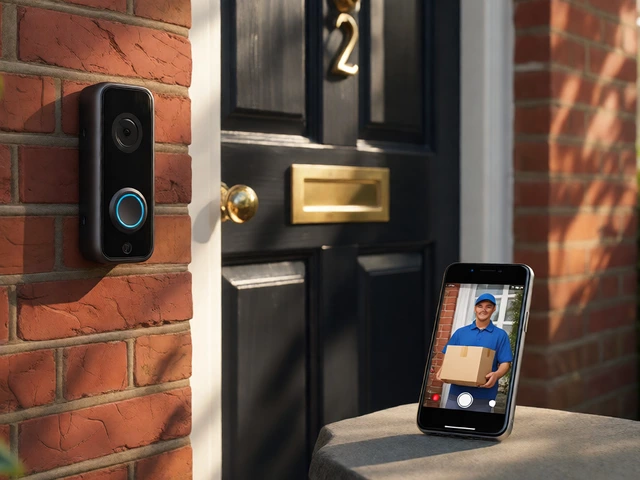
- Most IP Cameras: Video doorbells and indoor cameras usually stream over Wi-Fi. Without it, they go dark.
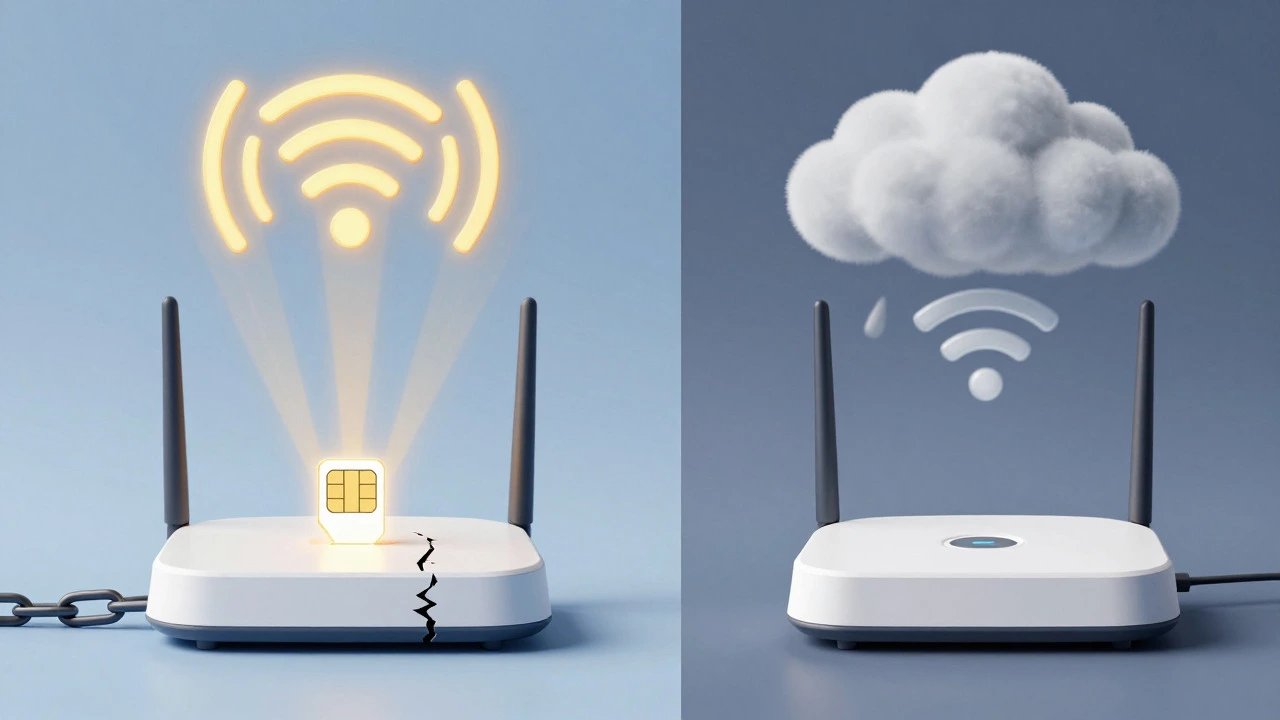
The Cellular Alternative: Security Without Internet
If you live in a rural area with poor broadband, or you simply want to avoid the risk of internet outages, you should look into fully cellular systems. These are becoming increasingly popular because they offer resilience that Wi-Fi-only systems cannot match.
Brands like SimpliSafe is a major home security provider known for its DIY installation and built-in cellular backup options. include cellular connectivity in their base stations. This means that even if you never connect them to Wi-Fi, the system can still call the police through the cellular network. Similarly, companies like ADT now offer "cellular-only" setups. While they charge a small monthly fee (around $5 extra in some markets) for this primary cellular path, it guarantees that your monitoring stays active even if your fiber optic cable gets cut by a landscaping crew.
In Europe, manufacturers like WE Elektronik produce systems specifically marketed as "without Wi-Fi." Their SchutzAktiv Exklusiv model integrates a permanent GSM module. Installers check the mobile signal strength at your property before they start work. If there is enough cell reception, the system works perfectly without ever touching a router. This approach is ideal for holiday homes, remote cottages, or older buildings where running Ethernet cables is difficult.
Why Most People Still Use Wi-Fi
If cellular is so reliable, why does everyone plug their hubs into the router? The answer comes down to convenience and features. Wi-Fi enables the "smart" part of smart home security.
Imagine coming home late at night. With Wi-Fi connected, you can open an app, see a live video feed from your front door camera, and unlock your smart lock with a tap. You can also set routines, like having your lights flash red when the alarm trips. These features require a constant, high-bandwidth connection that cellular data plans often struggle to support cost-effectively for video streaming.
Furthermore, many budget-friendly alarm kits rely exclusively on Wi-Fi to keep costs down. They skip the expensive cellular modem inside the hub. For renters or people on a tight budget, this might be acceptable if they don’t mind losing remote access during an outage. But for serious protection, relying on Wi-Fi alone is a gamble.
| Feature | Wi-Fi Only | Wi-Fi + Cellular Backup | Cellular Only |
|---|---|---|---|
| Cost | Lowest upfront cost | Moderate upfront, monthly cellular fee | Highest upfront, monthly cellular fee |
| Remote App Control | Yes (if internet is up) | Yes (if internet is up) | Limited (SMS only, no video) |
| Video Streaming | Excellent quality | Excellent quality | Poor or unavailable |
| Reliability During Outage | Fails completely | Continues monitoring | Continues monitoring |
| Installation Complexity | Easy (needs router nearby) | Easy | Medium (needs good cell signal) |
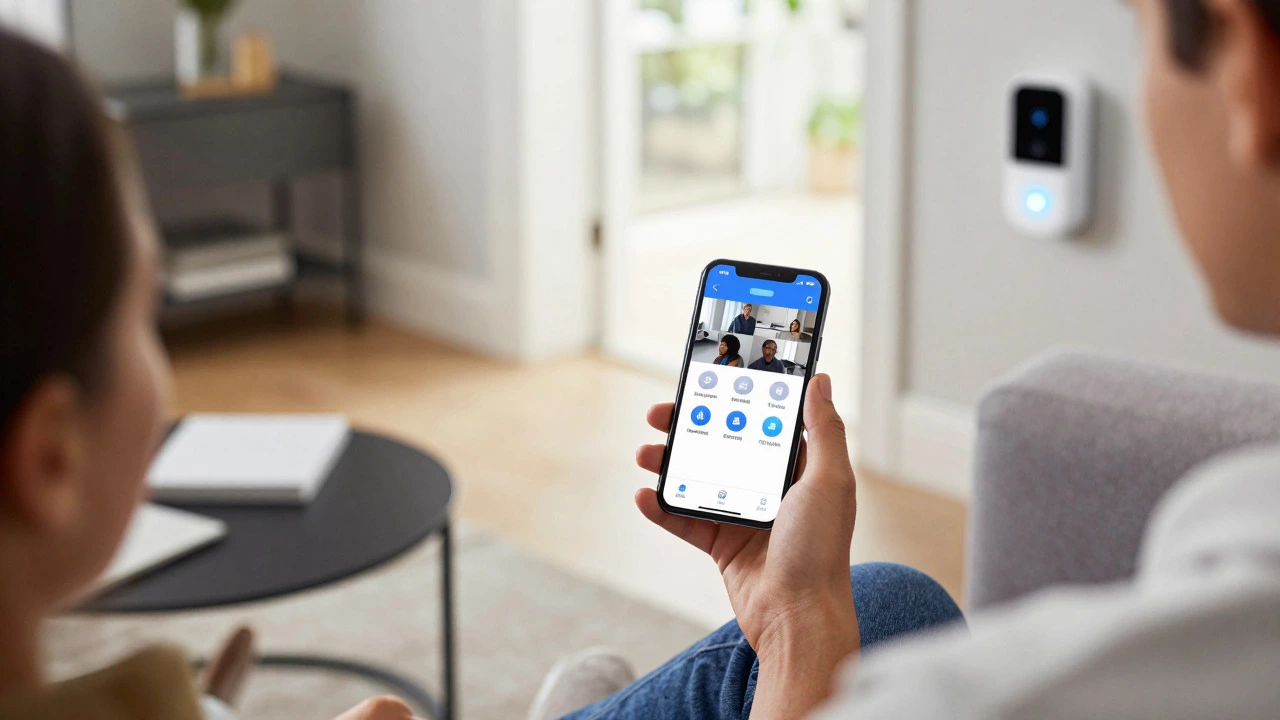
Choosing the Right Setup for Your Home
Your decision shouldn't just be about whether you *need* Wi-Fi, but how much risk you are willing to accept. Ask yourself these three questions:
- Do I have reliable internet? If your ISP cuts out frequently, a Wi-Fi-only system is a liability. Go for cellular backup.
- Do I need video evidence? If catching the burglar on camera is your priority, you need Wi-Fi. Cellular data is too slow and expensive for high-definition video uploads.
- Am I away from home often? If you travel frequently and want to check on your house, Wi-Fi gives you the best user experience. If you rarely leave, a simple cellular or even hardwired system might suffice.
A hybrid approach is often the sweet spot. Set up your system with Wi-Fi for all the smart features and video streaming. Then, pay the extra few dollars a month for cellular backup. This way, you get the best of both worlds: the convenience of an app when things are normal, and the safety net of cellular monitoring when things go wrong.
Troubleshooting Common Connectivity Issues
Sometimes the issue isn't whether you need Wi-Fi, but why your system says it's offline. Here are quick fixes for common problems:
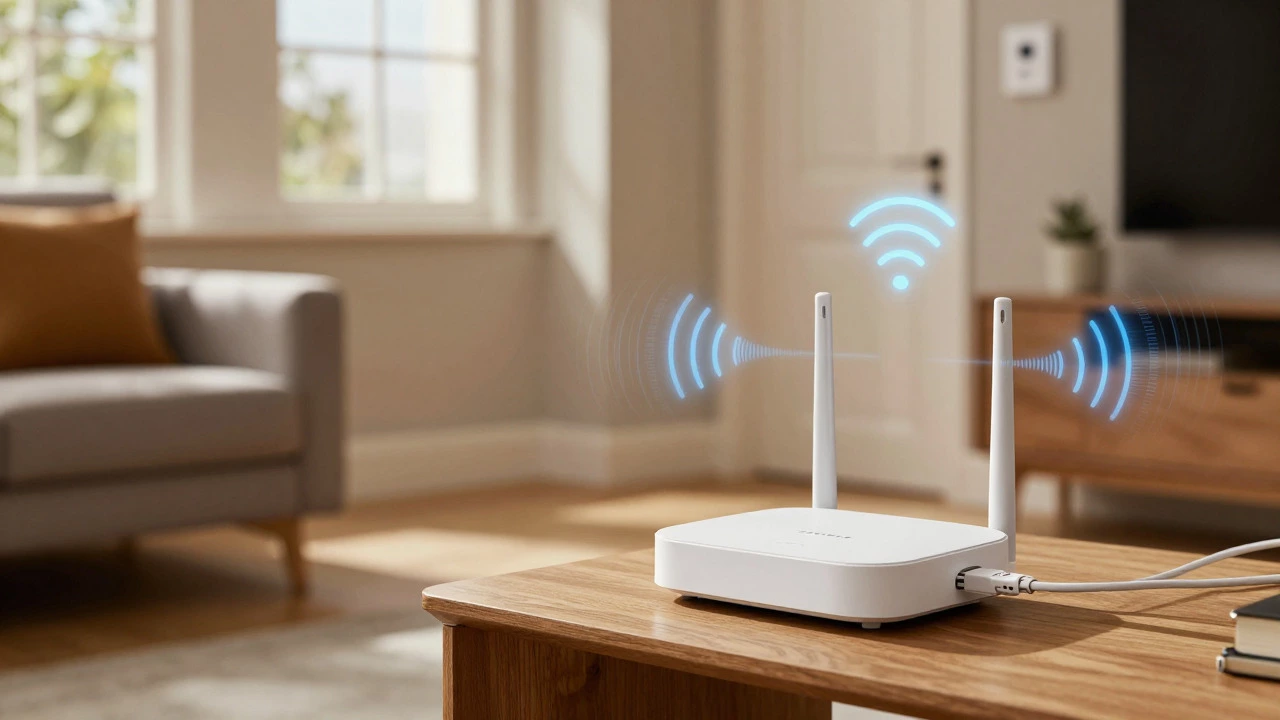
- Hub shows 'No Network': Check your router. Restart it. Ensure the alarm hub is within range. Some hubs only support 2.4 GHz Wi-Fi, not 5 GHz. Make sure your router broadcasts the 2.4 GHz band.
- App won't load but siren works: This confirms your local sensors are fine, but the internet link is broken. Try connecting your phone to a different network or use your phone's hotspot temporarily to reconnect the hub.
- False alarms after power cut: If your power went out, your router likely rebooted. Wait 5 minutes for your internet to stabilize before arming the system again to avoid triggering a false alert due to delayed signal loss.
Will my wireless alarm work if the power goes out?
Yes, but with caveats. Most wireless alarm hubs and sensors have backup batteries that last 24 hours or more. However, if your Wi-Fi router loses power, you lose internet connectivity. If your system relies only on Wi-Fi, you lose remote monitoring and app access. If you have cellular backup, the monitoring service remains active even during a blackout.
Can I use my phone as a hotspot for my alarm system?
Yes, in an emergency. If your home internet goes down, you can connect your alarm hub to your smartphone's personal hotspot. This restores Wi-Fi connectivity, allowing the system to reach the cloud and send alerts. Note that this drains your phone battery quickly and consumes your mobile data allowance, so it is best used as a temporary fix until your broadband is restored.
Is cellular backup worth the extra cost?
For most homeowners, yes. The peace of mind knowing that your security system cannot be disabled by cutting the internet line or a router failure is valuable. Cellular backup ensures that professional monitoring services are notified of intrusions even when your Wi-Fi is dead. The monthly cost is usually small compared to the potential loss of property.
Do security cameras need Wi-Fi to record?
It depends on the camera. Most modern IP cameras stream video to the cloud via Wi-Fi, so they need it to record remotely. However, some systems offer local storage options, such as recording to an SD card or a Network Video Recorder (NVR) connected via Ethernet. These can continue recording locally without Wi-Fi, but you won't be able to view the footage remotely until the connection returns.
What is the difference between wireless and Wi-Fi?
Wireless refers to the communication between sensors and the hub using radio frequencies (RF). Wi-Fi refers to the connection between the hub and the internet. A system can be wireless (no cables between sensors) but not use Wi-Fi (using cellular instead). Conversely, a system can use Wi-Fi for internet access but still have wired sensors. The terms are related but distinct.