Phone Security Risk Checker
Instructions: Select all the symptoms you have noticed on your device recently to assess your potential security risk.
Random Green Dot/Icon
Phone Hot While Idle
Rapid Battery Drop
Unknown Gallery Files
Unusual Data Spikes
Frequent Crashes/Lags
Strange Call Static
Suspicious App Permissions
Recommended Actions:
Imagine you're sitting at home, and suddenly you get a creeping feeling that someone is watching you through your own screen. It sounds like a plot from a thriller, but with the rise of sophisticated spyware is malicious software designed to enter your device, gather data, and send it to a third party without your knowledge, it's a legitimate concern. While it's rare for a random stranger to just "hack" into your camera out of thin air, it happens if a malicious app gets a foothold on your device. The good news? Your phone usually leaves a trail of breadcrumbs if something fishy is going on.
The Most Obvious Clue: The Indicator Light
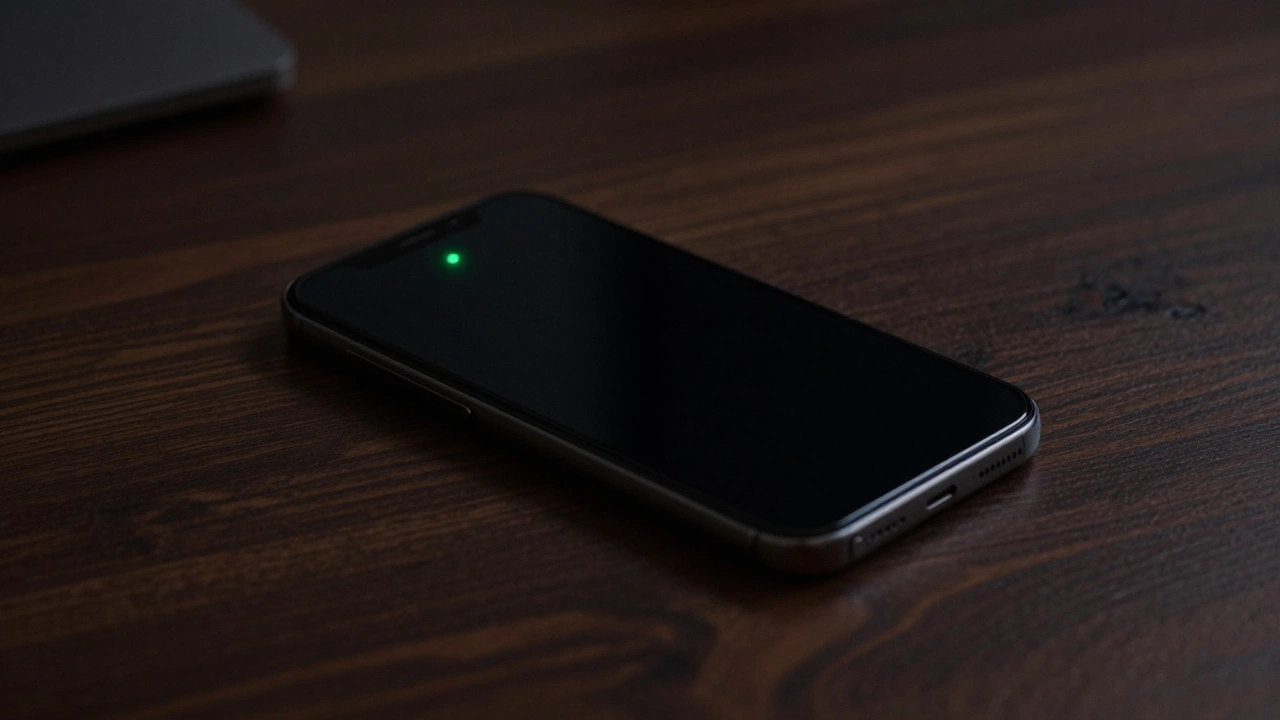
If you're using a modern smartphone, you have a built-in snitch. On iPhone devices, a small green dot appears in the top corner of the screen whenever the camera is active. Android users see something similar-usually a green camera icon or dot. If you see that light popping up while you're just scrolling through a news feed or when your phone is sitting on the table, someone or something is likely accessing your lens.
However, don't trust the light 100%. Some high-end spyware can actually bypass these visual cues. It's a game of cat and mouse between security engineers and hackers. If the light is on and you aren't using an app, you have a problem. If the light is off but your phone is acting weird, you might still have a problem.
Odd Behavior and Performance Red Flags
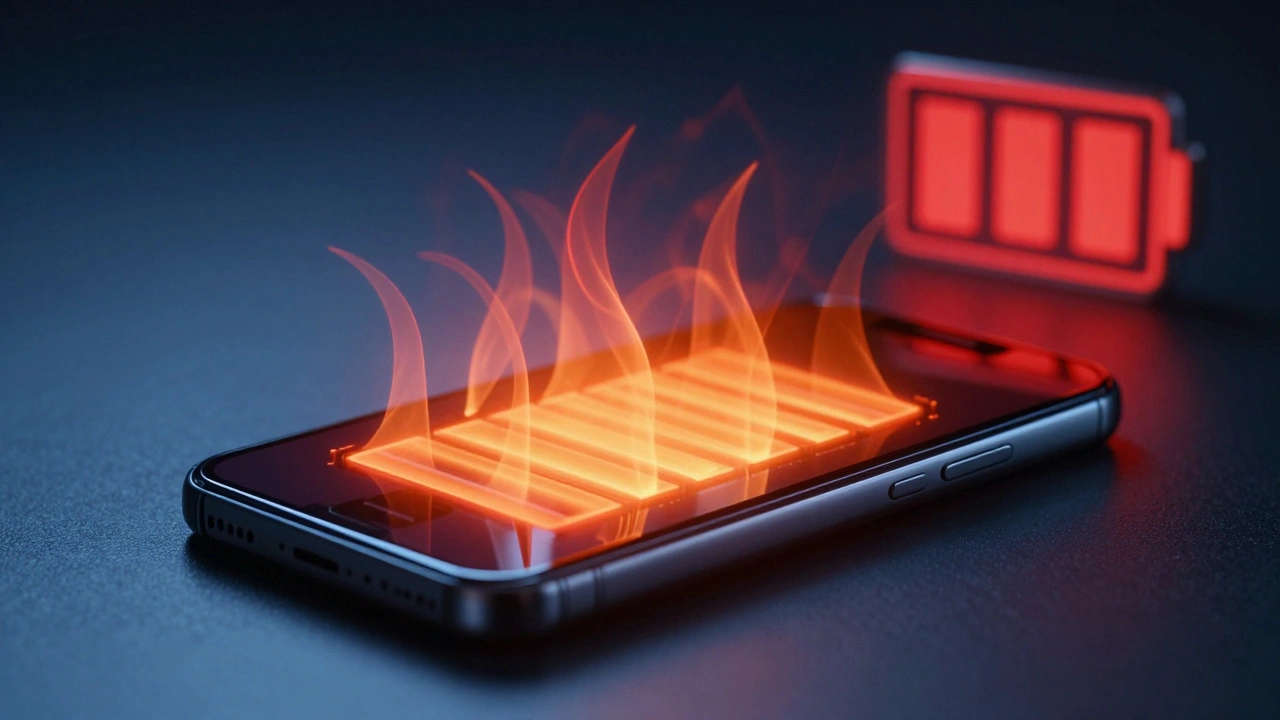
Spyware isn't invisible to your hardware. Running a camera in the background takes a lot of processing power and energy. If your phone is suddenly running hot-like it's been sitting in the sun-even though you've only been sending a few texts, that's a huge red flag. Heat is a byproduct of the CPU working overtime to encode and upload video data.
Then there's the battery. If your battery percentage is plummeting way faster than usual, it's rarely just "old age." Background surveillance apps are power-hungry. Combine this with random device restarts or a sudden lag in your apps, and you're looking at a classic case of a compromised system. When a hacker's script clashes with your phone's operating system, it often leads to crashes or the camera app refusing to open because it's "already in use by another application."
| Indicator | Normal Behavior | Warning Sign |
|---|---|---|
| Visual Cues | Green dot appears when you open the Camera app | Green dot appears randomly while on the home screen |
| Temperature | Warm during gaming or long video calls | Hot to the touch while idle |
| Battery | Steady drain based on your daily usage | Sudden, unexplained 20-30% drops in an hour |
| Gallery | Only photos and videos you took are present | Unknown photos or short clips in your media folder |
Watching Your Data and Permissions
Every bit of video captured by a hacker has to go somewhere. Unless the spyware is just storing files locally (which is rare), it's uploading that footage to a remote server. This means your cellular data usage will spike. If you check your data settings and see an unrecognized app-or even a common app like a "Calculator"-consuming gigabytes of data, you've found your culprit.
You can also do a manual audit of your permissions. On Android, head to Settings > Privacy > Permission manager > Camera. On iPhone, go to Settings > Privacy & Security > Camera. Look at the list. Why does that random flashlight app from three years ago have permission to use your camera? If you see an app you don't recognize or one that has no business seeing your face, revoke the permission immediately and delete the app.
Strange Sounds During Calls
This is a bit more niche, but listen closely during your phone calls. If you hear clicking, static, or an echo that sounds like a three-way call when you're only talking to one person, someone might be listening in. While this is more common with microphone spying, the two usually go hand-in-hand. If you hear a camera shutter sound during a call, it's a strong sign that a remote user is triggering the device's hardware.
How to Stop the Spying Right Now
If you suspect you're being watched, don't panic, but do act. The first step is to cut the connection. Turn off your WiFi and mobile data. This kills the hacker's link to your phone and stops the data upload. Next, force-close all your open applications.
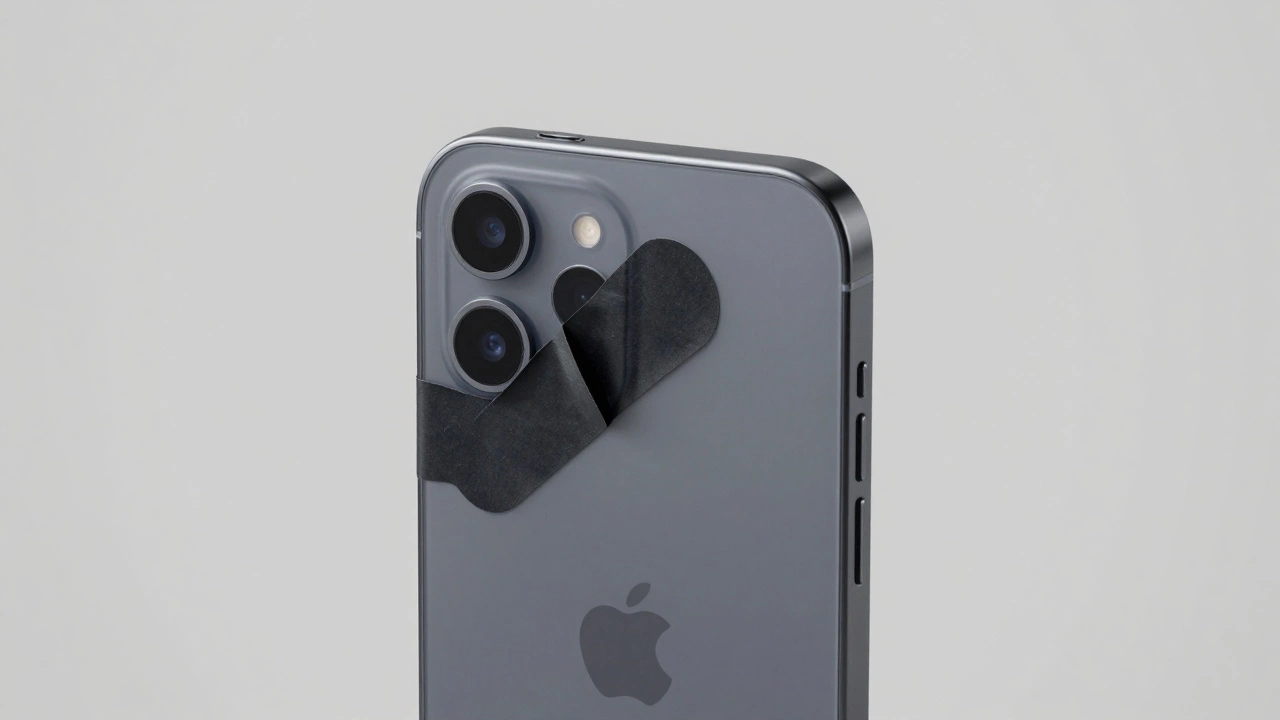
For a more permanent fix, run a dedicated spyware scan. Tools like Certo are designed specifically to look for the digital signatures of surveillance tools and check the integrity of your operating system. If you're really worried and need peace of mind, the old-school method is still the best: put a small piece of opaque tape or a dedicated sliding camera cover over your lenses. No matter how advanced the software is, it can't see through a piece of plastic.
Can someone hack my camera without me installing an app?
It's extremely difficult. In almost all cases, some form of malware or spyware must be installed first. This usually happens through a "phishing" link in a text, a fake software update, or an app from an unofficial store. Without a piece of software on the device to act as a bridge, the camera cannot be remotely activated.
Does the green dot always show up if the camera is on?
For the vast majority of apps and malware, yes. However, highly sophisticated, government-grade spyware can sometimes disable this indicator. This is why you should also monitor battery life, device heat, and data usage as secondary confirmation methods.
Will a factory reset remove camera spyware?
In most cases, yes. A factory reset wipes the user data and apps, which should remove the malicious code. However, if the spyware has managed to gain "root" or "system-level" access, it might survive a reset. For total certainty, a clean flash of the original factory firmware is the only way.
Are "Camera Guard" apps actually useful?
Some apps can alert you when the camera is accessed, but they are often redundant because your phone's OS already does this with the indicator light. The most effective "guard" is a physical cover or a reputable antivirus scan.
Why would my phone get hot if the camera is being used?
Recording video and streaming it over the internet in real-time is a resource-heavy task. It puts a heavy load on the Image Signal Processor (ISP) and the modem, both of which generate significant heat when running constantly in the background.
Next Steps for Device Hardening
If you've cleared your phone but want to make sure it doesn't happen again, start with a permission audit. Be ruthless-if an app doesn't need the camera to function, disable the access. Also, stop sideloading apps from third-party websites; stick to the official App Store or Google Play Store, as they screen for known malware.
Finally, keep your software updated. Those annoying "System Update" notifications usually include security patches that close the very holes hackers use to get into your camera in the first place. A few minutes of updating today can save you from a huge privacy headache tomorrow.