CCTV Offline Setup Finder
Answer a few questions to find the best non-Wi-Fi recording method for your situation.
Recommended Setup:
Most people assume that if the internet goes down, their security system becomes a paperweight. But here is the truth: you don't actually need Wi-Fi for a wireless cctv kit is not the only way to secure a property to record video. While the "smart" features we love-like getting a notification on our phone while we're at the grocery store-require a connection, the core act of capturing and storing footage can happen entirely offline.
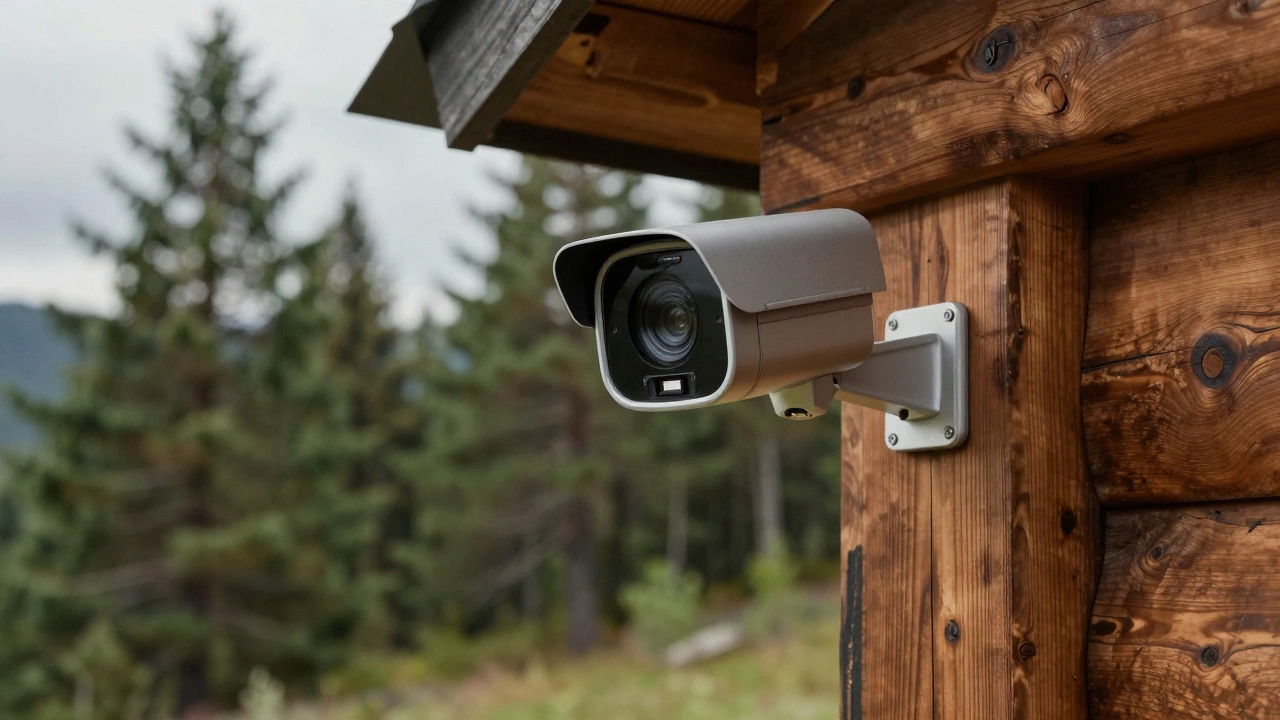
If you're dealing with a remote cabin, a construction site, or just a spot in your backyard where the signal is weak, you have several ways to keep an eye on things. The real question isn't whether it can work, but how you want to get your footage back once it's recorded.
Quick Summary: How CCTV Works Without Internet
- Wired Systems: Use cables to send video to a central recorder (DVR/NVR).
- Local Storage: Cameras save video directly to an internal SD card.
- Cellular Data: Use a SIM card (4G/5G) instead of a home router.
- Local Network (LAN): Cameras talk to each other via a router, even if that router isn't connected to the web.
The Heavy Lifters: DVR and NVR Systems
For a setup that never sleeps and doesn't care about your ISP's uptime, a hardwired system is the gold standard. These systems rely on a central hub to do all the heavy lifting.
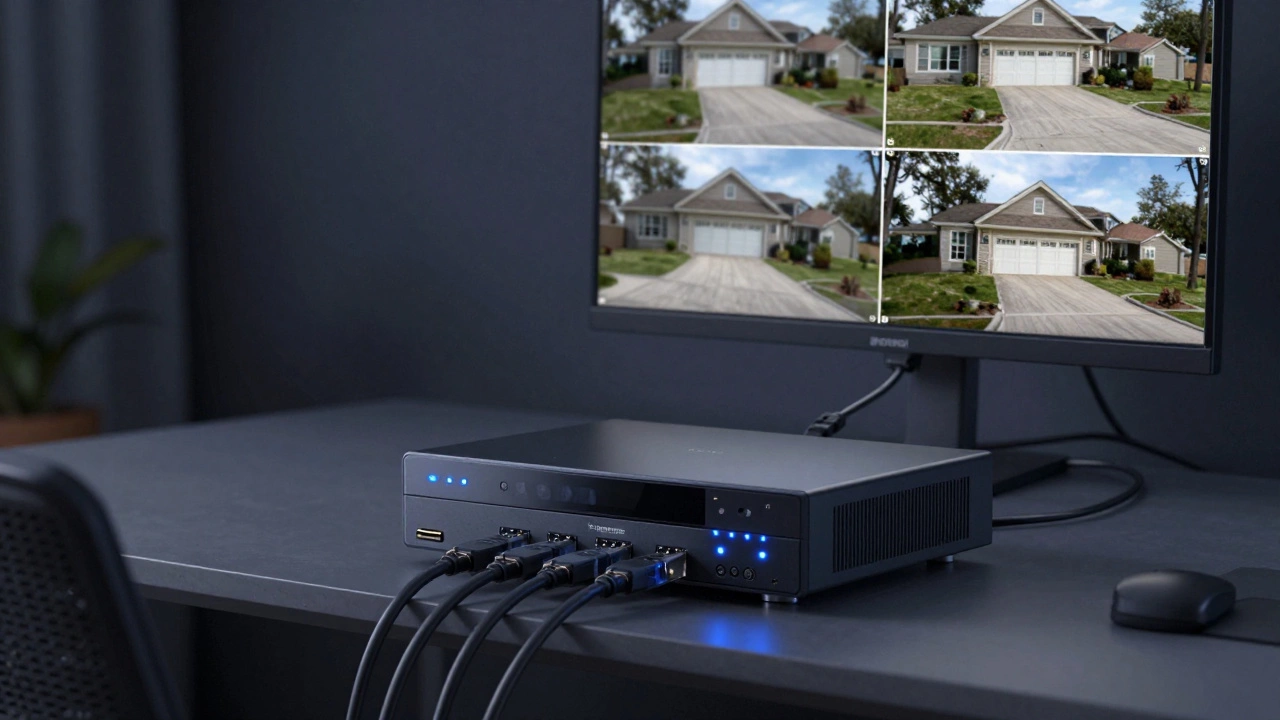
DVR (Digital Video Recorder) is the classic choice for analog cameras. It uses coaxial cables to pull video from the camera and encodes it into a digital format on a hard drive. Since the connection is physical, there is zero lag and no signal interference from other devices.
NVR (Network Video Recorder) is the modern evolution used by IP cameras. These often use Power over Ethernet (PoE), meaning a single cable provides both electricity and data. A great example is the eufy PoE NVR Security System S4 Max, which keeps all your data on-site, far away from the cloud.
In both cases, you view your footage by plugging a monitor or TV directly into the recorder via HDMI or VGA. You aren't "logging in" to a website; you're literally watching a local hard drive.
Going Solo with SD Cards
If you don't want to run cables through your walls or buy a massive recording box, some cameras act as standalone units. These cameras feature a slot for a microSD card. The camera records the movement, saves it to the card, and just keeps going.
This is a budget-friendly way to handle temporary monitoring. However, there is a catch: if someone steals the camera, they steal the evidence. To get your footage, you usually have to climb a ladder, pop out the card, and put it into a computer. It's simple, but it's not exactly "convenient" for daily check-ins.
| Method | Storage Capacity | Remote Access | Reliability |
|---|---|---|---|
| DVR/NVR | Very High (Terabytes) | No (Local Only) | Highest |
| SD Card | Low to Medium (GBs) | No (Manual) | Medium |
| Cellular (SIM) | Cloud or Local | Yes (via Mobile Data) | High (depends on signal) |
The Middle Ground: Cellular Connectivity
What if you need the camera in the middle of nowhere, but you still want to see the live feed on your phone? That's where cellular cameras come in. Instead of looking for a Wi-Fi signal, these cameras use a SIM card to connect to 4G or 5G mobile networks.
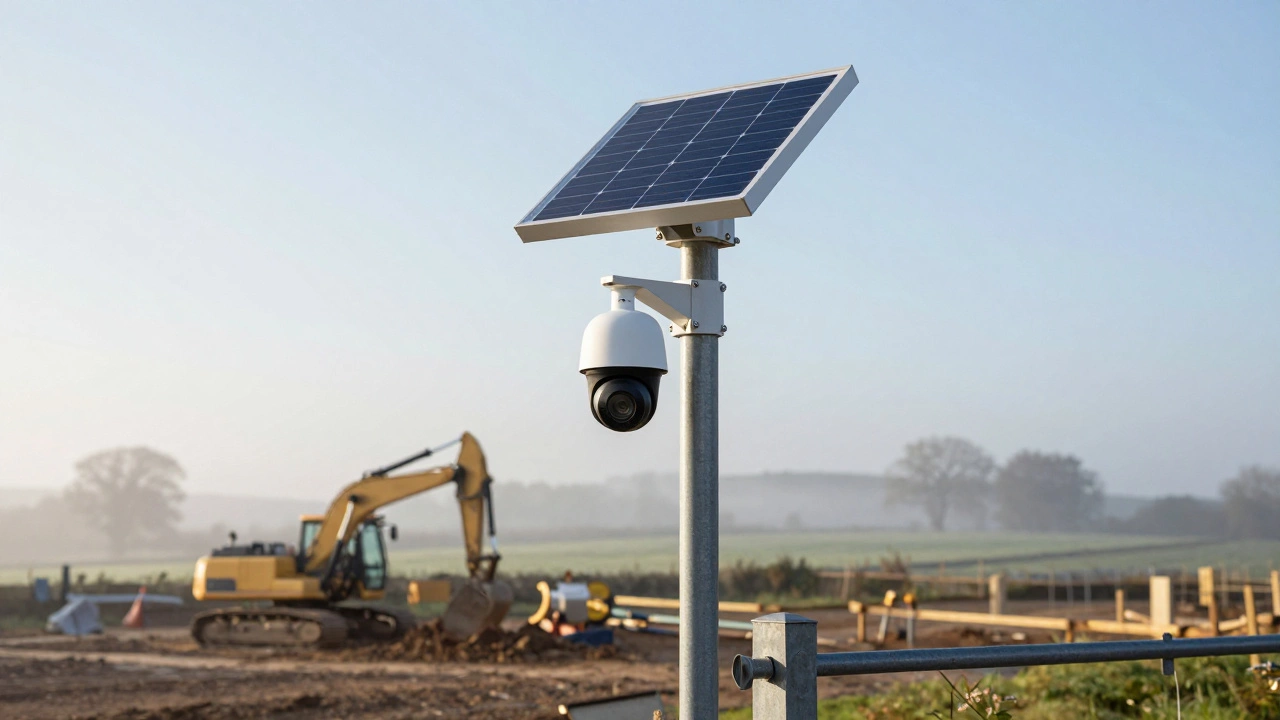
Products like the Reolink Go or the eufy 4G LTE Cam S330 are perfect for this. They operate just like a smartphone. You pay a monthly data plan, and the camera sends alerts and video clips over the mobile network. This is the go-to choice for construction sites or farm gates where running a cable would cost a fortune.
What Actually Happens During a Wi-Fi Outage?
There is a big difference between your internet being down and your Wi-Fi being down. If your internet provider has a blackout, but your router is still powered on, your local network (LAN) is still alive.
If your cameras are configured to save to a local hub (like an NVR), they will keep recording without missing a beat. You can even walk around your house and view the live feed on your phone because the phone and the camera are talking to the same router-they just aren't talking to the outside world. You only lose the ability to check your cameras from your office or while traveling.
The Trade-offs You Need to Know
Choosing an offline setup isn't just about the hardware; it's about what you're willing to give up. When you cut the cord to the internet, you lose a few key perks:
- Instant Notifications: You won't get a push alert the second a package is dropped off unless you have a cellular plan.
- Cloud Backup: If a thief takes your NVR or SD card, your footage is gone. There is no "backup in the sky."
- AI Updates: Some high-end facial recognition features require a cloud server to process the data. Offline cameras rely on "edge processing," which is built into the camera's own chip.
But the upside? Total privacy. Your video never leaves your property, and you don't have to worry about a monthly subscription fee just to access your own recordings.
Powering Your Offline System
If you're going offline to avoid infrastructure, you probably don't have a power outlet nearby either. Most wired systems require a constant plug-in, which means a power cut kills the cameras. To fix this, look into solar-powered security cameras or high-capacity battery packs.
Solar panels are now efficient enough to keep a 4G camera running indefinitely, provided they get a few hours of sunlight. Pairing a solar panel with a cellular camera and local SD storage creates a completely autonomous security sentinel that requires zero wires and zero Wi-Fi.
Can I still see my cameras on my phone without Wi-Fi?
Only if you have a cellular (4G/5G) camera with an active data plan. If you have a standard wired DVR/NVR system without internet, you can only view the footage on a monitor physically connected to the recorder or via a device connected to the same local network.
Will my camera stop recording if the internet goes out?
Not if you have local storage. Systems with a DVR, NVR, or SD card will continue to record video to the hard drive or card regardless of the internet status. You just won't be able to access that video remotely until the connection returns.
Is a DVR better than an NVR for offline use?
Both work great offline. A DVR is usually cheaper and better for older analog cameras. An NVR provides higher video quality and is easier to scale using PoE (Power over Ethernet) cabling, making it the better choice for new installations.
How much storage do I need for offline recording?
It depends on the resolution. For a 4-camera system recording in 4K, a 2TB to 4TB hard drive in an NVR typically gives you about two weeks of footage before it starts overwriting the oldest files. SD cards (typically 128GB-512GB) usually hold a few days of motion-triggered clips.
Do cellular cameras require a monthly fee?
Yes. Because they use mobile networks, you must pay for a data plan through a provider, similar to how you pay for your smartphone. The cost varies depending on how much video you upload to the cloud.
What to do next?
If you're setting this up for the first time, start by auditing your power sources. If you have a plug nearby, a PoE NVR system is your best bet for reliability. If you're dealing with a remote area, grab a 4G LTE camera and a solar panel. If you just need a quick fix for a single room, a camera with an SD card will get the job done without any technical headaches.