Security Setup Cost & Value Estimator
Estimation Result:
Enter your details and click calculate to see the cost difference.
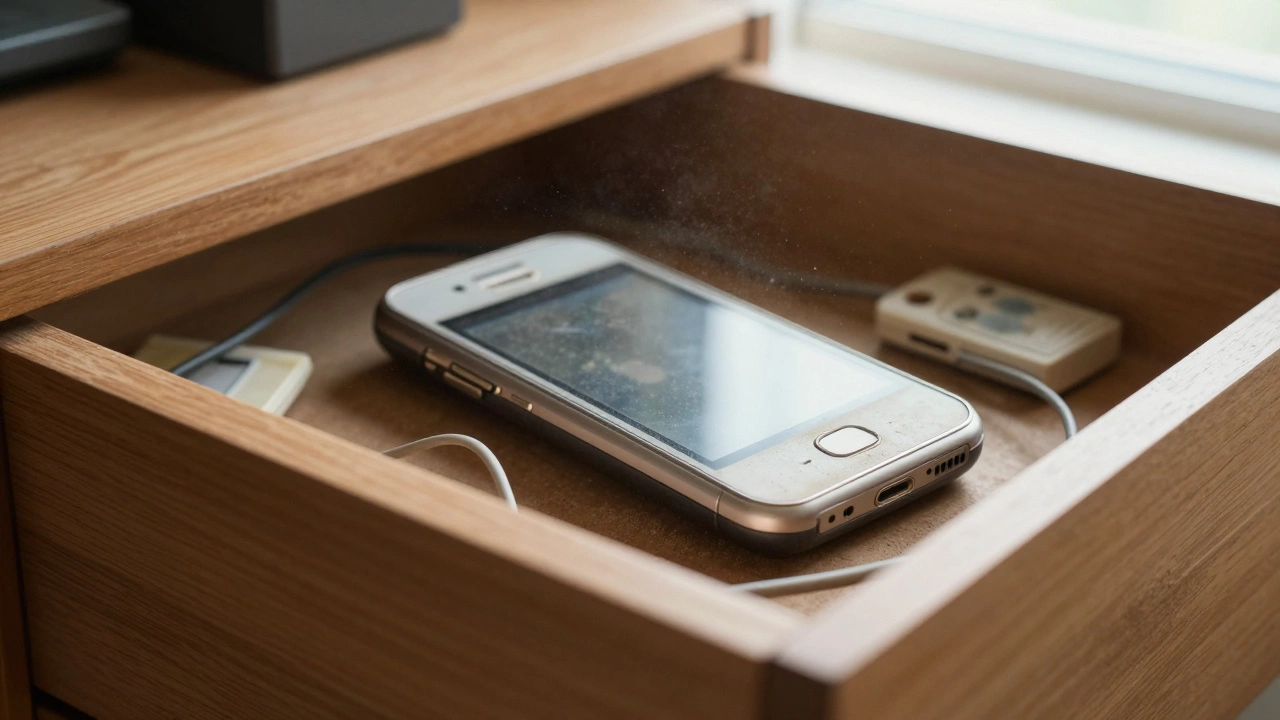
You've got an old smartphone sitting in a drawer gathering dust, and you've also got a blind spot in your hallway or a pet that likes to chew your sofa when you're out. Instead of spending hundreds on a professional surveillance rig, you can actually turn that old device into a fully functional security camera. It's a clever way to get eyes on your home without the hefty price tag of traditional hardware.
Quick Wins for Phone-to-Camera Setup
- Low Cost: Use hardware you already own; no need for new cameras.
- Rapid Deployment: Most apps take less than three minutes to sync.
- Versatility: Great for pet cams, baby monitors, or temporary vacation security.
- Remote Access: Watch your home live from your current phone anywhere in the world.
The Top Choice: AlfredCamera
When people ask which app actually works, AlfredCamera is a dedicated security application that transforms an unused smartphone into a smart home security camera. Originally launched in 2015 by Irlu Technology, it has become the gold standard in this niche, serving over 40 million families. Unlike generic apps, it's built specifically for this "two-device" workflow: one phone acts as the camera and the other as the viewer.
Setting it up is straightforward. You install the app on both devices, log into the same account, and scan a QR code to link them. It works on almost anything-even older tech like an iPhone 5s or a Samsung Galaxy S5-as long as you have Android 5.0+ or iOS 11.0+. For most people, the free version is plenty, offering unlimited live streams. However, if you want HD quality or the ability for three people to watch the feed at once, the Premium version costs around $2.99 a month.
How it Compares to Dedicated Hardware
You might wonder why you'd use a phone instead of buying a Reolink or an Arlo camera. The biggest difference is the cost of entry. While professional systems from SimpliSafe often start at $199, AlfredCamera lets you start for free. You aren't paying for a lens or a plastic housing; you're just paying for the software that connects your devices.
| Feature | Phone App (Alfred) | Pro Hardware (Reolink/Arlo) |
|---|---|---|
| Initial Cost | $0 (using old phone) | $50 - $300+ |
| Setup Time | ~3 Minutes | 30 - 60 Minutes |
| Night Vision | Software-based (Low-light filter) | Hardware-based (Infrared LEDs) |
| Power Source | Battery/USB Cable | Hardwired or High-cap Battery |
| Video Quality | Standard to HD | 2K to 4K Ultra HD |
Real-World Use Cases: What Actually Works?
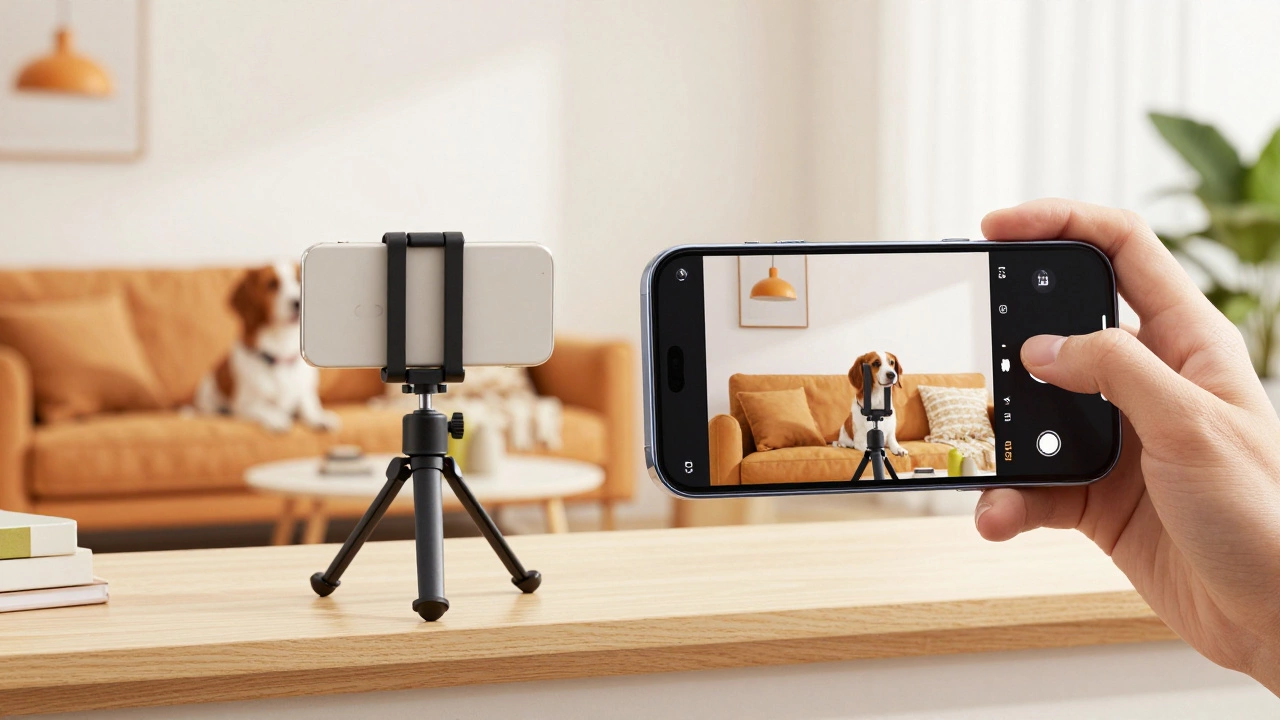
Most people don't use these apps to stop a professional heist; they use them for peace of mind. About 68% of users deploy these apps for pet monitoring. Imagine being at work and getting a notification that your dog is barking. With the walkie-talkie feature, you can literally talk to your pet through the phone to calm them down. It's a lifesaver for anxious animals.
Another big use case is baby or nanny monitoring. Because these apps leverage the existing camera on your phone, you can place the device on a shelf and get a clear view of the nursery. It's far more flexible than a traditional baby monitor because you aren't limited by a wireless range; if you have a signal, you can see the feed.
For those who need more stability, Alfred has introduced the AlCam for indoor use ($29.99) and the AlfredCam Plus 2 for outdoors ($39.99). These essentially provide a dedicated shell and power supply so you don't have to worry about a smartphone battery dying in the middle of the night.
The "Gotchas": Pitfalls to Avoid
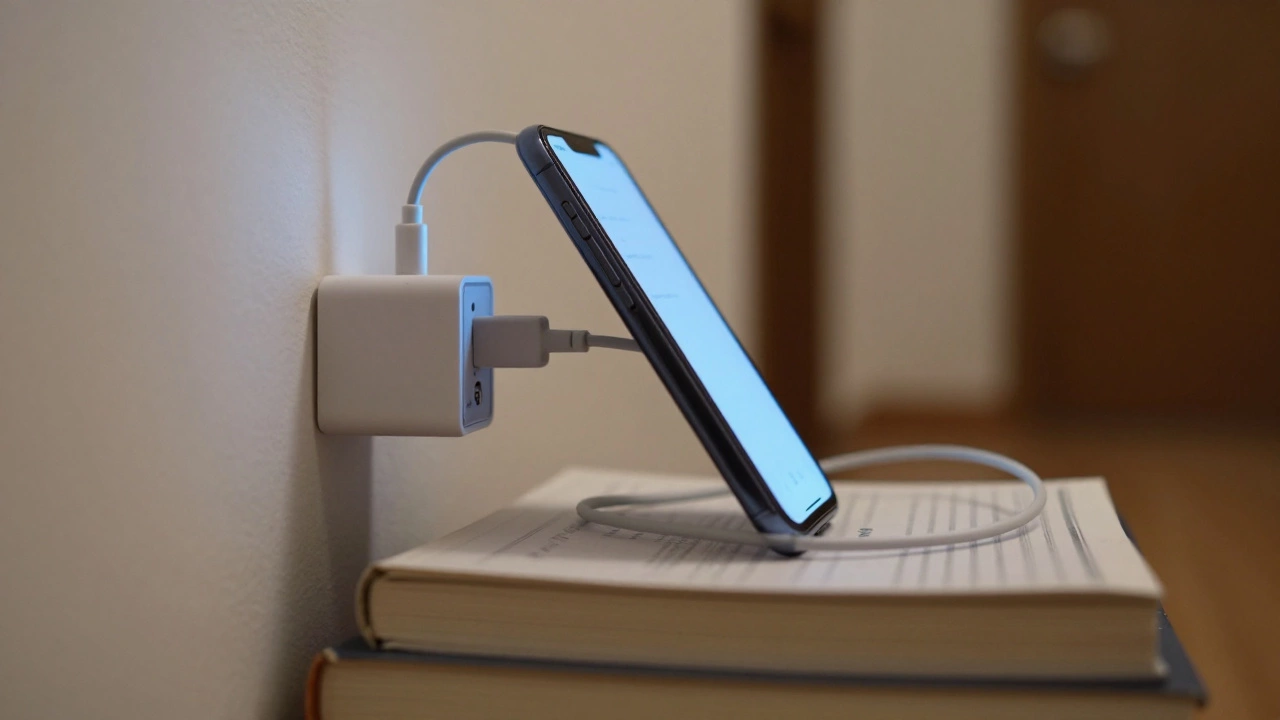
It sounds perfect, but there are a few things that can trip you up. The biggest issue is power. A smartphone isn't designed to run its camera and Wi-Fi 24/7. Without a permanent power source, your "security camera" will die in about 8 to 12 hours. To fix this, 92% of successful users simply leave the camera phone plugged into a wall charger with a long cable.
Then there's the internet. To get a smooth HD stream, you need a decent upload speed-at least 10Mbps. If your Wi-Fi is spotty in the room where the old phone is sitting, the feed will lag or drop. Also, remember that phone cameras aren't great in total darkness. While software filters help, they can't compete with the infrared sensors found in a $100 dedicated security camera. If you're monitoring a dark garage, you'll probably need to leave a small light on.
Step-by-Step Setup Guide
- Prepare the "Camera" Phone: Factory reset your old device to clear out junk apps and speed up the processor. Make sure it's connected to a stable Wi-Fi network.
- Install the App: Download your chosen app (like AlfredCamera) on both your old phone and your current daily phone.
- Link the Devices: Log into the same account on both. Set the old phone as the "Camera" and the new one as the "Viewer." Scan the QR code provided on the screen to pair them.
- Position the Device: Place the phone where you want it. Use a cheap tripod or even a stack of books. Make sure the lens has a clear view of the area.
- Power Up: Plug the phone into a wall outlet. If the battery is old, check it occasionally to make sure it isn't overheating.
- Test the Alerts: Walk in front of the camera to ensure the motion detection triggers a notification on your main phone.
Will this drain my phone battery?
Yes, running a camera and Wi-Fi continuously will drain a battery very quickly. You must keep the "camera" phone plugged into a power source for it to work as a permanent security system.
Is it safe to use an old phone for this?
Generally yes, but be mindful of old batteries. Some older lithium-ion batteries can swell if left plugged in 24/7. It's a good idea to use a smart plug to cycle the power or check the device every few weeks.
Does the app work on cellular data?
Yes, these apps work over 3G, 4G, and LTE. However, keep in mind that streaming video can consume 150-300MB per hour, which might eat through your data plan if you aren't on Wi-Fi.
Can I use multiple old phones?
Absolutely. Most apps allow you to add multiple camera devices to one viewer account, allowing you to monitor different rooms from a single screen.
Is the free version enough for basic security?
For basic motion alerts and live viewing, the free version is usually enough. You'll be limited to standard definition (480p) resolution, but it's plenty to see if a pet is causing chaos or if someone has entered a room.
What to do if the feed keeps dropping
If you're seeing a "connection lost" message, the first thing to check is your Wi-Fi signal strength in that specific spot. Try moving the phone closer to the router or investing in a Wi-Fi extender. Sometimes, the phone's power-saving mode kicks in and kills the app to save battery; go into your phone settings and set the security app to "Do Not Optimize" or "Allow Background Activity." If the phone is very old, try clearing the cache or restarting the device once a week to keep the memory fresh.