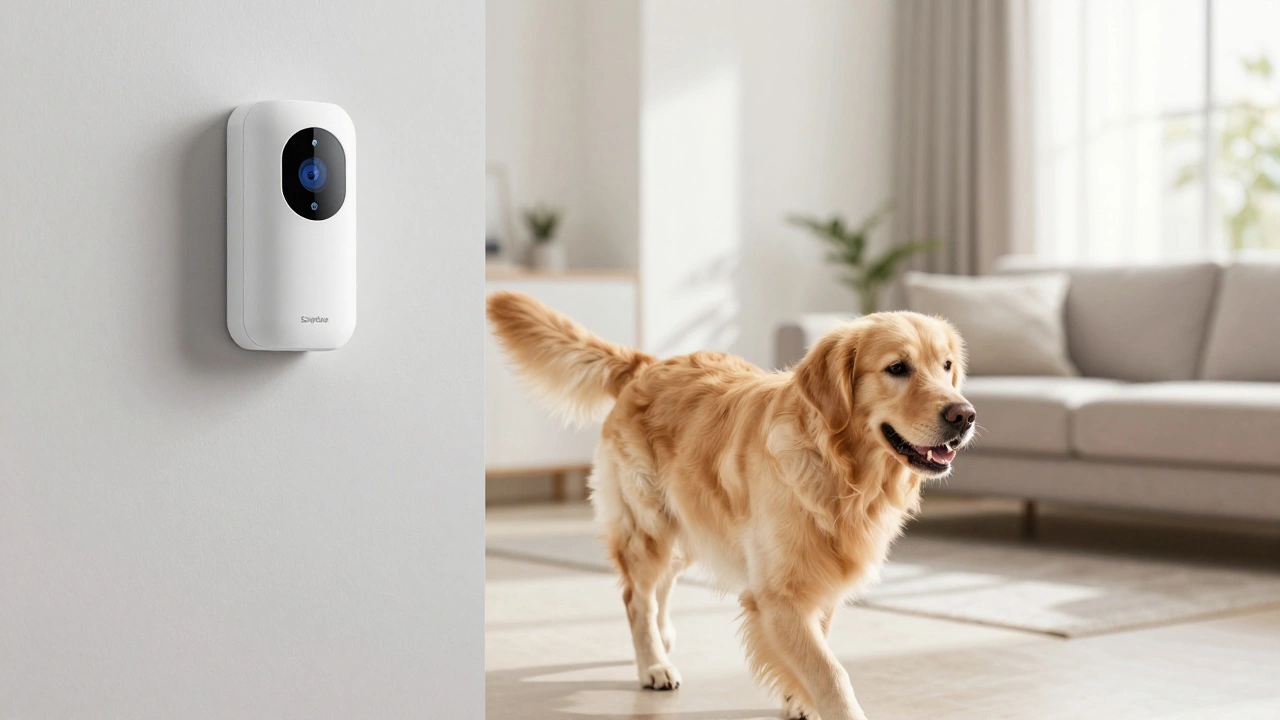
SimpliSafe Pet-Friendly Setup Finder
Enter your dog's details to find the ideal sensor configuration to prevent false alarms.
Recommended Configuration:
Quick Setup Checklist:
You love your dog, but you aren't exactly thrilled by the idea of your alarm screaming at 3 AM just because your Golden Retriever decided to do a lap around the living room. If you're wondering if SimpliSafe is a good fit for a home with paws, the short answer is yes-but only if you set it up correctly. You can't just stick a sensor on the wall and hope for the best; there are a few specific settings and placement tricks you need to know to keep your pet-friendly alarms from becoming a neighborhood nuisance.
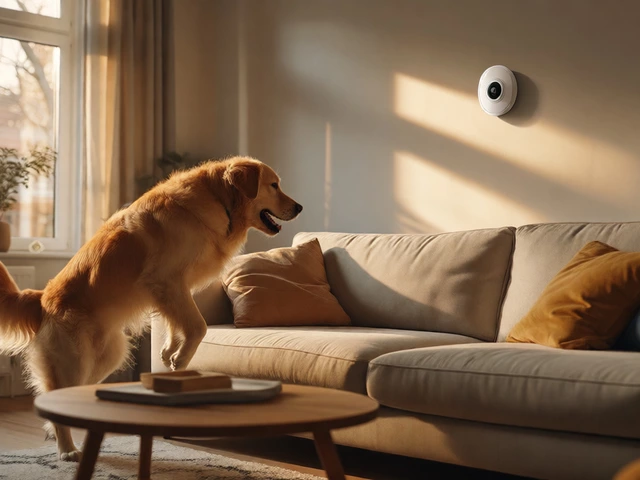
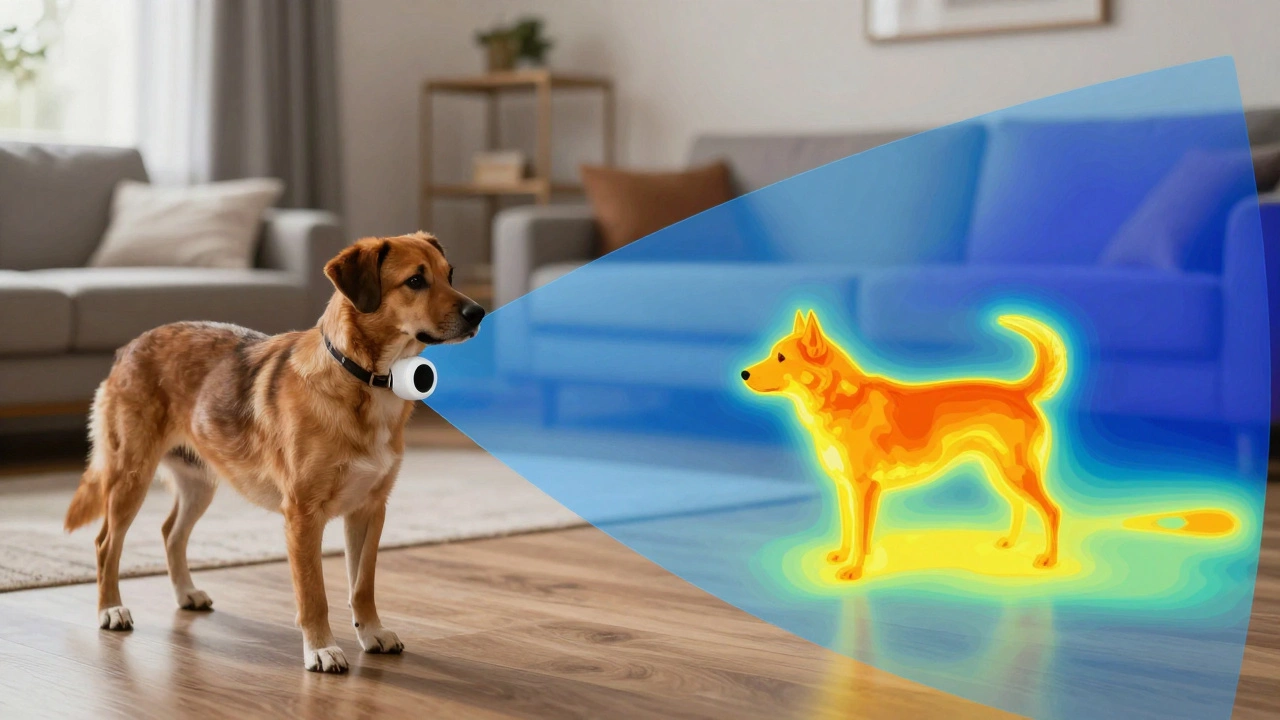
The core of the issue is how the hardware "sees" the world. The SimpliSafe Motion Sensor Gen 2 is an infrared heat detection device that uses a precision human-form detection algorithm to tell the difference between a human intruder and a household pet. It doesn't just look for movement; it looks for a specific heat signature and a specific shape. If your dog fits the weight profile and the sensor is positioned right, your pup can roam freely without triggering a police dispatch.
The Magic Number: Does Your Dog Fit the Weight Limit?
Before you get too comfortable, let's talk about size. SimpliSafe has a pretty clear boundary here: dogs under 60 pounds generally won't trigger the sensors. If you're in the UK, that threshold is slightly lower, around 23 kilograms (roughly 50 pounds). If you have a tiny Chihuahua or a medium-sized Beagle, you're in the clear. If you have a 110-pound Great Dane, the system is going to have a much harder time distinguishing your dog from a grown adult.
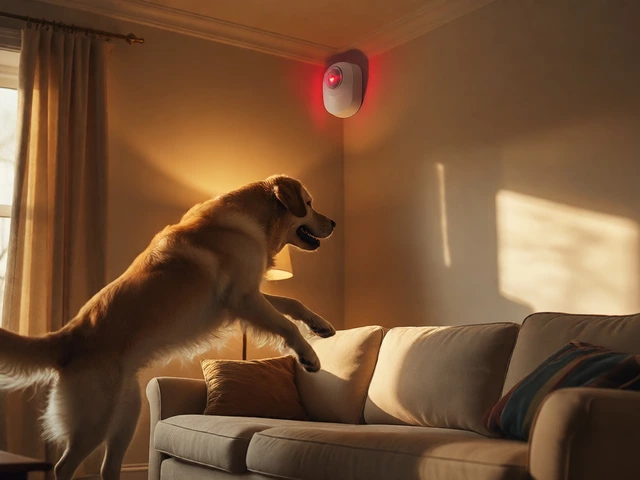
Even if your dog is under the weight limit, there's a catch. Physics still applies. If a small dog jumps directly in front of the sensor or stands within a few feet of it, they appear much larger to the infrared lens. At that close range, the heat signature becomes overwhelming, and the algorithm might mistake your Pomeranian for a burglar. The key is maintaining a reasonable distance between the sensor and where your dog spends most of their time.
Activating Pet Mode for Peace of Mind
Having the Gen 2 hardware is great, but the software does the heavy lifting. You need to ensure Pet Mode is actually turned on. This isn't always an automatic setting; it's a configuration you manage through the app. When Pet Mode is active, the sensor adjusts its sensitivity to better ignore those smaller heat signatures moving across the floor.
To get this running, follow these steps in the SimpliSafe Mobile App:
- Open the app and navigate to the "My System" tab.
- Tap on "Device Settings."
- Select the specific Motion Sensor Gen 2 you want to adjust.
- Go into "Motion Sensitivity" and toggle Pet Mode to the "on" position.
If you're installing a brand new system, you can usually set this up during the initial onboarding process, but it's always worth double-checking the device settings once the sensors are on the wall.
Strategic Placement to Avoid False Alarms
Where you put the sensor is just as important as the settings you choose. The standard advice is to mount the sensor 6 feet above the floor in a corner. This gives you a 90-degree field of view and a range of about 35 feet. However, for dog owners, "standard" isn't always "best."
If you have a more active dog or one that likes to jump, you can use a few clever installation hacks to create a "blind spot" for your pet. One effective method is mounting the sensor on a shelf or wall about 4 feet from the ground, but with the test button facing downward. This forces the sensor to look straight out and slightly upward. Since the sensor isn't looking down at the floor, your dog can walk right under its field of vision without ever being detected.
Another pro move is mounting the sensor completely upside down. By flipping the device so the test button faces the floor, you invert the field of view. This creates a safe zone at the ground level where pets can roam, while the sensor still monitors the upper half of the room where a human would be visible. Just be careful not to point the sensor at the couch or the bed-if your dog spends the afternoon lounging on the sofa and the sensor is aimed right at it, the concentrated heat signature might eventually trigger the alarm.
| Setup Method | Target Pet Weight | Ideal Height | Pros | Cons |
|---|---|---|---|---|
| Standard Setup | Under 60 lbs | 6 Feet | Maximum room coverage | Higher risk of trigger if pet gets too close |
| Inverted / Upside Down | All sizes | 4-6 Feet | Creates a ground-level blind spot | Slightly reduced overhead coverage |
| Low Sensitivity Switch | Larger Pets | Variable | Requires larger heat signature | Range drops from 30ft to 20ft |
Dealing with "Ghost" Triggers
Sometimes the alarm goes off, and you're certain the dog didn't do it. This is where environmental factors come into play. Infrared sensors detect heat, not just movement. If you have a heating vent blowing warm air directly across the sensor's path, or a sunny window that hits the lens at 2 PM, the system might think it's a human. Even curtains waving in front of a warm radiator can fool the sensor.
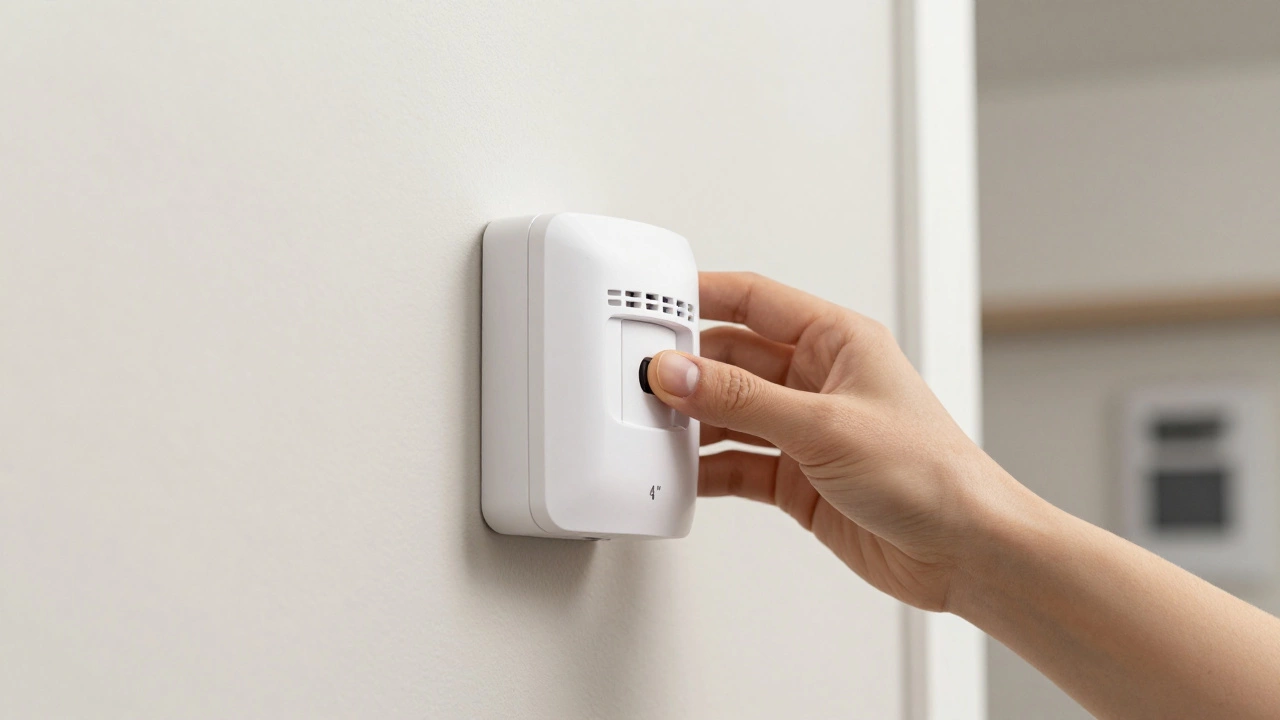
If you find you're still getting false alarms despite having Pet Mode on, look for the physical sensitivity switch on the back of the sensor (located below the batteries). Most units come set to "medium." Switching this to "low" means the sensor needs a more significant heat signature to trigger. This is a lifesaver for people with larger dogs who occasionally jump on furniture. Just keep in mind that lowering the sensitivity also shrinks the detection range-you'll go from 30 feet of coverage down to about 20 feet. It's a trade-off: less security range for fewer headaches.
Comparing Hardware: Gen 1 vs. Gen 2
If you're using an older system, you might be using the Gen 1 sensors. There is a noticeable difference here. The Gen 1 model has a smaller dome (about 1 inch), while the Gen 2 has a larger 1.5-inch dome. This isn't just about looks; the larger lens and updated internals in the Gen 2 model allow for much more accurate pet differentiation. If you're still struggling with false alarms on an old system, upgrading to the newer sensors is the most effective fix.
Do all dogs trigger SimpliSafe sensors?
No. Most dogs under 60 pounds (or 23kg in the UK) will not trigger the sensor if Pet Mode is enabled and the sensor is mounted correctly. However, very large dogs or pets that jump directly in front of the sensor may still cause a trigger.
How do I turn on Pet Mode?
Open the SimpliSafe Mobile App, go to "My System," select "Device Settings," choose your Motion Sensor Gen 2, and toggle the Pet Mode switch to on within the Motion Sensitivity menu.
Can I use the sensors with a 70lb dog?
It's risky. Since the official limit is 60lbs, a 70lb dog is more likely to be detected. Your best bet is to mount the sensor upside down or at a height of 4 feet with the button facing down to create a blind spot at the floor level.
Why is my dog triggering the alarm even with Pet Mode?
The most common reasons are the dog getting too close to the sensor (within a few feet), jumping onto furniture that the sensor is pointed at, or the sensor being mounted too low. Also, check for heat sources like radiators or sunlight hitting the lens.
Does changing sensitivity to "Low" affect security?
Yes, slightly. Switching to "Low" reduces the detection range from 30 feet to 20 feet. This means an intruder would have to get closer to the sensor to be detected, but it significantly reduces false alarms caused by pets.
Next Steps for Your Home Setup
If you've just bought your system, start by mapping out your dog's favorite spots. Avoid placing sensors in the "zoomie" corridors or right above their favorite nap spot. If you have a multi-pet household with both dogs and cats, the inverted mounting method is almost always the safest bet because cats are more likely to jump onto high surfaces where a standard sensor would catch them.
For those with very large breeds, consider supplementing your motion sensors with entry sensors (door/window contacts) and cameras. This allows you to rely less on motion detection and more on perimeter security, ensuring you know if someone entered the house without worrying about your dog's midnight snack run triggering the sirens.