Baby Monitor Compatibility & Cost Checker
Wi-Fi Smart Camera
e.g., Nanit Pro, Owlet Cam 2
Hybrid System
e.g., Eufy E21, VTech RM7766HD
Traditional RF
e.g., Infant Optics DXR-8
Analysis Result
Key Features
Estimated Costs (Year 1)
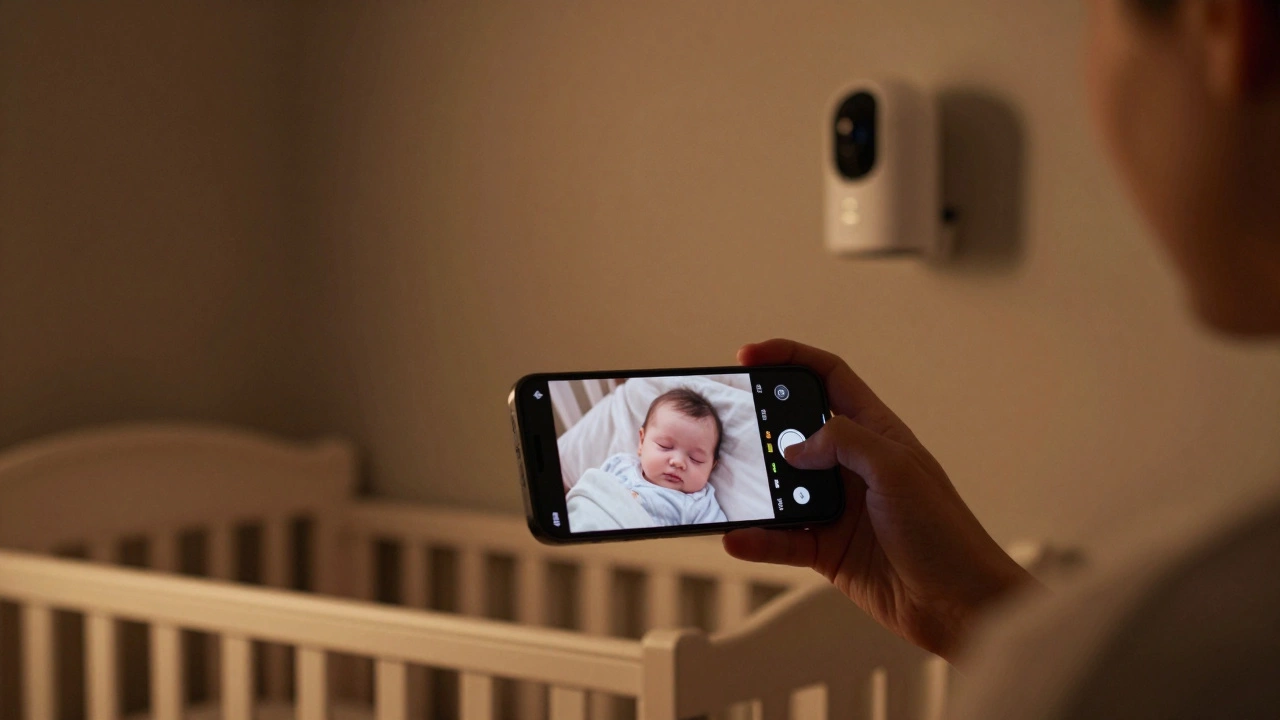
You pull out your phone to check on the baby, but the screen stays black. Or maybe you’re shopping for a new unit and wondering if that fancy handheld parent unit is actually necessary when you carry a smartphone everywhere. The short answer is: it depends entirely on the technology inside your specific device.
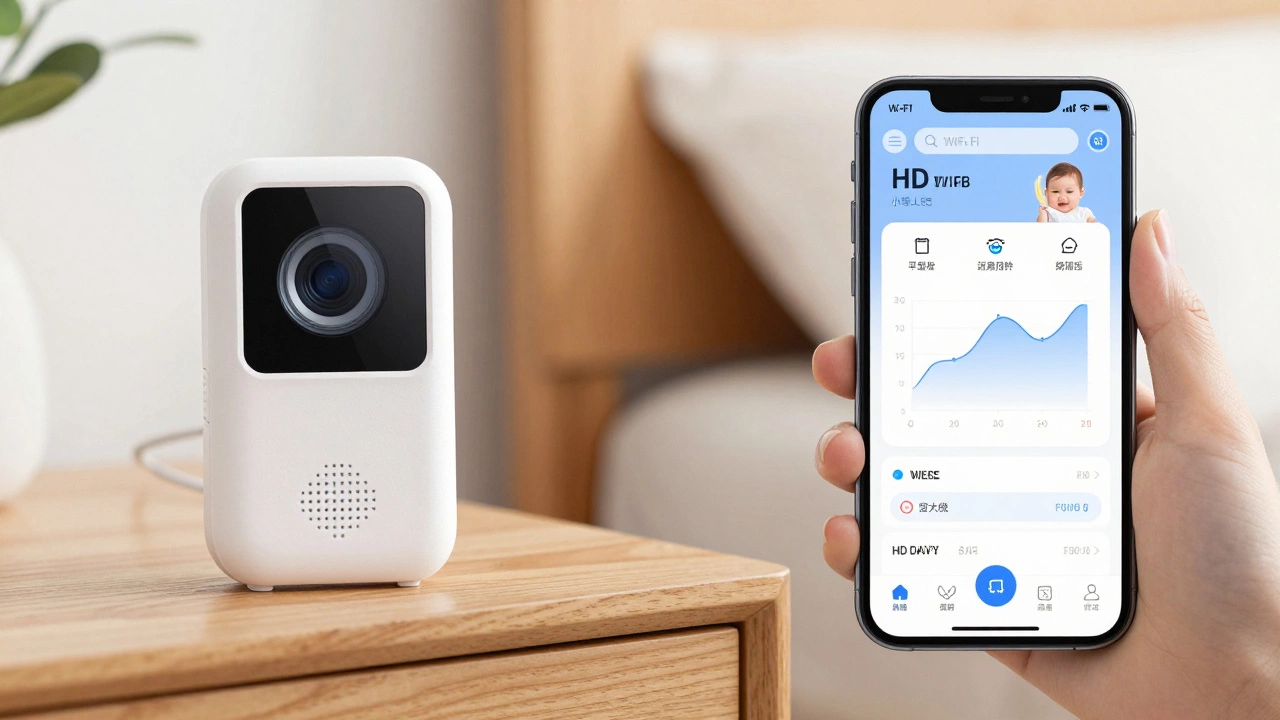
In 2026, watching your baby monitor on your phone is standard for Wi-Fi smart cameras and hybrid systems, but impossible for traditional radio-frequency (RF) monitors. If you have a dedicated RF unit like the Infant Optics DXR-8, there is no app, no cloud connection, and therefore no way to stream video to iOS or Android. If you have a Wi-Fi camera like the Nanit Pro or Owlet Cam 2, your phone is the primary viewing screen.
This isn't just about convenience; it’s a choice between two different worlds of parenting tech. One offers unlimited range and sleep analytics at the cost of privacy risks and subscription fees. The other offers total isolation from hackers but limits you to the walls of your house. Let’s break down which option fits your life.
Which Monitors Work with Phones?
To know if you can view your feed on a mobile device, you need to identify the architecture of your current or prospective monitor. In 2026, the market splits into three distinct categories.
| Type | Phone Viewing? | Range | Key Pros | Key Cons |
|---|---|---|---|---|
| Wi-Fi Smart Cameras (e.g., Nanit, Owlet) | Yes (Primary) | Unlimited (Internet) | Remote access, AI insights, multi-user | Security risks, subscriptions, Wi-Fi dependency |
| Hybrid Monitors (e.g., Eufy E21, VTech RM7766HD) | Optional | Local + Unlimited | Flexibility, local backup | More complex setup than pure RF |
| Traditional RF Monitors (e.g., Infant Optics DXR-8) | No | 150-300 meters | Zero lag, unhackable, no subscriptions | No remote access, limited range |
Wi-Fi Smart Cameras are designed specifically for phone integration. Brands like Nanit Pro and Owlet Cam 2 stream high-definition video directly to an app on your iPhone or Android. These devices connect to your home router via 2.4 GHz or 5 GHz Wi-Fi. Because they rely on the internet, you can watch your baby from the office, a hotel room, or across the globe, provided both the camera and your phone have network coverage.
Hybrid Monitors, such as the Eufy E21 or VTech RM7766HD, offer a middle ground. They come with a dedicated handheld screen for reliable local viewing but allow you to enable Wi-Fi to push notifications or stream video to your phone when needed. This is ideal if you want the reliability of a local signal but occasionally need to check in remotely.
Traditional RF Monitors use a closed digital radio frequency link (usually 2.4 GHz) to send video from the camera to a proprietary parent unit. The Infant Optics DXR-8 and its Pro version are the most popular examples. Manufacturers explicitly state these units require "no Wi-Fi or apps." There is no software bridge to your phone because the data never leaves the local radio loop. If you own one of these, you cannot watch it on your phone unless you buy a separate second camera system.
Turning Old Phones into Monitors
If you don’t want to spend hundreds of dollars on a dedicated smart camera, you can repurpose old smartphones or tablets using third-party applications. This approach turns any device with a camera and microphone into a nursery monitor.
Apps like Cloud Baby Monitor, Bibino, and BabyCam create a peer-to-peer connection between two devices. You leave one phone near the crib acting as the "child unit" and use your daily driver as the "parent unit."
Here is how it works in practice:
- Local Network: Both phones connect to the same Wi-Fi router. This provides low-latency streaming without using mobile data.
- Unlimited Range: Apps like Bibino allow you to switch to 4G/LTE/5G mobile data. This means you can take your phone outside the house, and as long as the nursery phone has Wi-Fi and your phone has cellular service, the stream continues.
- Cost: Most of these apps are free to download, with optional premium upgrades around $2-$5 to remove ads. This is significantly cheaper than buying hardware like the Nanit ($249-$399).
The downside is battery life and heat. Running a camera app continuously drains batteries quickly and generates heat. You must keep the "nursery" phone plugged into power at all times. Additionally, you lose the specialized features of dedicated monitors, such as integrated temperature sensors, nightlights, or breathing motion analysis.
The Security Trade-Off
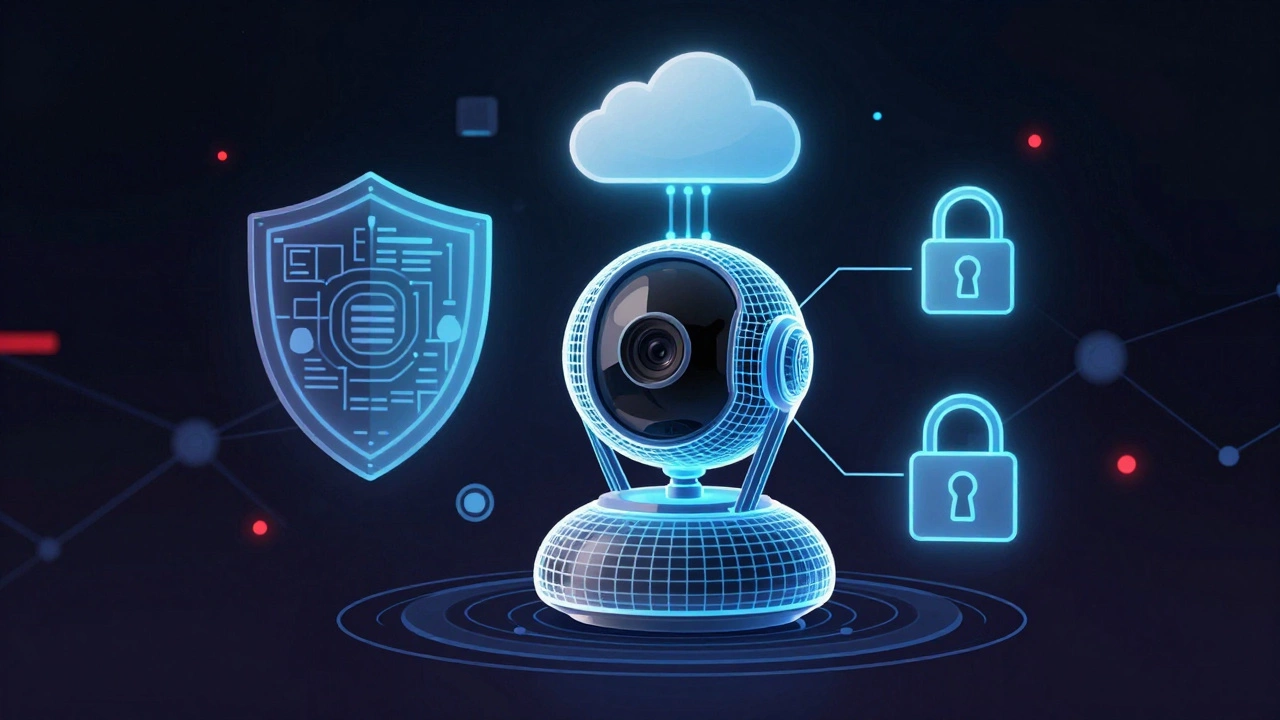
This is the most critical factor in your decision. When you enable phone viewing, you are connecting a camera inside your child’s bedroom to the public internet. This introduces vulnerabilities that simply do not exist with traditional RF monitors.
Security researchers have repeatedly flagged issues with internet-connected baby monitors. In May 2026, reports highlighted that over 1.1 million Wi-Fi cameras based on Meari Technology were vulnerable to breaches exposing video feeds and location data. Earlier research by Bitdefender found remote code execution flaws in Nooie Baby Cams. Even reputable brands face scrutiny; Rapid7 identified critical vulnerabilities in models from Philips, iBaby, and Summer Infant, where weak authentication allowed unauthorized viewers to join streams.
Does this mean Wi-Fi monitors are unsafe? Not necessarily, but they require active management. To protect your family when using phone-viewable monitors:
- Change Default Passwords: Never use the factory-set password. Create a unique, strong password for the camera account.
- Enable Two-Factor Authentication (2FA): If the app supports it, turn this on immediately. It prevents hackers from accessing your account even if they guess your password.
- Update Firmware: Manufacturers patch security holes regularly. Ensure your app and camera firmware are up to date.
- Segment Your Network: If your router allows it, place IoT devices like baby monitors on a separate "Guest" network. This isolates them from your personal laptop and phone, limiting the damage if the camera is compromised.
Parents who choose non-Wi-Fi monitors like the Infant Optics DXR-8 or Bebcare digital units often cite this exact concern. As one Reddit user noted in late 2022, the appeal of the DXR-8 is that it "works right out of the box" without installing apps or entering Wi-Fi passwords, eliminating the risk of remote intrusion entirely.
Features and Costs in 2026
Phone-based monitoring comes with a suite of features that RF monitors cannot match, but also a different pricing structure.
Smart Features: Wi-Fi cameras often include AI-driven analytics. The Nanit Pro uses computer vision to track sleep patterns, count parent visits, and analyze breathing motion (via a special mat). The Owlet Dream Sight offers 2K HD video, cry detection, and room environment sensors. These insights are pushed directly to your phone as notifications.
Subscription Fatigue: Many of these advanced features are locked behind paywalls. Nanit’s basic live view is free, but its detailed sleep insights cost roughly $120 per year. Owlet Cam 2 does not require a mandatory subscription for core features, but some integrations may incur costs. Traditional RF monitors have zero ongoing fees. You pay once for the hardware, and that’s it.
Hardware Costs:
- App-only solutions: Free to ~$5 USD.
- Traditional RF (DXR-8 Pro): ~$200 USD, one-time.
- Premium Wi-Fi (Nanit Pro): $250-$400 USD hardware + potential annual subscription.
- Mid-range Wi-Fi (Owlet Cam 2): ~$160 USD, one-time.
Setup and Reliability
Getting a phone-viewable monitor running takes more effort than an RF unit. An RF monitor usually requires plugging in the camera and turning on the parent unit-done in under a minute. A Wi-Fi camera requires downloading an app, creating an account, pairing the device via QR code, and ensuring your Wi-Fi signal reaches the nursery. This process can take 30 to 90 minutes.
Reliability is another key difference. RF monitors operate on a dedicated frequency that rarely interferes with household electronics. Wi-Fi monitors depend on your home network. If your router restarts, your ISP goes down, or you have dead zones in your house, the stream on your phone will cut out. Hybrid monitors like the Eufy E21 mitigate this by allowing you to switch back to local mode if Wi-Fi fails.
Battery life on the parent end is also a consideration. Streaming video consumes significant power. If you are walking around the house checking on the baby via your phone, you may find yourself needing to charge your phone more frequently than if you were carrying a lightweight RF parent unit with a dedicated battery optimized for long-term standby.
Who Should Choose Which?
Your decision should hinge on your lifestyle and risk tolerance.
Choose a Wi-Fi/Phone Monitor if:
- You work from home or travel frequently and need to check on the baby remotely.
- You value data insights like sleep tracking and temperature logs.
- You have multiple caregivers who need simultaneous access (e.g., grandparents, nannies).
- You are comfortable managing Wi-Fi networks and securing IoT devices.
Choose a Traditional RF Monitor if:
- Privacy and security are your top priorities.
- You want a simple, plug-and-play experience with no apps or accounts.
- Your home has poor Wi-Fi coverage in the nursery.
- You dislike subscription models and prefer one-time purchases.
Choose a Hybrid or App-Based Solution if:
- You want the flexibility of phone viewing but want a backup local screen.
- You have spare smartphones lying around and want a budget-friendly solution.
Can I watch the Infant Optics DXR-8 on my phone?
No. The Infant Optics DXR-8 and DXR-8 Pro use a closed digital RF system that connects only to their proprietary handheld parent units. They do not have Wi-Fi capabilities, apps, or cloud connectivity, so streaming to a smartphone is technically impossible.
Are Wi-Fi baby monitors safe from hackers?
They are safer if you follow strict security protocols, but they are inherently more vulnerable than non-Wi-Fi monitors. Risks include weak default passwords, unencrypted streams, and cloud server breaches. Mitigate risks by using strong unique passwords, enabling two-factor authentication, keeping firmware updated, and placing the camera on a separate guest Wi-Fi network.
Do I need a subscription to watch my baby monitor on my phone?
It depends on the brand. Basic live viewing and audio are typically free for most Wi-Fi cameras like the Owlet Cam 2 or Reolink E1 Pro. However, advanced features like sleep analytics, video history storage, and AI insights often require monthly or annual subscriptions, such as Nanit Insights (~$120/year).
What is the best free app to turn an old phone into a baby monitor?
Popular options include Cloud Baby Monitor, Bibino, and BabyCam. These apps allow you to designate one phone as the camera and another as the viewer. They work over local Wi-Fi for free, with optional paid upgrades to remove ads or enable unlimited range via mobile data.
Why would anyone buy a baby monitor that doesn't work with phones?
Parents choose non-phone RF monitors for simplicity, reliability, and security. They offer zero latency, do not depend on internet stability, have no subscription fees, and cannot be hacked remotely because they are not connected to the internet. They are ideal for parents who stay within the home and prioritize privacy.