Home Security Cost & System Finder
💰 Savings Calculator
Compare a standard professional monitoring plan against a one-time hardware purchase.
🏠 Find Your Best Fit
Answer these questions to see which no-fee system matches your lifestyle.
System Name
Reasoning goes here.
Quick Comparison: Top No-Fee Systems (2026)
| System | Upfront Cost | Video Storage | Best For |
|---|---|---|---|
| Eufy S380 | $249 - $349 | Local (Hard Drive) | Tech-savvy users & large homes |
| SimpliSafe | ~$250 | Cloud (Paid Only)* | Renters & simplicity seekers |
| Abode Iota | $399 | Local + Cloud Options | Smart home integrators |
| Ring Alarm | ~$199 | Cloud (Paid Required) | Existing Ring users |
| Reolink | ~$150 | Local (SD/NVR) | Budget-conscious buyers |
*Live view is often free, but saving clips usually requires a subscription on cloud-based systems like Ring and SimpliSafe.
You bought a house. You want to protect it. But you hate the idea of paying someone every single month just so your alarm works. It feels like renting safety instead of owning it. Here is the good news: self-monitored home security systems are now mainstream. They let you pay once for hardware and then keep your wallet shut forever.
In 2026, the market has shifted. You don't need a contract. You don't need a central station dispatching police unless you specifically pay for it. You just need smart hardware that talks to your phone. This guide breaks down exactly which systems work without a subscription, what you lose by skipping the fee, and how to pick the right one for your home.
The Real Cost of "Free" Monitoring
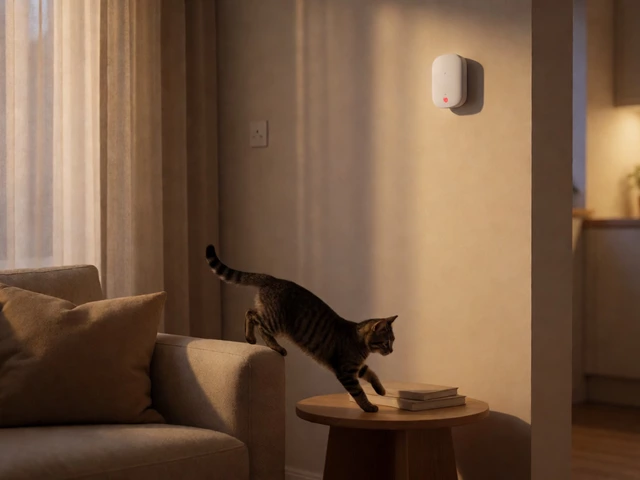
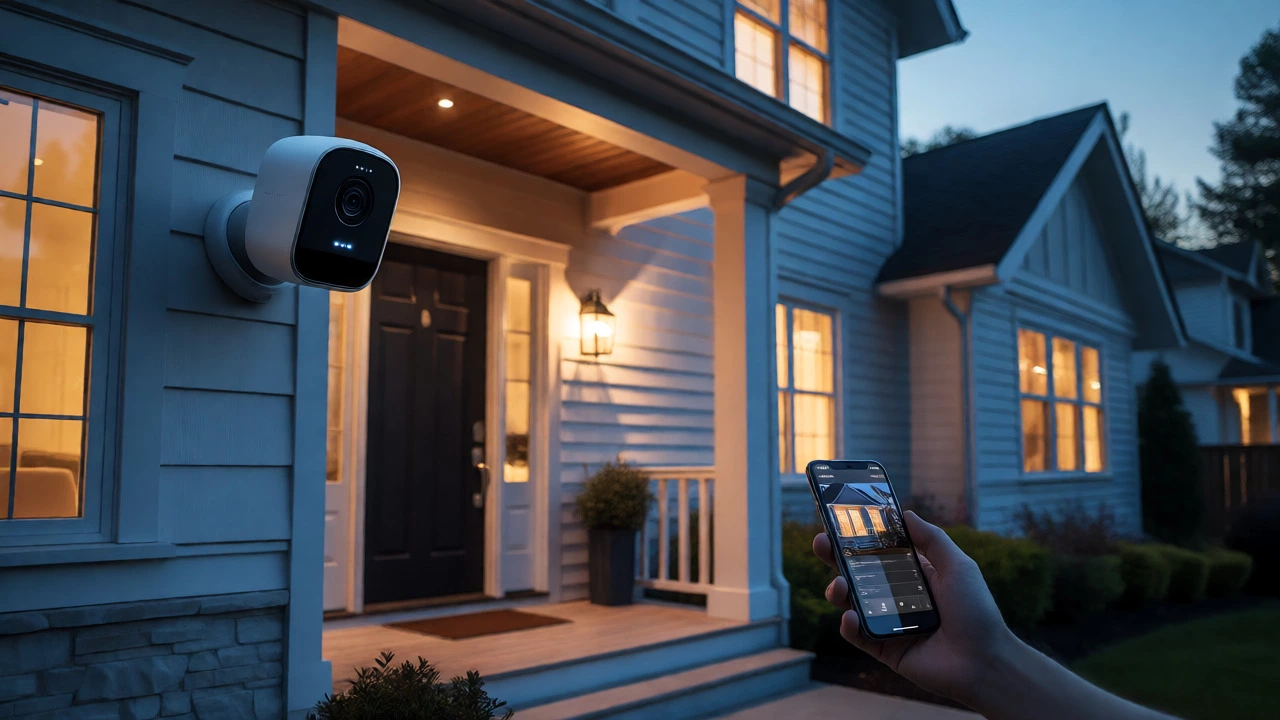
Let's be clear about what "no monthly fee" actually means. It does not mean the system is broken. It means you are the monitoring center. When a sensor trips, your phone buzzes. You look at the live video feed. You decide if it’s a burglar or just the cat jumping on the counter. If it’s a burglar, you call the police yourself.
This model saves serious cash. Traditional professionally monitored systems cost between $20 and $60 per month. Over five years, that’s $1,200 to $3,600 gone. A no-fee system costs you nothing after the initial purchase. Most reliable DIY kits range from $150 to $400 upfront. That’s it. No contracts. No cancellation fees. Just you and your app.
But there are trade-offs. Without a paid plan, you usually lose three things:
- Professional Dispatch: No one calls the cops for you when you’re asleep or out of signal.
- Cellular Backup: If your power or internet goes out, most basic Wi-Fi-only systems go dark.
- Cloud Video History: Some brands hide recorded clips behind a paywall, though this is changing fast.
Eufy Security: The King of Local Storage
If you want zero recurring costs and full functionality, Eufy Security is currently the top choice in New Zealand and globally. Their philosophy is simple: store data locally, process AI on-device, and charge you nothing.
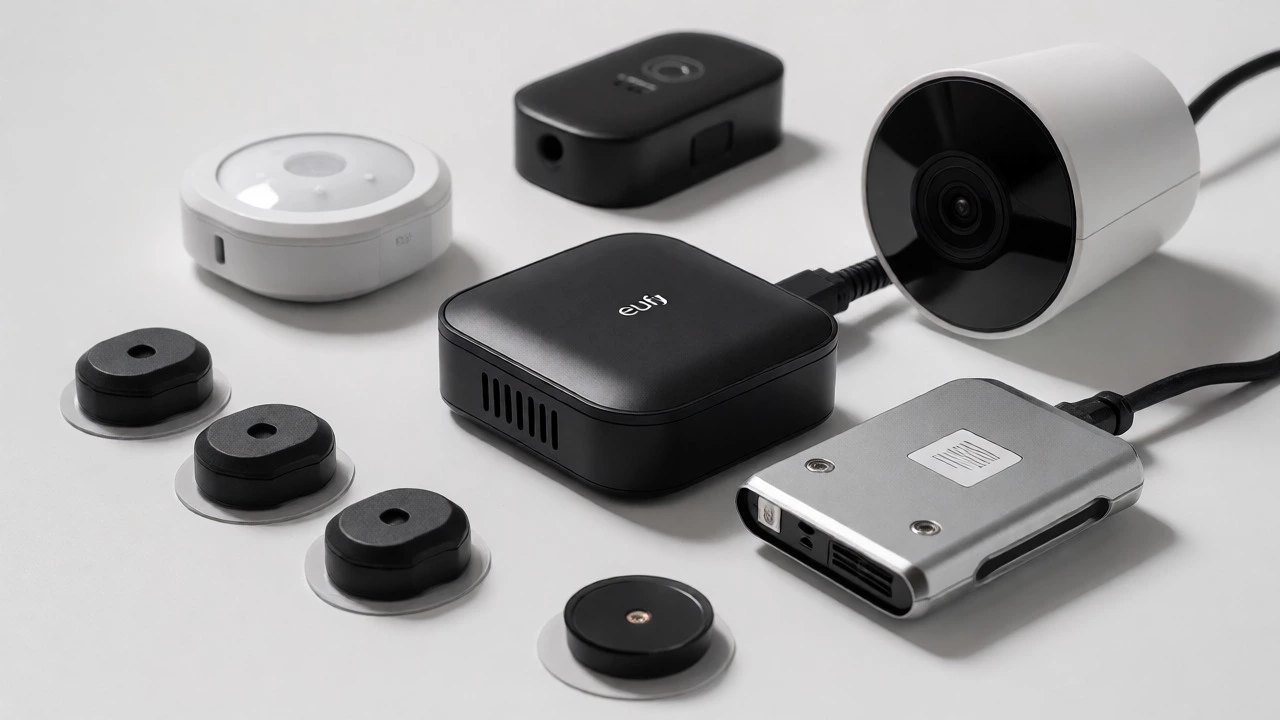
The standout product is the Eufy S380 HomeBase 3. Unlike cloud-dependent rivals, this hub records video directly to its own hard drive. You can expand storage up to 16TB with an external drive. That means months of footage stored in your closet, not on Amazon’s servers.
Why do reviewers love it? Because the core features-person detection, face recognition, and push alerts-work entirely offline via the HomeBase. You get 4K resolution on their newer cams, color night vision, and remote live view without touching a credit card again. The only catch? No cellular backup. If your fiber line gets cut, your remote viewing dies until you fix the Wi-Fi.
SimpliSafe: The Easy Button for Beginners
For those who want simplicity over tech specs, SimpliSafe remains the gold standard for ease of use. It popularized the peel-and-stick installation method. You can set up a whole house in under an hour with no tools.
SimpliSafe offers a free self-monitoring mode. You arm and disarm the system via the app. You get instant push notifications. However, SimpliSafe is stricter about its free tier than Eufy. In the past, they limited camera viewing without a subscription. As of late 2026, reports suggest live view is available for free, but saving video clips often requires the "Standard" or "Fast Protect" plans.
| System | Upfront Hardware Cost | Monthly Fee | Video Storage | |
|---|---|---|---|---|
| Eufy S380 | $249 - $349 | $0 | Local (Hard Drive) | Tech-savvy users & large homes |
| SimpliSafe | ~$250 | $0 (Self-Monitored) | Cloud (Paid Only)* | Renters & simplicity seekers |
| Abode Iota | $399 | $0 | Local + Cloud Options | Smart home integrators |
| Ring Alarm | ~$199 | $0 (Basic) | Cloud (Paid Required) | Existing Ring users |
| Reolink | ~$150 | $0 | Local (SD/NVR) | Budget-conscious buyers |
Abode: The Smart Home Hub Powerhouse
If your house is already full of smart lights, locks, and plugs, Abode might be your best bet. It’s less of a traditional alarm company and more of a security-focused smart home hub.
The Abode Iota is an all-in-one device. It’s a hub, a siren, and a 1080p camera in one sleek tower. At $399, it’s pricier upfront, but it supports Matter, HomeKit, Z-Wave, and Zigbee. This means it plays nice with almost any smart device you own.
Abode’s free plan gives you full app control, automation rules (called CUE), and live camera views. You aren’t locked out of smart features because you didn’t pay a fee. It’s ideal for apartment dwellers or smaller homes where you want deep integration without a monthly bill.
Ring Alarm: The Hybrid Compromise
Ring is everywhere. You see their doorbells on half the houses in Wellington. Their Ring Alarm kit starts around $199 and works without a subscription. But here is the nuance: Ring wants you to subscribe.
In free mode, you get the basics. You can arm the system. You get alerts. You can see live video. But you cannot save video clips. If someone breaks in while you’re at work, you’ll know it happened, but you won’t have footage to show the police unless you happen to be watching the live stream at that exact moment. For many, this is acceptable. For others, losing the evidence makes the "free" aspect feel hollow.
What You Lose When You Skip the Fee
Before you commit to a no-fee system, understand the risks. Self-monitoring puts the responsibility squarely on your shoulders.
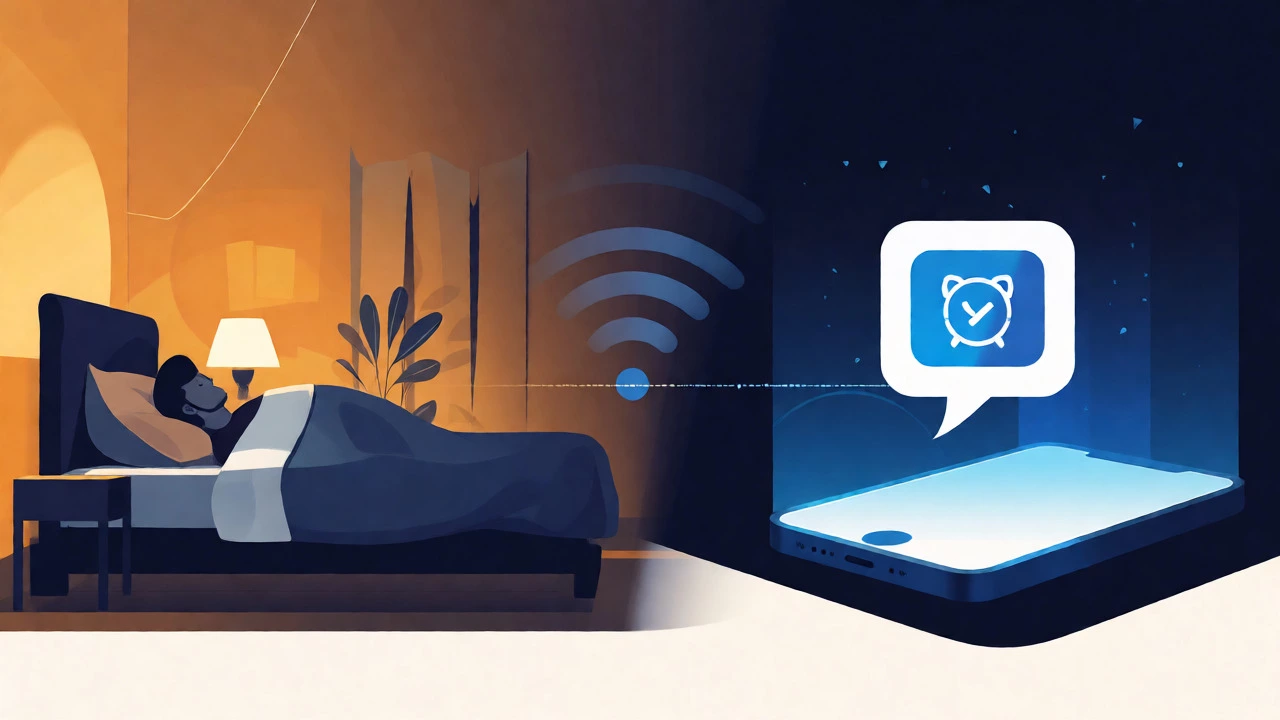
- The Panic Factor: Imagine you’re asleep. Your phone buzzes. Is it a real intruder or a false alarm? You have to wake up, unlock your phone, check the feed, and decide. A professional monitoring service checks this for you 24/7.
- Power Outages: Most no-fee systems rely on Wi-Fi. If the power goes out, your router stops working. Unless you have a battery backup for your router, your security system becomes a dumb box until the lights come back on. Cellular backup is usually a paid add-on.
- Insurance Discounts: Many insurance companies offer discounts for professionally monitored alarms. By going self-monitored, you might miss out on these savings, though the lack of monthly fees usually outweighs this benefit.
How to Choose Your System
Picking the right no-fee system depends on your lifestyle and technical comfort level.
Choose Eufy if: You want high-quality video, privacy, and hate cloud subscriptions. You have stable internet and power. You don’t mind managing your own emergency calls.
Choose SimpliSafe if: You want the easiest setup possible. You rent your home and need something portable. You don’t care about saving video history and just want immediate alerts.
Choose Abode if: You are a smart home enthusiast. You want your alarm to trigger your lights or locks automatically. You have a small to medium-sized home.
Choose Reolink if: You are on a tight budget. You primarily need outdoor cameras and basic sensors. You are comfortable configuring network settings manually.
Installation Tips for DIY Success
One of the biggest perks of these systems is that you install them yourself. Here is how to avoid common pitfalls:
- Test Wi-Fi Strength First: Before mounting anything, walk around your house with your phone. Check your Wi-Fi signal strength near potential camera spots. Weak signals cause laggy video and missed alerts.
- Plan Sensor Placement: Don’t just slap sensors on doors. Place them where they are hardest to reach. High on the frame is better than low. Ensure pets won’t accidentally trip motion detectors by adjusting sensitivity levels in the app.
- Secure Your Network: Since you are self-monitoring, your phone is your command center. Make sure your Wi-Fi password is strong. Enable two-factor authentication on your security app account. If someone hacks your Wi-Fi, they could potentially disable your system.
Frequently Asked Questions
Do no-monthly-fee security systems still send me alerts?
Yes. All reputable no-fee systems provide push notifications to your smartphone when a sensor is triggered. You receive these alerts instantly via Wi-Fi or mobile data, allowing you to take action immediately.
What happens if my internet goes down?
If your internet fails, you will lose remote access to your cameras and app controls. However, the local siren will still sound if an intrusion occurs. Some systems, like Abode, offer optional cellular backup modules for a small additional hardware cost, ensuring connectivity during outages.
Can I upgrade to professional monitoring later?
Most major brands like SimpliSafe, Ring, and Abode allow you to switch from self-monitoring to professional monitoring at any time. You typically just activate the paid plan through the app. There are usually no long-term contracts, so you can cancel the monitoring service whenever you choose.
Is self-monitored security safe enough for families?
It depends on your risk tolerance. For many households, the deterrent effect of visible cameras and sirens is sufficient. However, if you travel frequently or have elderly family members living alone who may struggle to respond to alerts, professional monitoring provides an extra layer of safety.
Which brand has the best video quality without a subscription?
Eufy Security consistently ranks highest for video quality in no-subscription setups. Their eufyCam series offers 2K and 4K resolution with color night vision, recording locally to the HomeBase. This ensures you get crisp footage without relying on cloud compression algorithms.
Final Thoughts on Going Subscription-Free
Gone are the days when you had to sign a three-year contract to sleep well at night. Technology has caught up with consumer demands. By choosing a system like Eufy or Abode, you own your security outright. You pay for the hardware once, and you reap the benefits indefinitely.
Start with a starter kit. Add sensors as needed. Test the app thoroughly. If you find yourself wishing for professional eyes on your home, you can always flip the switch and pay for monitoring later. But for now, enjoy the freedom of a $0 monthly bill.