Ever ring your doorbell and wait… and wait… only to find out someone’s been standing there for five minutes? If your doorbell doesn’t carry sound past the front hall, you’re not alone. Many homes-especially older ones or multi-level houses-struggle with weak or uneven doorbell coverage. The problem isn’t always the doorbell itself. It’s how the chime is placed, what type you’re using, or whether you’ve got the right system for your layout.
You don’t need to install a whole new alarm system or hire an electrician just to hear who’s at the door. With a few smart tweaks, you can make sure your doorbell rings clearly in the kitchen, the bedroom, even the basement. Here’s how.
Know Your Chime Type
Not all doorbells are created equal. There are three main types of chime systems, and each affects how far the sound travels.
- Wired chimes: These connect directly to your home’s electrical system through a transformer and bell wire. They’re reliable, but you’re stuck with where the wires run. Most homes built before 2010 use these. The chime box is usually mounted near the front door or in a hallway, which means sound doesn’t always reach the back of the house.
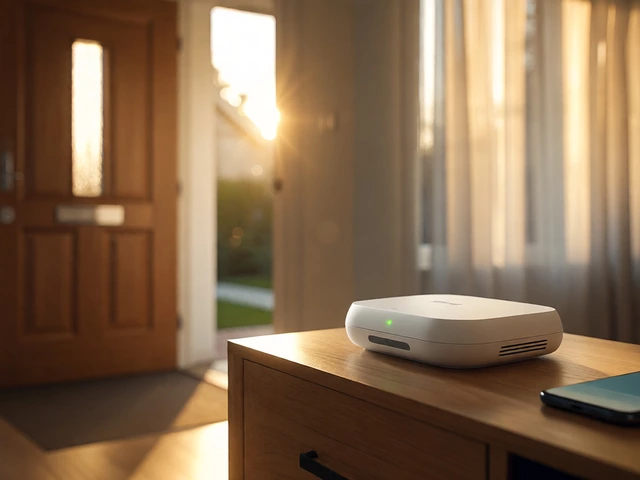
- Plug-in chimes: These plug into a standard wall outlet and connect wirelessly to your doorbell button. You can move them anywhere there’s an outlet-kitchen, living room, upstairs hallway. They’re great for renters or homes without existing wiring.
- Smart Wi-Fi chimes: These work with video doorbells like Ring, Eufy, or Nest. They connect to your home Wi-Fi and can trigger multiple chime units or send alerts to your phone. Some even let you add extra chimes in different rooms.
If you’ve got a wired system and the chime only works in the foyer, switching to a plug-in or smart chime might be your easiest fix.
Where to Place the Chime for Best Coverage
Sound doesn’t travel well through walls, especially drywall and insulation. The key isn’t just power-it’s location.
Forget putting the chime right next to the door. That’s where most people install it-and it’s why you can’t hear it from the backyard. Instead:
- Place the chime unit in a central, open area like a hallway, stairwell, or near the kitchen. These spots let sound bounce and spread.
- Avoid corners, closets, or rooms with heavy curtains and carpets. They soak up sound.
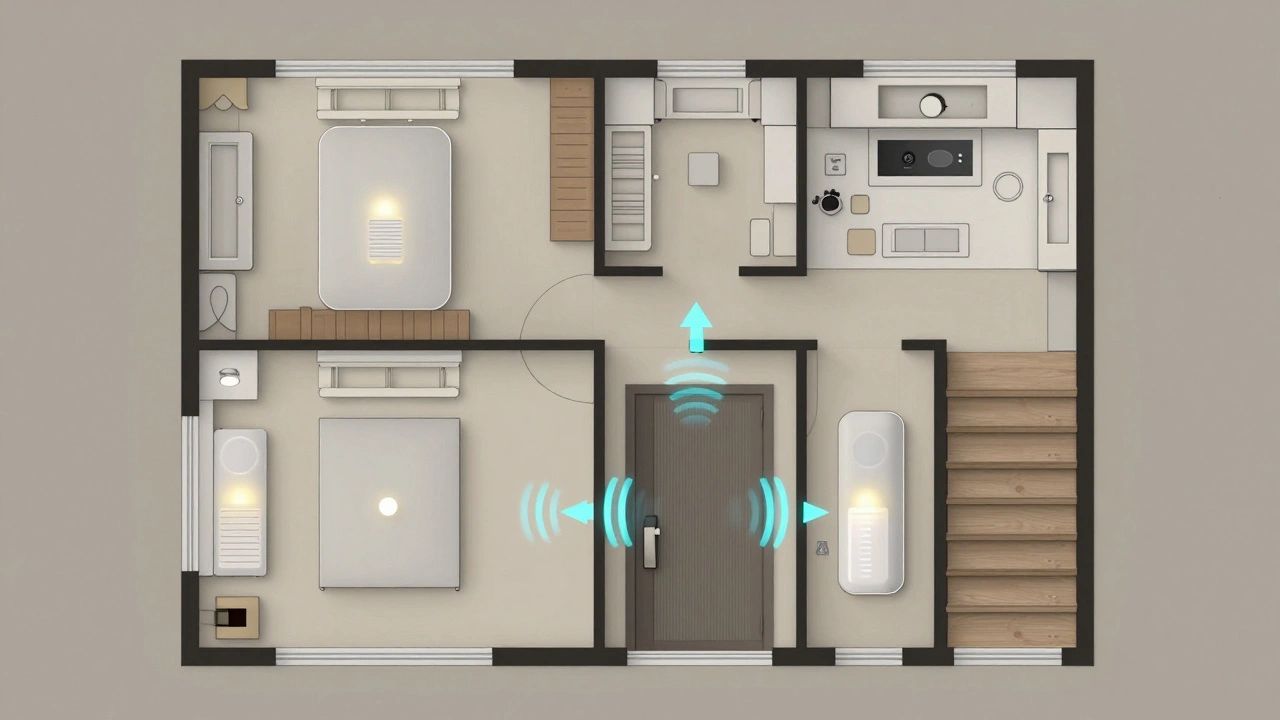
- If you have multiple floors, consider placing one chime on the ground floor and another on the upper level. Many smart systems let you sync up to three chimes.
- Test it. Ring the doorbell while walking around your house. Stand in your bedroom, bathroom, laundry room. If you can barely hear it, move the chime.
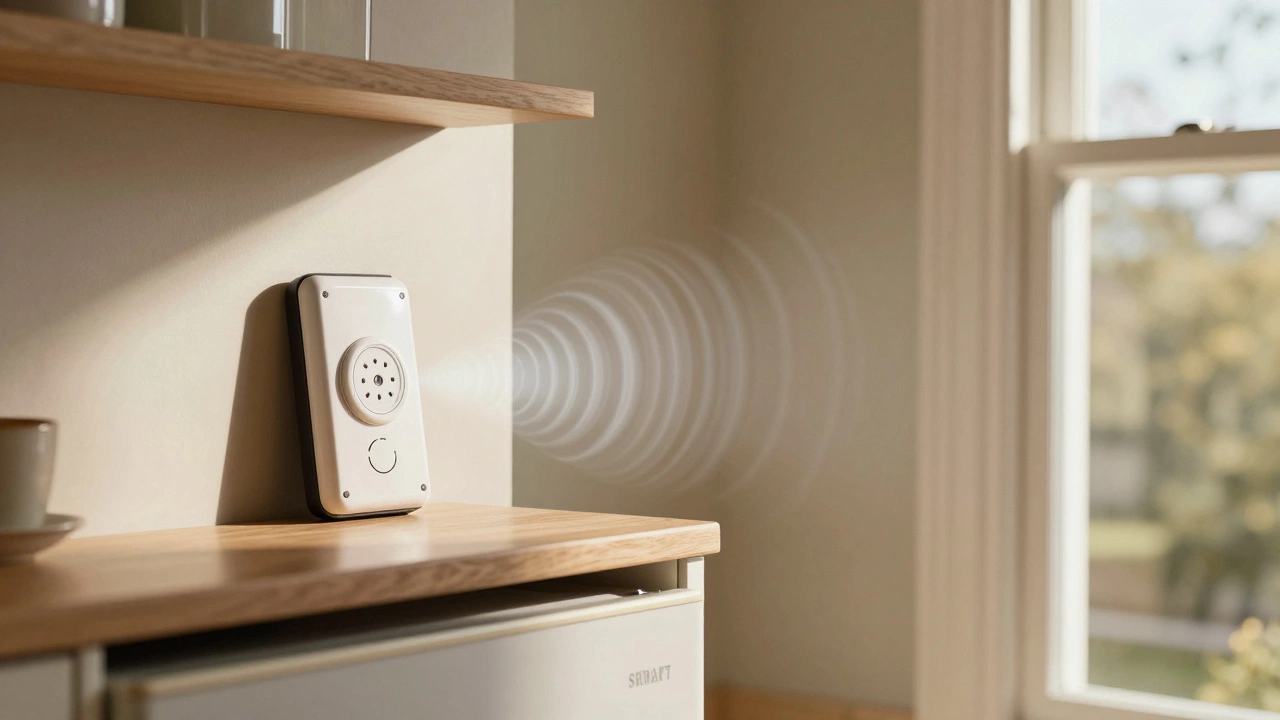
One homeowner in Sheffield found that moving her plug-in chime from the hallway to a shelf above the kitchen fridge made it audible even when she was washing dishes. Sometimes, a few inches make all the difference.
Use Multiple Chimes for Full Coverage
One chime unit rarely covers a whole house. That’s why smart doorbell brands like Ring and Eufy sell extra chime units designed to work together.
For example:
- Put one chime in the living room.
- Put a second in the kitchen.
- Put a third near the stairs if you have a two-story home.
These units sync over Wi-Fi or radio frequency, so when someone rings the doorbell, all of them chime at once. No missed rings. No more "Who’s there?" followed by silence.
Even if you have a wired system, you can add a wireless chime alongside it. Many plug-in chimes work as standalone receivers for wired doorbells. You don’t need to replace the whole system-just boost it.
Upgrade to a Smart Doorbell System
If you’re still using a basic mechanical chime, upgrading to a smart video doorbell might solve more than just sound issues.
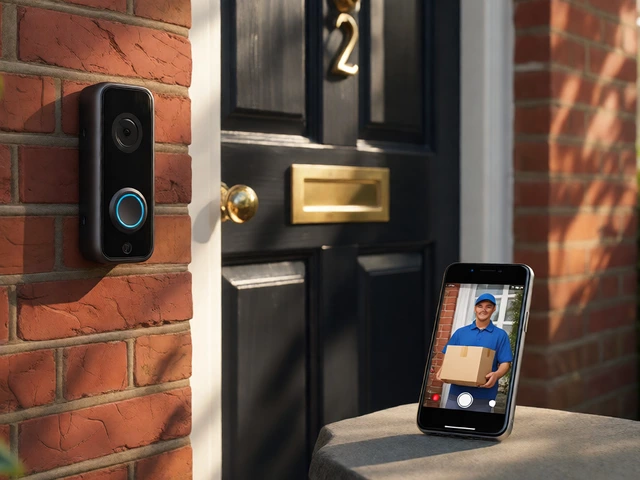
Modern video doorbells (like the Eufy Video Doorbell Dual or Ring Video Doorbell Pro) don’t just ring-they send alerts to your phone, record video, and let you talk to visitors from anywhere. But they also come with smart chime options:
- They connect to your Wi-Fi, so chimes can be placed anywhere with power-even if it’s far from the door.
- You can add multiple chimes, each with its own volume setting.
- Some let you set different chimes for different times of day (e.g., a soft tone at night, a loud one during the day).
- They often include motion alerts, so if someone walks up the path but doesn’t ring, you still get notified.
According to Consumer Reports, smart doorbells with multi-chime support have a 92% success rate in delivering audible alerts across homes with 2+ floors. That’s far higher than traditional wired systems, which drop to 58% in larger homes.
Fix Common Problems
Even with the right setup, things can go wrong. Here are the most common issues-and how to fix them fast.
- Chime doesn’t ring at all: Check the power. If it’s battery-powered, replace the batteries. If it’s plug-in, try a different outlet. For wired systems, test the transformer. It’s usually near your breaker box. If it’s warm to the touch and humming, it’s working. If it’s cold or silent, it may need replacing.
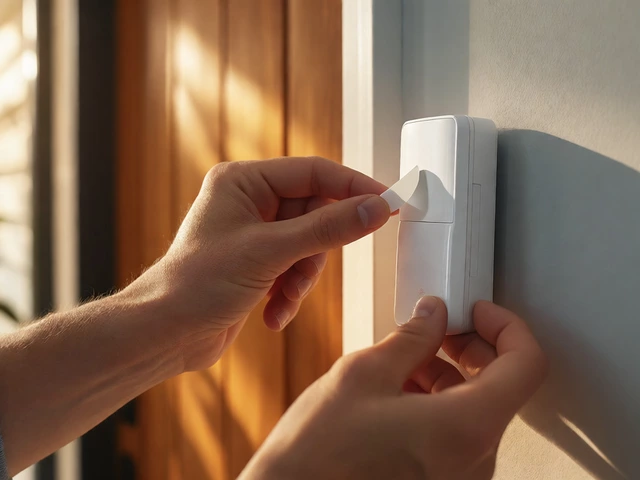
- Weak or muffled sound: Move the chime to a hard surface like a wall or metal shelf. Soft surfaces like wood cabinets or carpets deaden sound. Try mounting it with double-sided tape or screws.
- Interference or false rings: If you live near other homes, wireless doorbells can pick up signals from neighbors. Look for a code-setting option in your app. Most allow you to set a unique code between button and chime to avoid cross-talk.
- Chime works but phone doesn’t alert: Check your Wi-Fi signal. Smart doorbells need strong Wi-Fi. If your front door is far from the router, consider a Wi-Fi extender or mesh system.
Protect Your Setup for All Seasons
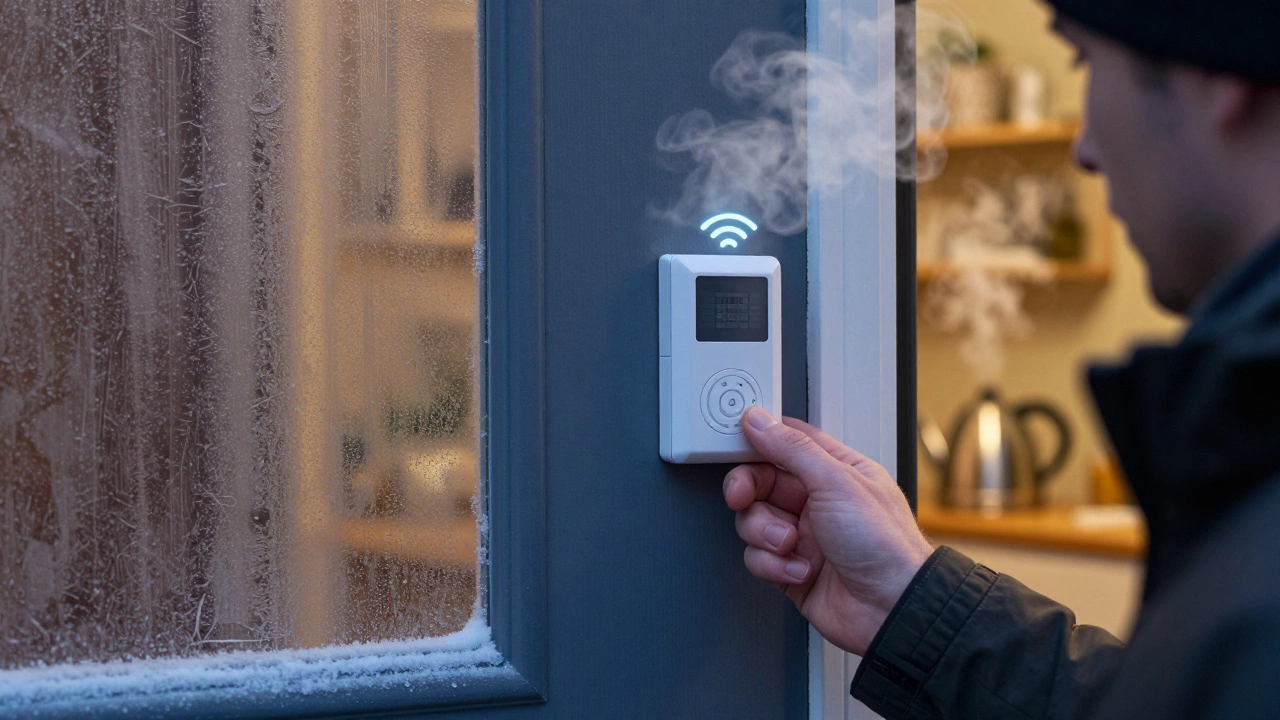
Here in Sheffield, winters get cold and wet. Moisture and freezing temperatures can ruin chime connections if you’re not careful.
For outdoor doorbell buttons:
- Apply a bead of waterproof silicone sealant around the mounting bracket.
- Wrap any exposed wires with heat-shrink tubing to prevent cracking.
- Make sure the doorbell is rated for outdoor use (IP65 or higher).
For indoor chimes near windows or drafty hallways, avoid placing them where cold air hits directly. That can drain battery life faster and cause connection drops.
What to Buy
You don’t need to spend hundreds. Here are three solid options based on your needs:
| Product | Type | Range | Multi-Chime Support | Best For |
|---|---|---|---|---|
| Eufy Video Doorbell Dual | Smart Wi-Fi | Up to 100 ft indoors | Yes (2 chimes included) | Homes with no existing wiring, multi-floor homes |
| Ring Chime Pro | Plug-in Wi-Fi | Wi-Fi range | Yes (up to 3 units) | Existing wired doorbells, renters, tech-savvy users |
| Aosu Wireless Doorbell Kit | Battery-powered wireless | Up to 120 ft | Yes (1 chime, expandable) | Budget buyers, older homes, DIYers |
All three options are available in the UK and work with standard 230V power. The Eufy and Ring systems integrate with Alexa and Google Assistant, so you can hear your doorbell through smart speakers too.
Final Tip: Test Before You Commit
Before buying anything, try this: Borrow a wireless doorbell kit from a friend, or buy one with a return policy. Place the chime in different spots around your home. Ring the button from outside. See where the sound carries best. Most people are surprised by how much placement matters-even more than the brand.
There’s no magic formula. Just location, the right tech, and a little testing. Once you get it right, you’ll never wonder who’s at the door again.
Can I use a smart doorbell chime with my old wired doorbell?
Yes. Many plug-in smart chimes, like the Ring Chime Pro, are designed to work alongside existing wired doorbells. You don’t need to remove the old wiring. Just connect the chime to your Wi-Fi, and it will receive the signal from your current doorbell button. Some even let you adjust the volume and tone remotely.
Do I need Wi-Fi to hear my doorbell throughout the house?
No. Wi-Fi is only needed for smart chimes that connect to apps or send phone alerts. Traditional wireless chimes use radio signals between the button and chime unit, and they work fine without Wi-Fi. Plug-in chimes also work as long as they’re near an outlet. Wi-Fi just adds extra features like remote alerts and multiple chimes.
Why can’t I hear my doorbell upstairs?
Sound doesn’t travel well through floors, especially if there’s carpeting, insulation, or closed doors. The chime unit is probably too far from the stairs or placed in a dead zone. Try moving it closer to the staircase or adding a second chime on the upper floor. Battery-powered or smart chimes are best for this because you can place them anywhere.
How many chime units can I connect to one doorbell?
It depends on the system. Most smart doorbells support 2-3 chimes. Ring and Eufy both allow up to three chime units synced to one button. Some third-party wireless kits let you add more, but performance may drop. Always check the manufacturer’s specs before buying extra units.
Are battery-powered chimes reliable in winter?
Yes, if you use quality batteries and keep them indoors. Cold weather drains battery life faster, so avoid placing battery chimes near drafty windows or unheated garages. Lithium batteries (like Energizer Ultimate Lithium) work better in cold than alkaline ones. Most modern chimes have low-battery alerts, so you’ll know when to replace them.