Blink Cost & Savings Calculator
Local Storage (Free Plan)
- Monthly Fee: $0.00
- Upfront Hardware: ~$30-$50
- Cloud Backup: No
- AI Features: No
$0 / mo
Requires Sync Module 2/XR + USB
Basic Cloud Plan
- Coverage: 1 Device Only
- History: 60 Days
- Cost Per Device: $3.99/mo
$0.00
Total Cost
Plus Cloud Plan
- Coverage: Unlimited Devices
- History: 60 Days
- Warranty: Extended Included
$0.00
Total Cost
💡 Smart Savings Insight
Calculating...
You bought those sleek Blink is a line of wireless home security cameras and doorbells owned by Amazon. devices because you wanted peace of mind without the headache of long-term contracts. Now you’re staring at the app, wondering if your bill is about to get heavier every single month. The short answer? No, there is no mandatory monthly fee to use Blink cameras. You can plug them in, sync them up, and watch live video right out of the box for free.
But here is where it gets tricky. While the hardware works without a subscription, the features that make these cameras truly useful-like saving video clips to the cloud or getting smart alerts when a person walks by instead of just a leaf blowing across the lens-are locked behind optional paid plans. As of late 2025 and into 2026, Blink has adjusted its pricing structure, so knowing exactly what you are paying for (and what you can skip) is crucial to keeping your costs down.
The Bottom Line: Free vs. Paid Usage
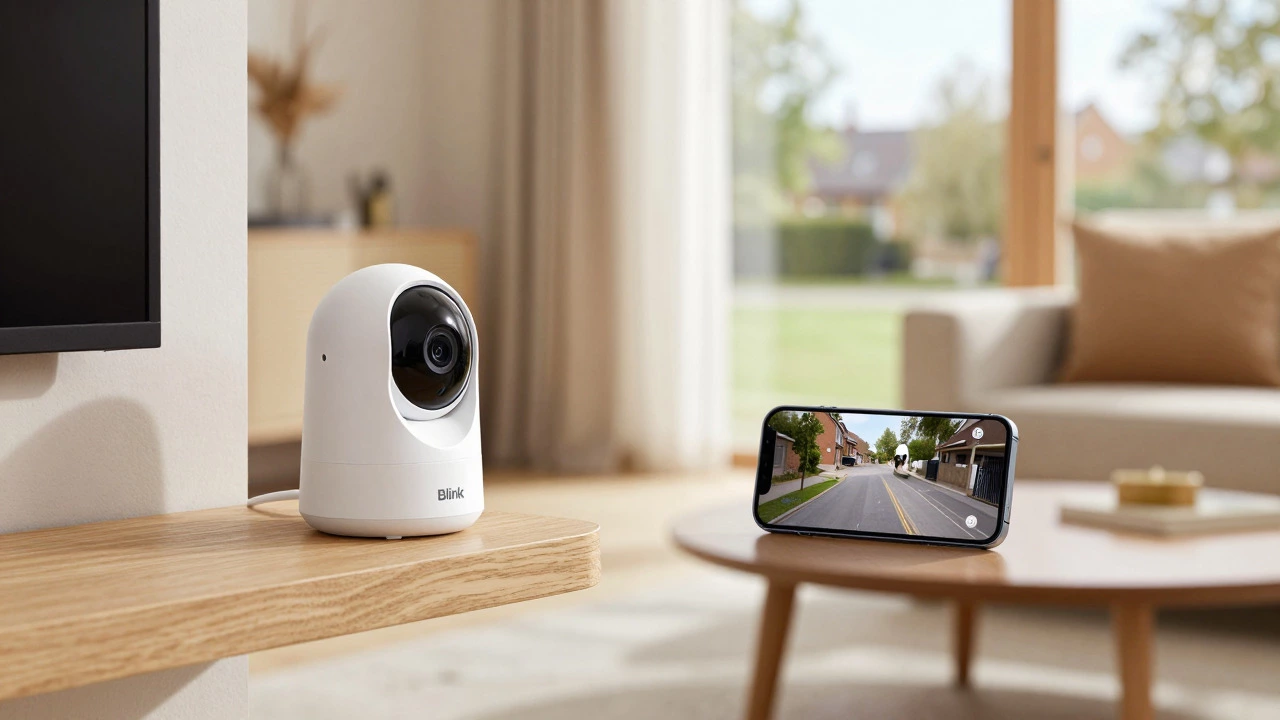
Let’s clear up the biggest misconception first. Many people assume that once you buy a security camera, you are signing up for a lifetime service contract. That is not how Blink operates. You own the hardware. If you never pay a cent after buying the camera, it will still function as a live-view monitor. You can see what is happening outside your front door in real-time through the Blink Home Monitor App is the mobile application used to control and view footage from Blink security devices. on your phone.
However, "live view" only means you can see what is happening *right now*. If you miss an event, or if someone breaks into your shed while you are at work, and you don’t have a subscription or local storage set up, that moment is gone forever. This is why most users eventually opt for a plan, but it remains entirely optional. You are not forced into a monthly fee to make the device turn on.
Understanding the New Subscription Pricing (2026 Rates)
If you have been following Blink since the early days, you might remember the old rates of $3 per month for a single camera. Those days are over for new subscribers in the United States. On October 8, 2025, Blink implemented a price increase that affects all new activations and renewals. It is important to know these current numbers so you aren’t surprised when you check out.
| Plan Type | Monthly Cost | Annual Cost | Device Coverage |
|---|---|---|---|
| Basic Plan | $3.99 | $39.99 | 1 Device |
| Plus Plan | $11.99 | $119.99 | Unlimited Devices |
| Basic AI Plan | Varies | Varies | 1 Device + AI Features |
| Plus AI Plan | Varies | Varies | Unlimited + AI Features |
Note that the AI plans (Basic AI and Plus AI) add advanced detection capabilities, such as distinguishing between people, packages, and animals. These are currently available in the US, Canada, and the UK. For the standard non-AI plans, the math is simple: if you have more than one camera, the Plus plan becomes significantly cheaper per device. Paying $3.99 a month for each individual camera adds up fast. One Plus plan covers everything under your account.
How to Use Blink Completely Free (Local Storage)
So, how do you actually avoid that monthly fee? The answer lies in hardware rather than software. Blink offers a way to record and store video clips locally, meaning they are saved on a physical drive rather than in the cloud. This requires a small upfront investment, but it eliminates recurring costs permanently.
To do this, you need two things:
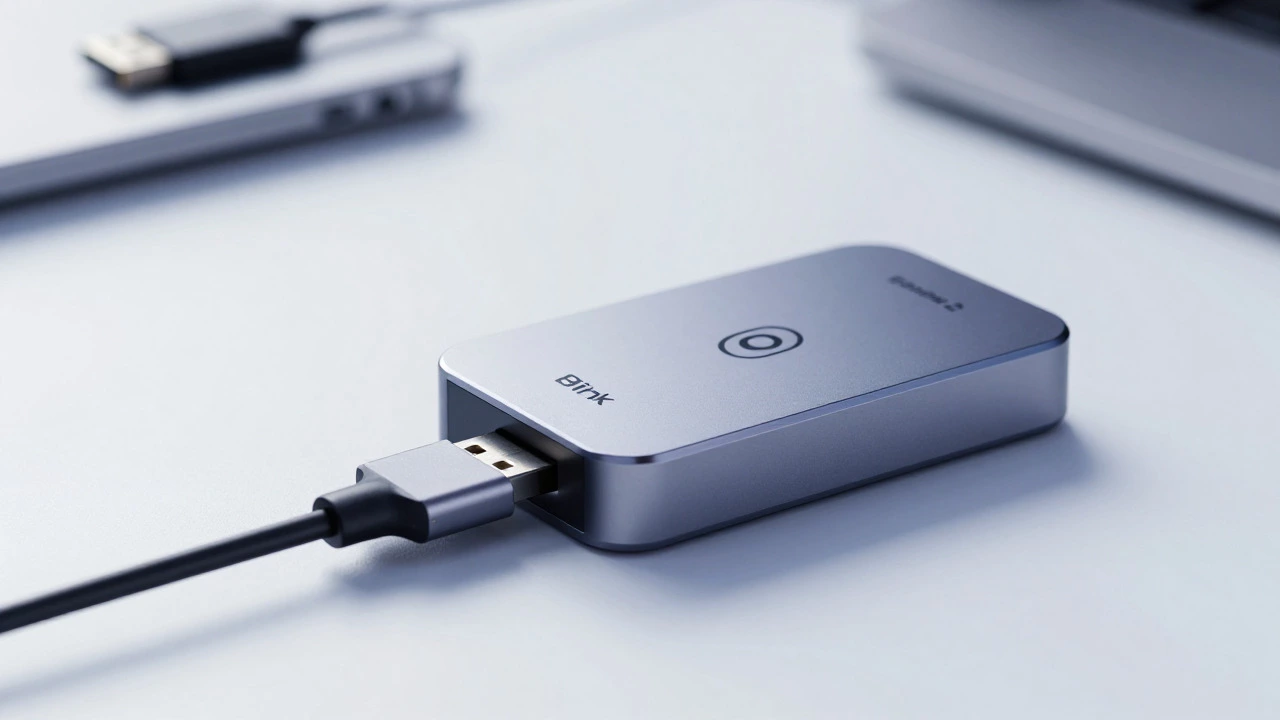
- A Sync Module 2 is a hub device that connects Blink cameras to Wi-Fi and supports local storage via USB drives. or the newer Sync Module XR. The original Sync Module does not support local storage.
- A compatible USB flash drive or microSD card (depending on the module).
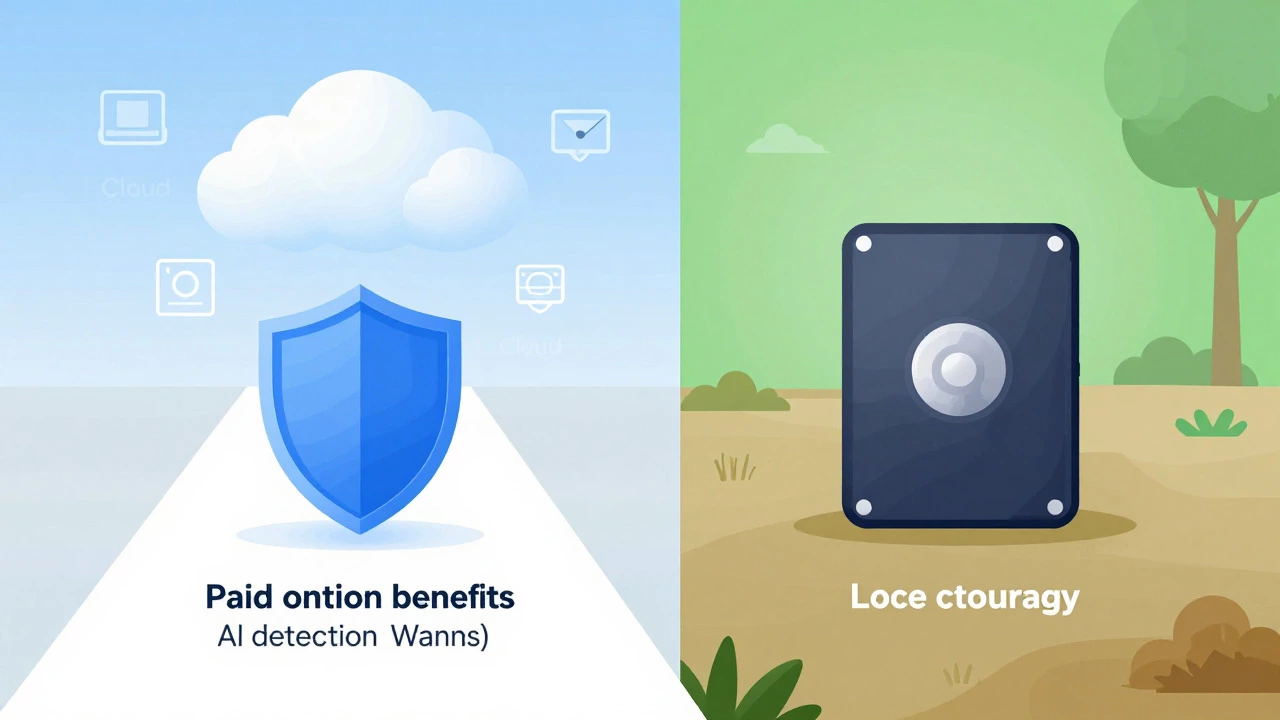
Once you plug the USB drive into the Sync Module, your cameras will automatically save motion-triggered clips to that drive. You can then view these recorded events directly within the Blink app for free. There is no cloud upload, which means your data stays in your house. This is a fantastic option for privacy-conscious users who want to keep their footage off Amazon’s servers. The trade-off? If someone steals your camera or destroys the Sync Module, your footage goes with it. Cloud storage acts as a backup; local storage does not.
What Do You Actually Get With a Paid Subscription?
If you decide that paying $3.99 or $11.99 a month is worth it, what are you buying? It isn’t just "storage." It is convenience and intelligence. Here is the breakdown of value:
- Cloud Video History: Both Basic and Plus plans give you up to 60 days of video history stored securely in the cloud. This is invaluable if you need evidence for insurance claims or police reports weeks after an incident.
- Extended Warranty: Subscribers often get access to extended warranty coverage for their devices, which can save money if a camera fails due to weather or battery issues.
- AI Detection (AI Plans): Standard plans send alerts for any motion. A tree branch waving can trigger ten notifications. AI plans use processing power to identify specific objects like people or packages, reducing false alarms significantly.
- Live View Streaming: While live view is free, paid plans ensure smoother streaming and longer session limits (up to 90 minutes continuous) without interruption.
For many users, the ability to look back at last Tuesday’s porch activity without digging through a USB drive is enough to justify the cost. It turns your camera from a simple viewer into a true security archive.
Wait, Which "Blink" Are We Talking About?
Here is a curveball that confuses a lot of people. There is another product called "Blink"-specifically, blink.new is an AI-assisted app-building platform unrelated to Amazon's security cameras.. This is a software tool for developers to build web applications quickly using artificial intelligence. It has nothing to do with watching your backyard.
If you are asking about the camera system, ignore this section. But if you stumbled upon this question because you saw "Blink" in a tech article about coding, note that blink.new has a very different pricing model. It offers a free tier with limited credits, but serious usage starts at $25 per month for the Starter Plan, going up to $50 for Pro and $200+ for Max plans. Make sure you aren’t mixing up your home security budget with your app development budget!
Should You Go Monthly or Annual?
This is the classic dilemma. Blink, like most subscription services, incentivizes you to pay upfront. Let’s look at the savings for the Plus plan:
- Monthly: $11.99 x 12 = $143.88 per year.
- Annual: $119.99 per year.
You save roughly $24 by committing to a year. That is a decent discount, but it comes with risk. What if you hate the service after three months? What if you move houses and sell the cameras? If you lock in an annual plan, you are stuck paying for the full year even if you cancel early (though policies vary, usually you lose the remaining time). My advice? Start with a monthly plan. Test the waters. See if you actually use the cloud features. If you find yourself constantly checking the video history after six months, switch to annual billing to save money long-term.
Regional Differences: Not Just for Americans
While the price hikes mentioned above specifically targeted the United States market effective October 2025, Blink operates globally. Users in the United Kingdom, Canada, Germany, France, Australia, and other regions may see different pricing structures. In the UK, for instance, prices are quoted in Pounds Sterling and may not have increased at the same rate or time as the US. Always check the Blink website for your specific region. The core principle remains the same everywhere: basic functionality is free, cloud features cost extra.
Final Thoughts on Managing Your Costs
Does Blink require a monthly fee? No. Can you run a fully functional security system for zero monthly cost? Yes, provided you invest in the Sync Module 2/XR and a USB drive. Is it worth paying for a subscription? For most people, yes. The peace of mind of having 60 days of cloud-backed footage is hard to beat, especially for just $3.99 a month for a single camera. But don’t feel pressured. You hold the cards. Buy the hardware, try it free, and only subscribe if the added features genuinely improve your daily life.
Can I use Blink cameras without a subscription?
Yes. You can use Blink cameras for live viewing without any subscription. To record video without a fee, you need a Sync Module 2 or XR and a USB drive for local storage. Without local storage, you can only see live feeds; past events are lost unless you pay for cloud storage.
How much does Blink charge per month in 2026?
In the US, the Basic plan costs $3.99/month for one device, and the Plus plan costs $11.99/month for unlimited devices. These prices reflect the increase effective October 2025. Annual plans offer savings, dropping to $39.99/year for Basic and $119.99/year for Plus.
What is the difference between Basic and Plus plans?
The main difference is device coverage. Basic covers only one camera or doorbell. Plus covers all Blink devices linked to your account. Both plans offer up to 60 days of cloud video history and similar core features, making Plus much more cost-effective for homes with multiple cameras.
Do I need a Sync Module for local storage?
Yes. Only the Sync Module 2 and the newer Sync Module XR support local storage via USB drives. The original Sync Module does not. If you want to avoid monthly fees, ensure you have one of these compatible hubs.
Are Blink AI plans available worldwide?
No. As of 2026, Blink AI plans (which offer advanced object detection) are primarily available in the United States, Canada, and the United Kingdom. Availability may vary by region, so check the Blink app or website for your specific location.