Roku vs Ring Smart Home Decision Tool
Not sure if you need a streaming stick or a video doorbell? Answer these questions to find the right fit for your home.
Step 1: Define Your Primary Goal
You might be standing in the electronics aisle, or scrolling through Amazon at midnight, wondering if you should grab a Roku or a Ring device. It’s a common mix-up because both names pop up constantly in smart home conversations. But here is the blunt truth: asking which is better is like asking if a toaster is better than a smoke detector. They do completely different jobs.
If you want to watch Netflix on your TV without fighting with a clunky interface, you need Roku. If you want to know who left a package on your porch or scare off a delivery thief, you need Ring. Neither one replaces the other. In fact, most modern homes end up needing both. This guide breaks down exactly what each company offers, how much they cost in 2026, and where they fall short so you can stop guessing and start buying the right gear.
The Core Difference: Entertainment vs. Security
Let’s clear up the confusion immediately. Roku is a streaming platform company founded in 2002 by Anthony Wood. Its first device launched in 2008 as the original Netflix-connected player. Today, Roku dominates the living room, powering over 100 million households globally. It is all about getting apps onto your television screen.
Ring, originally called Doorbot when Jamie Siminoff founded it in 2013, was acquired by Amazon in 2018 for roughly $1 billion. Ring focuses entirely on home security. Its ecosystem includes video doorbells, indoor cameras, outdoor floodlight cams, and alarm sensors. Ring is about watching your property, not your movies.
So, why do people compare them? Usually, it’s because someone wants to build a "smart home" on a budget and thinks they can pick one brand for everything. You can’t. Roku doesn’t have a doorbell camera that sends alerts to your phone. Ring doesn’t have an operating system that runs Disney+ or HBO Max on your big screen. They are complementary tools, not competitors.
Roku: The King of Streaming Value
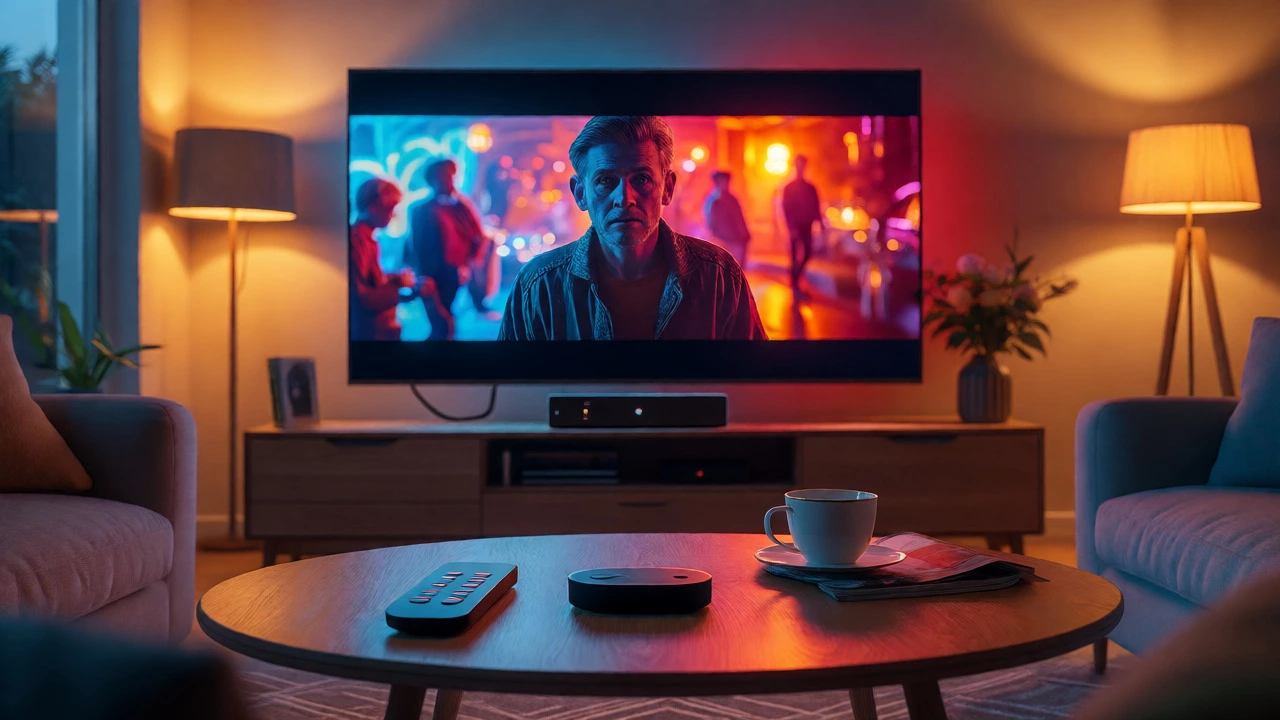
Roku wins on simplicity and price. If your goal is to upgrade an older TV or add features to a new one, Roku is hard to beat. The hardware lineup is straightforward:
- Roku Streaming Stick ($39.99): Perfect for HD TVs. It plugs directly into the HDMI port, hides behind the TV, and comes with a voice remote. Great for bedrooms or kids' rooms.
- Roku Streaming Stick Plus ($59.99): Adds 4K and HDR support. This is the sweet spot for most living rooms with a standard 4K TV.
- Roku Ultra ($149.99): The power user choice. It supports Dolby Vision, Dolby Atmos, Wi-Fi 6, and has an Ethernet port for stable gaming or high-bitrate streaming. It also includes a rechargeable Voice Remote Pro with a finder button (so you don’t lose it under the couch).
The real magic of Roku is the software. The interface is clean, fast, and works across every device. More importantly, The Roku Channel offers thousands of free movies and live TV channels supported by ads. No subscription required. For many New Zealanders and Americans alike, this free content library is a massive value add.
However, Roku isn’t perfect. The interface is cluttered with ads and promoted content. Roku makes money by collecting data on what you watch and selling ad space. If you hate seeing commercials even when you’re browsing menus, you might find it annoying. Also, recent reviews of Roku-branded TVs suggest the hardware quality lags behind their streaming sticks. Stick to the external players for the best experience.
Ring: The Standard for Video Doorbells
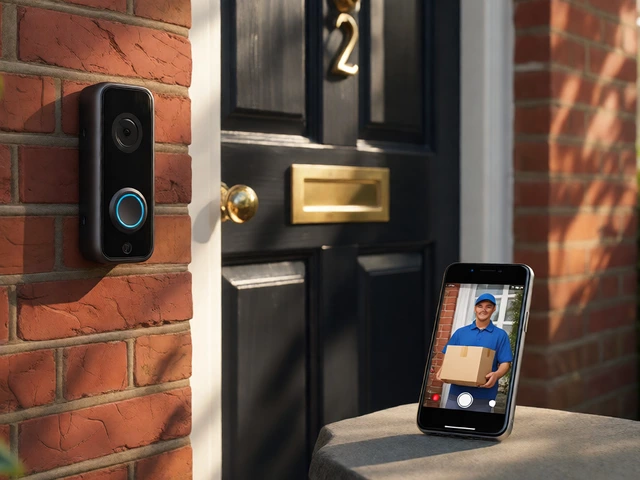
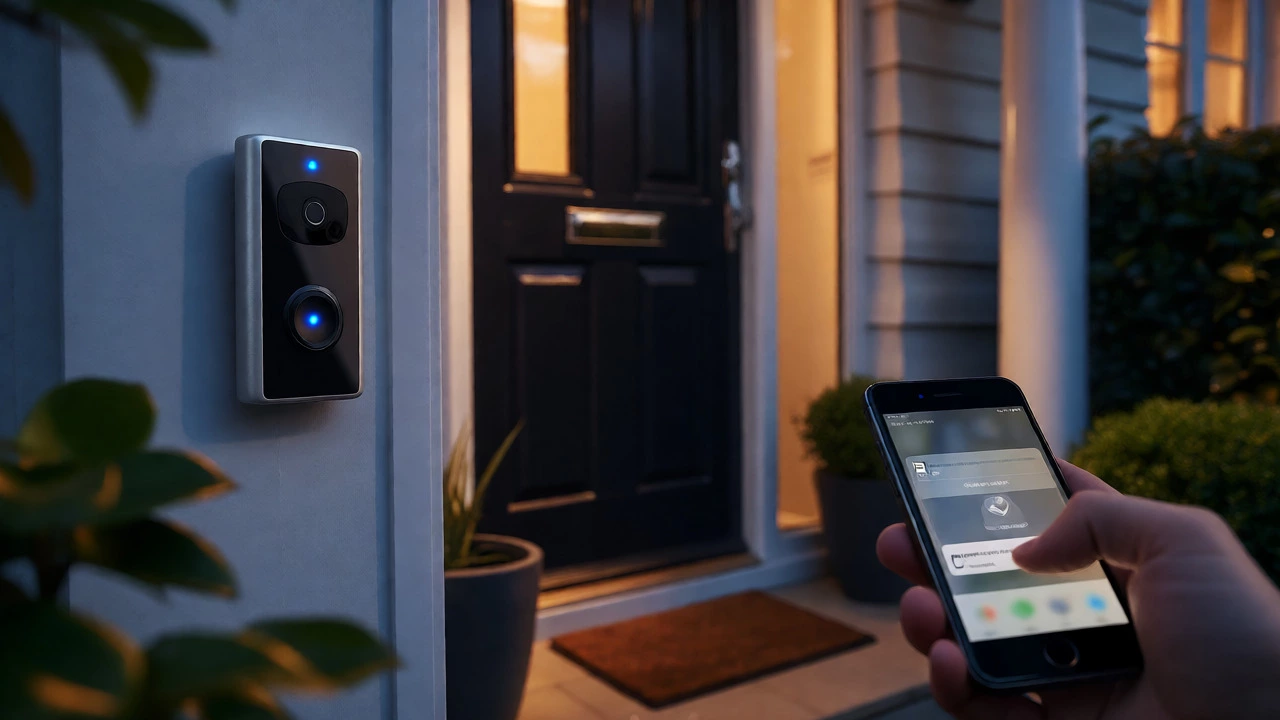
Ring changed the game by making video doorbells affordable and easy to install. Before Ring, you needed professional wiring and expensive NVR systems. Now, you can buy a basic Ring Video Doorbell starting at $79.99. Higher-end models like the Ring Video Doorbell Pro 2 go up to $249.99 and offer 1536p HD head-to-toe video, advanced motion detection, and Alexa integration.
What makes Ring stand out is its ecosystem. If you already have an Echo Dot, Ring integrates seamlessly. You can see who is at the door on your Echo Show screen. You can talk to visitors through the Echo speaker. The app is intuitive, sending instant push notifications when motion is detected.
But there is a catch: storage. Without a subscription, you can only view live streams and receive alerts. You cannot save clips or review history. To get recorded footage, you need a Ring Protect plan. As of October 2026, these plans range from $4.99/month for a single device to $19.99/month for the Pro plan, which includes professional monitoring and AI features. This recurring cost is something many buyers forget to budget for.
| Feature | Roku (Streaming) | Ring (Security) |
|---|---|---|
| Primary Purpose | Watching TV & Movies | Monitoring Home Entry Points |
| Entry Price | $39.99 (Stick) | $79.99 (Basic Doorbell) |
| Subscription Needed? | No (Free channel available) | Yes (For video recording) |
| Ecosystem | Roku OS, Smart TVs | Amazon Alexa, Ring Alarm |
| Main Weakness | Ad-heavy interface | Privacy concerns & cloud costs |
Privacy and Reliability: The Dirty Details
Neither brand is flawless, but their flaws differ significantly. With Roku, the main complaint is privacy regarding advertising data. Roku collects extensive viewing habits to target ads. A 2026 lawsuit in Florida alleged issues with data re-identification, though this hasn’t resulted in a final judicial finding yet. Practically, this means your Roku knows what you watch. It’s annoying, but rarely dangerous.
Ring’s privacy issues are more serious because they involve cameras looking inside your home. The FTC settled with Ring for $5.8 million in 2023 after allegations that employees accessed customer videos without consent and used them to train algorithms. While Ring has since improved two-factor authentication and privacy settings, the risk profile is higher. If your Wi-Fi drops, your security feed goes dark. If your account is hacked, someone could potentially see your front porch. Always enable two-factor authentication if you choose Ring.
Reliability-wise, both suffer from customer service complaints. Trustpilot reviews for both brands highlight long hold times and automated bots when things break. However, Roku failures usually mean you can’t watch *Stranger Things* for an hour. Ring failures mean you might miss a burglar or a delivery. The stakes are different.
Who Should Buy What?
Choose Roku if:
- You have a non-smart TV or an old smart TV with slow apps.
- You want access to hundreds of free channels via The Roku Channel.
- You prefer a one-time purchase with no monthly fees for basic functionality.
- You prioritize a simple, unified remote for your entire entertainment setup.
Choose Ring if:
- You want to see who is at your door before opening it.
- You need evidence of package thefts or suspicious activity.
- You are already deep in the Amazon/Alexa ecosystem.
- You are okay with paying a monthly subscription for cloud storage.
What about alternatives? If you hate subscriptions, look at Eufy. Their cameras store footage locally on a hub, meaning no monthly fees. If you want premium streaming, Apple TV 4K is faster and cleaner than Roku, but costs more upfront. If you want professional monitoring without DIY installation, compare Ring Pro against SimpliSafe or ADT.
The Verdict
Stop trying to make one product do two jobs. If you are building a home theater, buy a Roku Streaming Stick Plus. It’s cheap, reliable, and gets the job done. If you are securing your entryway, buy a Ring Video Doorbell. Just remember to factor in the $5-$10 monthly subscription for recordings. These two products coexist perfectly in millions of homes. Don’t let marketing jargon confuse you-they solve different problems.
Can I use Ring cameras on my Roku TV?
Not natively. You cannot install the Ring app directly on Roku OS to view live camera feeds. However, if you have an Amazon Fire TV Stick plugged into your Roku TV, you can use the Fire TV interface to view Ring cameras. Alternatively, you can cast from your smartphone to the TV using Chromecast or AirPlay if your TV supports it.
Does Roku require a monthly fee?
No. Roku devices themselves do not require a subscription. You only pay for the specific streaming services you choose, like Netflix or Hulu. The Roku Channel is free but contains advertisements. There is no hidden "Roku tax" for using the device.
Is Ring secure enough for a rental apartment?
Yes, especially battery-powered models like the Ring Battery Doorbell. They are wireless and easy to remove when you move out, leaving no permanent damage to the landlord's property. Just ensure you have permission to mount it if it requires drilling, or use adhesive mounts designed for renters.
Which has better night vision, Ring or generic security cameras?
Ring generally performs well in low light, particularly with its newer 2K resolution models. However, dedicated security brands like Reolink or Eufy sometimes offer superior infrared range and clarity for a lower price point. Ring’s strength is its integration and app usability rather than raw optical superiority.
Do I need Wi-Fi for both Roku and Ring?
Yes, both rely heavily on internet connectivity. Roku needs Wi-Fi to stream content; without it, you can only play media from USB drives. Ring needs Wi-Fi to send alerts to your phone and upload video to the cloud. If your internet goes down, Ring will still record to local SD cards on some models, but you won't get remote alerts until connection is restored.