SimpliSafe Cat Trigger Predictor
Enter your setup details below to estimate the risk of false alarms caused by your feline friend.
Enter details and click check to see results.
Recommendations
You’re about to leave for work, arm your SimpliSafe system, and watch your cat leap onto the couch. Your heart skips a beat. Will that little furball trigger the siren and annoy your neighbors? It’s the million-dollar question for every cat owner considering a wireless security setup. The short answer is: usually no, but it depends entirely on how you set it up.
SimpliSafe isn't magic; it's physics. Their sensors use passive infrared (PIR) technology to detect heat signatures and movement patterns. While they market their systems as "pet-friendly," this doesn't mean "pet-proof." A typical domestic cat weighing between 8 and 15 pounds will almost never trigger a properly configured Motion Sensor Gen 2. However, if your cat loves climbing bookshelves or jumping directly under the sensor, you might still get an alert. Here’s exactly how to keep your feline friend from waking up the whole house.
The Weight Limit Myth vs. Reality
Marketing materials can be confusing because numbers have changed over the years. In 2016, SimpliSafe stated their sensors ignored pets up to 50 pounds. By 2022, UK documentation mentioned 23 kilograms (about 50 pounds). But today, in 2026, the current standard for the Motion Sensor Gen 2 is significantly higher.
According to recent support articles updated in June 2026, the new sensors with Pet Mode enabled are designed to ignore animals up to 60 pounds (27.2 kg). This puts most cats well within the safe zone. A standard adult cat rarely exceeds 15 pounds. So, why do people still complain about false alarms?
Because weight isn't the only factor. Distance matters. If a small animal gets within a few feet of the sensor, the heat signature becomes intense enough to potentially override the algorithm. This is where placement becomes more important than your cat's diet.
| Sensor Model | Stated Pet Limit | Key Feature | Cat Risk Level |
|---|---|---|---|
| Original / Gen 1 | ~30 lbs (13.6 kg) | Basic PIR detection | Medium-High |
| Motion Sensor Gen 2 | 60 lbs (27.2 kg) | Pet Mode & Human-Form Algorithm | Low |
| Entry Sensors | N/A (Contact based) | Detects opening/closing | None (unless door opens) |
How Pet Mode Actually Works
If you have the newer hardware, you need to enable Pet Mode. It’s not automatic. You have to tell the system to care about size. Without it, the sensor operates in Standard Mode, which is sensitive enough to catch a running squirrel or a darting cat.
To activate it, open your SimpliSafe app. Go to "My System," select "Device Settings," and choose your specific motion sensor. Scroll down to "Motion Sensitivity" and toggle Pet Mode on. This switches the algorithm from looking for any significant heat change to specifically filtering for human-sized movement patterns. It essentially lowers the sensitivity floor so that smaller thermal blobs-like your cat-are ignored unless they are uncomfortably close.
Think of it like noise-canceling headphones for your security system. It filters out the background chatter of small pets so it can focus on the loud conversation of a burglar.
Mounting Height: The Critical Factor
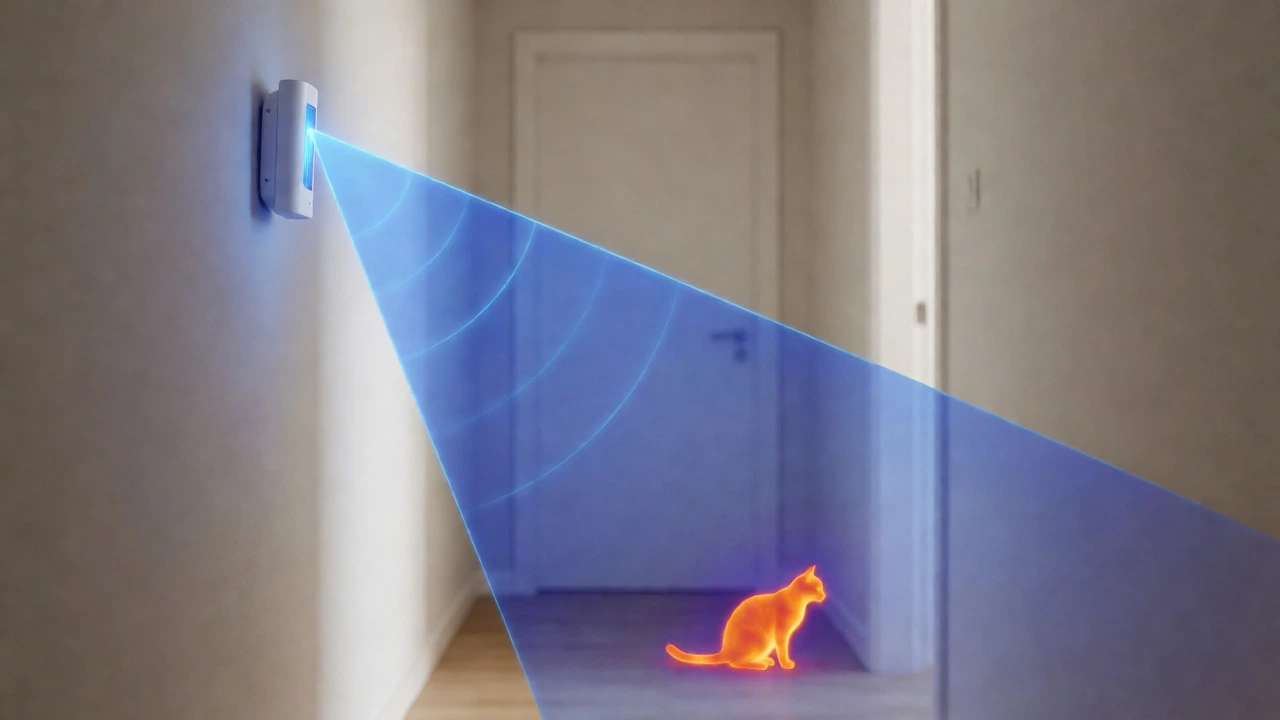
This is where most users mess up. SimpliSafe recommends mounting motion sensors between 6 and 10 feet off the ground. For cat owners, this height is perfect. Why? Because it places the sensor above the immediate reach of most furniture, keeping the detection cone clear of the floor where cats walk.
However, cats are climbers. If you mount the sensor at 6 feet and point it directly at a tall entertainment center or a window ledge where your cat sleeps, you’re asking for trouble. When your cat jumps up there, they enter the field of view. Even though they weigh less than 60 pounds, being just two or three feet away from the lens can sometimes confuse the algorithm, especially if they move quickly.
Pro Tip: Aim the sensor slightly downward. This creates a "blind spot" near the ceiling and focuses the beam toward the middle of the room, reducing the chance of catching a cat perched on high shelves.
The Furniture Problem
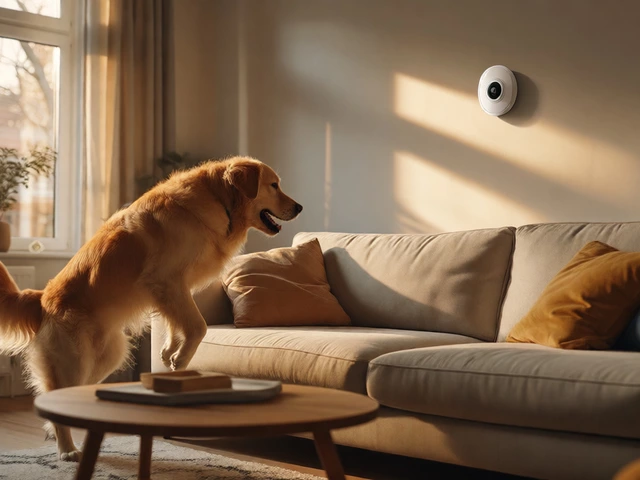
Let’s talk about couches. Motion sensors hate pointing at sofas. If your sensor looks across the living room and sees a large, warm object moving (your cat jumping on the couch), it might register that as a human-shaped disturbance. The heat signature of a cat bunched up on a cushion can mimic the thermal profile of a person sitting still, especially if the ambient temperature is cool.
To fix this, avoid placing sensors in corners where they have a direct line of sight to pet-accessible furniture. Instead, try mounting them on walls perpendicular to the main traffic flow, ensuring the beam sweeps across open floor space rather than staring at cozy spots.
What If You Have Older Hardware?
If you haven’t upgraded since the early days of SimpliSafe, you might have the Original or Gen 1 sensors. These don’t have software-based Pet Mode. They rely purely on physical installation tricks.
For these older units, the rule of thumb changes. Support docs suggest mounting them upside down (test button on top) at a lower height, around 4 to 5 feet, if you have larger pets. But for cats, the best strategy with old hardware is actually mounting them higher, at the full 6-10 foot range, and ensuring nothing climbable is within 5 feet of the device. You may also need to manually adjust the sensitivity dial inside the battery compartment if your model has one, turning it down until it stops reacting to your cat’s presence.
Troubleshooting False Alarms
Still getting alerts? Don’t panic. Here is a quick diagnostic checklist:
- Check Proximity: Is your cat able to jump within 2-3 feet of the sensor? If yes, move the sensor or block access to that perch.
- Avoid Heat Sources: Is the sensor facing a heater, AC vent, or sunny window? Temperature fluctuations can cause false triggers that look like movement. Cats love sunny spots, so this is a common double-whammy.
- Test Walkthrough: Arm the system, then walk through the room normally. Then, have someone else bring the cat into the room while you watch the app. See if the alert fires immediately or after a delay.
- Firmware Update: Ensure your base station and sensors are running the latest firmware. SimpliSafe pushes updates that often refine the human-form detection algorithms.
Alternatives for Cat Owners
If you find that your cat is simply too active for motion sensors to handle reliably, consider shifting your security strategy. Rely more heavily on Entry Sensors on doors and windows. These magnetic contact sensors don’t care about heat or movement-they only care about separation. Your cat can run laps around the living room all day without setting off an entry sensor.
You can also use glass break detectors in key areas. Since cats don’t typically smash windows, these provide robust perimeter security without the interior motion headaches. Reserve motion sensors only for hallways or rooms your cat rarely enters.
Final Verdict
Will your cat set off SimpliSafe? With a modern Motion Sensor Gen 2, Pet Mode enabled, and correct mounting at 6-10 feet, the answer is overwhelmingly no. The system is engineered to ignore anything under 60 pounds. But remember, "pet-friendly" means it tries hard to ignore them, not that it’s blind to them. Keep the sensor away from climbing zones, avoid pointing it at couches, and you’ll likely enjoy peace of mind-and silence.
Does SimpliSafe work with multiple cats?
Yes, SimpliSafe works fine with multiple cats as long as each individual cat stays under the 60-pound limit (which they almost certainly do). The issue with multiple cats isn't total weight but cumulative activity. If several cats are running around simultaneously, the increased frequency of heat signatures entering the detection zone slightly raises the risk of a false alarm, particularly if they are jumping on furniture near the sensor. Proper mounting height remains the best defense.
Can I use SimpliSafe if my cat weighs more than 60 pounds?
While rare, some large breeds like Maine Coons can approach or exceed 20-25 pounds, but reaching 60 pounds is extremely uncommon for a cat. If you have a very large cat or a dog-cat hybrid situation where a pet exceeds 60 pounds, you should mount the motion sensor upside down at a lower height (4-5 feet) so the detection beam passes over the animal's head, or rely primarily on entry sensors instead of motion sensors in those rooms.
Why does my cat trigger the alarm even with Pet Mode on?
This usually happens due to proximity. If your cat jumps onto a surface directly under or very close to the motion sensor (within 2-3 feet), the intensity of the infrared signal can overwhelm the Pet Mode filter. Additionally, if the sensor is pointed directly at a window receiving strong sunlight, the rapid temperature change combined with the cat's movement can cause a false positive. Adjusting the angle or blocking the cat's access to that specific perch usually solves it.
Do SimpliSafe Entry Sensors get triggered by cats?
No, Entry Sensors are magnetic contacts installed on doors and windows. They only trigger when the magnet separates from the sensor body, indicating the door or window is opening. A cat walking past, jumping on, or rubbing against a closed door or window will not set off an Entry Sensor. This makes them ideal for cat-heavy households where motion sensors prove unreliable.
Should I turn off motion sensors when I'm home with my cat?
You don't necessarily need to turn them off if your system is configured correctly. However, many users prefer to use "Home Mode" (which disables interior motion sensors but keeps entry sensors active) when they are home to avoid accidental triggers while moving around. If your cat is very active and tends to climb high, using Home Mode is a safer bet to prevent nuisance alarms while you are present.