Can you really watch your CCTV cameras from afar without any internet? The short answer: no - not the way most people imagine it. But here’s the twist: you can see your footage remotely without WiFi or home broadband - if you know which systems to use. This isn’t a trick. It’s how security systems work in cabins, farms, construction sites, and RVs across the UK and beyond.
What "Remote Viewing" Really Means
When people ask if you can view CCTV without internet, they usually mean: "Can I check my cameras from my phone while I’m at work, on holiday, or miles away?" The truth is, you can’t do that with a standard system that’s completely offline. No internet means no cloud, no app notifications, and no live feed from your phone unless you’ve got something else in place. But let’s clear up a common misunderstanding. "CCTV" stands for Closed Circuit Television. That means the video signal stays inside a closed loop - usually between cameras and a recorder. You don’t need internet for that part. In fact, many systems work perfectly without ever touching the web.How CCTV Works Without Internet
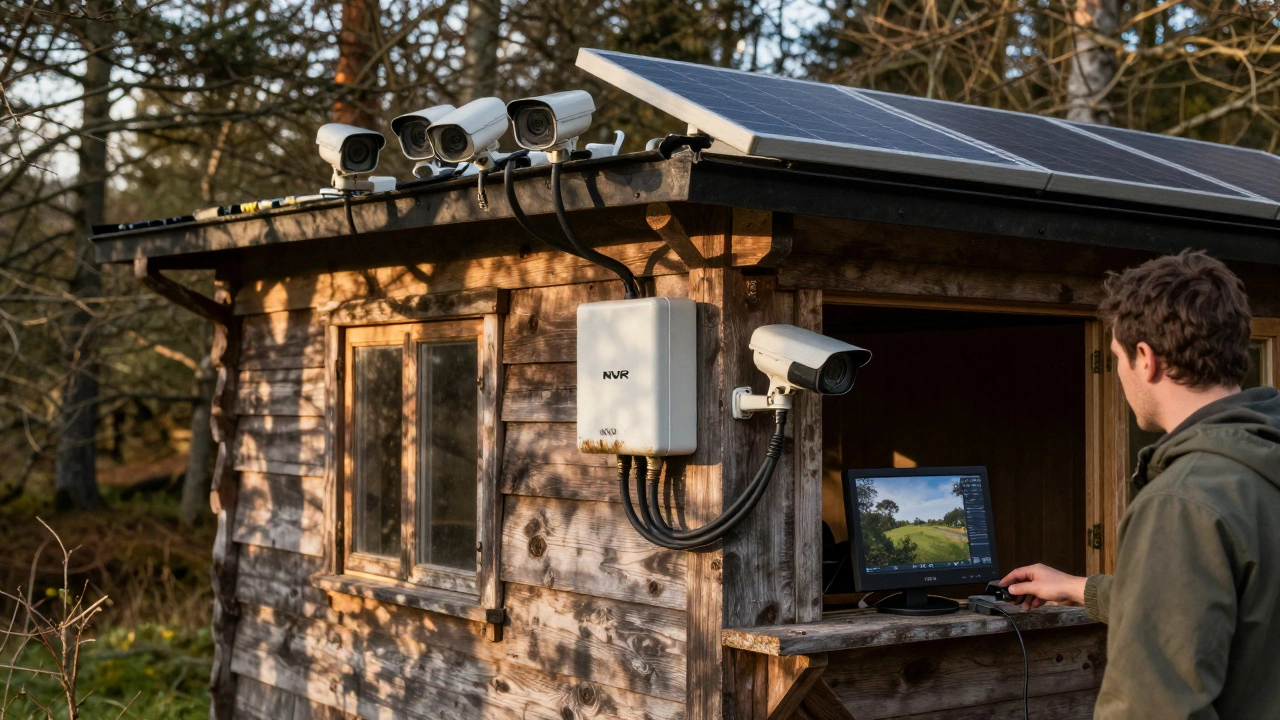
There are four main ways security cameras record and store footage without any internet connection:- NVR (Network Video Recorder) - Cameras connect to a central box via Ethernet or Wi-Fi. The NVR stores everything on an internal hard drive. No cloud, no subscription.
- DVR (Digital Video Recorder) - Older but still reliable. Uses coaxial cables from analog cameras to a recorder. Plug into a TV or monitor to view live.
- SD Card Cameras - Each camera has its own memory slot. Footage saves locally. You remove the card to watch it on a computer.
- PoE (Power over Ethernet) Systems - One cable delivers power and video data to each camera. All footage flows into an NVR, which records it offline.
How to View Footage Onsite Without Internet
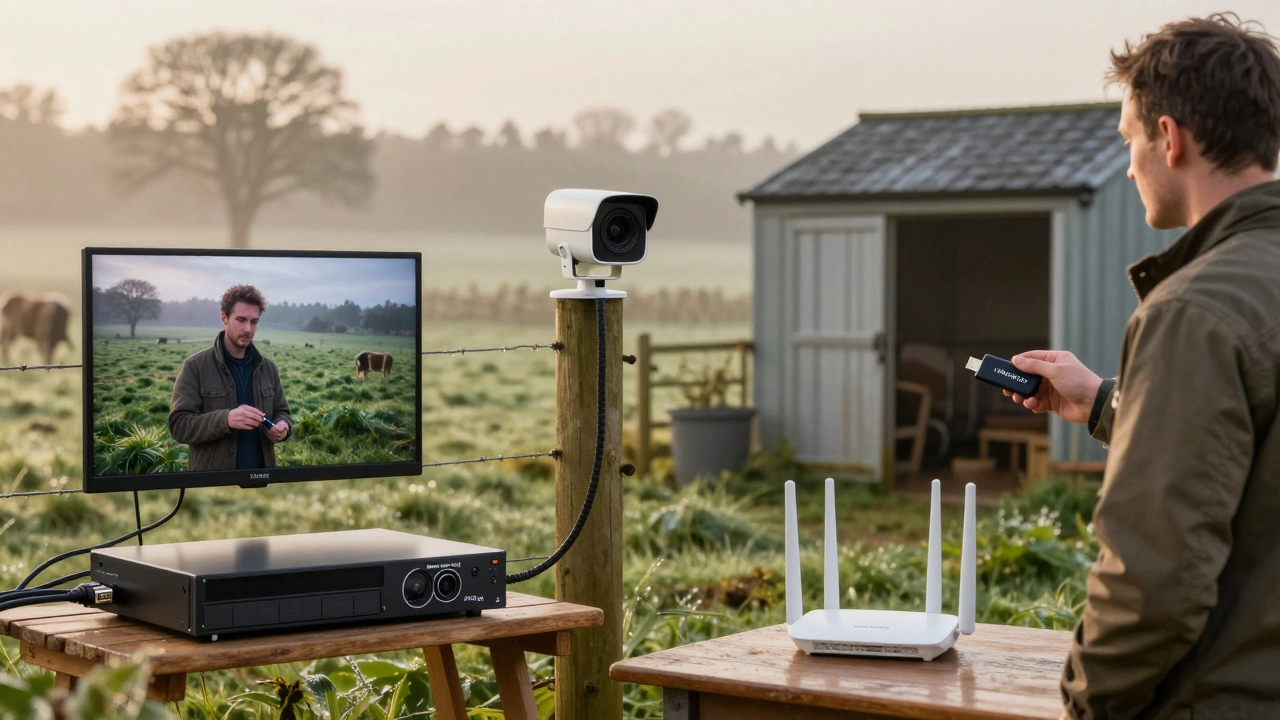
You don’t need a phone or laptop to see what your cameras are capturing. Just connect your NVR or DVR directly to a monitor or TV using an HDMI or VGA cable. Plug in a USB mouse, and you can:- Watch live feeds
- Search through recorded footage
- Download clips to a USB drive
Can You View CCTV Remotely Without Internet? The Real Answer
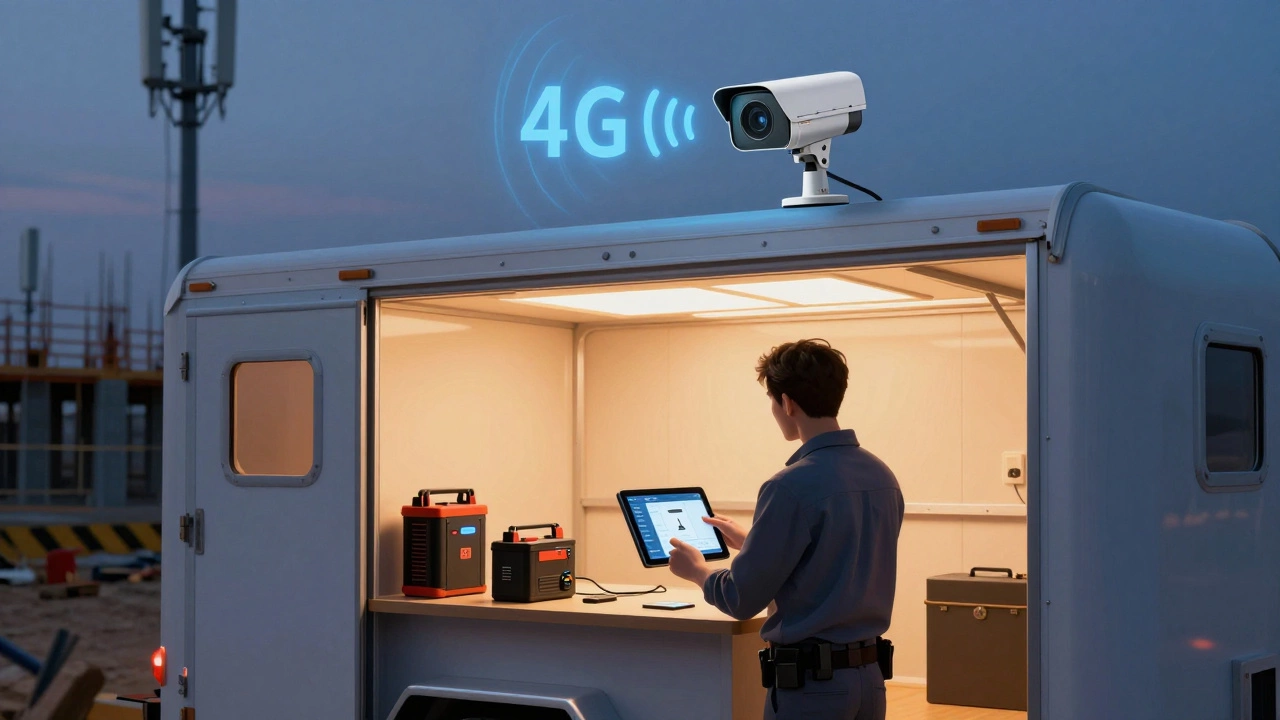
Here’s where people get confused. If you’re not at home, and you don’t have internet, you can’t access your system - unless you use cellular. Cellular security cameras are the only way to view footage remotely without Wi-Fi or broadband. These cameras have a SIM card slot. They connect to 4G or 5G networks just like your phone. You download an app, insert a data plan, and you can check live video from anywhere with cell service. Brands like Arlo Go and Reolink offer models built for this. They’re perfect for:- Remote cabins with no internet
- Boats or caravans
- Construction sites
- Farms with no broadband
What About a Local Wi-Fi Network Without Internet?
Here’s a smart workaround: use a router that has no internet connection. You can buy a Wi-Fi router, plug it in, and disable its internet connection. Then, connect your NVR and cameras to its local network. The cameras talk to the NVR over Wi-Fi. You can view footage on a laptop or tablet - as long as you’re physically on the property. This is great for:- Large gardens or barns
- Properties with weak Wi-Fi
- Temporary setups like festivals or job sites
Pros and Cons of Internet-Free CCTV Systems
| System Type | Remote Access? | Monthly Cost | Best For |
|---|---|---|---|
| NVR + Local Monitor | No | £0 | Onsite viewing only |
| SD Card Cameras | No | £0 | Small setups, low budget |
| Cellular Cameras | Yes | £5-£20 | Off-grid locations |
| Local Wi-Fi (no internet) | Yes - only onsite | £0 | Large properties |
When You Absolutely Need Internet
You’ll need an internet connection if you want:- Real-time motion alerts on your phone
- Cloud backup of footage
- Remote access via mobile app
- Integration with smart home systems
Best Use Cases for Internet-Free CCTV
These systems shine in places where internet is unreliable - or unwanted:- Woodland cabins with no broadband
- Remote livestock pens
- Construction trailers
- RVs and campervans
- Outbuildings with no wiring
- Properties where privacy is a priority
What About Motion Alerts?
This is the biggest trade-off. If you’re not connected to the internet or a cellular network, you won’t get push notifications. Your camera won’t ping your phone when someone walks past the shed. But you can still detect motion - it just won’t alert you. You’ll need to check the footage manually. For many users, that’s fine. If you’re checking your property once a day, you don’t need real-time alerts. You just need proof.Final Thoughts
You can’t view your CCTV remotely without any kind of network connection. But you don’t need home internet to have a working, reliable security system. Whether you’re using a wired NVR, a cellular camera, or a local Wi-Fi network, there’s a way to keep your property safe - even in the middle of nowhere. The key is matching the system to your needs. If you’re rarely away from home, go with an NVR and monitor. If you travel often or live off-grid, invest in a cellular camera. Either way, your footage stays safe - and your privacy stays yours.Can you use security cameras without internet?
Yes. Many security cameras work without internet. NVRs, DVRs, PoE systems, and SD card cameras record footage locally. They only need power to function. Internet is only needed for remote viewing or cloud backups.
How do I view CCTV footage without internet?
Connect your NVR or DVR directly to a TV or monitor using an HDMI or VGA cable. Use a USB mouse to navigate the menu. You can watch live feeds, search recordings, and copy clips to a USB drive - all without touching the internet.
Can I get remote access to CCTV without WiFi?
Only if you use a cellular camera with a SIM card. These cameras connect to 4G/5G networks, letting you view footage remotely through an app. Standard Wi-Fi or wired systems won’t work without internet access.
Do NVR systems need internet to work?
No. NVRs record and store footage locally on a hard drive. Internet is only required if you want to view footage remotely, receive alerts, or back up to the cloud. The system continues recording even if your internet goes down.
What’s the best CCTV for off-grid locations?
For off-grid sites, cellular security cameras like the Arlo Go or Reolink Go are top choices. They use mobile networks instead of Wi-Fi. Pair them with solar panels for continuous power. Alternatively, a PoE system with a local NVR and battery backup works well if you’re nearby often.
Do motion alerts work without internet?
No. Motion alerts sent to your phone require either internet or a cellular connection. If your system is completely offline, you’ll need to check the footage manually. The camera still records motion - you just won’t get a notification.