Wireless Security Camera Selector
Find Your Perfect Wireless Security Camera
Answer a few quick questions about your needs and we'll recommend the best camera for your situation.
Recommended Cameras
Based on your answers:
Choosing the right wireless security camera isn’t about buying the most expensive one or the one with the fanciest app. It’s about matching your needs to what actually works in your space. Whether you’re watching your front porch, keeping an eye on your garage, or monitoring a backyard that stretches across the whole lot, the wrong camera can leave you blind when it matters most. In 2026, the market is packed with options-from budget models under $80 to premium systems over $175. But here’s the truth: wireless security camera doesn’t mean "set it and forget it." You still need to think about resolution, power, storage, and how it talks to the rest of your home.
Resolution: What You Can Actually See
A camera that claims "4K" sounds impressive, but if you’re only trying to see who’s at your front door, you’re overpaying. For most homes, 2K (or 4MP) is the sweet spot. It gives you clear enough detail to recognize faces at 30 feet, which covers driveways, porches, and garages. Models like the SCI 2K Active Deterrence and Ring Spotlight Cam Plus use this resolution and do the job without overloading your Wi-Fi or storage.Go for 4K (8MP) only if you’re watching a large area-like a commercial driveway, a wide backyard, or a multi-unit building. The CCTV Camera World SC4KBL, for example, gives you 4K at $99.99 and can identify a face up to 45 feet away. That’s useful if you’re tracking someone walking from the street to your gate. But for a typical suburban home? 2K is plenty. Higher resolution means bigger files, slower uploads, and more cloud fees.
Field of View: Don’t Miss What’s Outside the Frame
Think of field of view (FOV) like a camera’s eyesight. A narrow 77-degree view (like the SCI 2K) means you’re seeing just the front step. A wider 160-degree view (Arlo Pro 5S 2K) catches your whole driveway, side yard, and maybe even the neighbor’s mailbox. For most people, 130 to 140 degrees is ideal. That’s what ADT and Ring offer-enough to cover entry points without distorting the edges.If you have a large property or want to monitor multiple angles from one spot, go wider. Lorex models hit up to 180 degrees. That’s great if you’re placing one camera to cover a U-shaped driveway. But beware: the wider the view, the more the edges stretch and warp. You might see a person clearly in the center but struggle to make out details at the sides.
Night Vision: Color or Infrared?
Night vision isn’t just about seeing in the dark-it’s about knowing what you’re seeing. Infrared (IR) night vision gives you black-and-white footage. It’s reliable, doesn’t give away your camera’s location, and works in total darkness. But you won’t see colors. That means you can’t tell if someone was wearing a red jacket or driving a blue car.Color night vision, on the other hand, uses low-light sensors to capture real color even at night. ADT, Ring Spotlight Cam Plus, Lorex, and Arlo Pro 5S 2K all offer this. It’s a game-changer for identifying details after dark. But it needs some ambient light-like a porch light or streetlamp. If your yard is pitch black, color night vision won’t help. That’s why the best cameras, like the SC2KADBL, combine both: color when there’s a little light, and infrared when it’s fully dark.
Range matters too. Most cameras show clear images up to 50-60 feet. Budget options like the SC5BL and SC4KBL from CCTV Camera World go as far as 100 feet. That’s useful if you’re watching a distant gate or alley. But don’t assume longer range means better quality. The image gets grainy past 70 feet unless you’re using 4K.
Storage: Cloud or Local?
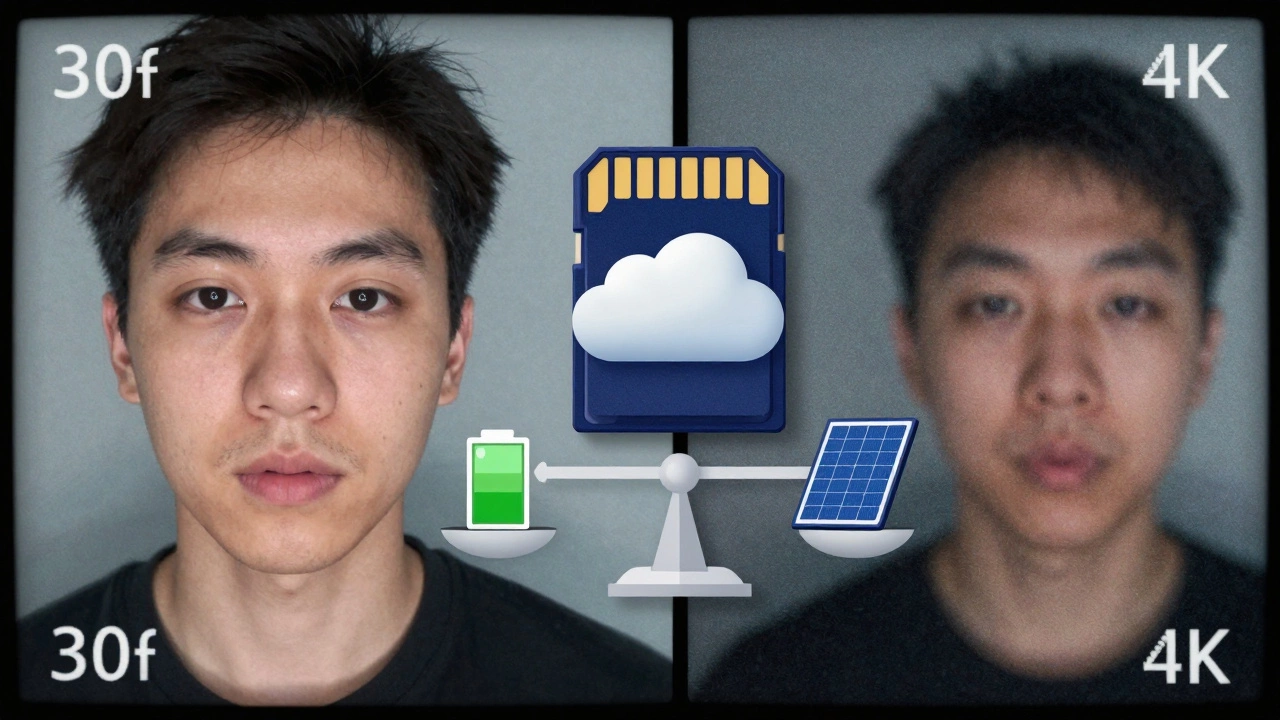
This is where people get trapped. Many cameras promise free cloud storage, but it’s usually just 3 hours of clips. After that, you’re paying $3-$10 a month. Ring offers 180 days for $12/month. Nest gives you 3 hours free, then pushes you to a $8/month plan. ADT and Arlo charge $10-$15 for 30 days of footage.Local storage avoids all that. Lorex cameras accept micro-SD cards up to 32GB. The Arlo Pro 5S 2K plugs into a SmartHub with a USB drive. The Argus 3E bundle even includes a 64GB card. With local storage, your footage stays on your device. No monthly fees. No risk of cloud outages wiping your evidence. But you need to protect the device from theft or damage. If someone steals your camera, they take your footage too.
For most homeowners, a hybrid approach works best: use cloud storage for alerts and quick clips, and local storage for long-term backup. If you’re worried about privacy, go local. If you want remote access from anywhere, cloud is easier.
Power: Battery, Wired, or PoE?
Battery-powered cameras are the most popular because they don’t need wiring. Ring, Nest, and Arlo all use them. They’re easy to install, but you’ll need to recharge every 3-6 months. Cold weather drains batteries faster. If you live in Sheffield and get freezing winters, battery life shrinks. Consider a model with solar charging-some Arlo and Lorex units have it.Wired cameras plug into an outlet. They’re always on, no charging needed. But you need an outlet nearby. PoE (Power over Ethernet) is for tech-savvy users. It runs one cable for both power and internet. Lorex offers PoE models. It’s clean, reliable, and great for professional setups-but you’ll need to run cables through walls.
If you’re unsure, start with battery. You can always move it later. If you’re building a new home or doing a full security upgrade, plan for wired or PoE. It’s more permanent but far more reliable.
Smart Home Integration: Does It Play Nice?
If you use Alexa, Google Assistant, or Apple HomeKit, your camera should work with them. In 2026, every major brand supports Alexa and Google. That means you can ask, "Show me the front door" on your Echo Show or check live footage on your phone.But Apple users need to look closer. Only Arlo Pro 5S 2K supports Apple HomeKit and Apple Watch. If you’ve invested in HomeKit, this matters. Nest Cam works with Google but not Apple. Ring works with Alexa but doesn’t connect to HomeKit. Pick the camera that matches your smart home ecosystem. Otherwise, you’ll end up with two separate apps and two separate login screens.
Smart Features: AI That Actually Helps
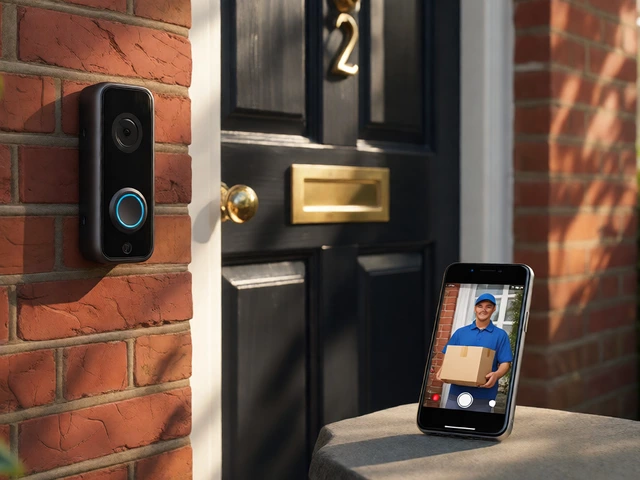
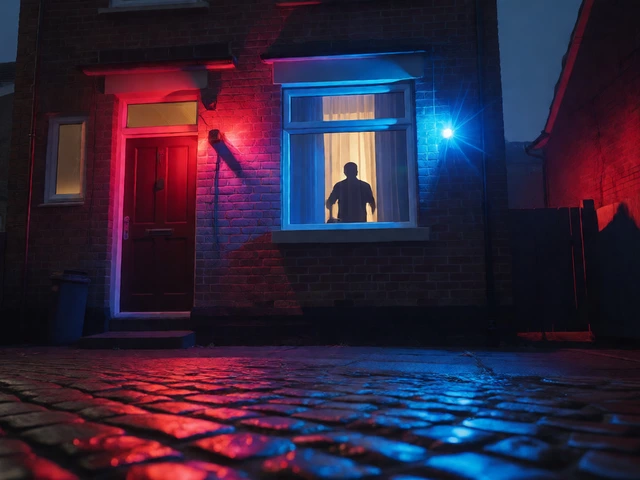
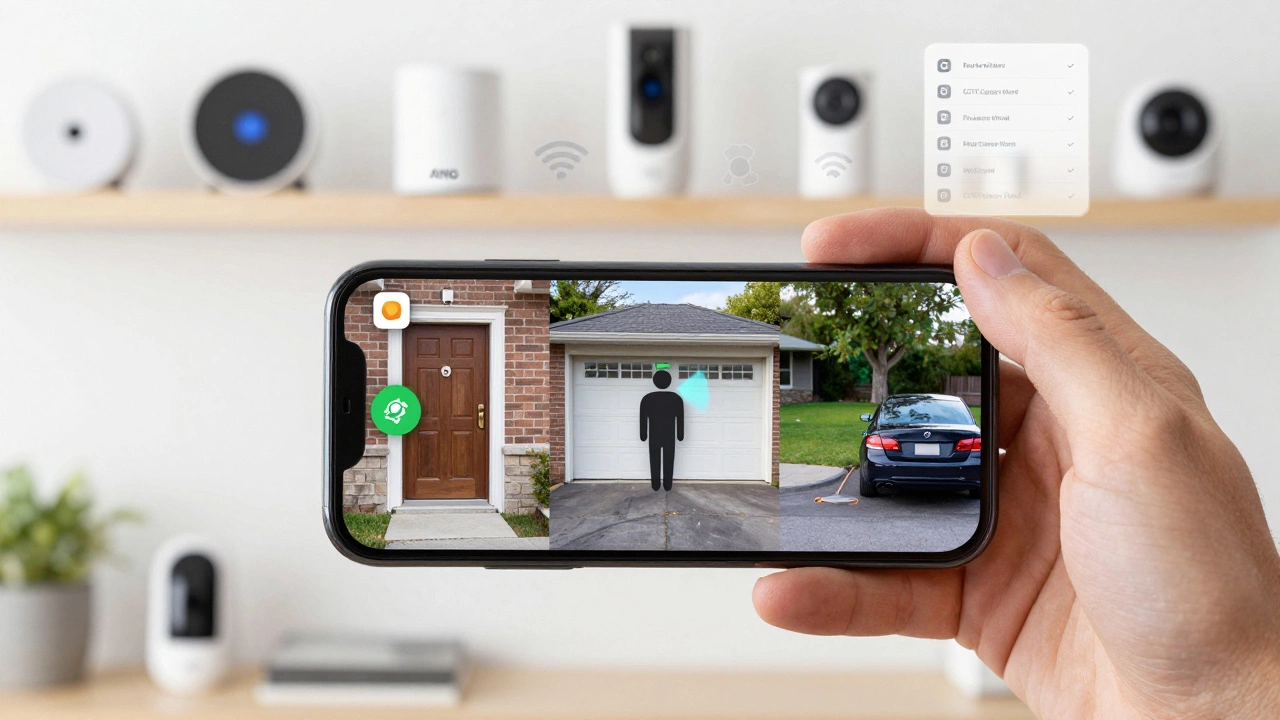
Not all "smart" features are useful. Person detection is the gold standard. It tells you when a human walks by-not a dog, not a tree branch. ADT, Ring, Lorex, Nest, and Arlo all include this. It cuts down on false alerts by 70% or more.Package detection is handy if you get deliveries. Ring and ADT can alert you when a package lands on your porch. Facial recognition? Only ADT offers it, and it’s meant for professional monitoring. For most people, it’s overkill. Active deterrence is better: flashing lights, a siren, and two-way talk. The SC2KADBL and SC4KBLADAI from CCTV Camera World do this. If someone lingers near your door, you can yell at them through the app. It’s surprisingly effective.
Price vs. Value: What’s Really Worth It?
The most expensive camera isn’t always the best. ADT costs $179.99 and scores 9.8/10, but you’re paying for professional monitoring and facial recognition. If you don’t need monitoring, you’re overpaying.For most people, the sweet spot is between $75 and $120. The Lorex system starts at $59.99 and gives you color night vision, up to 180-degree FOV, and 4K resolution on some models. The CCTV Camera World SC4KBL gives you 4K, 100-foot night vision, and smart detection for $99.99. That’s better value than a $179.99 Arlo if you don’t need HomeKit.
Ring Spotlight Cam Plus at $149.99 is a top pick for outdoor use. Its spotlight and siren make it a deterrent. But if you’re on a budget, the SC2KADBL at $79.99 does almost the same thing: white light, red/blue strobes, two-way audio, and 2K resolution. It’s not branded, but it works.
Final Checklist: What to Ask Before You Buy
- Do I need 4K, or will 2K cover my area?
- Is my yard well-lit at night, or do I need color night vision?
- Do I want monthly fees, or can I use a micro-SD card?
- Will this camera work with my Alexa, Google, or Apple system?
- Do I need motion-activated lights or just a siren?
- Can I install this myself, or do I need wiring?
- Is the brand reliable? (Lorex, Ring, Arlo, and ADT have solid track records.)
Don’t buy the first camera you see. Compare at least two models. Watch YouTube reviews from real users-not just unboxing videos. Test the app. See how fast the alerts come. Check if the battery lasts longer than the ad claims. In 2026, the best wireless security camera isn’t the flashiest one. It’s the one that fits your life, your space, and your budget.
Do wireless security cameras work without Wi-Fi?
No. Wireless security cameras rely on Wi-Fi to send alerts, stream live video, and connect to apps. Without Wi-Fi, you won’t get notifications or remote access. Some models, like Lorex and Arlo, can record locally to a micro-SD card even without Wi-Fi-but you won’t know about motion until you reconnect. For true remote monitoring, a stable Wi-Fi signal is essential. If your home has dead zones, consider a Wi-Fi extender or a camera with dual-band support (5 GHz) like the Reolink Argus Eco Ultra.
Can I use a wireless camera indoors and outdoors?
Not all of them. Outdoor cameras are built to handle rain, snow, and extreme temperatures. They have an IP65 or IP66 rating for weather resistance. Indoor cameras lack this protection. Using an indoor model outside will likely break it. Always check the product specs. Models like the Ring Spotlight Cam Plus, Arlo Pro 5S 2K, and Lorex are rated for outdoor use. Stick to those if you plan to mount it on a porch, garage, or driveway.
How long do battery-powered cameras last?
It depends on usage. If your camera detects motion 5-10 times a day, expect 3-6 months of battery life. High-motion areas (like a busy street) drain faster. Cold weather cuts battery life by up to 40%. Models with solar panels (like Arlo Solar Panel kits) can extend this to 8-12 months. Always choose a camera with a low-power mode and avoid using color night vision constantly-it uses more juice. Check the manufacturer’s specs: Ring claims 6 months, Arlo says 4-6 months, and budget models may only last 2-3 months.
Is 4K resolution worth the extra cost?
Only if you need to zoom in on details far away. For a typical home, 2K (4MP) gives you clear facial recognition up to 30 feet. 4K is useful if you’re watching a long driveway, a parking lot, or a large yard where people are 50+ feet away. The CCTV Camera World SC4KBL gives you 4K at $99.99-far cheaper than premium brands. But 4K uses more bandwidth, storage, and processing power. If your internet is slow or your cloud plan is limited, 4K might cause lag or drop frames. For most users, 2K is more practical.
Do I need professional monitoring?
Not unless you want someone calling the police for you. Professional monitoring (like ADT offers) means a 24/7 center watches your footage and dispatches help if something happens. It costs extra-usually $20-$40/month. For most homeowners, self-monitoring with alerts on your phone is enough. You can call 999 yourself if you see a suspicious person. Professional monitoring is best for vacation homes, elderly relatives, or if you’re away often. For a standard home, skip it. Save the money for a better camera.
Are budget cameras from CCTV Camera World reliable?
Yes, surprisingly. Brands like CCTV Camera World aren’t as well-known as Ring or Nest, but they often use the same sensors and chips as premium models. The SC4KBL offers 8MP 4K video, 100-foot night vision, and AI detection for under $100. It’s not built like a luxury product-the app might be clunky, and customer service slower-but the core tech works. Many users in the UK report these cameras lasting 2+ years. If you’re on a tight budget and don’t need Apple integration, they’re a smart choice. Just avoid the cheapest models under $60-they often cut corners on build quality or battery life.