Ring Video Retention Calculator
Determine if you can still view a specific event or when your footage will disappear. Enter the details below to see the exact expiration date.
Select an event date and subscription status to calculate availability.
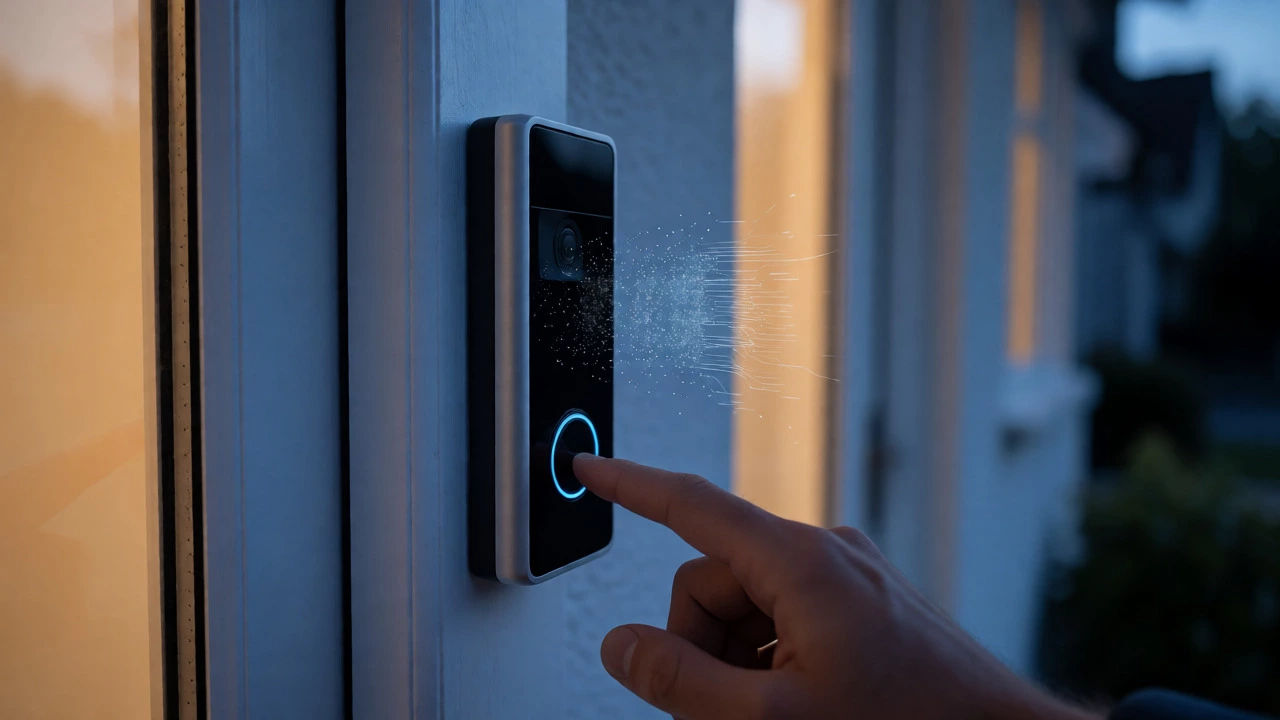
You press the button on your Ring video doorbell, and someone walks away. You check the app later to see who it was, but there’s nothing there. No clip. No photo. Just a blank event log. It’s frustrating, especially if you just bought the device expecting it to work like a standard security camera.
Here is the hard truth: without an active subscription, your Ring videos stay for zero days. That’s right-zero. If you don’t have a paid plan or an active free trial running, Ring does not save your motion events to the cloud. You can see what’s happening live, but once that moment passes, it’s gone forever unless you catch it in real-time.
The Reality of Zero-Day Retention
Most people assume smart devices record everything automatically, storing footage locally or in the background until needed. Ring doesn’t work that way. The company’s official support documentation states clearly that "events are only recorded after you subscribe." This isn't a glitch; it's the business model.
Without a subscription, your device functions primarily as a live-streaming monitor. You get instant alerts when motion is detected. You can open the app and view the live feed from your front porch. But if you’re asleep, at work, or out grocery shopping, you miss the event entirely. There is no history tab to scroll back through. There is no archive. The cloud simply doesn't store the data.
This limitation applies to all standard Ring cameras and doorbells. Unlike some competitors that offer basic local storage via SD cards or limited free cloud tiers, Ring relies exclusively on its cloud service for recording. If you aren't paying for the service (or using a trial), the recorder stays off.
The 30-Day Free Trial Loophole
There is one major exception to the zero-day rule: the initial free trial. When you activate a new compatible Ring device, the company typically starts a 30-day Ring Protect trial automatically. During these first few weeks, your device behaves exactly as it would with a paid subscription.
- Live Recording: Motion events are captured and saved to the cloud.
- Playback: You can review past clips from your phone or computer.
- Sharing: You can download clips to share with neighbors or police.
However, this convenience comes with a strict expiration date. Ring deletes trial recordings immediately when the 30-day period ends. They do not keep them in a hidden folder for a grace period. If you haven't subscribed by day 31, any clips from days 1-30 vanish. Many users report losing important footage because they assumed their account settings would carry over. They won't. Once the trial expires, access is cut off instantly.
Note that Costco purchases sometimes include longer trials, but this varies by region and specific bundle. Always check the exact end date in your Ring Account settings under "Plan & Billing." Don't guess.
What Happens After Cancellation?
If you decide to stop paying, the clock runs out differently than you might expect. Some services let you keep recent footage for a few days after cancellation. Ring does not. According to their account management guidelines, you lose access to all recorded videos the moment your paid term ends.
This creates a critical workflow requirement for anyone using Ring for evidence collection. If you need a clip for a package theft or a break-in, you must download it before your subscription lapses. Once the payment fails or the term expires, the link to that video breaks. You cannot go back into the app and retrieve it later. It is permanently removed from your accessible library.
Community discussions on platforms like Reddit confirm this behavior repeatedly. Users often complain about losing old footage after cancelling, only to be told by support that the files were deleted upon expiration. Treat your subscription like a rental car: return it (download your data) before you hand back the keys.
How Long Do Videos Stay With a Subscription?
Once you pay, the rules change significantly. An active Ring Protect plan allows you to store motion-event videos in the cloud for up to 180 days. This is one of the longest retention periods among mainstream consumer doorbell brands, which often cap out at 30 or 60 days.
But "up to 180 days" requires careful interpretation. Here is how the storage duration actually works:
| Subscription Status | Retention Period | Access Capability |
|---|---|---|
| No Subscription | 0 Days | Live View Only |
| Active Free Trial | Duration of Trial (e.g., 30 Days) | Full Access (Deleted on Expiry) |
| Basic Plan | Up to 180 Days* | Full Access for One Device |
| Plus/Pro Plans | Up to 180 Days* | Full Access for All Devices |
*Note: While 180 days is the maximum supported limit, some regional defaults may start at 30 days. You can usually adjust this setting in your account preferences to extend storage to the full 180 days for future recordings. Importantly, changing this setting does not retroactively restore old clips that have already expired.
The 180-day window is calculated from the date the video was recorded, not the date you viewed it. So, if a delivery person drops off a package on January 1st, you have until roughly June 29th to find and download that clip, provided your subscription remains active throughout that entire period.
Why Ring Doesn't Offer Local Storage
You might wonder why Ring forces this cloud dependency. Why not allow users to plug in a microSD card? The answer lies in Ring’s ecosystem design. By keeping all data in the cloud, Ring ensures that even if a thief smashes your doorbell, the evidence survives in Amazon’s servers. With local storage, a smashed camera means lost footage.
However, this cloud-first approach has downsides. It requires a stable Wi-Fi connection for every upload. It consumes bandwidth. And most importantly, it creates a recurring cost barrier. Independent reviews, such as those from Security.org, highlight that this lack of a free tier is a primary disadvantage compared to brands offering local options. If you hate monthly fees, Ring might feel restrictive.
Currently, there is no official workaround for local-only recording on standard Ring devices. You cannot disable the cloud requirement and use the device purely for local archiving. If you want to avoid subscriptions entirely, you generally need to look at different hardware brands.
Practical Tips for Managing Your Footage
If you are sticking with Ring, here is how to manage your expectations and your data effectively:
- Mark Your Calendar: When you buy a new device, note the exact date the free trial ends. Set a reminder three days prior.
- Download Critical Evidence: If an incident occurs during your trial or near the end of a billing cycle, download the clip immediately. Do not wait.
- Adjust Storage Settings: If you subscribe, go into your Ring Account settings and ensure your storage duration is set to the maximum allowed (usually 180 days) to maximize your safety net.
- Use Live View Strategically: Without a subscription, rely on notifications. If your phone buzzes, open the app quickly. You have seconds to catch the action live.
For those considering a purchase, weigh the cost against your needs. If you only want to know who is at the door *right now*, the free features suffice. If you need to investigate what happened last Tuesday, you must budget for the subscription.
Frequently Asked Questions
Do Ring videos delete immediately if I cancel my subscription?
Yes. Ring states that when a subscription ends, you lose access to all recorded videos immediately. There is no grace period where you can still view old clips. Any footage you want to keep must be downloaded before the cancellation takes effect.
Can I watch old videos without a Ring subscription?
No. Without an active subscription or an ongoing free trial, Ring does not save video recordings. You can only view live streams as they happen. Past events will appear in your history list, but clicking them will show a message indicating the video is unavailable because it was not recorded.
Does the 30-day free trial count as a subscription?
Functionally, yes. During the free trial, your device records and saves videos just like a paid subscriber. However, these recordings are temporary. Once the 30 days are up, if you haven't converted to a paid plan, those videos are deleted instantly.
Is there a way to store Ring videos locally on an SD card?
No. Standard Ring doorbells and cameras do not have SD card slots. All video storage is handled via the cloud through a Ring Protect subscription. This is a key difference between Ring and other security systems that offer local storage options.
How long are individual Ring video clips?
Individual clip lengths vary based on your device settings and battery life, typically ranging from 15 to 120 seconds. This is different from the retention period. A 60-second clip recorded today will remain accessible for up to 180 days if you have a paid subscription, regardless of its short length.