Wired vs. Wireless Security Risk Calculator
Configure Your Setup
Risk Assessment
Reliability & Security Score
Key Factors Identified:
- Waiting for input...
You’ve seen the ads. No drilling, no messy cables, just stick a Wireless CCTV Kit is a video surveillance system that transmits audio and/or video over radio frequencies instead of dedicated physical cabling on the wall and you’re secure. It sounds like the perfect solution for renters or anyone who hates running Ethernet cables through their attic. But before you hand over your credit card, there’s a catch. The convenience of going wireless comes with two significant trade-offs that can leave you vulnerable when it matters most.
While wired systems have been the industry standard for decades due to their rock-solid performance, wireless cameras rely on signals that travel through the air. This introduces variables you simply don’t have control over. If you are considering a wireless setup, you need to understand exactly where these systems fail so you can decide if the risk is worth the ease of installation.
Disadvantage 1: Unreliable Connectivity and Signal Interference
The biggest headache with wireless cameras isn’t the camera itself-it’s the connection between the camera and your router. Unlike a wired camera plugged directly into a switch via an Ethernet cable, a wireless device has to fight for bandwidth alongside every other device in your home. Your smartphone, smart TV, gaming console, and neighbor’s Wi-Fi are all competing for space on the same radio frequency.
This competition leads to what experts call "signal degradation." When your Wi-Fi signal hits a thick concrete wall, a metal door frame, or even a large aquarium, the data stream weakens. For a wired camera, this doesn’t happen. A copper wire delivers a consistent signal regardless of what’s in its path. For a wireless camera, however, physical barriers create blind spots and dead zones. If your camera is placed under an eave or behind a brick wall, the video quality may drop from crisp 1080p or 4K to a blurry, pixelated mess.
| Feature | Wired (PoE/Ethernet) | Wireless (Wi-Fi) |
|---|---|---|
| Connection Stability | Highly stable; immune to RF interference | Vulnerable to interference from walls, appliances, and other networks |
| Video Resolution | Supports 4K-8K continuously without lag | Often limited to 720p-2K due to bandwidth constraints |
| Power Source | Continuous power via cable (PoE) | Battery-dependent or requires nearby outlet |
| Missed Events | Rare; always-on recording | Common; wake-up delays can cause missed motion |
Consider the bandwidth requirement. Streaming a single high-definition video feed requires sustained uplink speed-typically 2-5 Mbps for 1080p and significantly more for 4K. If you have four wireless cameras trying to record simultaneously while someone is streaming Netflix in the living room, your network will choke. The result? Dropped frames, delayed alerts, or cameras that go offline entirely during critical moments. Industry leaders like Rhombus Systems note that hardwired connections remain the standard because they provide guaranteed connectivity without signal degradation, whereas wireless systems are inherently subject to range limitations and interference.
Another subtle but frustrating issue is "wake-up delay." Many battery-powered wireless cameras enter a deep sleep mode to conserve energy. When motion is detected, the camera must first wake up, then re-establish a Wi-Fi connection, and finally start recording. In that split second, a package thief might already be gone. Wired cameras, powered continuously by Power over Ethernet (PoE), are always ready to capture every millisecond of action.
Disadvantage 2: Increased Cybersecurity and Privacy Risks
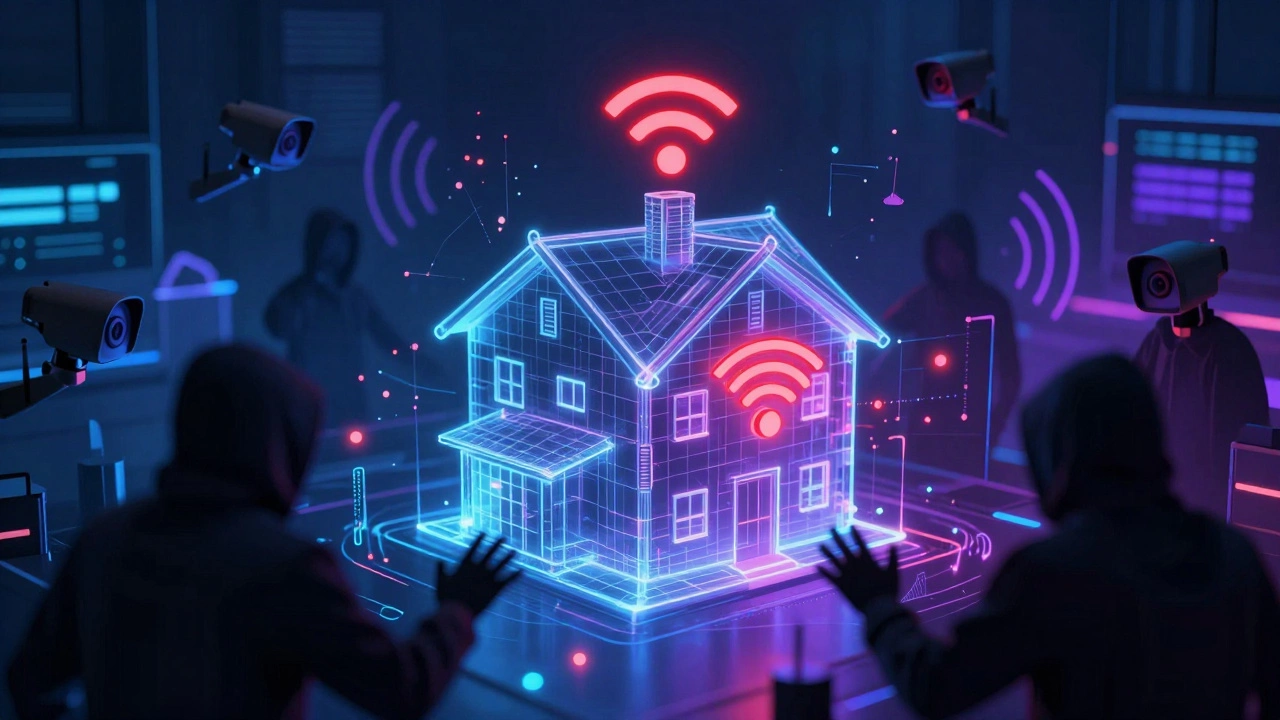
If unreliable video is annoying, being hacked is dangerous. The second major disadvantage of wireless cameras is their heightened exposure to cyber threats. Because wireless cameras transmit data over the air, they create a larger attack surface compared to closed, wired networks. Any device within range of your Wi-Fi signal can potentially attempt to intercept your traffic.
Even with modern encryption standards like WPA2 or WPA3, wireless systems are more vulnerable than wired ones. Attackers can use tools to listen for network beacons, attempt dictionary attacks against weak passwords, or exploit outdated firmware. The U.S. Department of Homeland Security’s Cybersecurity and Infrastructure Security Agency (CISA) warns that wireless devices can be at high risk if running on open or poorly secured networks. They emphasize that an extra layer of security-such as strong wireless encryption-is mandatory to prevent outsiders from deciphering traffic.
There is also the threat of "jamming." While illegal in many jurisdictions, jamming is technically straightforward. An attacker with a simple radio transmitter can flood the 2.4 GHz frequency band with noise, effectively blinding your wireless cameras. This doesn’t require breaking into your account; it just cuts off the communication link. A wired Ethernet cable cannot be jammed in this manner. It is physically connected and immune to radio frequency interference.
Furthermore, most consumer wireless cameras rely heavily on cloud storage. This means your video footage leaves your home and travels to third-party servers. If the vendor’s security is compromised, or if your personal account credentials are leaked, strangers could potentially view your private spaces. Wired enterprise systems often keep data on local Network Video Recorders (NVRs) behind firewalls, offering a much higher degree of privacy control. With wireless kits, you are trusting the manufacturer’s cloud infrastructure to protect your family’s privacy.
Hidden Costs: Battery Maintenance and Scalability
While not one of the two primary technical disadvantages, the operational burden of wireless cameras often surprises users. The term "wireless" is misleading. Most cameras still need power. Unless you choose a purely battery-operated model, you’ll likely run a power cord. If you do go battery, you face a new chore: maintenance.
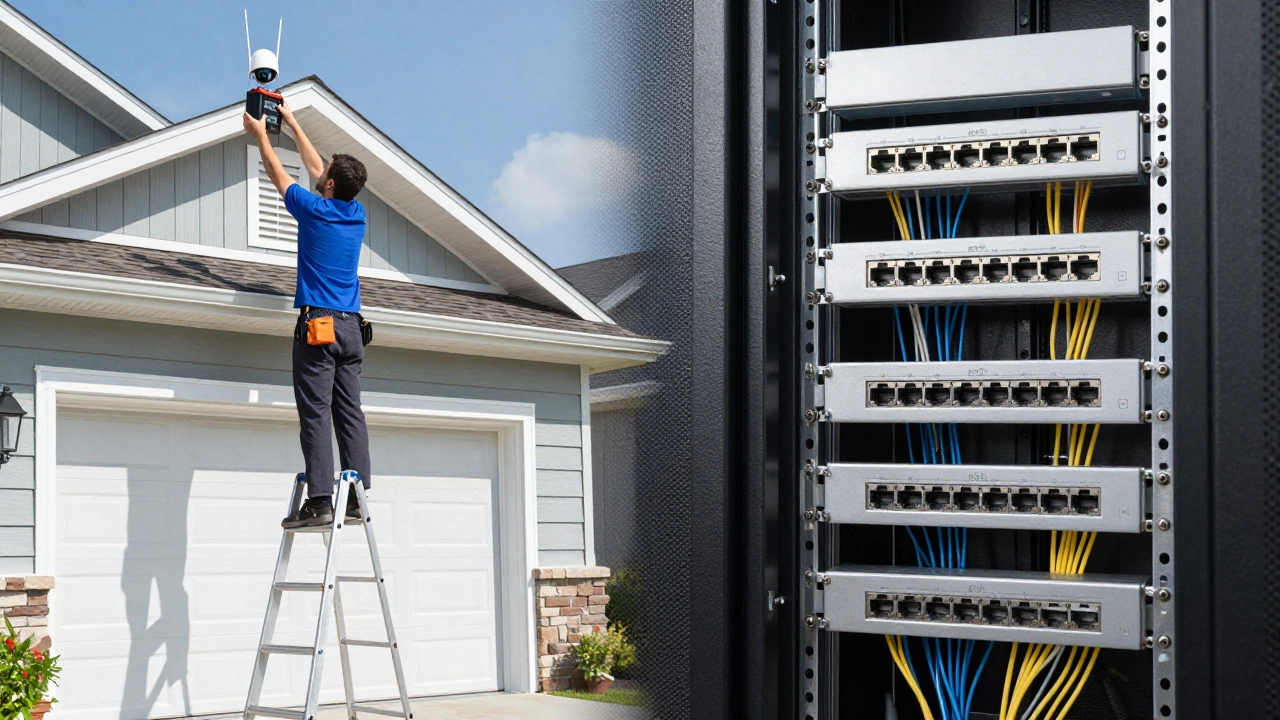
Battery-powered cameras typically need charging every 2-6 months, depending on usage and weather conditions. Imagine having to climb a ladder to reach a camera mounted above your garage door just to swap a battery. Over time, this adds up. Verkada notes that while initial costs favor wireless due to easier installation, the total cost of ownership may favor wired systems over time because PoE systems require minimal maintenance once installed.
Scalability is another hidden hurdle. Adding a fifth or sixth wireless camera can overwhelm your router. Wired systems, based on PoE switches, can handle dozens of cameras without slowing down the network. Wireless systems often require additional access points or repeaters to maintain coverage in larger homes, adding complexity and cost.
How to Mitigate These Risks
If you decide that the ease of installation outweighs the drawbacks, you can take steps to minimize the risks. Here is how to get the best performance from a wireless setup:
- Use a Dedicated Network: Set up a separate SSID (network name) for your IoT devices and cameras. This isolates them from your main computer and phone network, reducing congestion and improving security.
- Upgrade Your Router: Ensure your router supports Wi-Fi 6 or Wi-Fi 6E. These newer standards handle multiple devices better and reduce interference compared to older 2.4 GHz-only routers.
- Position Cameras Carefully: Avoid placing cameras behind thick walls or metal structures. Keep them within clear line-of-sight of your router whenever possible.
- Enable Strong Encryption: Always use WPA2-AES or WPA3 encryption. Never leave default passwords unchanged. Enable two-factor authentication (2FA) on your camera app accounts.
- Keep Firmware Updated: Manufacturers regularly release patches to fix security vulnerabilities. Enable automatic updates if available.
When to Choose Wired Instead
Despite the marketing hype, wired cameras are still the superior choice for many scenarios. If you are building a new home, renovating, or installing a system for a business, the upfront labor of running cables pays off in reliability. Experts recommend wired PoE systems for mission-critical environments where missing a second of footage is not an option. They are harder to hack, immune to jamming, and provide continuous high-resolution video without battery anxiety.
Wireless cameras are excellent for temporary setups, rental properties, or small additions to an existing system where running cables is impossible. But for comprehensive, long-term security, the two disadvantages of wireless technology-connectivity instability and security vulnerability-remain significant hurdles.
Can wireless security cameras be hacked?
Yes, wireless cameras are more susceptible to hacking than wired systems because they transmit data over radio frequencies. Risks include interception of unencrypted feeds, password attacks, and cloud account compromises. Using WPA2/WPA3 encryption, strong passwords, and two-factor authentication significantly reduces this risk.
Do wireless cameras work if the internet goes down?
Most wireless cameras require an active Wi-Fi connection to function. If your internet service provider goes down, your cameras will likely go offline too. Some models offer local SD card storage, allowing you to review footage later, but you won't receive real-time alerts or remote access during the outage.
Why are my wireless camera videos lagging?
Lag is usually caused by bandwidth congestion or weak Wi-Fi signals. High-resolution video consumes significant data. If multiple devices are using your network, or if the camera is far from the router, the connection slows down. Moving the camera closer to the router or upgrading to a Wi-Fi 6 router can help.
Are wired cameras better than wireless for night vision?
Are wired cameras better than wireless for night vision?
Night vision capability depends on the camera's sensor and IR LEDs, not the connection type. However, wired cameras often support higher resolutions and continuous recording, which can result in clearer night images. Wireless cameras may lower resolution to save bandwidth, potentially affecting image clarity in low light.
How often do I need to charge wireless camera batteries?
Battery life varies widely based on usage, motion detection settings, and temperature. On average, expect to recharge or replace batteries every 2 to 6 months. High-traffic areas with frequent motion events will drain batteries faster.
Can I mix wired and wireless cameras in one system?
Yes, many modern NVRs (Network Video Recorders) support both wired IP cameras and wireless cameras on the same network. This allows you to place wired cameras in critical, high-bandwidth areas and wireless cameras in locations where cabling is difficult.