Ring Alarm Outage Simulator
Standard Ring Alarm
Wi-Fi Only ConnectionRing Alarm Pro
Built-in eero & Cellular BackupOutage Simulation Result
WI-FI OFFLINEConnectivity Status
Estimated Battery Runtime
Based on internal battery + external packs.
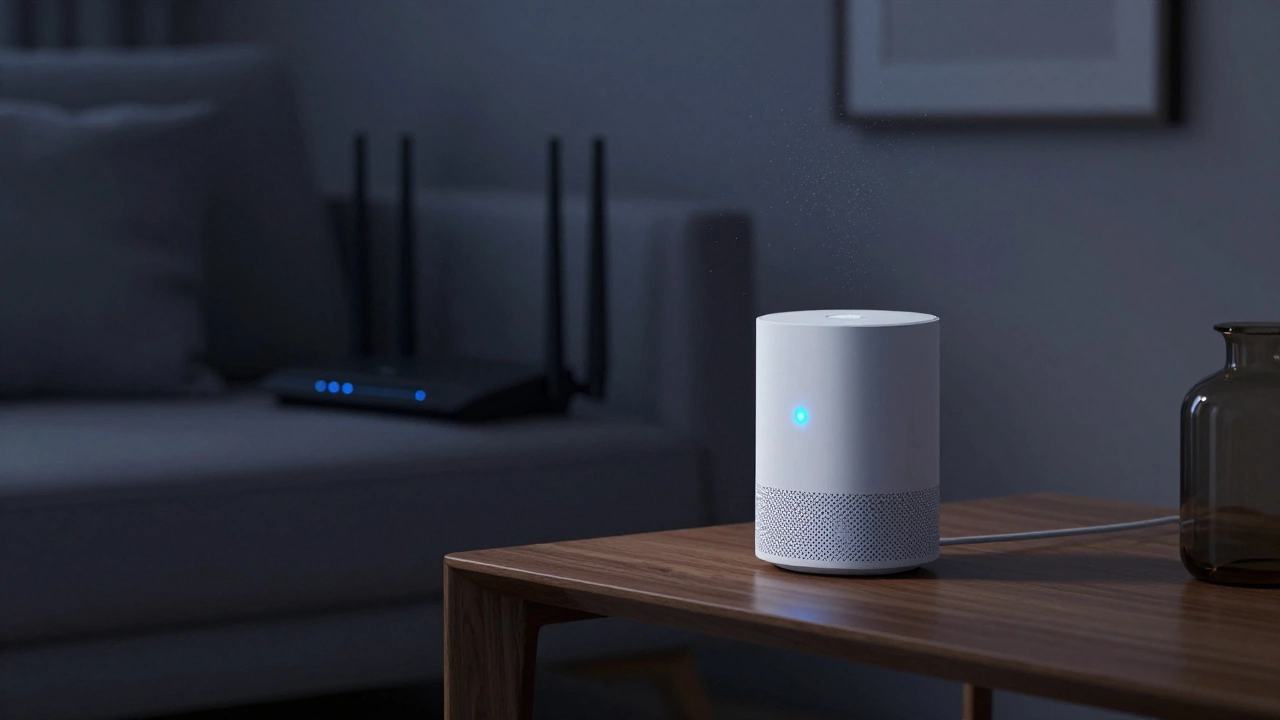
Imagine you’re away from home, and suddenly your internet router dies. The lights flicker, the Wi-Fi drops, and panic sets in. Is your Ring Alarm still watching over your house? Or are you sitting duck for a break-in because the system went dark? This is one of the most common fears for smart home owners. You rely on technology to keep your family safe, but that same technology depends on an invisible link-your internet connection.
The short answer is: it depends entirely on which Ring base station you own and what subscription you have active. If you have the older standard model, you might be left with nothing but a silent box. If you have the newer Pro model, you’ve got a safety net-but only if you’ve paid for it. Let’s break down exactly what happens when the Wi-Fi cuts out, how long your system stays alive, and what you can do to ensure you never lose coverage again.
Standard Ring Alarm vs. Ring Alarm Pro: The Big Difference
To understand what happens during an outage, you first need to know the hardware difference between the two main versions of the system. They look similar, but their brains work very differently when the power or internet goes out.
The Standard Ring Alarm Base Station connects directly to your home Wi-Fi network via a wireless signal or an Ethernet cable. It has no built-in ability to connect to a mobile network. Think of it like a landline phone; if the line is cut, the phone stops working. Without Wi-Fi, this base station cannot send signals to the cloud, meaning it cannot alert monitoring services or send notifications to your phone unless you are physically at home using the keypad.
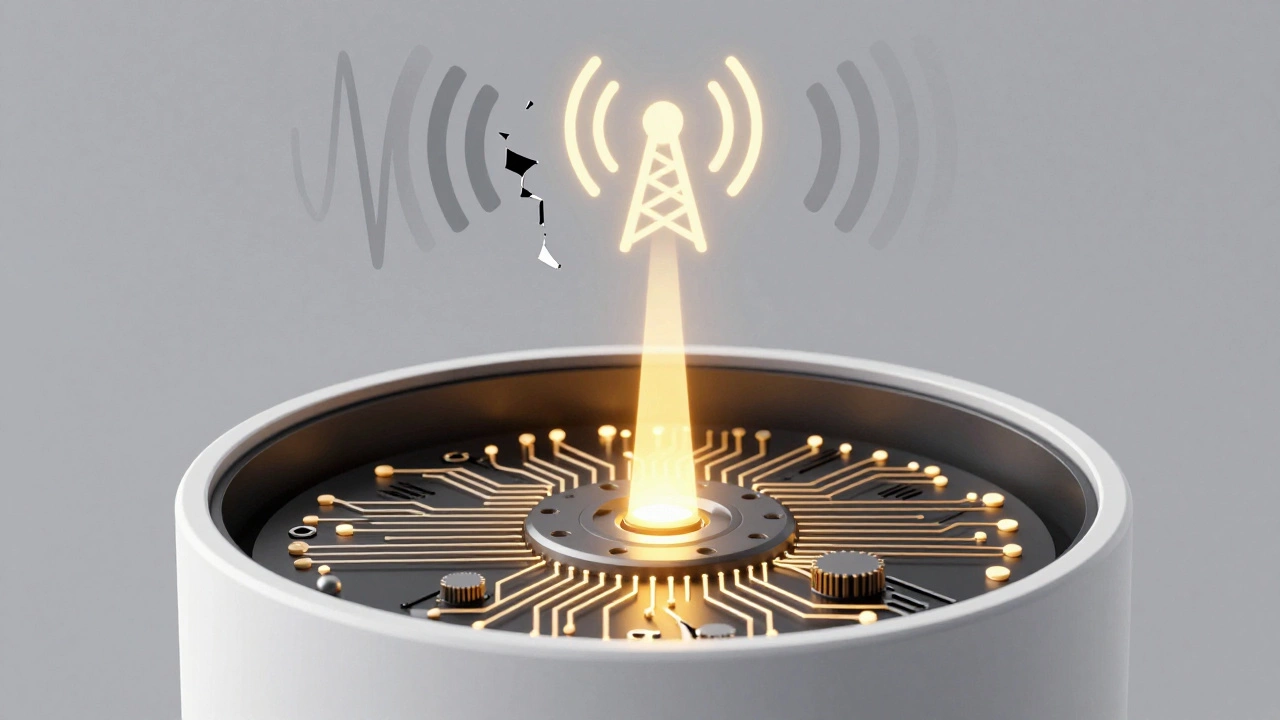
The Ring Alarm Pro, on the other hand, includes a built-in cellular backup module. This device acts as both your alarm hub and a secondary internet router (using eero mesh technology). When your primary Wi-Fi fails, the Pro can switch to a cellular data connection-similar to how your smartphone uses 4G or 5G when Wi-Fi is unavailable. This feature is the game-changer for reliability.
Scenario 1: You Have Ring Alarm Pro with Cellular Backup
If you own the Ring Alarm Pro and have an active Ring Protect Plan that includes cellular backup, here is exactly what happens when your Wi-Fi goes down:
- The Switch Happens Automatically: The base station detects the loss of Wi-Fi connectivity. Within seconds, it activates its internal cellular modem.
- Data Usage Begins: Your system starts using the monthly data allowance provided by your plan. Currently, Ring provides 3 gigabytes of cellular data per month for backup purposes. For a standard alarm system sending occasional alerts, this is usually plenty. However, if you stream live video heavily while offline, you could burn through this faster.
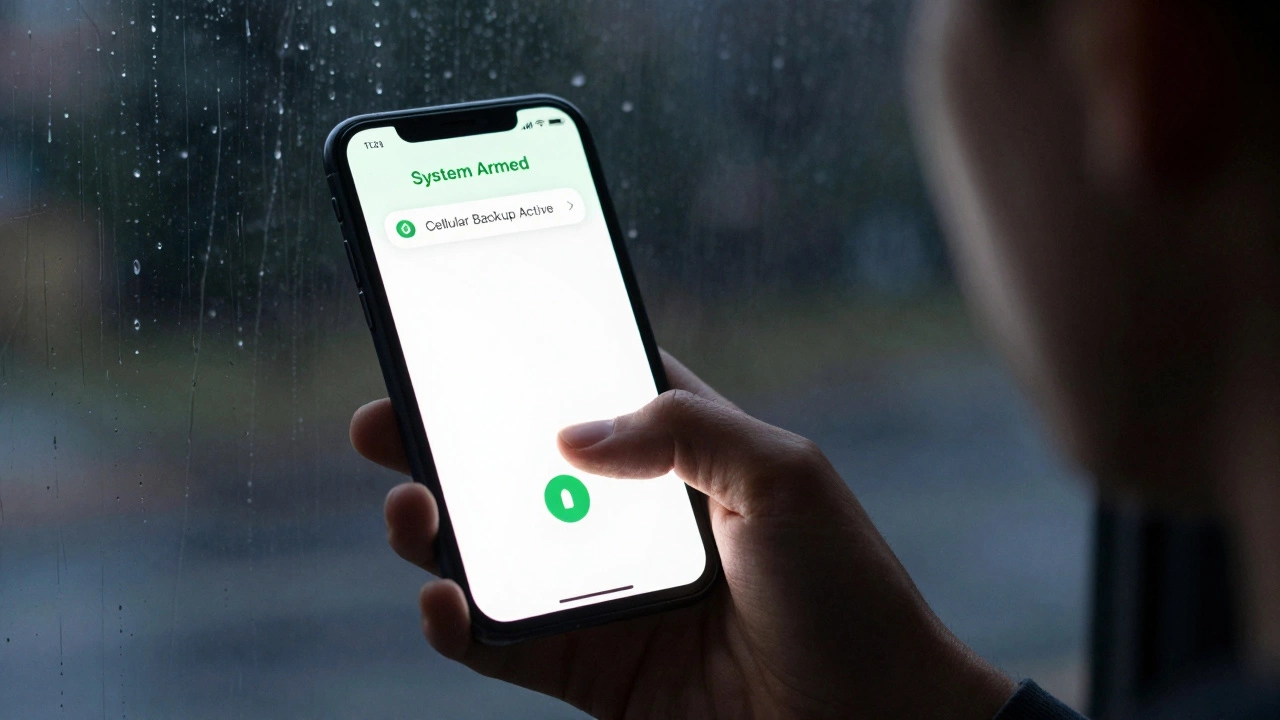
- Monitoring Continues: If you have Professional Monitoring enrolled, the alarm will still trigger emergency dispatchers even though your home internet is dead. Sensors still talk to the base station, and the base station talks to the monitoring center via the cellular network.
- App Access Remains: You can still arm, disarm, and check the status of your system through the Ring app on your phone, as long as your phone has an internet connection (via Wi-Fi or mobile data).
Once your regular Wi-Fi comes back online, the Ring Alarm Pro automatically switches back to using your primary internet connection to save cellular data. You won’t notice a hitch in service.
Scenario 2: Standard Ring Alarm or No Cellular Subscription
This is where things get tricky. If you have the standard Ring Alarm base station, or if you have the Pro but do not have a subscription that enables cellular backup, the system behaves quite differently.
When the Wi-Fi drops, the standard base station loses its connection to the Ring servers. Here is what breaks:
- No Remote Alerts: If someone trips a sensor, the siren will sound locally inside your house, but you will not receive a push notification on your phone. The monitoring company will not be notified.
- No Live View: You cannot see any connected Ring cameras or doorbells that rely on that specific Wi-Fi network.
- Local Control Only: You can still use the physical keypad to arm or disarm the system if you are standing right next to it. The sensors still communicate with the base station via Z-Wave (a local wireless protocol), so the alarm logic works internally.
Essentially, your smart alarm becomes a dumb alarm. It will scare off intruders with noise, but it offers no remote peace of mind or professional response.
Battery Life: How Long Does It Last Without Power?
A Wi-Fi outage often coincides with a power outage. Storms knock out both electricity and internet. In these cases, battery life becomes your critical metric.
The Ring Alarm Pro Base Station contains an internal lithium-ion battery. According to Ring’s specifications, this battery keeps the system running in "Low Power Mode" for up to 24 hours. During this time, the system prioritizes keeping the alarm functions and cellular backup alive. Non-essential features, like acting as a full-speed Wi-Fi router for other devices, may be throttled or disabled to conserve energy.
There is a catch, though. The system waits about 15 minutes after losing power before fully engaging deep conservation mode. This buffer prevents false alarms during brief brownouts. But if the power is out for days, your internal battery will drain.
To extend this runtime, Ring sells Power Packs. These are external battery units that plug into the base station. One fully charged Power Pack adds roughly eight hours of runtime. You can chain up to three packs together, theoretically extending your total backup time to around 24 hours beyond the internal battery’s limit, depending on usage.
Troubleshooting: Why Won’t It Reconnect?
Sometimes, the Wi-Fi doesn’t stay down-it just flickers and reconnects, but your Ring Alarm stays "Offline." This is frustratingly common. Why does this happen?
It usually comes down to signal strength. Ring measures connection quality using RSSI (Received Signal Strength Indicator). If your base station is far from the router, behind thick concrete walls, or near interference sources like microwaves and cordless phones, the connection might drop and fail to re-establish automatically.
If your system stays offline after the internet is restored, try these steps:
- Move the Base Station: Ideally, place the Ring Alarm within 30 feet of your Wi-Fi router. Remove obstructions.
- Use a Range Extender: If moving the router isn’t an option, place a Ring Chime Pro halfway between the router and the alarm. It acts as a dedicated Wi-Fi extender for Ring devices.
- Check Sensor Batteries: Low batteries in individual sensors (below 20%) can cause communication errors that make the whole system appear unstable.
- Reboot the Hub: Unplug the base station for 30 seconds, then plug it back in. This forces a fresh handshake with the router.
| Feature | Standard Ring Alarm (No Cellular) | Ring Alarm Pro (With Cellular Plan) |
|---|---|---|
| Remote Alerts | Lost | Maintained |
| Professional Monitoring | Lost | Maintained |
| Local Siren | Works (if powered) | Works (if powered) |
| Battery Runtime | Up to 24 Hours | Up to 24 Hours (+ Power Packs) |
| Cost to Maintain Backup | $0 (but no backup) | Included in Protect Plan |
Future-Proofing: What’s Coming Next?
Ring knows that relying solely on Wi-Fi and cellular towers has limits. In areas with poor cell reception or frequent internet blackouts, even the Pro model struggles. That’s why Ring has announced plans to integrate satellite backup connectivity into future firmware updates for Ring Alarm systems between 2026 and 2027.
This feature aims to provide a third layer of redundancy. Imagine your Wi-Fi is down, and somehow the cellular tower is overloaded or damaged. Satellite backup would allow the alarm to ping a satellite network to send distress signals. While this is still on the horizon, it suggests that Ring is moving toward a "always-on" philosophy regardless of ground infrastructure failures.
Final Checklist for Peace of Mind
Don’t wait for a blackout to test your system. Take these steps today to ensure your home remains secure:
- Verify Your Plan: Log into the Ring app and confirm your subscription includes "Cellular Backup." If you canceled it recently, you are vulnerable.
- Test the Battery: Check the health of your base station battery in the app settings. Replace Power Packs if they hold less than 80% charge.
- Signal Check: Look at the Connectivity Health dashboard in the app. If your signal strength is weak, move your router or add a Chime Pro.
- Update Firmware: Ensure your base station is running the latest software version, which often includes connectivity fixes.
Your Ring Alarm is only as strong as its weakest link. By understanding how it handles disconnection, you turn a potential vulnerability into a managed risk.
Does Ring Alarm work without Wi-Fi?
Yes, but only if you have the Ring Alarm Pro with an active Ring Protect Plan that includes cellular backup. The system will switch to cellular data automatically. If you have the standard Ring Alarm without cellular backup, it will not send remote alerts or connect to monitoring services when Wi-Fi is down, though the local siren will still sound.
How long does Ring Alarm last on battery during a power outage?
The Ring Alarm Pro base station has an internal battery that lasts up to 24 hours in Low Power Mode. You can extend this time by adding external Power Packs, which provide additional hours of backup power. Each Power Pack typically adds about 8 hours of runtime.
Will I get notifications if my Wi-Fi goes down?
If you have cellular backup enabled, yes. You will continue to receive motion alerts, entry alerts, and alarm triggers on your phone via the cellular connection. If you do not have cellular backup, you will stop receiving notifications until the Wi-Fi is restored.
Does Ring Alarm Pro replace my Wi-Fi router?
Yes, the Ring Alarm Pro includes built-in eero mesh Wi-Fi technology. It can act as your primary Wi-Fi router for all devices in your home. However, many users choose to keep their existing router and use the Pro primarily for its cellular backup capability.
What happens if I cancel my Ring Protect Plan?
If you cancel your plan, you lose access to cellular backup immediately. Your Ring Alarm Pro will revert to functioning like the standard model, relying solely on Wi-Fi for connectivity. During a Wi-Fi outage, it will go offline and unable to send alerts or contact monitoring services.