DIY Security Cost & Savings Calculator
Configure Your Setup
Standard market rate for comparison.
Your Financial Outlook
Cost Breakdown (DIY)
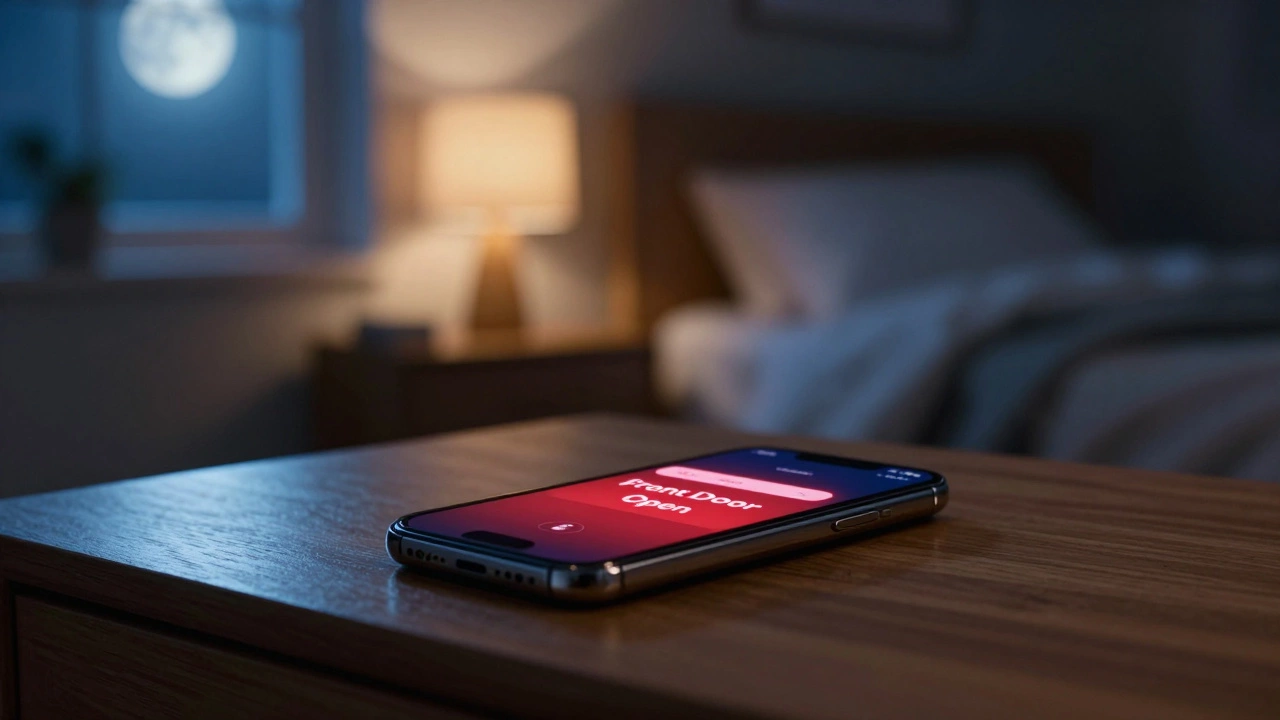
Imagine your front door sensor trips at 2:00 AM. The siren blares. Your phone buzzes on the nightstand. Do you wake up, grab your device, and decide if it’s a burglar or just a stray cat? That is the reality of self-monitoring, a method where the homeowner receives alerts and decides when to call emergency services instead of paying a professional center. It is a powerful way to save money and keep control over your data, but it puts the weight of responsibility squarely on your shoulders.
The short answer to "Can I monitor my own security system?" is yes. Most modern DIY systems like Ring Alarm, SimpliSafe, and Abode allow you to skip the monthly monitoring fee entirely. You get the hardware, the app, and the local siren. But before you cancel that subscription, you need to understand exactly what you are giving up and how to make self-monitoring actually work for your lifestyle.
How Self-Monitoring Works in Practice
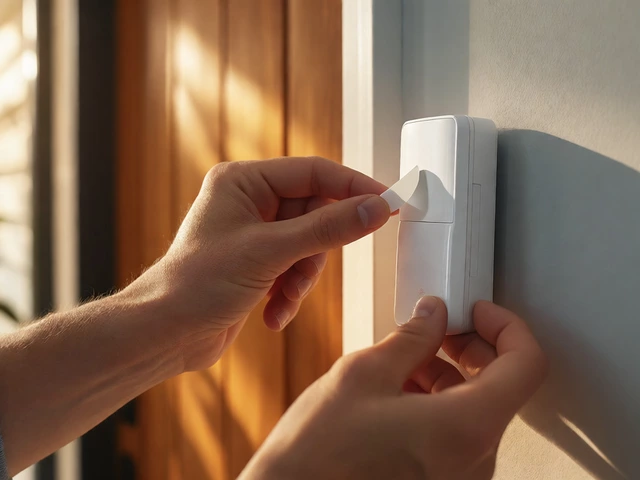
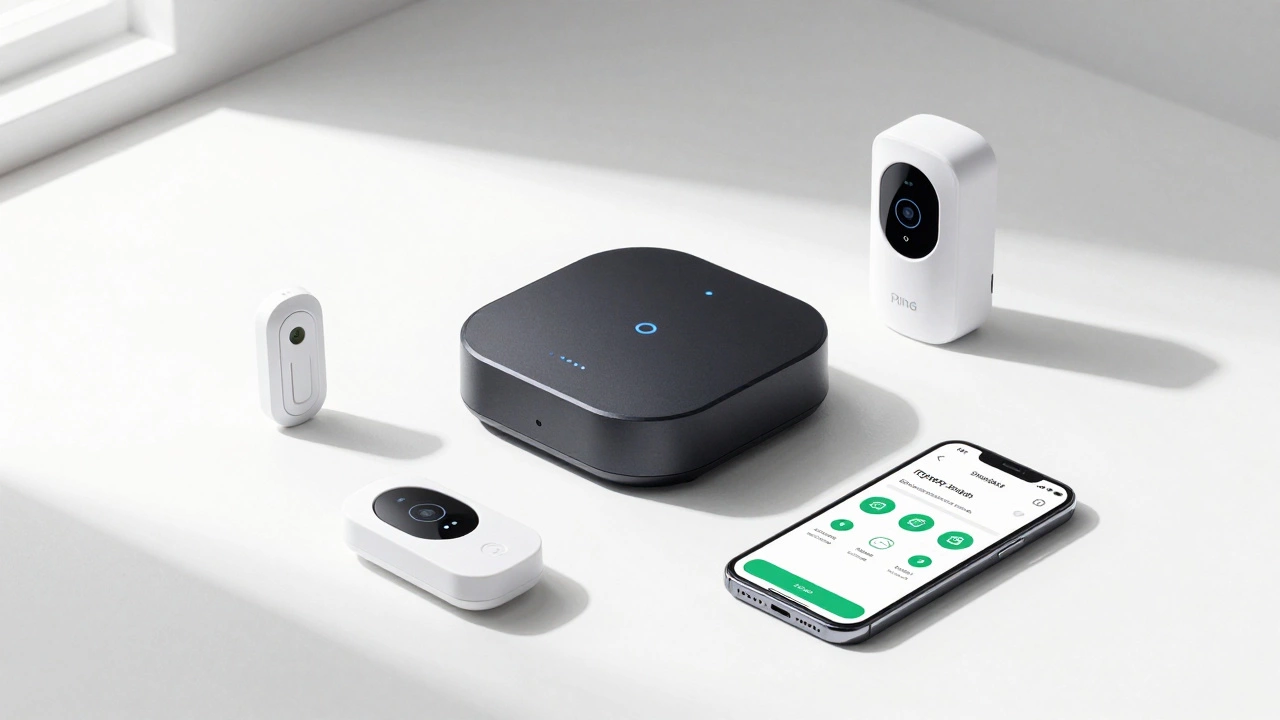
To understand self-monitoring, you first need to look at the hardware. Unlike old-school wired alarms that required an electrician, today’s systems are wireless and modular. A typical setup includes a hub or base station, which acts as the central brain connecting sensors via Wi-Fi, Z-Wave, or Zigbee protocols. This hub connects to door/window contacts, motion detectors, and sometimes glass-break sensors.
When a sensor triggers while the system is armed, here is the chain of events:
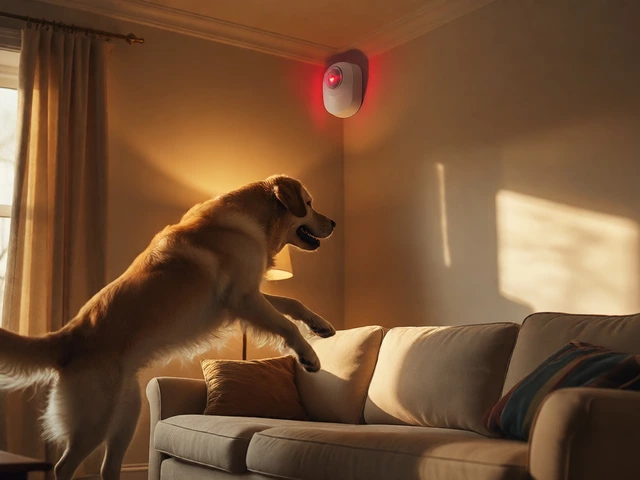
- Local Alarm: The hub sounds a loud siren (usually between 85 and 100 decibels) right there in your home.
- Digital Alert: The hub sends a push notification, SMS, or email to your smartphone.
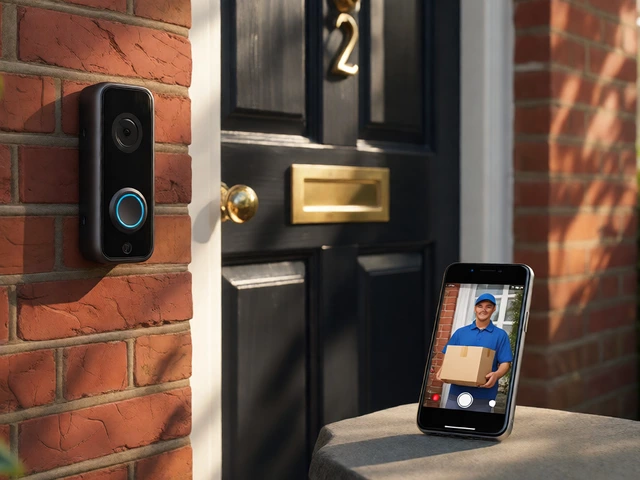
- User Action: You check the app, view live camera feeds if you have them, and decide whether to call 911, a neighbor, or dismiss the alert.
The critical difference from professional monitoring is step three. In a professionally monitored system, a trained operator at a UL-listed central station receives the signal, attempts to verify the emergency via two-way audio, and dispatches police or fire services if needed. In self-monitoring, you are that operator. If you are asleep, driving, or your phone battery dies, the response chain breaks.
The Cost Breakdown: DIY vs. Professional
Money is usually the main driver for choosing self-monitoring. Let’s look at the numbers based on current market rates in 2026.
| Feature | Self-Monitored (DIY) | Professionally Monitored |
|---|---|---|
| Upfront Hardware Cost | $200 - $600 (one-time) | $99 - $199 installation + equipment fees |
| Monthly Fee | $0 (optional cloud storage $3-$10) | $20 - $60 per month |
| 3-Year Total Cost | ~$400 - $700 | ~$1,000 - $2,000+ |
| Insurance Discount | Often 0% - 5% | Typically 5% - 15% |
| Contract Length | None (cancel anytime) | Often 1-3 years |
As you can see, self-monitoring saves significant cash upfront and over time. Brands like Wyze offer cameras for around $30 each, allowing you to build a visual layer for almost nothing. However, remember that insurance companies often require professional monitoring for the highest discounts. If your home insurance premium drops by 10% with pro monitoring, that might offset some of the monthly fees you’d otherwise save.
Top Systems That Support Self-Monitoring
Not all systems are created equal when it comes to self-monitoring features. Here is how the major players stack up:
- SimpliSafe: Founded in 2006, this brand pioneered the DIY model. Their starter kits start around $200. You can run it completely free with no monthly plan. You get local sirens and app notifications. It is ideal for renters who want easy portability.
- Ring Alarm: Part of the Amazon ecosystem. An 8-piece kit costs roughly $200. The free tier gives you real-time alerts and live view of cameras. It integrates seamlessly with Alexa devices for voice announcements when alarms trip.
- Abode: Known for its hybrid approach. Their iota hub allows deep automation. You can self-monitor for free, but they also offer flexible professional monitoring plans that you can turn on only during vacations, costing about $22/month when active.
- Home Assistant / Homey: For tech-savvy users, these open-source or advanced hubs allow total privacy. Data stays local on your network. There are no cloud servers to go down, but the learning curve is steep.
The Risks: What Could Go Wrong?
It is easy to focus on the savings, but you must be honest about the risks. Self-monitoring fails when you fail to respond. Consider these scenarios:
1. The "Do Not Disturb" Problem
If your phone is on silent, in airplane mode, or simply out of battery range, you won’t see the alert. A professional monitoring center has redundant power and cellular connections that ensure they always receive the signal. They also have backup operators if one is busy.
2. Travel and Availability
What happens when you are on a 10-hour flight across the Atlantic? Or stuck in a meeting without signal? During those windows, your home is unmonitored. Some users mitigate this by setting up secondary contacts-family members or neighbors-who also receive alerts. But relying on others introduces human error.
3. False Alarms and Panic
In a high-stress situation, like a break-in, dialing 911 takes time and mental clarity. A panic button linked to a professional service sends an immediate, verified distress signal. With self-monitoring, you have to manually initiate that call. If you are incapacitated or trapped, there is no automatic backup.
4. Internet Outages
Most DIY hubs rely on Wi-Fi. If your internet goes down, push notifications may fail. Many hubs now offer cellular backup modules, but these often require a paid subscription to activate. Without that backup, your smart system becomes a dumb box with a loud speaker.
How to Make Self-Monitoring Safe and Effective
If you decide to go the self-monitoring route, you cannot just install sensors and walk away. You need a strategy. Here is a checklist to maximize reliability:
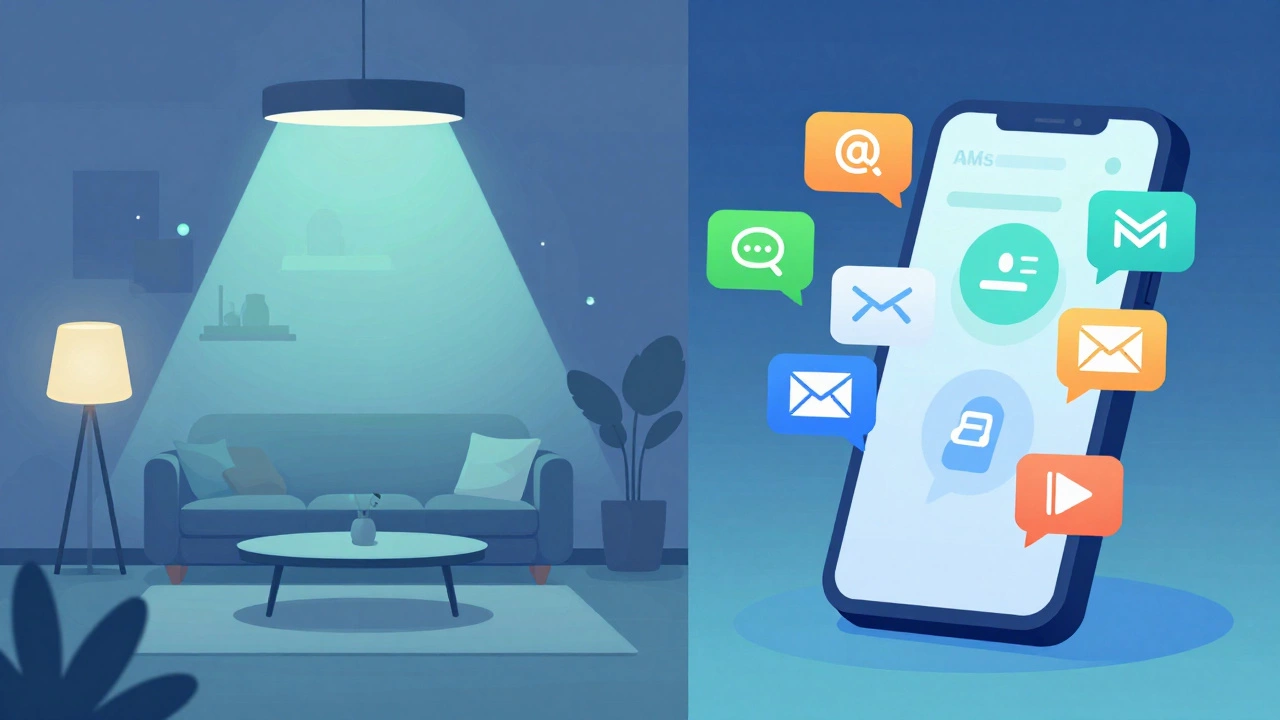
- Enable Multiple Notification Channels: Don’t rely on just push notifications. Set up SMS and email alerts as backups. Ensure these are sent to at least two people in your household.
- Use Smart Lighting Automation: Program your system to turn on exterior lights and interior floodlights when an alarm triggers. This deters intruders and helps you verify if it’s a person or a shadow via your camera feed.
- Invest in Cellular Backup: Even if you don’t pay for professional monitoring, consider adding a cellular module to your hub (if supported). This ensures alerts still reach the manufacturer’s servers even if your Wi-Fi router is unplugged or cut.
- Test Monthly: Treat your system like a car. Check battery levels every six months. Test every sensor once a month to ensure they communicate with the hub. Dead batteries are the #1 cause of false negatives.
- Create a Response Plan: Write down exactly what you will do when an alert hits. Who calls the police? Who checks the cameras? Post this plan near your keypad or save it in your phone notes.
Who Should Choose Self-Monitoring?
Self-monitoring isn’t for everyone. It works best for specific profiles:
- Renters and Apartment Dwellers: You likely can’t drill holes for hardwired systems, and you move frequently. DIY systems are portable and leave no damage.
- Tech-Savvy Users: People comfortable troubleshooting Wi-Fi issues, updating firmware, and configuring automation rules.
- Budget-Conscious Homeowners: Those who want basic deterrence (loud sirens, flashing lights) without the recurring cost of a subscription.
- Secondary Properties: A cabin or garage where full-time professional monitoring feels like overkill.
Conversely, you should probably stick with professional monitoring if you travel frequently, have elderly family members living alone, live in a rural area with slow police response times, or simply want peace of mind knowing someone is watching 24/7 regardless of your phone status.
Hybrid Approach: The Best of Both Worlds?
You don’t have to choose forever. Many experts recommend a hybrid approach. Start with self-monitoring to save money day-to-day. Then, use on-demand professional monitoring for specific periods. For example, Abode and Ring allow you to enable professional dispatch for 3 days, 30 days, or whenever you go on vacation. This way, you pay for protection only when you truly need it, bridging the gap between cost-saving and safety.