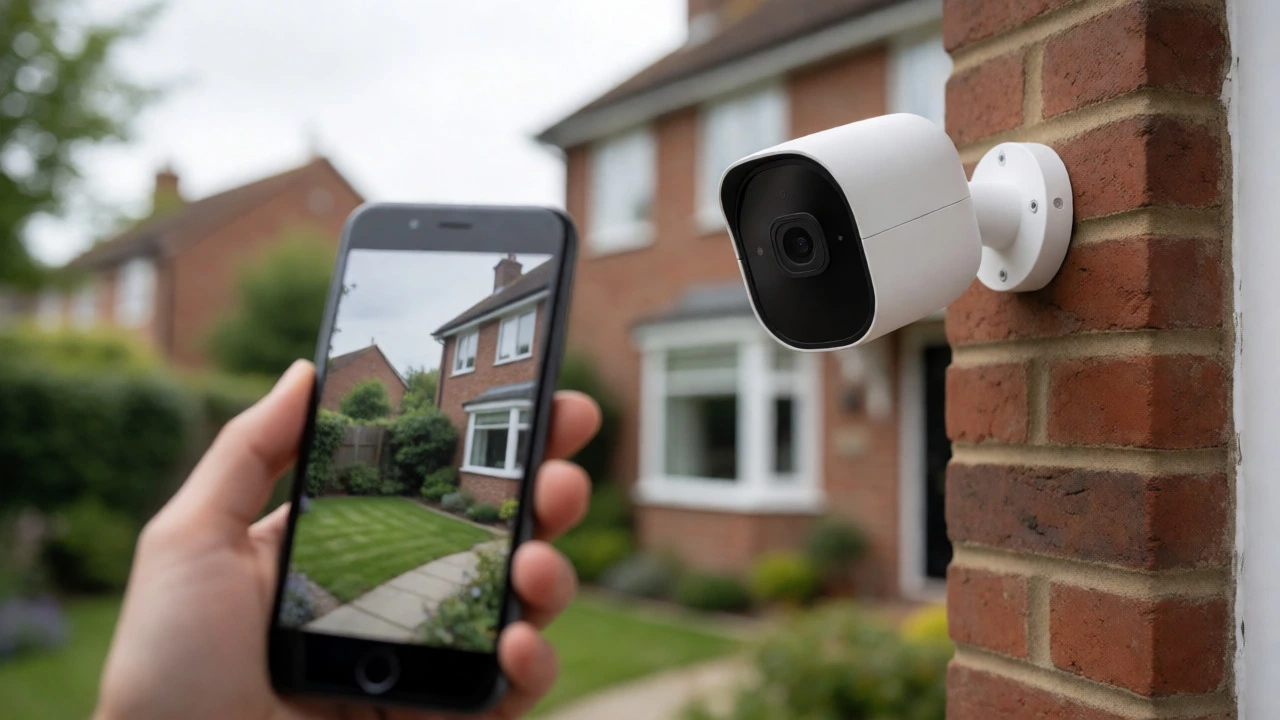
Security Camera Connectivity Checker
Select your camera type below to see exactly what happens when your internet goes down.
Analysis Result
StatusDuring Internet Outage:
Remote Viewing Capability:
You’ve just bought a shiny new security camera. You plug it in, open the app, and stare at your phone. Then panic sets in: what happens if the internet goes down? Do these gadgets stop working entirely? The short answer is no, but the long answer depends heavily on which type of camera you own and what features you actually care about.
Here’s the reality most marketing brochures gloss over: Internet and WiFi are not strictly required for a camera to capture video. They are only required for remote viewing, cloud storage, and smart alerts. If you’re happy checking footage on a monitor in your living room or pulling an SD card out every week, you can run a robust security system with zero internet connection. But if you want to see who’s walking up your drive while you’re on holiday in Spain, connectivity becomes non-negotiable.
The Core Difference: Recording vs. Remote Access
Think of your security system like a traditional camcorder versus a live TV broadcast. A camcorder records locally; you need to be there to watch it. A live broadcast sends the signal out so anyone anywhere can watch. Most modern home security confusion stems from mixing these two concepts up.
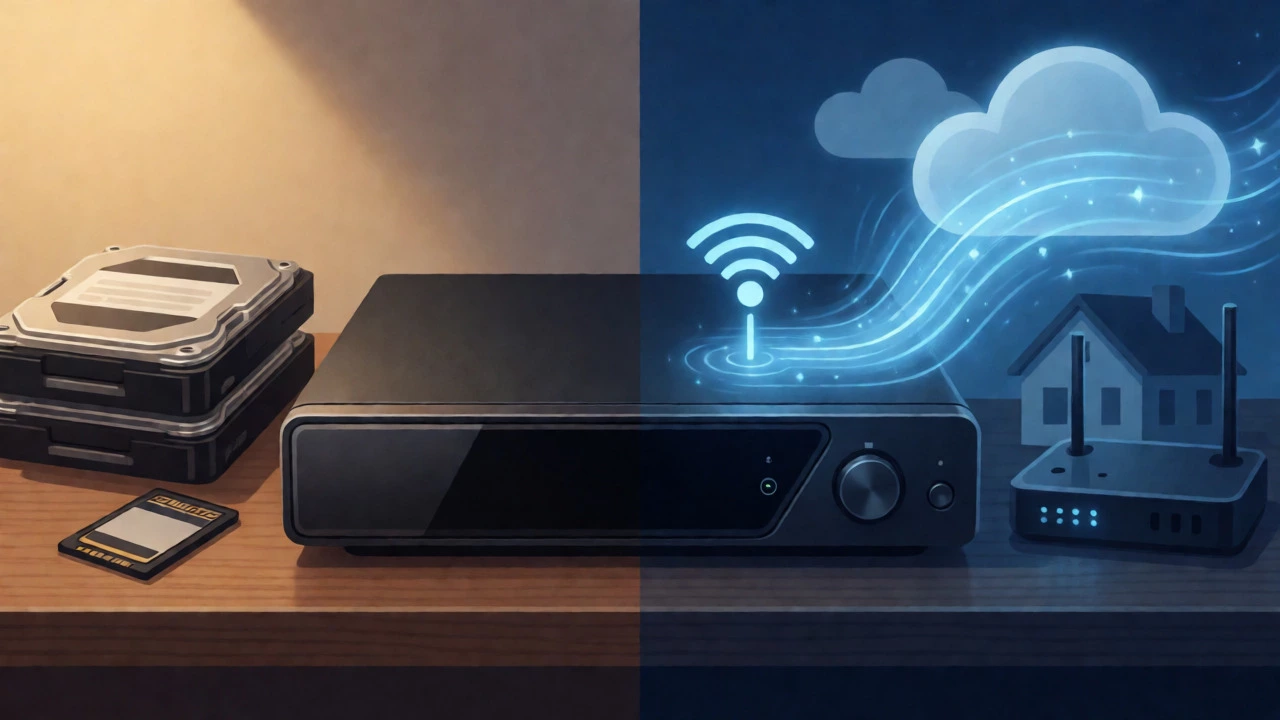
Local recording is when the camera saves video directly onto a physical medium attached to the device or its base station. This could be a microSD card inside the camera, a hard drive in a DVR (Digital Video Recorder), or a hub like Eufy’s HomeBase. This process requires power, but it does not require an internet connection. The camera doesn’t care if your broadband is down; it keeps writing data to the disk until it fills up.
Remote access, however, is a completely different beast. To view your camera feed on your smartphone from a different location, the video data must travel from your house, through your router, across the internet, and to Amazon’s or Arlo’s servers before bouncing back to your phone. No internet means this path breaks. You lose live streaming, push notifications, and cloud backups. Your camera is still watching, but you’re blind to it until you return home.
When You Can Go Offline (And When You Can’t)
Whether you need WiFi depends entirely on your lifestyle and risk tolerance. Let’s break down the scenarios where connectivity matters and where it doesn’t.
- You don’t need Internet if: You have a wired CCTV system with a DVR/NVR, or a WiFi camera that supports local microSD recording. You are content reviewing footage on-site. You prioritize privacy and want to avoid subscription fees. You live in an area with unreliable broadband and want a system that won’t fail during outages.
- You DO need Internet if: You want to check in on your home from work or vacation. You rely on instant push notifications for motion detection. You use AI features like person detection or package alerts (which often happen in the cloud). You want off-site backup so thieves can’t steal the recorder along with the cameras.
A common misconception is that "wireless" cameras always need WiFi to record. That’s false. Many battery-powered cameras, such as those from Reolink or Eufy, record to an internal SD card even when disconnected from the network. However, they might require a one-time internet connection for initial setup or firmware updates. Once configured, they can operate in a "LAN-only" mode, though you’ll lose the ability to get alerts on your phone.
Camera Types and Their Connectivity Needs
Not all cameras are built the same. The technology inside determines how dependent it is on your router.
| Camera System | Needs WiFi? | Needs Internet? | Recording Method | Remote Viewing? |
|---|---|---|---|---|
| Analog CCTV | No | No | DVR Hard Drive | No (unless DVR connected) |
| PoE IP Cameras | No (uses Ethernet) | No | NVR Hard Drive / SD Card | >No (unless NVR connected)|
| Cloud-First WiFi Cams (e.g., Ring, Arlo) | Yes | Yes | Cloud (mostly) | >Yes|
| Hybrid WiFi Cams (e.g., Eufy, Reolink) | Yes | >No (for basic rec.)SD Card / Local Hub | >No (without Internet)||
| Cellular 4G/5G Cams | >No (uses SIM) >Yes (via Cellular)Cloud / SD Card | >Yes
Analog and PoE Systems: The Old School Reliability
If you hate tech glitches, analog CCTV or Power over Ethernet (PoE) systems are your best friends. These setups use cables to send video to a central box called a DVR or NVR. As noted by industry experts at Mammoth Security and Vivint, these systems function perfectly without any internet connection. The cameras talk to the recorder via cable, and the recorder writes to a hard drive. You can connect a monitor directly to the NVR to watch live feeds or playback recordings. It’s closed-loop, secure, and immune to internet outages. The downside? It’s harder to install (you need to run cables) and you can’t check your phone to see if the dog got into the bin while you were at the pub.
Cloud-Dependent Cameras: The Convenience Trap
Brands like Ring and Arlo dominate the market because they are easy to set up. You scan a QR code, connect to WiFi, and you’re done. But this convenience comes with a leash. Ring support documentation explicitly states that their devices require an active internet connection for setup and ongoing use. Without it, the camera cannot upload events to the cloud. For many users, this means the camera effectively stops recording meaningful clips or fails to send alerts. Some models offer limited local storage via a Sync Module, but even then, full functionality is tied to connectivity. If your internet drops for three hours, you might miss critical footage unless you specifically opted for a local storage add-on.
Hybrid Systems: The Best of Both Worlds
This is where things get interesting for UK homeowners. Companies like Eufy and Reolink have pivoted to hybrid models. Their cameras connect to WiFi for convenience but store footage locally on a HomeBase or SD card. If your internet goes down, the recording continues uninterrupted. You just can’t view it remotely until the connection returns. This approach appeals to privacy-conscious users who don’t want their footage sitting on a server in America, but still want the option of remote access when needed. Reolink’s support articles confirm that PoE and battery cameras can record to SD cards without internet, preserving the core security function even when the network fails.
What Happens During an Internet Outage?
Let’s simulate a scenario. You’re asleep, and your broadband provider has a regional outage. What do your cameras do?
If you have a cloud-only camera (like a standard Ring Doorbell without a local backup plan), it likely stops uploading new events. Some may buffer briefly, but eventually, they will drop frames or stop recording entirely because they can’t communicate with the server. You wake up, open the app, and find a gap in your timeline. You have no way of knowing if someone tried your doorbell during that window.
If you have a local-storage camera (like a Reolink Argus with an SD card), it keeps rolling. The motion sensor triggers, the file saves to the card, and the timestamp remains accurate (assuming the clock wasn’t reset). When the internet returns, the camera might sync the status, but the video was safe all along. You can pull the SD card and view it on a PC, or wait for the app to refresh once connectivity is restored.
This distinction is vital for peace of mind. In Sheffield, we know how quickly weather can knock out lines. Relying solely on cloud storage for critical evidence is a gamble. Local storage acts as your safety net.
Bandwidth: How Much Internet Do You Actually Need?
If you decide you do want remote access, don’t underestimate the bandwidth demand. Streaming high-definition video is heavy on upload speed, not download speed. Most home broadband packages advertise download speeds (for Netflix), but upload speeds are often much lower.
Ring recommends at least 1 Mbps upload per device for optimal performance, scaling up to 15 Mbps for 4K streams. Arlo specifies 3 Mbps per Ultra camera. If you have four cameras streaming simultaneously, you could easily exceed the upload capacity of a budget broadband plan, leading to stuttering video or dropped connections. Before buying multiple HD cameras, check your current upload speed using a tool like Speedtest.net. If you’re below 10 Mbps upload, consider sticking to 1080p cameras or limiting the number of concurrent streams.
Alternatives for Homes Without Broadband
What if you live in a rural cottage or a construction site with no fixed line? You aren’t stuck with paper tape recorders. Cellular security cameras use 4G or 5G networks instead of WiFi. Devices like the Arlo Go 2 or Reolink Go 2 take a SIM card and transmit data over the mobile network.
This allows for remote viewing and cloud storage without a home router. The trade-off is cost. You’ll need a data plan for each camera, and video consumes data rapidly. Some cellular cameras default to sending snapshots rather than full video to save bandwidth. Always calculate the monthly data usage before committing. For occasional monitoring, it’s brilliant. For continuous 24/7 recording, it can get expensive fast.
Practical Steps to Secure Your Setup
Ready to configure your system? Follow these steps to ensure you’re not left vulnerable.
- Identify your priority: Do you need remote alerts (Internet required) or just proof of entry (Local storage)?
- Check for local storage options: Never buy a camera that *only* offers cloud storage unless you have a backup UPS for your router and internet. Look for microSD slots or compatible hubs.
- Test the offline mode: Unplug your router for 10 minutes. Check if your camera is still recording. If it stops, you know its dependency level.
- Secure your LAN: If you use local-only cameras, change the default passwords on your NVR or cameras. Even without internet, a neighbor with a WiFi analyzer could potentially access your feed if it’s on the same network segment.
- Consider a UPS: Power cuts are more common than internet cuts. A small uninterruptible power supply for your router and NVR ensures your system stays online during brief blackouts.
Frequently Asked Questions
Can I view my security cameras if the WiFi is off but the router is on?
It depends. If your camera and viewing device (phone/laptop) are connected to the same local router, you can often view live feeds via a dedicated app or web browser using the camera's local IP address. However, most consumer apps (like Ring or Arlo) rely on cloud servers to establish the connection between your phone and the camera, so they may fail to show live video even if both devices are on the same WiFi network without internet access.
Do battery cameras record without internet?
Yes, provided they have a microSD card inserted and are pre-configured. Brands like Reolink and Eufy allow battery cameras to record motion events to the local SD card even when disconnected from the internet. However, you will not receive push notifications, and you cannot view the footage remotely until the internet connection is restored.
Is it safer to use cameras without internet?
Generally, yes. Local-only systems reduce the attack surface for hackers since the data never leaves your property. There is no risk of third-party data breaches, vendor server hacks, or unauthorized access via cloud APIs. However, you must physically protect the recorder (DVR/NVR) from theft, whereas cloud storage protects against physical loss of the hardware.
How much data does a security camera use per month?
For a 1080p camera recording continuously, expect to use roughly 60GB to 100GB of data per month. Motion-triggered recording uses significantly less, often under 10GB. If you are using a cellular camera, monitor this closely, as exceeding your data cap can result in throttled speeds or extra charges.
Can I use Bluetooth for security cameras?
Rarely for video transmission. Bluetooth has insufficient bandwidth for real-time HD video streaming. It is sometimes used for initial pairing or control commands, but the actual video feed almost always requires WiFi or Ethernet. Some niche low-res cameras might stream over Bluetooth, but the quality is usually poor.