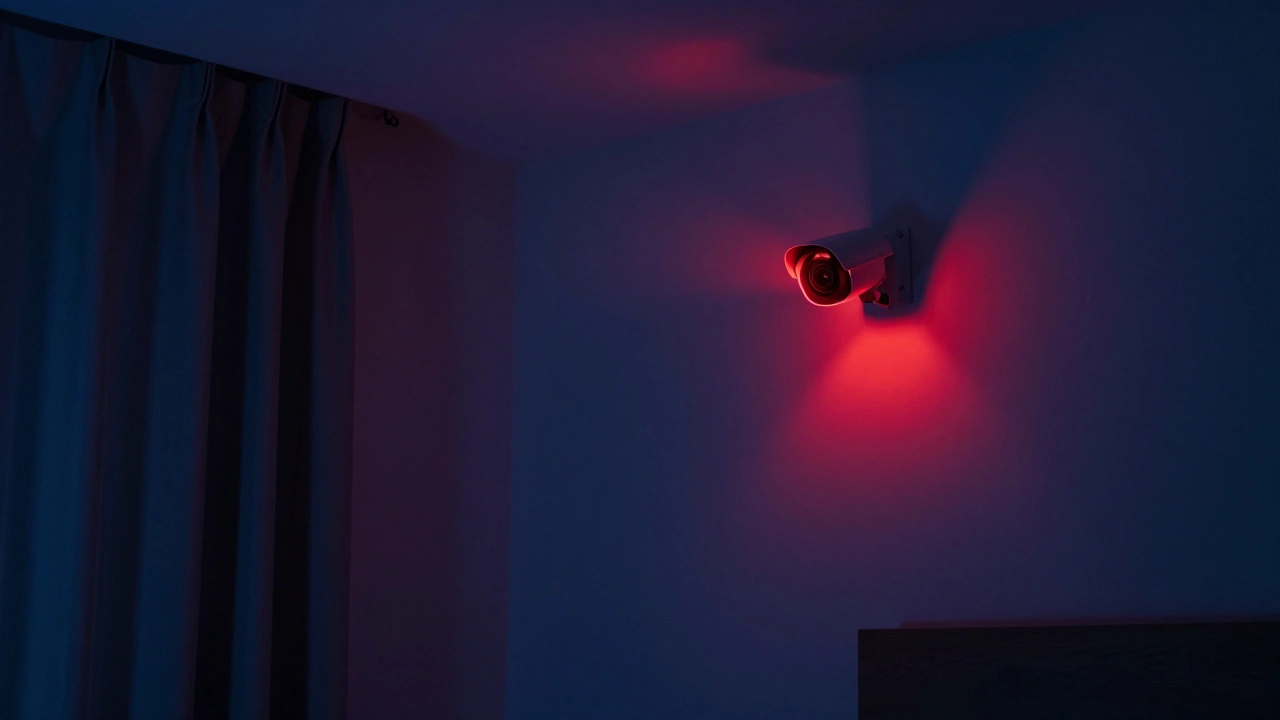
That red light on your security camera? It doesn’t mean someone is watching you right now. Not unless you’ve given them remote access. But it does mean something - and what it means depends entirely on the camera you’re using. Many people panic when they see a glowing red dot in the corner of their bedroom or hallway, wondering if a stranger is peeking in. Others assume the light means the camera is broken. The truth? It’s just a tiny signal light, and it’s not nearly as scary - or as clear - as you think.
What the Red Light Actually Means
The red light on a security camera is almost never a live feed indicator. It doesn’t tell you that someone is watching your home on a monitor in another city. Instead, it’s a status light. Think of it like the power button on your TV: it tells you the device is on, but not what it’s doing right now.
On most real, functioning cameras, a solid red light means one of two things: either the camera is recording, or it’s using infrared night vision. In low-light conditions, the red glow you see around the lens isn’t a warning - it’s the infrared LEDs turning on so the camera can see in the dark. That’s why you’ll often notice the light appearing only after sunset. It’s not spying on you; it’s just doing its job in the dark.
But here’s where things get confusing. Some brands use red lights differently. For example, Frontpoint Security says a solid red light means the camera has lost its internet connection. Wyze cameras change their light colors based on subscription plans - so a red light might mean you’re on a free plan and not recording continuously. There’s no universal standard. What’s red on one camera might be green on another.
Is It a Real Camera or a Fake One?
If you’re trying to tell whether a camera is real or just a decoy, the blinking red light is your best clue. Most fake security cameras - the cheap plastic ones sold at hardware stores - use a blinking red LED to mimic real surveillance. It’s meant to scare off trespassers with the illusion of being watched. Real cameras almost never blink. They stay steady. Why? Because blinking wastes power, and real devices need to run continuously.
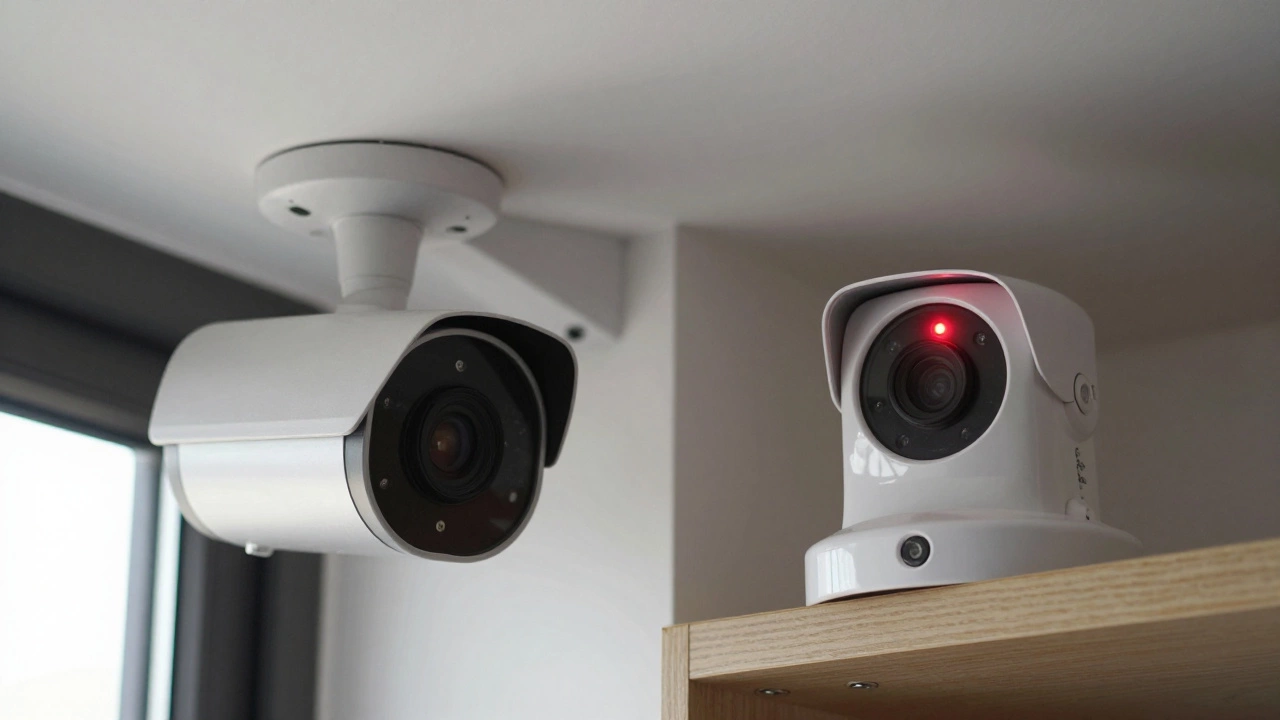
Look closer. A real camera usually has a metal body, visible lenses, and a sturdy mount. Fake ones often look like they were molded from a toy. If the camera doesn’t move when you walk past it - and it’s supposed to be motorized - that’s another red flag. Real cameras with pan-tilt-zoom features shift slightly as they scan. Fake ones? They stay frozen.
Also, check for infrared glow. Turn off the lights in the room and shine a flashlight at the camera. If you see a faint red ring around the lens, that’s infrared LEDs working. Fake cameras rarely have real night vision. If the red light disappears when you turn off the lights, it’s probably just a decorative bulb.
Why Some Cameras Don’t Have Red Lights at All
Here’s the twist: many modern security cameras don’t have any visible lights. Not red. Not blue. Not even a tiny blinking dot. Companies like Arlo, Ring, and Nest have moved away from status LEDs because they can alert intruders. If a burglar sees a red light, they know the camera is active - and might try to cover it, disable it, or avoid the area entirely. So manufacturers hide the indicators.
Instead of a light, these cameras rely on app notifications. You’ll get a push alert on your phone when motion is detected. The camera’s status - recording, offline, charging - is shown inside the app. This is more secure, but it also means you can’t tell just by looking whether a camera is active. If you see a sleek, minimalist camera with no visible LEDs, don’t assume it’s broken. It’s probably working fine - you just can’t see it.
Can Someone Be Watching Without You Knowing?
This is the fear behind the question: “Is someone watching me?” And yes, it’s possible - but not because of the red light.
Real threats come from hacked accounts. If someone guesses your password, or you reuse a password from a breached site, they can log into your camera app and view live footage. No red light. No warning. Just silent access. That’s why changing your password regularly and turning on two-factor authentication isn’t optional - it’s critical.
Check your camera’s app. Look at the list of devices connected to your account. If you see a device you don’t recognize - like “iPhone from New York” when you live in Wellington - that’s a red flag. Log out all devices and reset your password immediately. Most manufacturers let you see login history. Use it.
Also, watch for odd behavior. If your camera suddenly turns on when you’re not home, or if you hear clicking noises you didn’t hear before, that could mean someone is remotely controlling it. Don’t ignore it. Unplug the camera, reset it to factory settings, and update its firmware.
What to Do If You’re Worried About Hidden Cameras
Not every red light belongs to a security system you installed. Sometimes, people hide cameras in places they shouldn’t - like hotel rooms, changing rooms, or even inside a smart speaker. If you’re staying somewhere unfamiliar, here’s how to check:
- Turn off all the lights in the room.
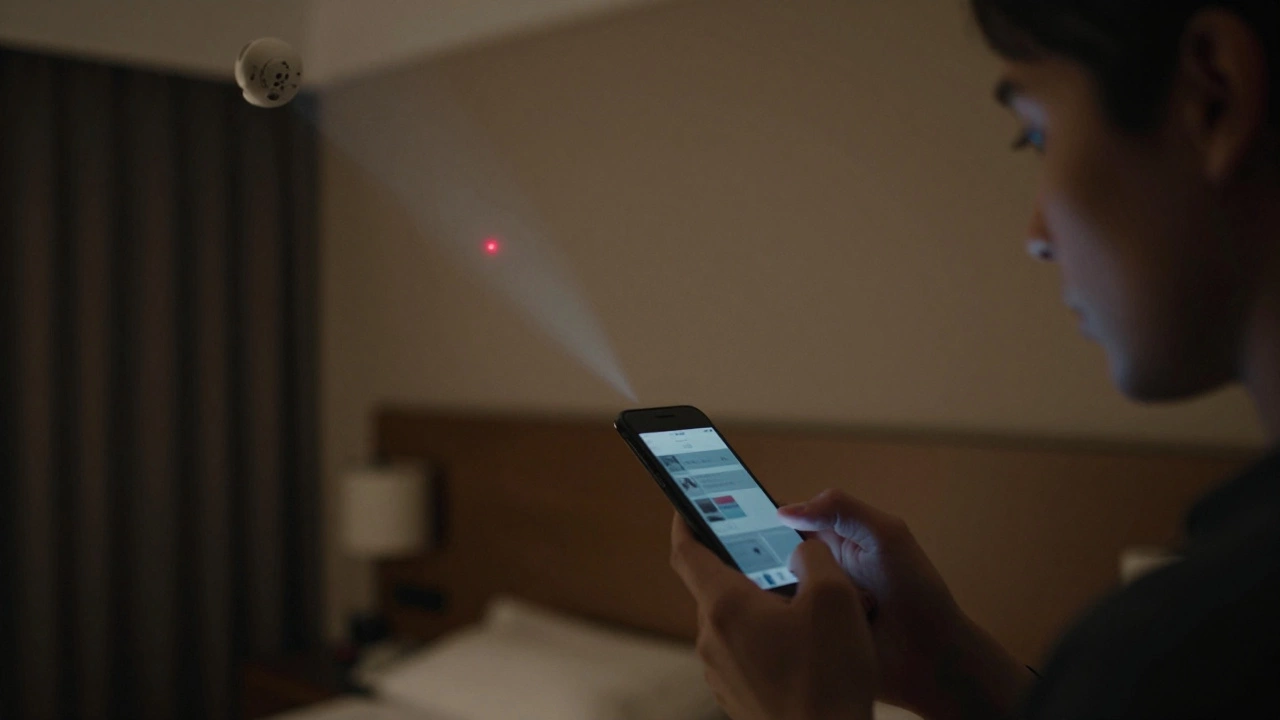
- Use your phone’s flashlight to scan corners, smoke detectors, clocks, and chargers.
- Look for tiny lenses or unusual glints - especially red or infrared dots.
- Use a camera detector app. Some apps use your phone’s camera to detect infrared light from hidden devices.
- If you find something suspicious, don’t touch it. Contact management or local authorities.
It’s rare, but it happens. And knowing how to spot it is part of staying safe.
Privacy Laws and Your Rights
In New Zealand, and many other countries, it’s illegal to record audio or video in private areas - like bedrooms, bathrooms, or changing rooms - without consent. Even if a camera has a red light, if it’s placed in a private space where you have a reasonable expectation of privacy, it’s likely breaking the law.
Landlords can install cameras in common areas - hallways, driveways, front doors - but not inside apartments. Employers can monitor workspaces, but not break rooms or restrooms. If you suspect a camera is illegally placed, take photos (without touching it), note the location, and contact a legal advisor or the Privacy Commissioner.
Transparency matters. Legitimate security systems usually have signs posted saying “CCTV in operation.” If there’s no notice, and you see a camera where it shouldn’t be - that’s a red flag.
Final Answer: What the Red Light Really Tells You
A red light on a camera means the device is powered on and likely active. It might be recording. It might be using night vision. It might be connected to your network. But it doesn’t mean someone is watching you live.
That’s the biggest myth. Real-time viewing requires someone to open the app, log in, and select your camera. It’s not automatic. It’s not magic. It’s a login, a password, and a network connection - all things you control.
Instead of staring at the light, focus on what you can change: your password, your app settings, your firmware updates. If you’re still unsure, unplug the camera for a few hours. If the red light goes out, it’s just a device - not a spy. If it stays on? Then it’s time to read the manual - or call the manufacturer. They’ll tell you exactly what that light means.
Does a blinking red light mean the camera is fake?
Yes, in most cases. A blinking red light is a common feature of fake security cameras designed to look real without recording anything. Genuine cameras usually have a steady, solid red light when active - especially when using night vision. Blinking lights are cheap tricks meant to scare off intruders, not provide real surveillance.
Can I turn off the red light on my camera?
Some cameras let you disable the LED indicator through the app settings. Look for options like "LED Indicator," "Status Light," or "Night Vision Light." Turning it off won’t stop recording - it just hides the glow. But be careful: if you turn off the light on a camera that uses it for night vision, you might lose infrared visibility in the dark.
Why does my camera’s red light turn on during the day?
If your camera’s red light turns on during daylight, it’s likely a sign of poor lighting conditions - like shadows, dark curtains, or a blocked lens. The camera’s motion sensor may think it’s dark and trigger night vision mode. Try cleaning the lens or adjusting the camera’s angle. If the light stays on constantly, check your camera’s settings or manual - it could be a firmware issue.
Do all security cameras have red lights?
No. Many modern cameras, especially professional or indoor models, have no visible lights at all. Manufacturers remove them to avoid tipping off intruders or for a cleaner look. These cameras rely on app notifications instead. So if your camera has no red light, it doesn’t mean it’s broken - it just means it’s designed differently.
How can I tell if someone is watching my camera feed?
Check your camera’s app. Look at the list of connected devices and recent login history. If you see unfamiliar devices or logins from unknown locations, someone may have access. Change your password immediately, enable two-factor authentication, and update the camera’s firmware. Also, watch for unusual behavior - like the camera moving on its own or strange notifications.