Low-Light Photography Capability Checker
Select a technology below to see how it performs in different lighting conditions. This tool helps clarify common misconceptions about "night vision" on smartphones.
Night Mode
ComputationalInfrared Sensor
Face ID HardwareThermal Imager
Not Built-inPerformance Metrics
Key Characteristics
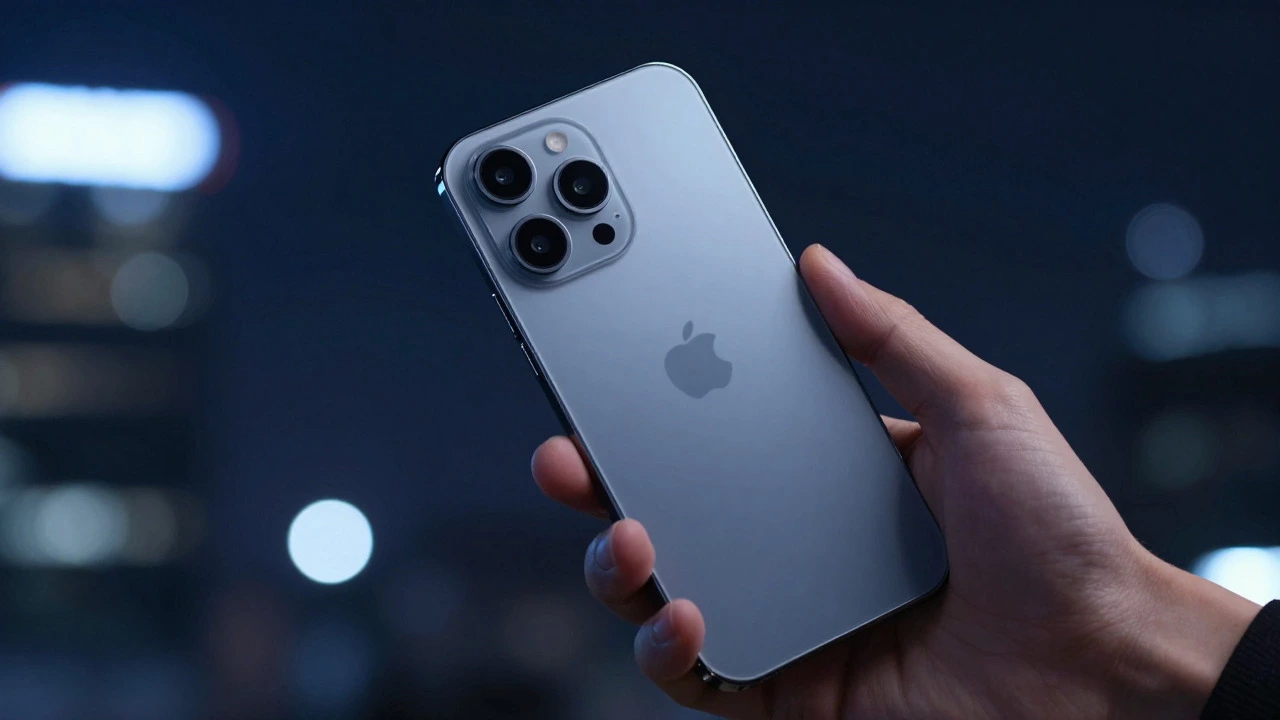
You’ve probably seen those viral videos where someone points their phone at a pitch-black room and suddenly sees everything in eerie green. It looks like magic, right? But here’s the reality: your iPhone is not actually seeing in the dark the way a military device does. As of August 2026, no Apple model includes a dedicated hardware night vision camera comparable to professional image intensifiers or thermal-imaging devices. Instead, what you’re looking at is a mix of advanced software processing and clever use of existing sensors. If you’re wondering if you can buy an iPhone to replace your security gear for total darkness, the short answer is no. But for most everyday low-light situations, it’s surprisingly capable.
The Difference Between Night Mode and True Night Vision
To understand what your phone is actually doing, you have to separate two very different technologies. Night mode is a computational photography feature that combines multiple short exposures to brighten images in low light. It was introduced with the iPhone 11 in 2019 and has been standard on every subsequent model since then. When the camera detects that the scene is dim, a moon icon appears in the app. You tap it, and the phone takes several photos over a few seconds, merging them into one brighter image. This process reduces noise and pulls out details that would normally be lost in shadow.
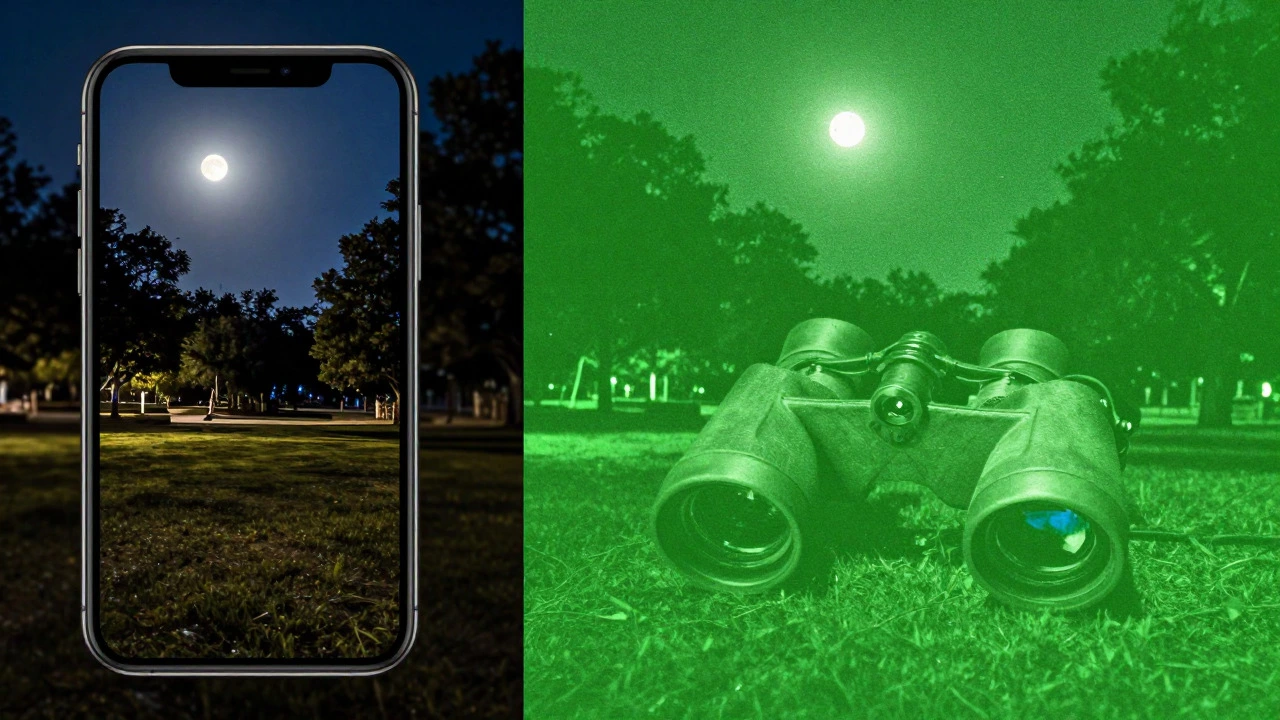
True night vision, on the other hand, relies on hardware that captures light invisible to the human eye. There are two main types: image intensifiers, which amplify faint starlight, and thermal imagers, which detect heat signatures. Neither of these exists as a primary component in any current iPhone. So when people say they have "night vision" on their phone, they are usually referring to Night mode or a third-party app that mimics the look of night vision using filters and brightness boosts.
How iPhone Night Mode Actually Works
The mechanism behind Night mode is essentially long-exposure photography done automatically. In normal shooting, the shutter opens for a fraction of a second. In Night mode, the sensor stays open longer, sometimes up to 30 seconds depending on how dark it is. During this time, the phone captures a series of frames and uses algorithms to stack them together. This technique, known as multi-frame image stacking, allows the camera to gather more photons (light particles) without introducing the graininess you’d get from simply cranking up the ISO sensitivity.
Here is what this means for you in practice:
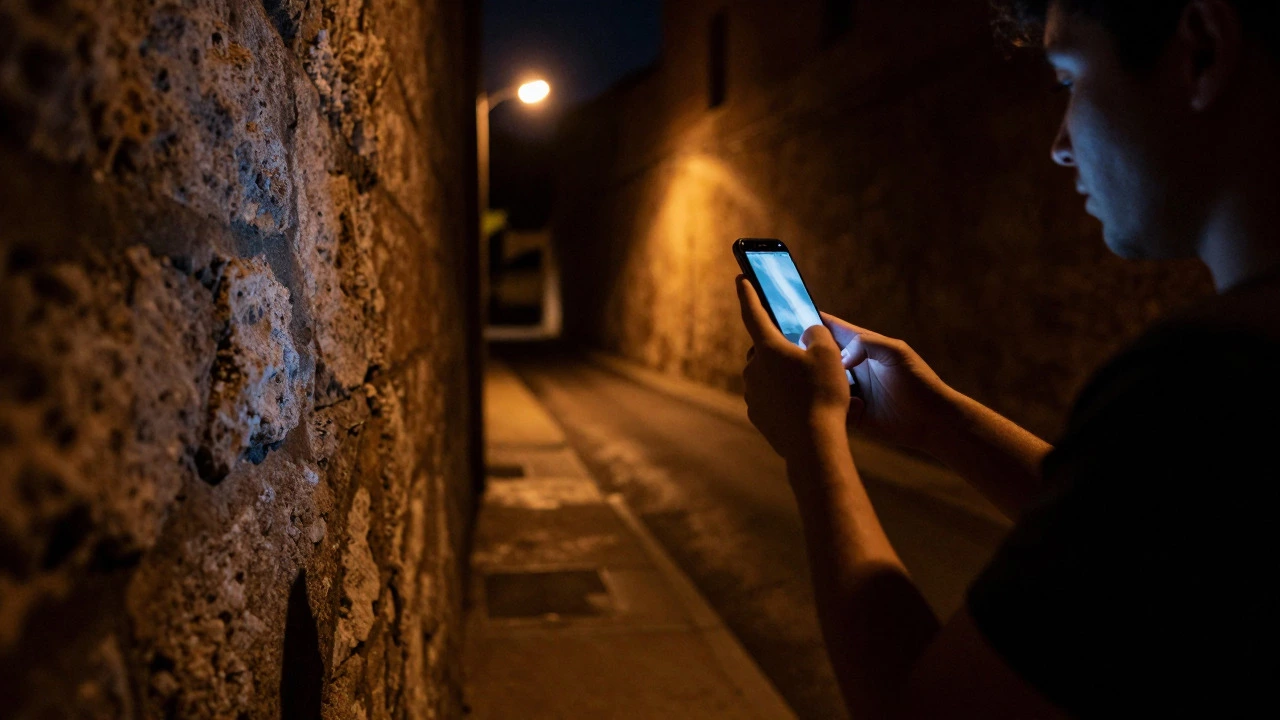
- Stability is key: Because the exposure time is longer, any movement causes blur. If you’re holding the phone, brace your elbows against a wall or use a small tripod.
- Ambient light helps: While Night mode works in very dark places, it still needs *some* light. A street lamp, a window, or even the glow from another screen helps the algorithm work better than absolute void-like darkness.
- Motion is tricky: If you’re photographing moving subjects, like pets or kids, Night mode might struggle. The motion can create ghosting effects because the phone is trying to freeze time while also gathering light.
The Role of the Face ID Infrared Sensor
Now, let’s talk about that "green screen" effect you see in some apps. Many iPhones come with a Face ID system that includes an infrared flood illuminator and dot projector used for facial recognition. This infrared camera is designed to map your face in the dark so you can unlock your phone. It doesn’t produce high-resolution color photos, but it does capture depth data and infrared light.
Third-party developers have created apps that tap into this hardware. Apps like "NightVision - 3D Camera" claim to use the infrared Face ID camera to see in total darkness. What you get is a low-resolution, monochrome view of the environment. It’s not sharp enough to read a sign across the room, but it can show you shapes and movement in a completely dark closet. This is a neat trick, but it’s not the same as having a dedicated night vision lens. The field of view is narrow, and the detail level is limited compared to the main rear cameras.
Why Your iPhone Isn't a Thermal Imager
One of the biggest misconceptions is that "night vision" means seeing heat. If you want to find a cat hiding under the sofa or check if a door is unlocked by feeling the handle's temperature, you need thermal imaging. Most consumer phones, including all current iPhones, do not have built-in thermal sensors. You might see App Store listings for apps claiming to offer "thermal-imaging" capabilities, but read the fine print. Often, these are just applying color gradients to standard low-light photos to make them *look* like thermal scans.
Real thermal cameras detect infrared radiation emitted by objects based on their temperature. They don’t care about visible light at all. That’s why they work perfectly in total darkness, fog, or smoke. Since Apple hasn’t added a dedicated thermal sensor to the iPhone lineup yet, you won’t get true heat mapping from your pocket. For serious thermal needs, you’d still need a specialized device.
Night Mode vs. Dedicated Night Vision Gear
If you’re comparing your iPhone to actual security or tactical equipment, the differences are stark. Here is a quick breakdown of how they stack up:
| Feature | iPhone Night Mode | Dedicated Night Vision (Gen 2+) | Thermal Imaging Device |
|---|---|---|---|
| Technology | Computational photography (multi-frame) | Image intensifier tubes | Microbolometer sensor |
| Works in Total Darkness? | No (needs some ambient light) | Yes (amplifies starlight/moonlight) | Yes (detects heat) |
| Image Color | Full color (if light available) | Green monochrome | Pseudo-color (heat maps) |
| Resolution | High (12MP-48MP equivalent) | Medium (typically 640x480) | Low to Medium (160x120 to 640x512) |
| Best Use Case | Social media, family photos, urban nights | Hunting, surveillance, navigation | Search & rescue, home security, firefighting |
As you can see, the iPhone shines in versatility and resolution when there is *some* light. But for pure darkness or detecting hidden humans, dedicated gear wins hands down.
Tips for Getting the Best Low-Light Photos
Even though it’s not true night vision, you can still get impressive shots with your iPhone if you follow a few simple rules. First, keep it steady. The difference between a blurry mess and a crisp night shot is often just how well you held the phone. Second, use the 1x wide lens. On newer models, the ultra-wide or telephoto lenses may struggle more in the dark because they have smaller apertures or less effective sensor area for this specific task. Third, don’t be afraid to turn Night mode off. Sometimes, a shorter exposure with higher ISO produces a cleaner image with less ghosting if your subject is moving. Finally, edit lightly. Lowering the highlights and raising the shadows in the Photos app can bring back details that Night mode might have crushed.
Frequently Asked Questions
Can I see in complete darkness with my iPhone?
Not really. Night mode requires some ambient light to work effectively. However, if you have an iPhone with Face ID, you can use third-party apps to access the infrared sensor, which allows you to see basic shapes and movements in total darkness, though the image quality will be low and monochrome.
Is iPhone Night mode the same as thermal imaging?
No. Night mode uses visible light and computational processing to brighten photos. Thermal imaging detects heat signatures and works regardless of visible light. iPhones do not currently have built-in thermal sensors.
Which iPhone models support Night mode?
Night mode is available on the iPhone 11 and all newer models, including the iPhone 12, 13, 14, 15, and 16 series. Older models like the iPhone X or 8 do not have this native feature.
Do I need a special app for night vision on iPhone?
For standard low-light photography, no, just use the built-in Camera app and enable Night mode. For infrared viewing using the Face ID sensor, yes, you’ll need a third-party app like "NightVision - 3D Camera." These apps leverage the existing hardware but aren't necessary for typical nighttime photos.
Why are my Night mode photos blurry?
Blur usually happens because the phone moved during the long exposure time. To fix this, hold the phone still for the entire duration of the shot, use a tripod, or brace yourself against a stable surface. Also, avoid using Night mode for fast-moving subjects.