Security Camera Connection Planner
Select your primary requirement to find the ideal setup.
Remote Access
I need to view footage from anywhere in the world.
Temporary Use
Short-term monitoring (e.g., storage unit) using my phone.
On-Site Inspection
I am physically present and want zero latency.
Maximum Privacy
Offline recording with high security (Air-gapped).
Recommended Method
Pros:
Cons & Costs:
Estimated Monthly Cost Calculator
You don't need a traditional home Wi-Fi router to watch your property on your smartphone. If you are setting up a cabin in the woods, monitoring a construction site, or simply want to avoid monthly broadband bills for your security system, there are reliable ways to connect security cameras that work entirely independently of your home internet. The short answer is yes: you can view live footage and receive alerts on your phone using cellular data, local hotspots, or wired local networks.
The method you choose depends on one critical factor: do you need to see the feed when you are miles away from the camera, or are you standing right next to it? Remote viewing requires a bridge to the outside world, usually via a SIM card. Local viewing just needs a direct link between the device and your phone. Let's break down exactly how these connections work so you can pick the right setup for your situation.
The Cellular Route: True Remote Monitoring
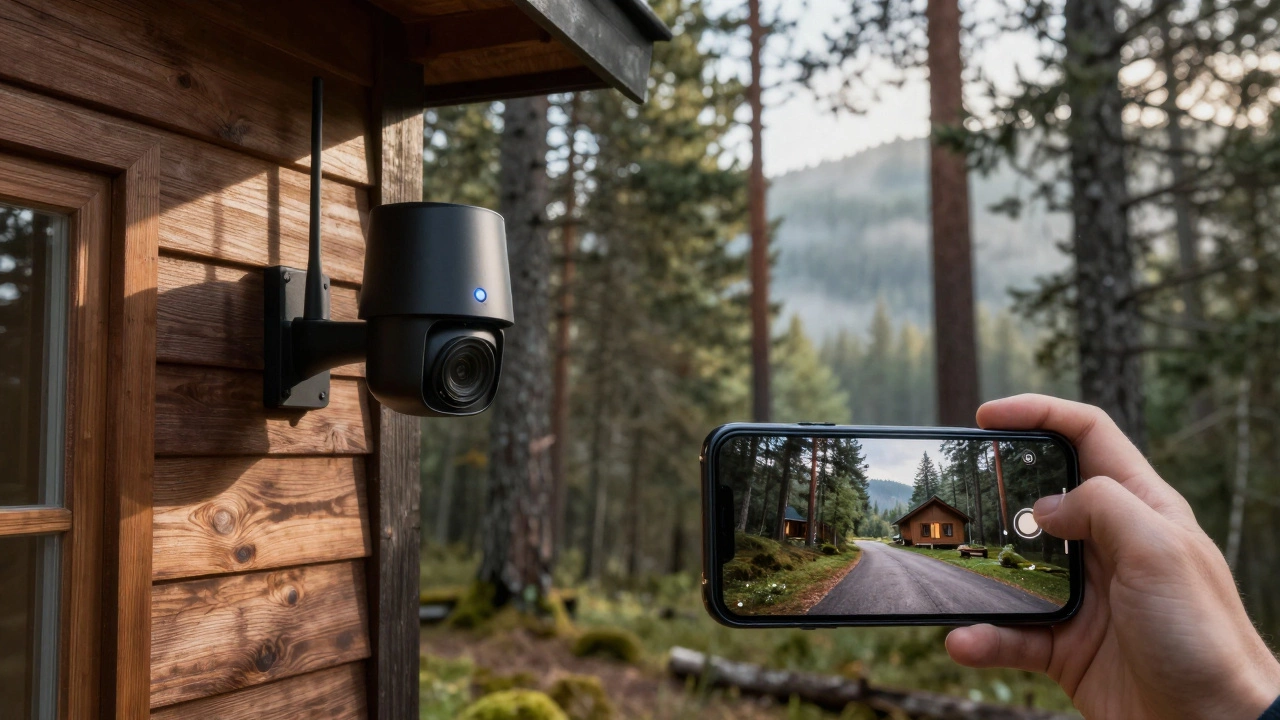
If you want to check your driveway from your office or get an alert on your phone while you're on vacation, you need a connection that travels with you. This is where cellular security cameras come in. These devices have built-in modems that accept a SIM card, allowing them to transmit video over 4G LTE or 5G networks, just like your smartphone does.
This is the only way to achieve true remote access without any existing internet infrastructure at the location. Brands like Arlo, Reolink, and eufy offer models specifically designed for this purpose. For example, the Arlo Go 2 and Reolink Go series are popular choices because they support multiple carriers. You insert a Nano SIM or standard SIM, activate a data plan, and the camera pairs directly with the manufacturer’s app.
Here is what you need to know about going cellular:
- Data Costs: You will pay for a mobile data plan. Users often report spending around $15-$20 per month per camera, depending on your carrier and data usage. High-definition streaming consumes more data than simple motion-triggered clips.
- Power Requirements: Since these cameras are often placed in remote areas without power outlets, most cellular models run on rechargeable batteries paired with solar panels. This ensures 24/7 operation even if the grid goes down.
- Coverage Check: Before buying, check your mobile signal strength at the installation spot. If your phone has no bars there, neither will your camera.
This method is ideal for farms, rural properties, and temporary job sites where running Ethernet cables or installing broadband is impossible or too expensive.
Using Your Phone as a Hotspot
If you already own a standard Wi-Fi security camera but don't have a router, you can trick the camera into connecting by turning your smartphone into a temporary Wi-Fi source. This technique uses your phone's mobile data connection to create a personal hotspot.
Most modern smartphones allow you to enable a "Personal Hotspot" feature. Once activated, your phone broadcasts a Wi-Fi signal (SSID) with a password. During the initial setup of your camera-whether it's a Wyze, Ring, Blink, or generic IP camera-you select your phone's hotspot network instead of a home router. The camera connects to your phone, which then routes the data through your mobile carrier.
This approach works well for temporary setups, such as monitoring a storage unit or a short-term rental. However, there are significant limitations. Your phone must remain nearby, powered on, and connected to the camera at all times. If you walk away, the camera loses its connection to the internet and stops sending notifications. It also drains your phone battery quickly, making it unsuitable for long-term, unattended surveillance.
Direct Connection: Camera AP Mode
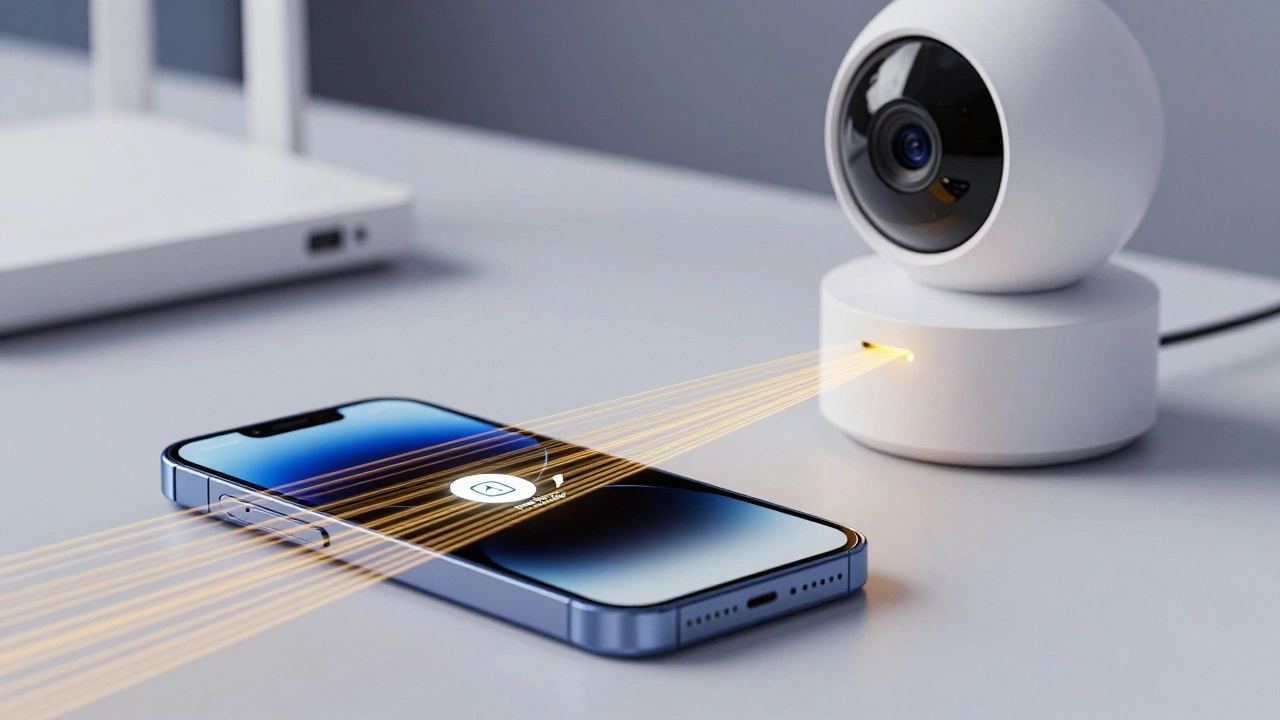
Some advanced IP cameras feature a mode called Access Point (AP) mode. In this configuration, the camera itself creates a Wi-Fi network. Instead of your phone connecting to a router, you connect your phone directly to the camera's Wi-Fi signal.
To use this, you typically press a button on the camera or toggle a setting in the app. The camera broadcasts a unique SSID, often containing its model number or UID. You join this network on your phone and open the companion app to view the live stream. Because the connection is direct, there is very low latency, meaning the video feed is almost instant.
This method is perfect for on-site inspections. Imagine you are a contractor checking a finished room; you can walk up to the camera, connect your phone, and review the footage immediately. The downside is range. Wi-Fi signals from consumer cameras rarely extend beyond 30-50 meters. You cannot use this method to monitor your home from across town. It is strictly for local, physical presence.
Wired LAN Systems (DVR/NVR) Without Internet
For those who prioritize privacy and reliability over convenience, a wired Digital Video Recorder (DVR) or Network Video Recorder (NVR) system offers a robust alternative. These systems connect cameras via Ethernet cables (PoE - Power over Ethernet) or coaxial cables to a central recording unit.
You can set up an entire CCTV network that operates completely offline. The cameras record to a hard drive inside the NVR, and you can view the footage on a connected monitor. But how do you see it on your phone? By creating a local area network (LAN).
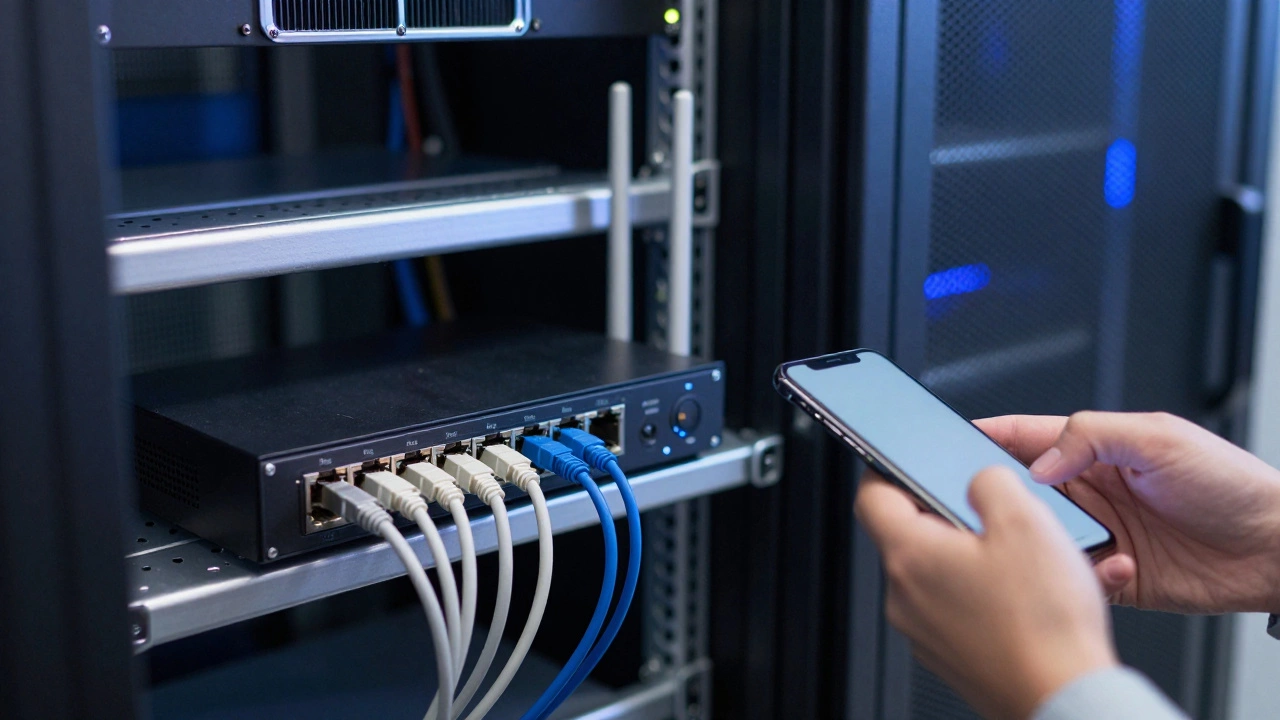
Connect the NVR to a basic Wi-Fi router that is not plugged into the internet modem. This creates an isolated network bubble. Your phone joins this local Wi-Fi, and the vendor's app discovers the NVR on the same subnet. You can now view live feeds and playback recordings on your phone, but only while you are physically within range of that local router.
This "air-gapped" setup is highly secure. Since there is no path to the public internet, hackers cannot remotely access your footage. It is a favorite among security professionals for high-risk environments where data leakage is a concern.
Comparison of Non-Wi-Fi Methods
| Method | Remote Viewing? | Monthly Cost | Best Use Case |
|---|---|---|---|
| Cellular (4G/5G) | Yes | $15-$20+ per camera | Rural homes, cabins, remote sites |
| Phone Hotspot | No (Phone must be present) | Included in phone plan | Temporary setups, testing |
| Camera AP Mode | No (Short range only) | None | On-site inspection, local viewing |
| Local LAN (NVR/DVR) | No (Unless VPN added) | None | High-security, privacy-focused setups |
Common Pitfalls to Avoid
When moving away from traditional Wi-Fi, users often run into unexpected hurdles. First, understand that push notifications require an active data path. If you use a local LAN setup without internet, you will not get alerts on your phone when motion is detected unless your phone is actively connected to that local network at that exact moment.
Second, battery life matters immensely for wireless and cellular options. A camera streaming HD video continuously over a cellular network will drain a battery in days. Most manufacturers recommend using motion-triggered recording rather than continuous streaming to conserve both battery and data allowance. Pairing these cameras with solar chargers is nearly essential for year-round reliability.
Finally, check your local regulations and carrier policies. Some mobile carriers restrict "hotspot-only" plans for IoT devices, requiring specific M2M (Machine-to-Machine) SIM cards for security cameras. Always verify compatibility before purchasing a cellular camera.
Next Steps for Your Setup
If you need remote access and have good mobile signal, invest in a dedicated 4G LTE camera like the Reolink Go or Arlo Go 2. Ensure you have a compatible SIM card and a data plan that covers video streaming.
If you are on-site and want zero recurring costs, look for IP cameras with AP mode or build a local PoE system with a standalone router. This gives you total control and privacy without worrying about internet outages or monthly fees.
Test your signal strength before finalizing any installation. Use your phone to check for consistent 4G/LTE bars at the intended camera location. A weak signal will result in choppy video and missed alerts, defeating the purpose of your security system.
Can I use a regular Wi-Fi camera with my phone's hotspot?
Yes, you can. Enable the personal hotspot on your smartphone, note the SSID and password, and enter these details during the camera's setup process. The camera will connect to your phone's data connection. However, your phone must stay nearby and powered on for the camera to function.
Do cellular security cameras require a subscription?
They require a mobile data plan, which acts as a subscription. You typically pay a mobile carrier (like Verizon, T-Mobile, or AT&T) for data usage. Some brands also offer optional cloud storage subscriptions for saving video history, but local SD card storage is often available as a free alternative.
Is it possible to view CCTV footage on my phone without any internet?
Yes, but only if you are physically near the system. You can connect your phone to the same local network (LAN) as the DVR/NVR or connect directly to the camera's Wi-Fi hotspot (AP mode). This allows local live viewing and playback, but you cannot access the footage from a different location.
Which is better: 4G LTE or 5G for security cameras?
4G LTE is currently the standard for most consumer security cameras due to wider coverage and lower cost. 5G offers faster speeds but has limited availability in rural areas where off-grid cameras are often needed. Unless you have strong 5G coverage at your site, stick with 4G LTE for reliability.
Will a cellular camera work indoors?
It depends on your building's construction. Thick walls and metal structures can block cellular signals. Test your phone's signal strength in the desired indoor location first. If the signal is weak, consider placing the camera near a window or using an external antenna if the camera supports one.