Home Security Camera: Easy Choices, Simple Setup, Real Protection
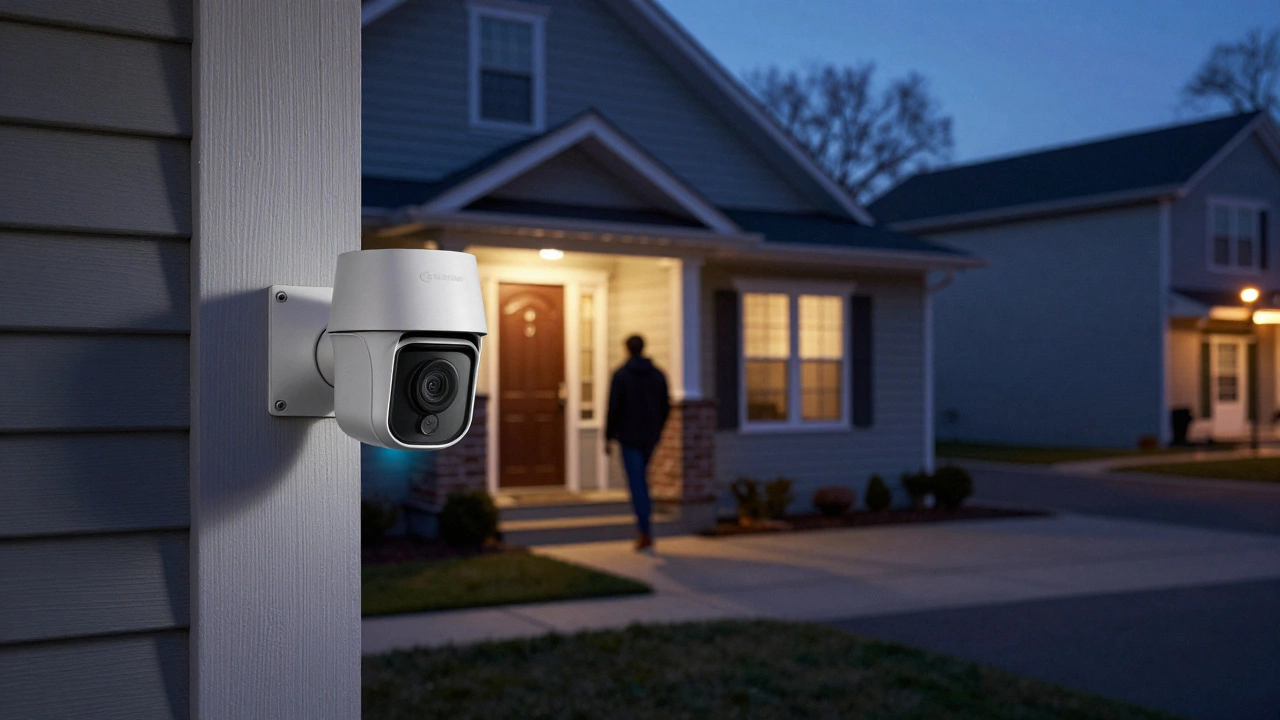
Thinking about adding a camera to your front door, garden, or garage? You don’t need a tech degree to get a solid security system. In this guide we’ll break down the key things to look for, show you how to install a camera yourself, and point out common pitfalls that make a system weak.
What Makes a Good Home Security Camera?
First, decide what matters most to you. Is it clear video at night? Do you need a camera that works without Wi‑Fi? Here are the three features that usually decide the winner:
- Resolution: 1080p is the sweet spot. It gives you sharp footage without hogging bandwidth.
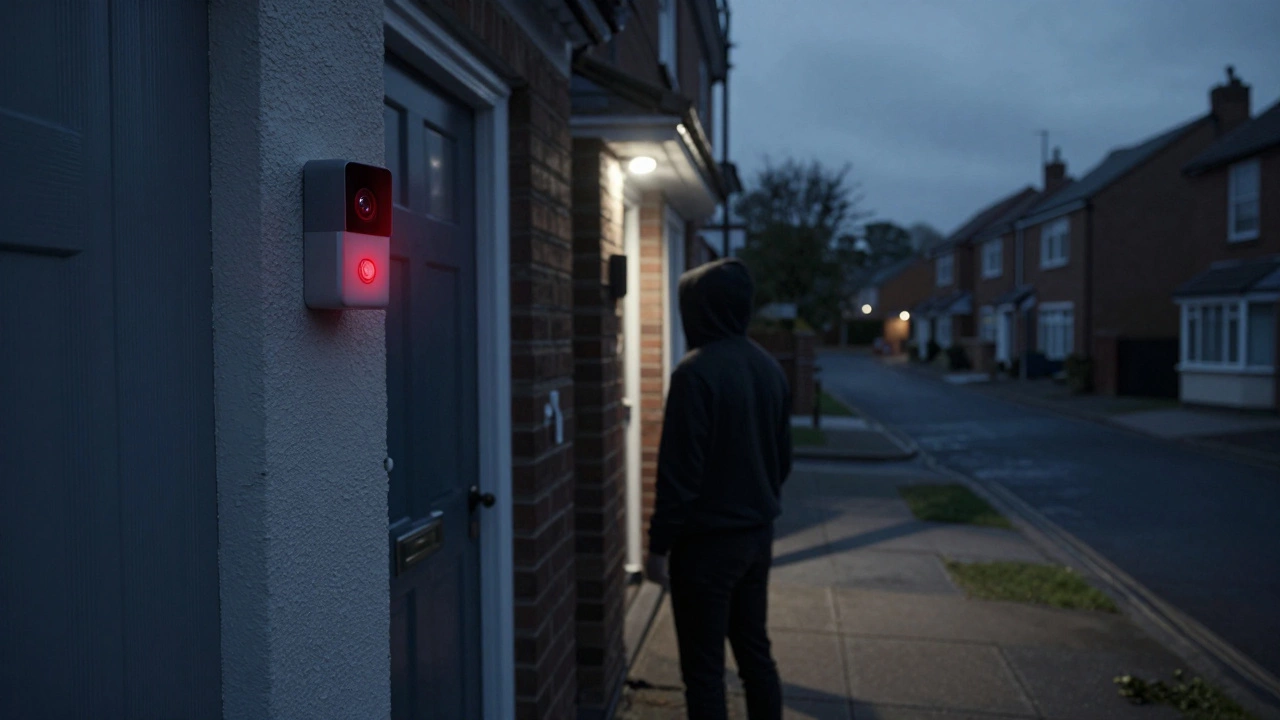
- Night vision: Look for infrared LEDs that cover at least 15‑20 feet. Some models also use color night vision for better detail.
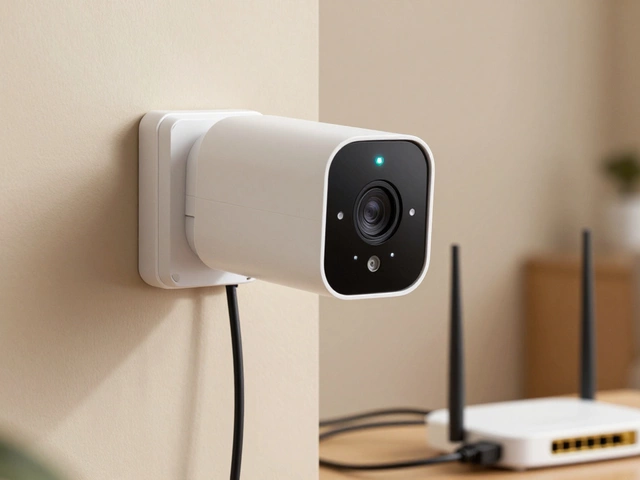
- Power source: Wired cameras are reliable but need a nearby outlet or transformer. Battery‑powered or solar models give you flexibility, but check the battery life – you don’t want it dying after a week.
If you live in a rented flat, a wireless, battery‑operated camera is usually the easiest choice because you won’t need to drill holes or run cables.
Quick Installation Steps (No Pro Needed)
Most modern cameras come with a mount that screws into a wall or sticks with strong adhesive. Follow these five steps and you’ll have live video in minutes:
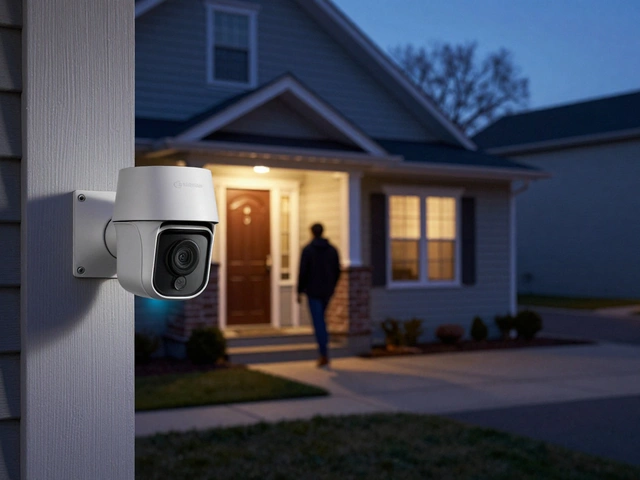
- Pick the spot: Aim for a view that covers doors, windows, and the driveway. Avoid direct sunlight on the lens.
- Test the Wi‑Fi signal: Use your phone to check signal strength where the camera will sit. If it’s weak, consider a Wi‑Fi extender.
- Mount the camera: Drill a small hole, insert the wall plug, and secure the bracket. For adhesive mounts, clean the surface first.
- Power it up: Plug in the cable or insert the battery. Some cameras have a quick‑release battery pack for easy swapping.
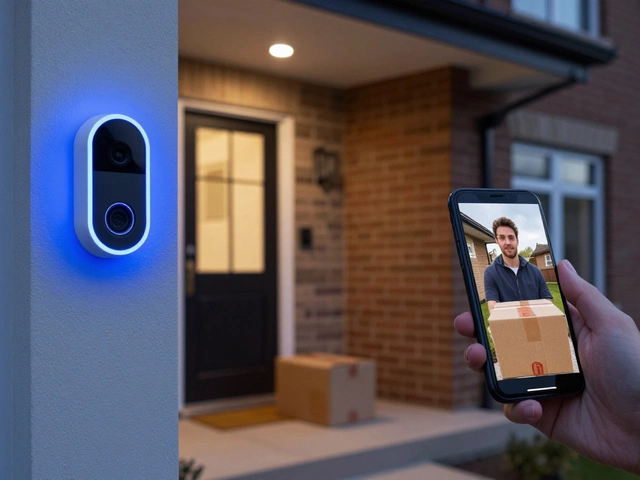
- Connect the app: Open the manufacturer’s app, follow the QR‑code pairing steps, and name your device. Adjust motion zones and notification settings to avoid false alerts.
That’s it – you’re now watching your home from anywhere on your phone.
Would you rather have a camera that records continuously or only when motion is detected? Continuous recording gives you a full picture but needs a larger storage plan. Motion‑triggered clips keep storage low and usually include the most relevant footage. Most UK services let you choose both – store a 24‑hour loop locally and send anything interesting to the cloud.
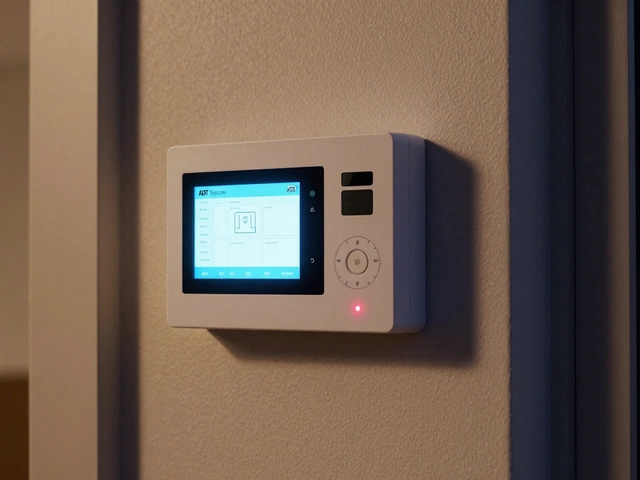
Security isn’t just about the camera itself. Pair it with a good alarm system, like the ones we cover in our Can a Home Alarm Work Without a Phone Line? article, for instant alerts. If a window is opened, the alarm can trigger the camera to start recording even if motion detection missed it.
Now that you have the basics, here are three top picks for 2025 (UK‑friendly):
- Google Nest Cam (Battery): Easy setup, 1080p, 30‑day free cloud storage, works with Google Home.
- Arlo Pro 5 Spotlight: Wire‑free, colour night vision, integrated siren, optional 2‑year battery.
- Ring Floodlight Cam: Dual floodlights, 1080p, built‑in alarm, works with Ring Protect plan.
All three have solid UK support and can be managed from a single app, which means less hassle when you’re away for a weekend.
Finally, keep your camera safe from hacking. Change the default password, enable two‑factor authentication, and keep firmware updated – you’ll hear us say that a lot because it really matters.
With the right camera, a quick install, and a few security tweaks, you’ll have peace of mind without breaking the bank. Ready to start protecting your home? Grab a camera from the list above and follow the steps – you’ll be watching your property like a pro in no time.