Wireless CCTV Camera: What You Need to Know
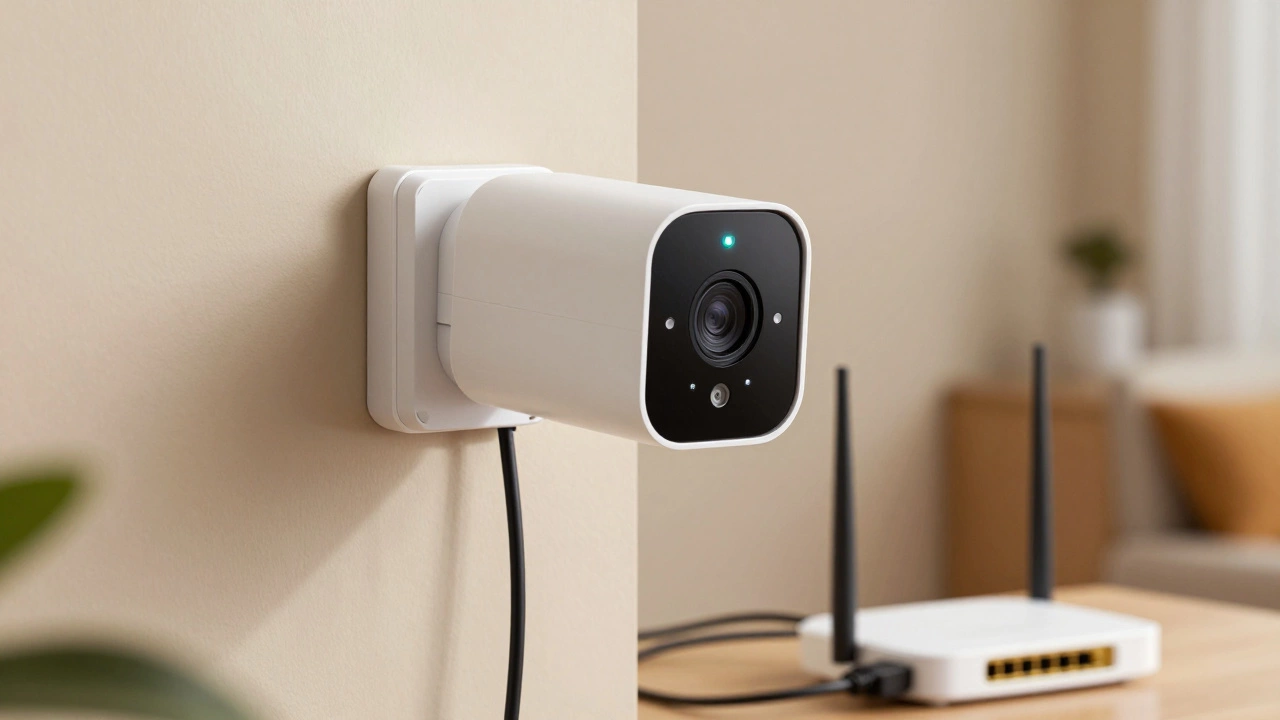
When working with wireless CCTV camera, a camera that streams video over Wi‑Fi without any cables, letting you watch live footage from anywhere. Also known as wireless security camera, it offers flexible placement, quick installation, and remote access via apps.
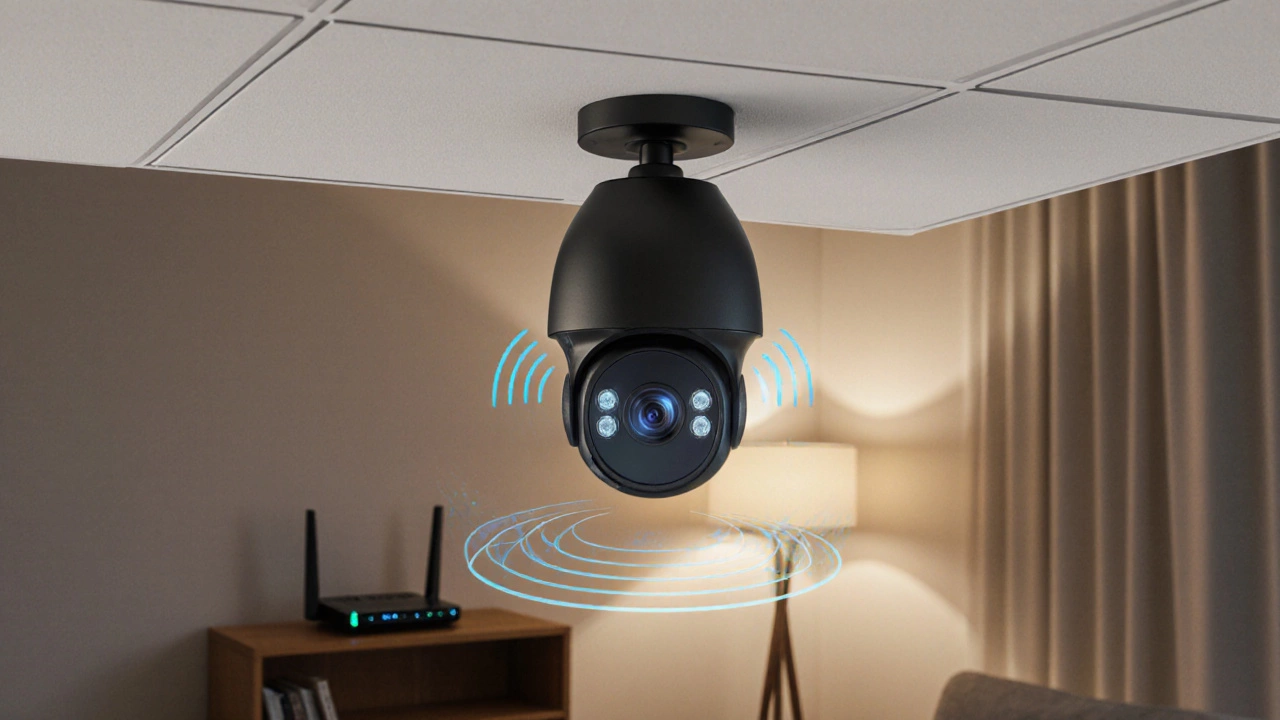
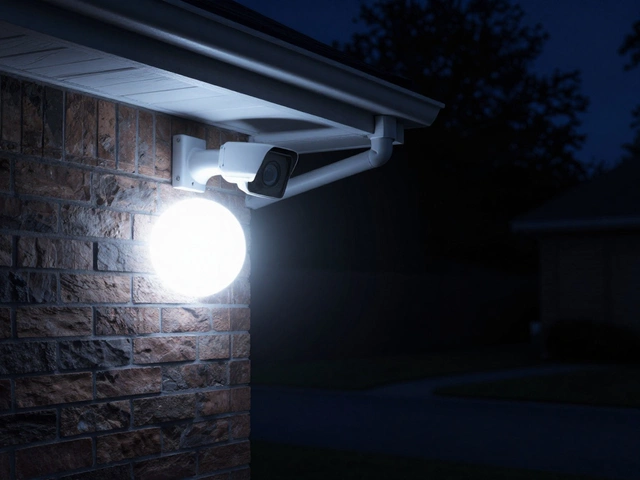
One common question is how these cameras perform when the lights go out. That’s where night vision alternatives, technologies like infrared LEDs, thermal imaging, and starlight sensors come into play. Infrared adds a visible‑light‑free glow that the camera can pick up, while thermal sensors detect heat signatures and work even in total darkness. Starlight chips amplify tiny amounts of ambient light, giving clearer images than traditional night‑vision LEDs. Choosing the right alternative depends on your yard’s lighting, budget, and whether you need true darkness coverage or just a clearer view at dusk.
Running video over Wi‑Fi isn’t free – it eats bandwidth. WiFi data usage, the amount of data a camera streams each month based on resolution, frame rate, and motion detection settings can quickly add up, especially if you record 1080p 24‑hour footage. Most UK broadband plans include a data cap, so knowing your camera’s average consumption helps avoid surprise overage charges. Lowering resolution, enabling on‑device motion detection, and using efficient codecs like H.265 can shave tens of gigabytes off your monthly bill while still delivering crisp video when motion actually occurs.
Not every location has reliable Wi‑Fi, so many users look at offline security cameras, stand‑alone units that record to SD cards or local NVRs without an internet connection. These cameras are perfect for sheds, remote outbuildings, or privacy‑focused homes where you don’t want footage stored in the cloud. While they lack instant remote viewing, they provide rock‑solid recording that can be accessed on‑site or via a local network later. Pairing an offline unit with a backup battery ensures you still capture events during power outages.
Whether you go fully wireless or mix in offline units, you’ll eventually want to check the feed on your phone. security camera smartphone setup, the process of linking a camera to an Android or iOS device using dedicated apps, QR codes, and Wi‑Fi credentials is usually straightforward. Install the manufacturer’s app, scan the camera’s QR code, and follow the on‑screen prompts to join your home network. Once linked, you can set up push alerts, adjust motion zones, and view live streams with a tap. Remember to enable two‑factor authentication on the app to keep hackers out.
If you’re hunting for a wireless CCTV camera that balances power draw, video quality, and ease of use, you’ve just covered the basics. Below you’ll find detailed articles on night‑vision tech, data‑saving tricks, offline options, and step‑by‑step phone setups – all aimed at helping you pick the right system for your home or business.