ADT Security Risk Assessment Tool
System Configuration Audit
Check the boxes below that apply to your current setup. Each step reduces your vulnerability.
Security Score
High Risk
Your system is vulnerable to common attacks. Immediate action required.
It’s a question that keeps many homeowners up at night: is my ADT system actually secure, or am I just handing the keys to my house to anyone with a laptop? The short answer is yes, technically, any internet-connected device can be hacked. But the reality is more nuanced than a simple yes or no. While large-scale external cyberattacks on ADT’s central infrastructure are rare, the real risks often come from weak passwords, unsecured home networks, or, in documented cases, insider misuse.
Understanding where the vulnerabilities lie helps you stop worrying about Hollywood-style hackers and start focusing on practical steps to lock down your home. This guide breaks down how these systems work, where they fail, and exactly what you need to do to keep your family safe.
How ADT Systems Actually Work (And Where They Can Fail)
To understand the risk, you first need to know what you’re protecting. A modern ADT residential system consists of a central hub (like the ADT Base), wireless sensors for doors and windows, glass-break detectors, and often smart devices like cameras and locks. These components communicate via radio signals and connect to the internet through your home Wi-Fi network. The data then travels to ADT’s cloud servers, allowing you to monitor your home via apps like ADT+.
This connectivity creates several potential entry points for attackers:
- The Home Wi-Fi Network: If a hacker breaches your router, they may gain access to all connected smart devices, including your security system.
- Weak Credentials: Default or simple passwords on your ADT account, cameras, or smart locks are easy targets for brute-force attacks.
- Outdated Firmware: Unpatched software on your hub or cameras can contain known vulnerabilities that exploiters target.
- Internal Access Controls: As we’ll see later, poor permissions within the company’s own platform have historically allowed unauthorized access.
It’s important to distinguish between a technical hack and a malfunction. Radio interference, power outages, or low batteries often cause false alarms or connection drops. Before assuming you’ve been hacked, check if your adapter is plugged in or if there’s local construction causing signal noise. However, if you see new users added to your account or password changes you didn’t make, treat it as a serious security incident immediately.
The Insider Threat: Lessons from the ADT Pulse Scandal
When people ask if ADT can be hacked, they usually imagine an external criminal breaking into a server farm. The most significant security failure in ADT’s recent history, however, came from within. The ADT Pulse platform, used in older installations, suffered from severe internal access control flaws.
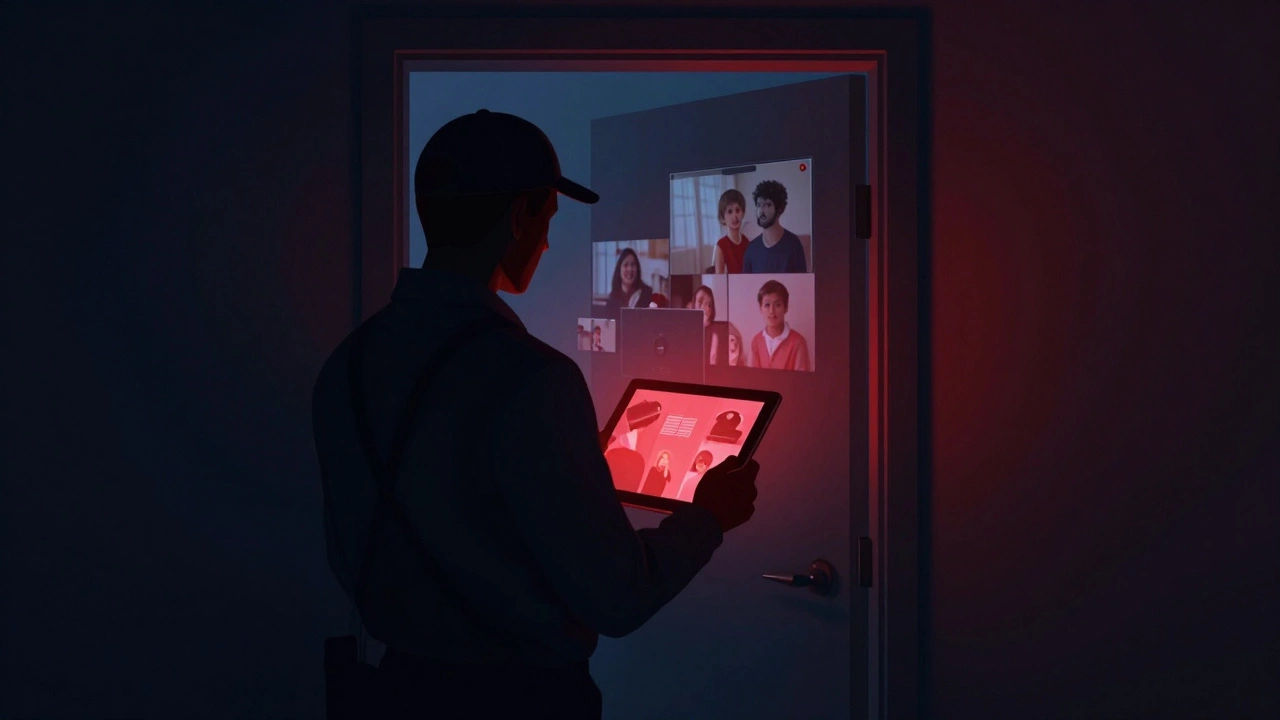
Class-action lawsuits revealed that technicians could grant themselves remote access to customer accounts without the homeowner’s knowledge. In one high-profile case involving Telesforo Aviles, an ADT technician in the Dallas-Fort Worth area allegedly accessed over 200 customers’ accounts over seven years. He used this access to view indoor camera feeds, spying on families in their private moments.
This wasn’t a sophisticated cyberattack; it was a failure of basic permission management. The system allowed employees to add themselves as authorized users without triggering alerts to the account holder. While ADT has since updated its platforms and policies following these scandals, this case highlights a critical lesson: your security depends not just on code, but on who has the keys to the kingdom. Always review your user list in the app regularly to ensure no unknown profiles have been added.
Your Wi-Fi Router: The Front Door for Hackers
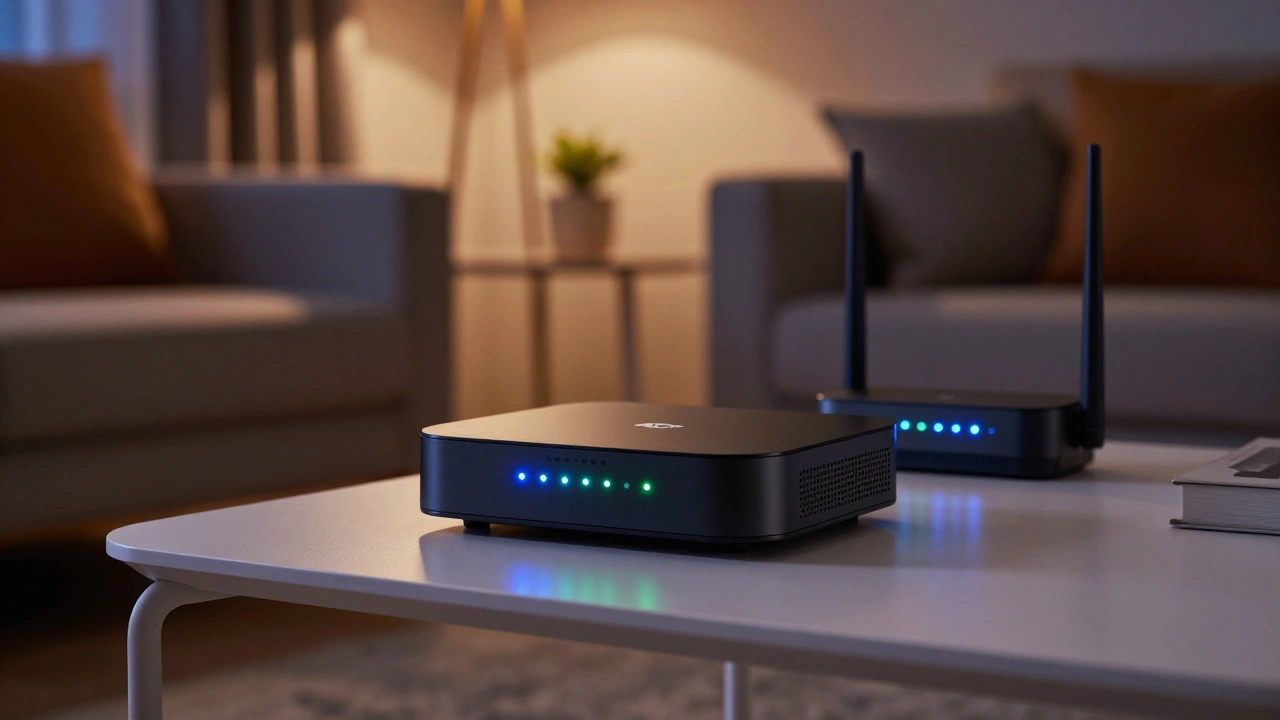
For most homeowners, the biggest vulnerability isn’t ADT’s servers-it’s your own router. ADT’s official security guidance emphasizes that protecting your home network is the single most effective way to secure your smart home ecosystem. Here’s why:
If an attacker compromises your Wi-Fi, they can intercept data flowing between your ADT hub and the internet. They might also discover other connected devices, like smart locks or cameras, which often have weaker security protocols than your main computer.
To fortify this front door, follow these non-negotiable rules:
- Change Default Passwords: Routers ship with generic passwords (like “admin” or “password”) that hackers know by heart. Change this immediately to a complex, unique phrase.
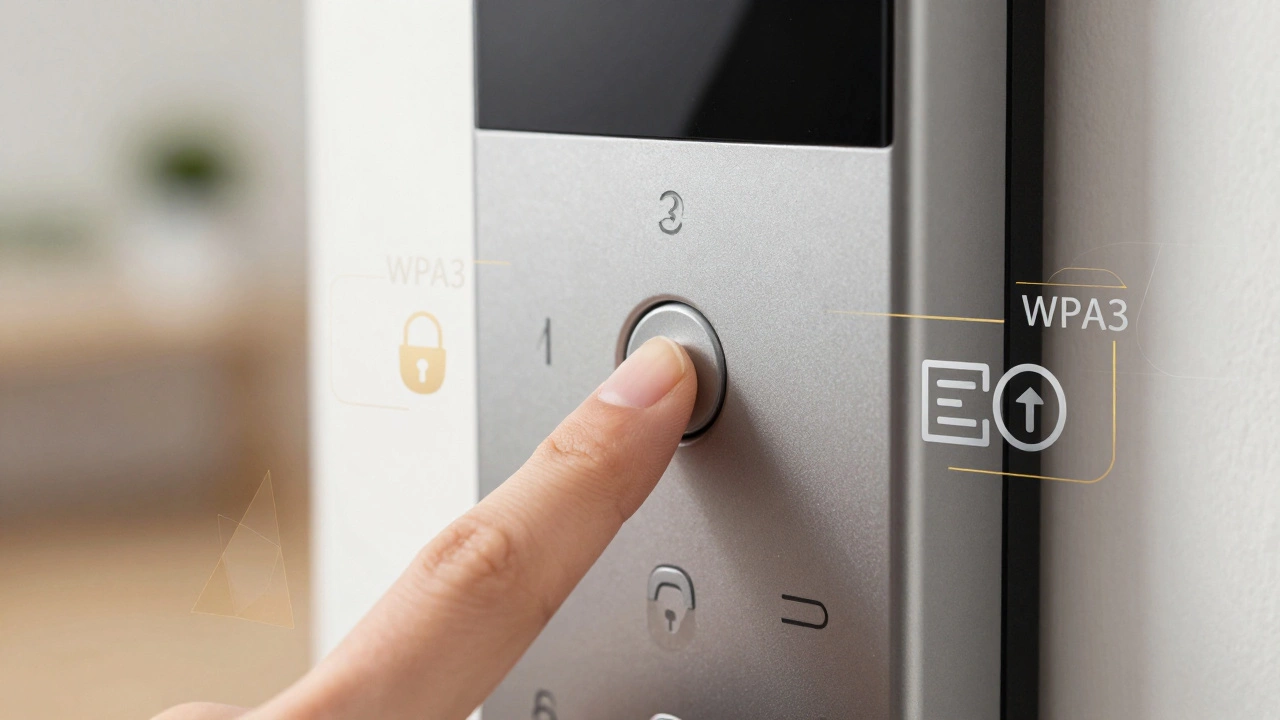
- Enable Strong Encryption: Use WPA3 encryption if your router supports it. If not, WPA2 is acceptable. Never use WEP or WPS, as these are obsolete and easily cracked.
- Disable UPnP: Universal Plug and Play (UPnP) allows devices to open ports on your router automatically. While convenient, it’s a common backdoor for malware. Turn it off unless you specifically need it for gaming or media streaming.
- Update Firmware Regularly: Router manufacturers release patches to fix security holes. Enable automatic updates or check manually every few months.
Think of your router as the gatekeeper. If the gate is left open, it doesn’t matter how strong the walls of your house are.
Securing Cameras and Smart Locks
Cameras and smart locks are the most attractive targets for hackers because they offer direct visual access or physical entry. ADT advises against connecting cameras directly to your main Wi-Fi if possible, preferring app-mediated access which adds a layer of abstraction and security.
Here is how to harden these specific devices:
- Use Unique Passwords: Do not reuse your Wi-Fi password for your camera or lock. If one is compromised, the other remains safe.
- Enable Two-Factor Authentication (2FA): This requires a second step, like a code sent to your phone, to log in. Even if a hacker guesses your password, they can’t get in without your phone.
- Create Device-Free Zones: For ultimate privacy, avoid placing smart cameras in bedrooms or bathrooms. The convenience of monitoring these spaces rarely outweighs the risk of exposure.
- Factory Reset Before Selling: If you upgrade or sell a device, always perform a factory reset. This wipes stored credentials and prevents the next owner-or a malicious buyer-from accessing your previous network.
Smart locks, in particular, rely heavily on password strength. A long, complex password is your best defense against credential-stuffing attacks, where bots try thousands of common passwords per second.
Comparison: External Hacks vs. Internal Misuse
| Risk Type | Source of Threat | Likelihood | Primary Mitigation |
|---|---|---|---|
| External Cyberattack | Third-party hackers targeting routers or apps | Moderate (depends on user hygiene) | Strong passwords, WPA3, 2FA |
| Insider Misuse | Employees or technicians with system access | Low (post-reform), but high impact | Regularly audit user lists, choose reputable installers |
| Physical Tampering | Intruders disabling sensors or hubs | Moderate | Cellular backup, tamper alerts |
| Signal Jamming | Devices blocking wireless communication | Low | Dual-path communication (Wi-Fi + Cellular) |
Practical Checklist: Lock Down Your System Today
You don’t need to be a cybersecurity expert to protect your home. Follow this checklist to significantly reduce your risk profile:
- Audit Your Accounts: Log into your ADT app and check the “Users” section. Remove any contacts you don’t recognize or no longer trust.
- Strengthen Wi-Fi: Ensure your router uses WPA2/WPA3 and has a unique admin password.
- Enable 2FA Everywhere: Turn on two-factor authentication for your ADT account, email, and any linked smart home services.
- Segment Your Network: If your router supports it, create a separate “Guest” or “IoT” network for your smart devices. This isolates them from your personal laptop and phone, limiting damage if one device is compromised.
- Keep Software Updated: Check for firmware updates for your ADT hub and cameras monthly.
- Unplug When Away: If you’re going on a long trip, consider unplugging non-essential smart devices to remove them from the network entirely.
Remember, security is a process, not a product. By staying vigilant and following these steps, you turn your ADT system from a potential liability into a robust shield for your home.
Can someone hack my ADT system remotely?
Yes, it is technically possible. Remote hacking typically occurs through weak Wi-Fi passwords, unsecured routers, or vulnerabilities in outdated device firmware. However, large-scale breaches of ADT’s central monitoring servers are rare. Most risks stem from individual home network configurations rather than attacks on ADT itself.
Did ADT ever get hacked by insiders?
Yes. There were documented cases involving the older ADT Pulse platform where technicians exploited poor access controls to spy on customers via indoor cameras. These incidents led to class-action lawsuits and significant reforms in ADT’s internal security protocols and employee access restrictions.
How do I know if my ADT system has been hacked?
Signs include unexpected changes to your account settings, new users appearing in your app without your consent, or cameras moving when no one is home. False alarms caused by signal interference are common and usually not indicative of hacking, but persistent unusual activity should be reported to ADT support immediately.
Is WPA2 or WPA3 better for my ADT system?
WPA3 is the superior choice as it offers stronger encryption and protection against brute-force attacks. If your router does not support WPA3, WPA2 is still considered secure. You should never use WEP or enable WPS, as these are outdated and easily exploited by hackers.
Should I put my ADT devices on a guest network?
Yes, creating a separate IoT or Guest network for your smart home devices is a best practice. This segmentation ensures that if a hacker compromises a vulnerable device like a smart bulb or camera, they cannot easily access your personal computers or phones on the main network.