Motion Sensor Troubleshooter
Answer these questions to diagnose the cause of your false alarms and receive tailored recommendations.
Recommended Actions:
Why Your Outdoor Lights Keep Flickering at Night
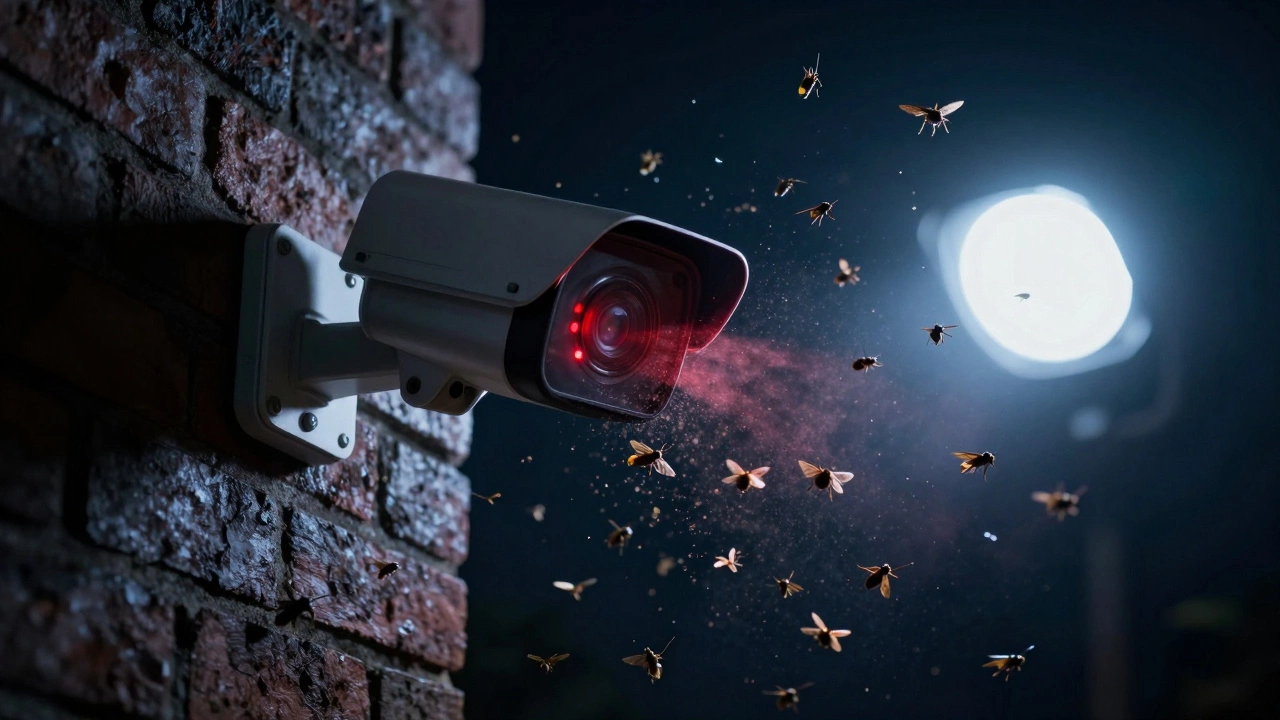
You step outside for a late-night glass of water, and suddenly the floodlight blazes on. You check your phone-no one is there. Just a moth circling the lens. If this sounds familiar, you are not imagining things. Insects absolutely can and frequently do set off motion sensor lights and security cameras. It is one of the most common complaints in home security forums, yet it is rarely explained clearly by manufacturers.
The short answer is yes: bugs trigger these devices. But the reason depends entirely on what kind of sensor you have installed. Are you dealing with a standard Passive Infrared (PIR) light or a smart camera that uses video analytics? Understanding the difference is the first step to stopping those annoying midnight activations.
How Camera-Based Motion Detection Gets Fooled
Modern security systems often rely on video motion detection rather than simple heat sensors. These systems analyze changes in pixel brightness or color over time. When an insect flies directly in front of the lens, it creates a high-contrast, rapid change in many pixels. To the algorithm, this looks exactly like movement.
| Factor | Impact on Detection |
|---|---|
| Proximity to Lens | A bug close to the lens occupies a large portion of the image frame, creating significant pixel shifts. |
| Infrared (IR) Illumination | Night vision LEDs attract insects; their bodies reflect IR light back into the lens, causing bright flashes detected as motion. |
| Speed of Movement | Flying insects dart rapidly, triggering high-sensitivity settings designed to catch fast-moving intruders. |
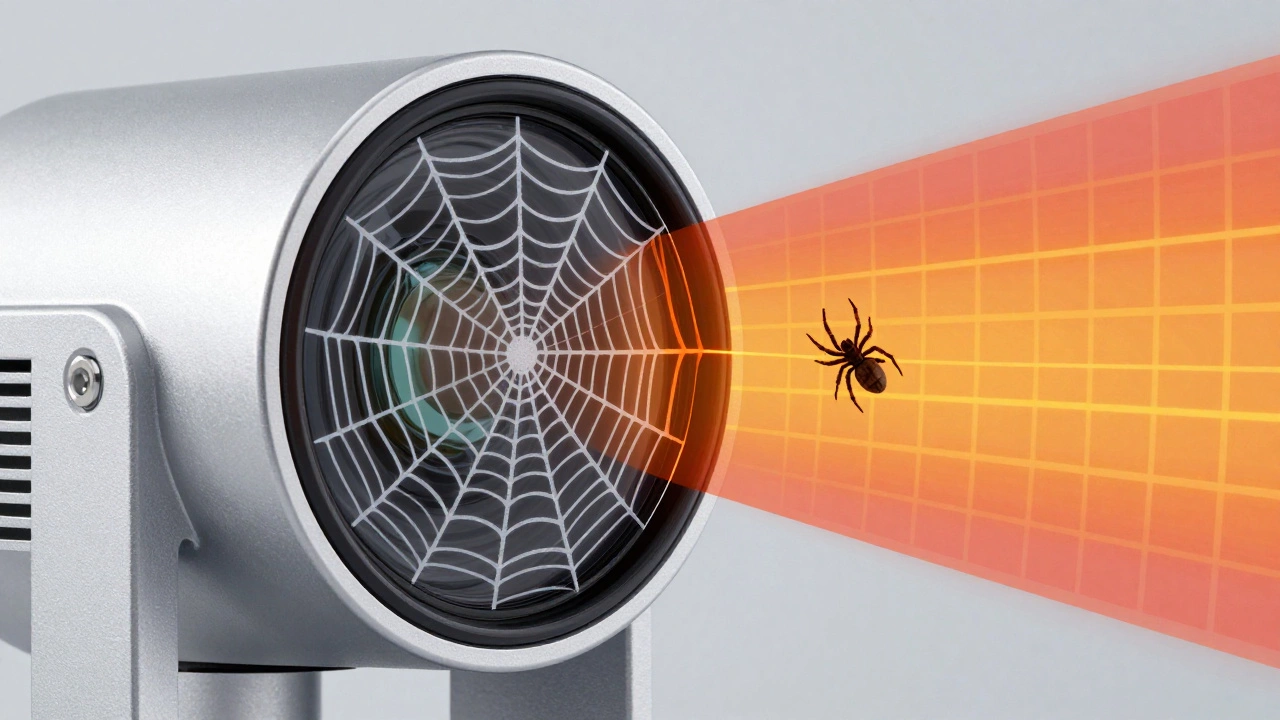
| Spider Webs | Webs near the lens move with wind or crawling spiders, causing consistent false triggers even without flying bugs. |
Manufacturers like Wyze and Ring acknowledge this issue. Their support pages note that anything changing the image-including small objects like insects-will be picked up as motion. At night, this problem worsens because the camera’s own infrared LEDs act as a beacon. Insects are naturally attracted to light sources, especially in the 850 nm near-infrared band used for night vision. They swarm around the lens, reflecting IR light and creating constant "ghost" movements that keep the system alerting you every few minutes.
Can Bugs Trigger Traditional PIR Sensors?
If you have older-style motion lights without cameras, they likely use Passive Infrared (PIR) sensors. These detect changes in heat signatures across zones defined by a Fresnel lens. Generally, PIR sensors are tuned to ignore small animals and focus on human-sized heat sources moving at a distance.
However, bugs can still trip them under specific conditions. If an insect lands directly on the sensor lens or crawls very close to it, it alters the infrared energy reaching the detector. This is less common than camera-based triggers but still happens, particularly with spiders building webs right over the sensor face. User reports from SmartThings communities confirm that standard PIR sensors on decks or porches sometimes get tripped by clusters of insects or animals resting too close to the unit.
The Culprits: Which Bugs Cause the Most Trouble?
Not all insects are created equal when it comes to ruining your sleep. Some species are far more problematic than others:
- Moths and Midges: These flying insects are the primary offenders. On warm nights, they circle visible and IR lights repeatedly, entering and leaving the detection zone dozens of times per minute.
- Spiders: While they don’t fly, spiders crawl over lenses and spin webs. A web blowing in the wind or a spider traversing the glass causes continuous motion alerts.
- Wasps: Wasps may build nests near camera housings. Even if they aren’t flying in front of the lens, their presence indicates a larger infestation that will eventually lead to false triggers.
AlfredCamera technical blogs highlight that swarms of nocturnal insects can make motion detection "effectively useless" if left unchecked. The combination of attraction to light and erratic flight patterns makes moths particularly difficult for algorithms to filter out.
Practical Solutions to Stop Bug-Triggered Alerts
You do not need to replace your entire system to fix this. Several proven strategies can reduce or eliminate false alarms caused by insects.
1. Adjust Sensitivity and Zones
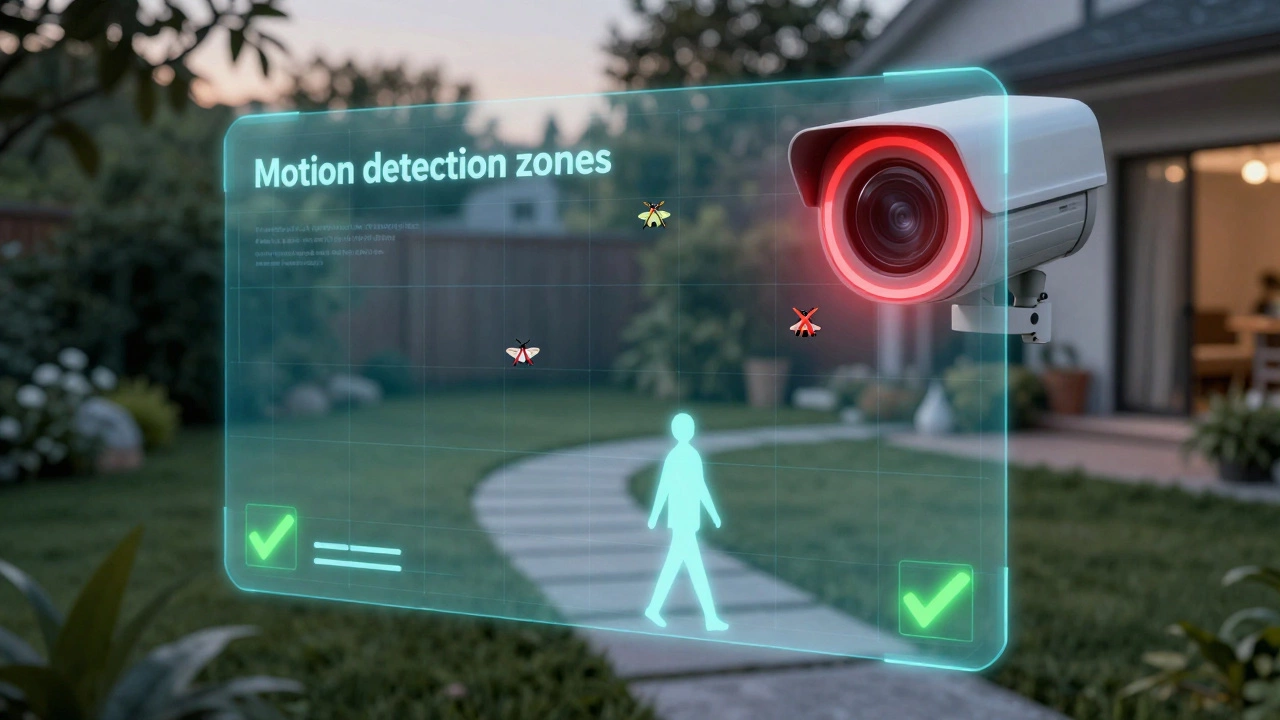
Most modern apps allow you to tweak motion sensitivity. Lowering the threshold reduces the chance that small, fast movements will trigger an alert. However, be careful: setting it too low might miss actual intruders. Instead, try editing detection zones. Exclude the area immediately surrounding the lens where bugs tend to hover. Focus the active zone on pathways, doors, or driveways where humans actually walk.
2. Use AI-Powered Filtering
If your device supports it, enable features like "People Only Mode" (Ring) or person detection (Wyze). These algorithms analyze the shape and trajectory of moving objects. Since insects lack human silhouettes, they are filtered out. The trade-off is slight: you might miss vehicles or pets until someone exits them, but for security purposes, this is usually worth the peace of mind.
3. Manage Light Sources
Insects are drawn to light. Try turning off the built-in IR night vision if ambient lighting allows for "Color Night Vision." Alternatively, install external IR illuminators several feet away from the camera. This lures bugs toward the separate light source rather than the lens itself. Some users repurpose old cameras as dedicated IR "blasters" placed away from main units to act as decoys.
4. Physical Deterrents
Apply natural repellents around the mounting area. Lavender, citronella, or peppermint oil sprays can discourage insects from landing nearby. For spiders, smear a thin layer of petroleum jelly around the housing edges to prevent webs from anchoring. Avoid spraying chemicals directly into the lens or vents, as this can damage electronics.
5. Scheduling Alerts
If bugs are only active during certain hours, use motion schedules. Disable notifications between midnight and dawn while keeping recording enabled. This way, you won’t wake up to buzzing phones, but you’ll still have footage if something real happens.
When to Consider Alternative Sensors
If software tweaks and physical deterrents fail, consider switching technologies. Beam-break sensors (focused infrared beams across a path) are less susceptible to small insects because a tiny bug rarely interrupts the narrow beam completely. Similarly, microwave radar sensors penetrate walls and foliage differently than PIR, though they come with their own set of calibration challenges.
Ultimately, living with outdoor electronics means sharing space with nature. By understanding how sensors work and applying targeted fixes, you can reclaim your night from the tyranny of the moth.
Do all motion sensor lights get triggered by bugs?
Not necessarily. Simple PIR sensors are less prone to bug triggers unless insects land directly on the lens. Camera-based systems with video motion detection are much more susceptible because they react to any pixel change, including small flying insects.
Why are bugs attracted to my security camera at night?
Security cameras emit infrared (IR) light for night vision. Many insects are naturally attracted to light sources, including IR wavelengths. Additionally, the heat generated by the camera electronics can draw bugs closer to the device.
Can I stop bugs from triggering my light without removing it?
Yes. You can lower motion sensitivity, exclude the immediate lens area from detection zones, enable "People Only" AI filtering, or use external IR illuminators placed away from the camera to lure bugs elsewhere.
Is petroleum jelly safe to use on camera housings?
Petroleum jelly is effective for preventing spiders from spinning webs on mounting brackets. Apply it sparingly around the edges of the housing, ensuring it does not touch the lens or ventilation ports to avoid damaging the optics or internal components.
What is the best type of sensor to avoid bug triggers?
Beam-break sensors are generally less affected by insects because they require a complete interruption of a focused beam. AI-enabled cameras with person-detection filters are also highly effective at ignoring small, non-human movements.