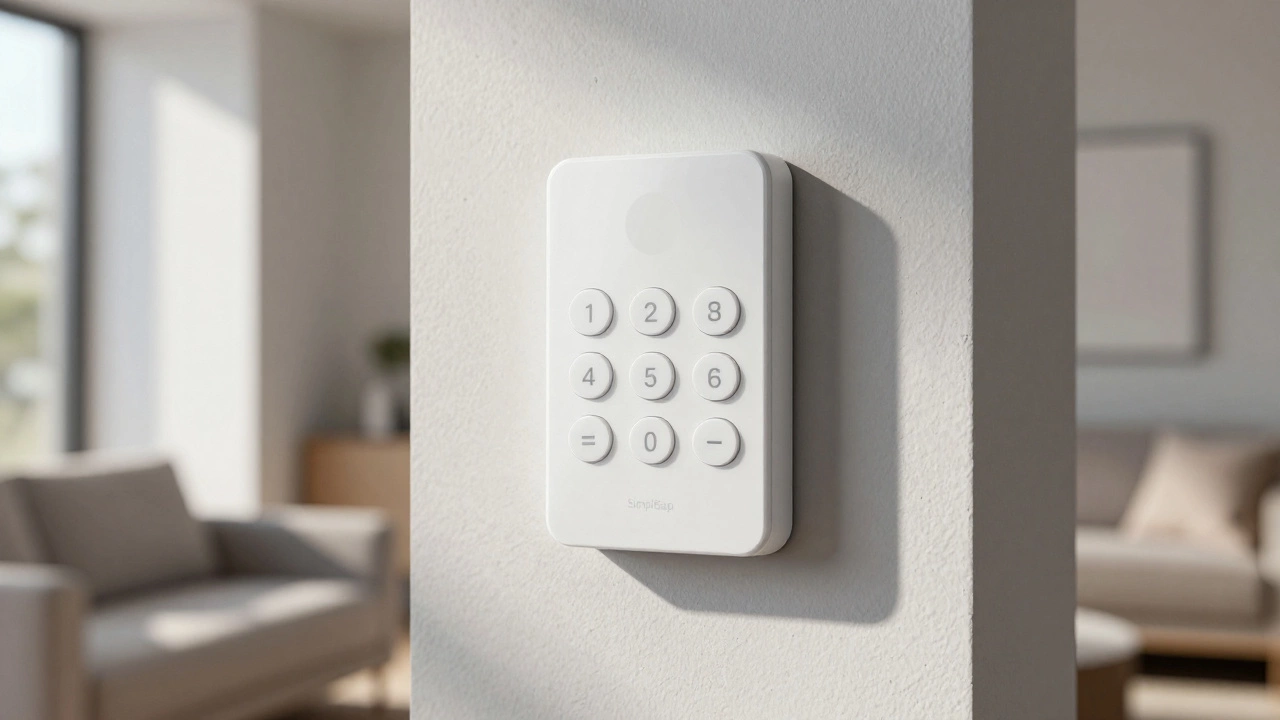
SimpliSafe Smart Compatibility Checker
Determine if SimpliSafe fits your specific smart home ecosystem and security needs based on its 2026 capabilities.
You’ve probably seen the ads. No contracts, easy installation, and a sleek white keypad on your wall. But when you ask if SimpliSafe is actually a "smart" system, the answer isn’t a simple yes or no. It depends entirely on what you mean by "smart." If you want a device that talks to every other gadget in your house via open standards like Zigbee or Z-Wave, you might be disappointed. But if you want a reliable, app-controlled alarm that locks your doors when you leave and alerts your phone when a window breaks, it fits the bill perfectly.
In 2026, SimpliSafe sits in a unique spot. It’s not a full-blown smart home hub like Hubitat or Home Assistant, but it’s far more connected than old-school wired alarms. Let’s break down exactly what it can do, where it falls short, and whether it fits your specific needs.
The Core: Connected Security, Not Just Alarms
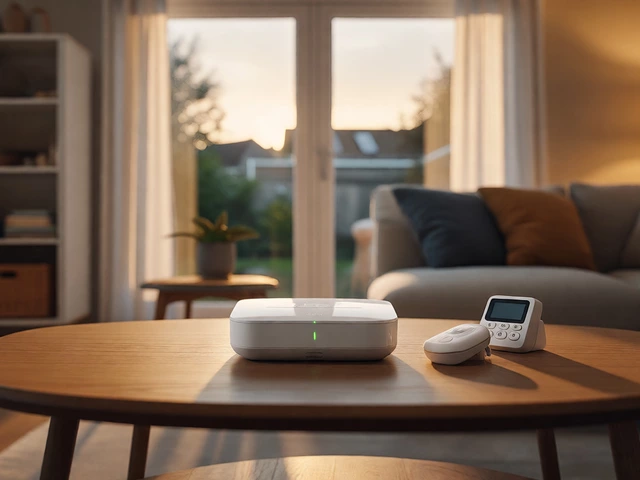
At its heart, SimpliSafe is a wireless security ecosystem. The central entity here is the Base Station. This box connects to your Wi-Fi and has a cellular backup, ensuring that even if your internet goes down, your system stays online. It supports up to 30 sensors, covering doors, windows, motion, glass breakage, water leaks, and smoke/CO detection.
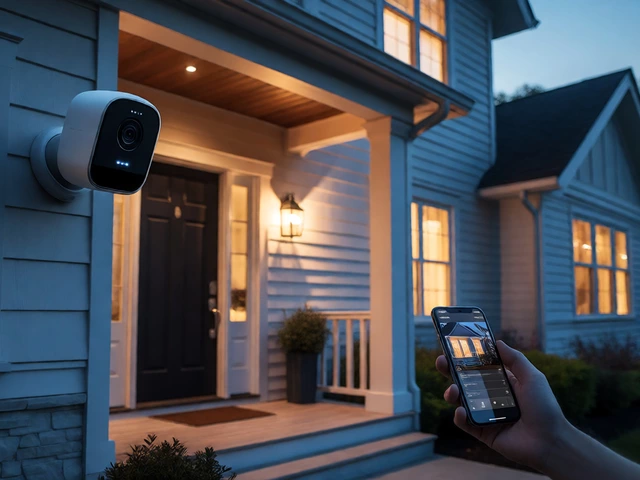
What makes it "smart" is the connectivity. You don’t just arm and disarm with a physical key fob anymore. You use the mobile app on iOS or Android. You can check the status of every sensor from anywhere in the world. If you’re traveling and wonder if you locked the back door, you can check the app instantly. This remote control capability is the baseline for any modern smart security system.
However, the "smartness" is gated behind your monitoring plan. While self-monitoring allows basic app access, features like video recording, detailed history, and some integrations require a subscription like Core, Pro, or Pro Plus. The free tier works for community integrations (more on that later) but lacks the cloud polish that defines the user experience.
Smart Locks: The Physical Bridge
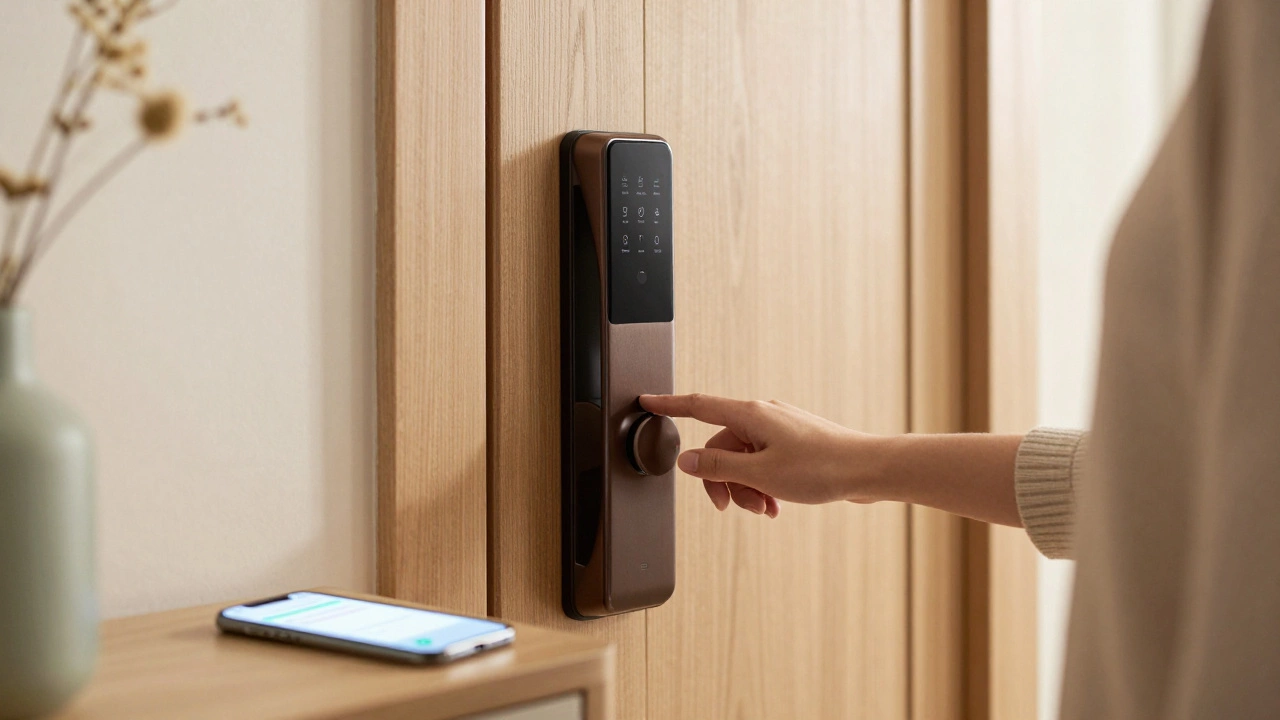
One of the strongest arguments for SimpliSafe being a smart system is its hardware integration, specifically the Smart Lock Series 2. Released in June 2026, this lock doesn’t just sit there; it syncs directly with your alarm state.
Here is how it works in practice:
- Arming Triggers Locking: When you arm your system to "Away," the Smart Lock automatically engages. No forgetting to turn the deadbolt.
- Disarming Triggers Unlocking: When you enter your PIN on the keypad or unlock via the app, the door unlocks simultaneously.
- Auto-Lock Feature: You can set the lock to re-engage after 30 seconds, 1 minute, or 5 minutes if you accidentally leave it unlocked.
This synchronization reduces friction. In many smart homes, you have to create complex routines to make a lock talk to an alarm. With SimpliSafe, it’s native. The lock replaces only the interior escutcheon of most single-cylinder deadbolts, making installation straightforward without drilling new holes. It’s a practical example of smart technology solving a common human error: leaving the door unlocked while armed.
Voice Assistants and Wearables
If you live in an Amazon Alexa or Google Assistant household, SimpliSafe plays nicely. You can say, "Alexa, arm SimpliSafe to Away," and the system responds immediately. However, for safety reasons, you cannot disarm the system via voice. You must use the app, keypad, or physical lock. This is a deliberate design choice to prevent accidental disarming or malicious commands from outside the home.
Interestingly, SimpliSafe also supports Apple Watch. This is a small but genuine smart interface. You can arm and disarm your system from your wrist, which is handy when your hands are full with groceries. This feature works across all plans, including the free tier, showing that SimpliSafe values wearable convenience.
The Integration Gap: What It Doesn’t Do
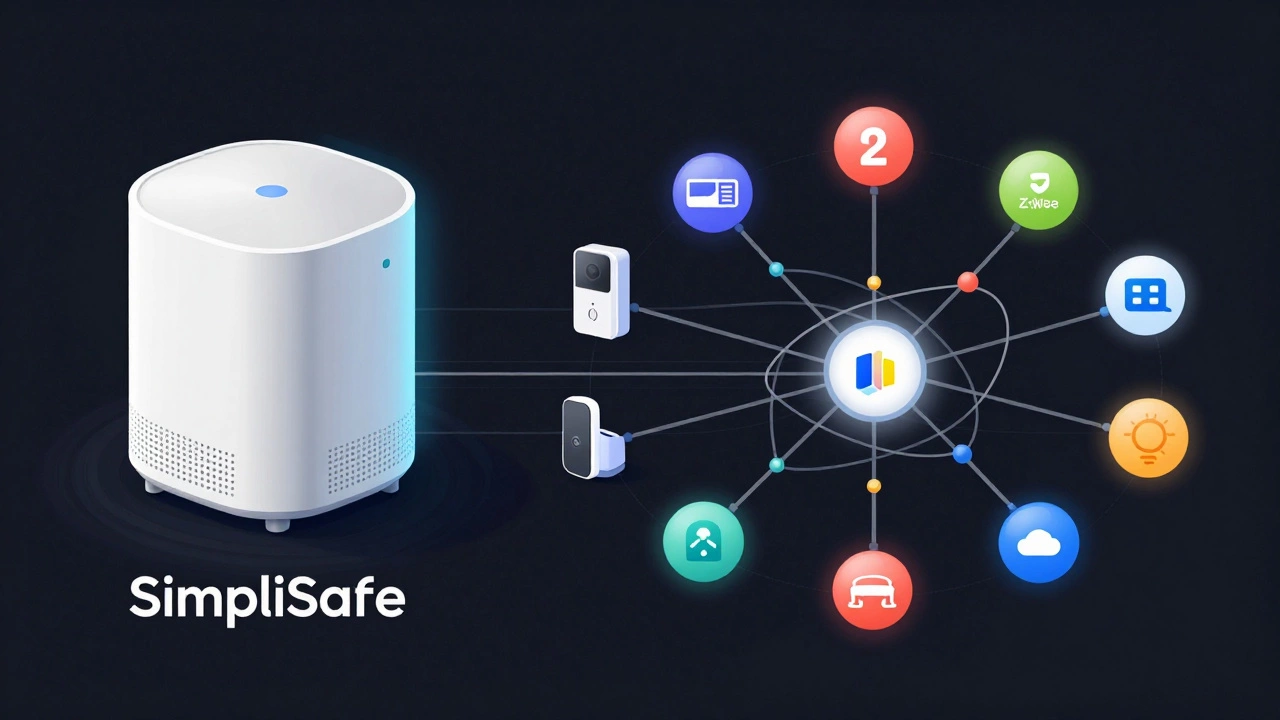
Here is where the "smart" label gets complicated. SimpliSafe does not natively support IFTTT, Z-Wave, Zigbee, or Apple HomeKit as of mid-2026. If you are trying to build a unified smart home where your lights dim when the alarm arms, or your thermostat adjusts based on occupancy detected by security sensors, SimpliSafe struggles out of the box.
It relies on cloud-to-cloud integrations. For example, integrating with August Smart Locks requires an August lock with built-in Wi-Fi or a Connect Bridge. The integration allows the August lock to sync with SimpliSafe’s arming state, but it’s limited to customers on interactive professional monitoring plans. This means the most advanced smart features are locked behind recurring fees.
For users who want local control and open protocols, this proprietary approach feels limiting. You can’t add a third-party Z-Wave motion sensor to a SimpliSafe base station. You’re stuck within their ecosystem unless you use workarounds.
Power Users: Home Assistant and Third-Party Hacks
Don’t let the lack of official open protocols discourage tech-savvy users. The community has stepped in. The Home Assistant integration for SimpliSafe is robust. It treats the SimpliSafe system as a cloud-connected device and exposes entities like alarm panels, entry sensors, and locks to your local home automation server.
Users report that arm/disarm actions run with "no noticeable delays." You can create sophisticated routines, such as arming the system when presence sensors detect everyone has left the house, or disarming it when a trusted phone connects to your Wi-Fi. This bridges the gap between SimpliSafe’s closed ecosystem and the open smart home world.
However, cameras remain a pain point. The official Home Assistant integration does not support camera feeds due to API limitations. Enthusiasts often resort to using Homebridge to bridge SimpliSafe cameras into Home Assistant, adding complexity. If seamless camera integration is a priority, you might find this workaround frustrating.
| Feature | Support Level | Notes |
|---|---|---|
| Alexa/Google Assistant | Native | Arm only; no voice disarm for security. |
| Apple HomeKit | None | No direct integration available. |
| Zigbee/Z-Wave | None | Closed protocol; cannot add third-party sensors. |
| Smart Lock Sync | Native (Series 2) | Auto-lock/unlock based on arming state. |
| Home Assistant | Community Supported | Strong sensor/lock support; cameras require bridging. |
| IFTTT | None | No official applet support. |
Pricing and Value Proposition
Is it worth the cost? A standard 7-piece kit costs around $229.99, covering a home up to 3,000 square feet. The Smart Lock Series 2 adds about $99. Monitoring plans range from free (self-monitoring) to under $30 per month for professional services. Compared to traditional providers like ADT or Vivint, SimpliSafe is significantly cheaper and contract-free.
However, value is subjective. If you prioritize ease of use and reliable monitoring, the price is fair. If you prioritize open standards and advanced automation, you might feel you’re paying a premium for a closed system. Some users criticize the cameras as "junky" and overpriced compared to dedicated smart camera brands like Ring or Arlo.
User Experience: Reliability vs. Innovation
Long-term users, some with over 10 years of service, praise the reliability of the sensors and base station. Installation is genuinely easy, often taking less than an hour. The learning curve is low, making it accessible for non-tech-savvy homeowners.
On the flip side, customer support experiences vary. Some users report helpful technical assistance, while others describe frustration with remote resets that wipe configurations. There are also concerns about radio jamming vulnerabilities, though this is a risk with any wireless system. For high-security environments, the proprietary nature and potential bypass methods may be a deterrent.
Verdict: Is It Smart Enough?
SimpliSafe is a smart system if you define "smart" as connected, remotely controllable, and integrated with major voice assistants and smart locks. It excels at doing one thing well: securing your home with minimal hassle. It is not a smart home hub. It won’t replace your need for a separate controller if you have a complex network of lights, shades, and appliances.
Choose SimpliSafe if you want a set-and-forget security solution that keeps you informed via your phone and locks your doors automatically. Avoid it if you demand open protocols, local control, or seamless camera integration into broader smart home dashboards.
Can I use SimpliSafe without a subscription?
Yes, you can self-monitor for free. You will still get push notifications to your phone when sensors are triggered. However, you lose access to professional monitoring, video recording storage, and some advanced app features. Community integrations like Home Assistant still work with the free tier.
Does SimpliSafe work with Apple HomeKit?
No, SimpliSafe does not have native support for Apple HomeKit as of 2026. You cannot control your SimpliSafe system directly through the Apple Home app. Workarounds exist using Homebridge, but they are complex and not officially supported.
How does the Smart Lock Series 2 integrate?
The Smart Lock Series 2 syncs directly with the alarm state. When you arm the system, the lock engages. When you disarm, it unlocks. It can be controlled via the exterior keypad, the SimpliSafe app, or key fobs. It requires the latest generation SimpliSafe base station to function.
Is SimpliSafe secure against hacking?
SimpliSafe uses encrypted communication between sensors and the base station. While no system is immune to sophisticated attacks, it is generally considered secure for residential use. Concerns about radio jamming exist, but this is a common vulnerability in wireless systems. Using a cellular backup mitigates risks associated with Wi-Fi disruption.
Can I add third-party sensors to SimpliSafe?
No, SimpliSafe is a proprietary ecosystem. You cannot add Z-Wave, Zigbee, or generic IP sensors directly to the base station. You must purchase SimpliSafe-branded accessories. Power users often pair SimpliSafe with a separate smart home hub like Home Assistant for broader integration.