Security Camera Installation: What You Need to Know
Thinking about adding cameras around your home or business? You’re not alone. Most people want to see who’s coming and going, and they want it done without a headache. In this guide we’ll walk through the basics – picking the right gear, what the install looks like, and how much it usually costs. By the end you’ll know if you can DIY or need a pro like Birmingham Security Command Center.
Choosing the Right Camera System
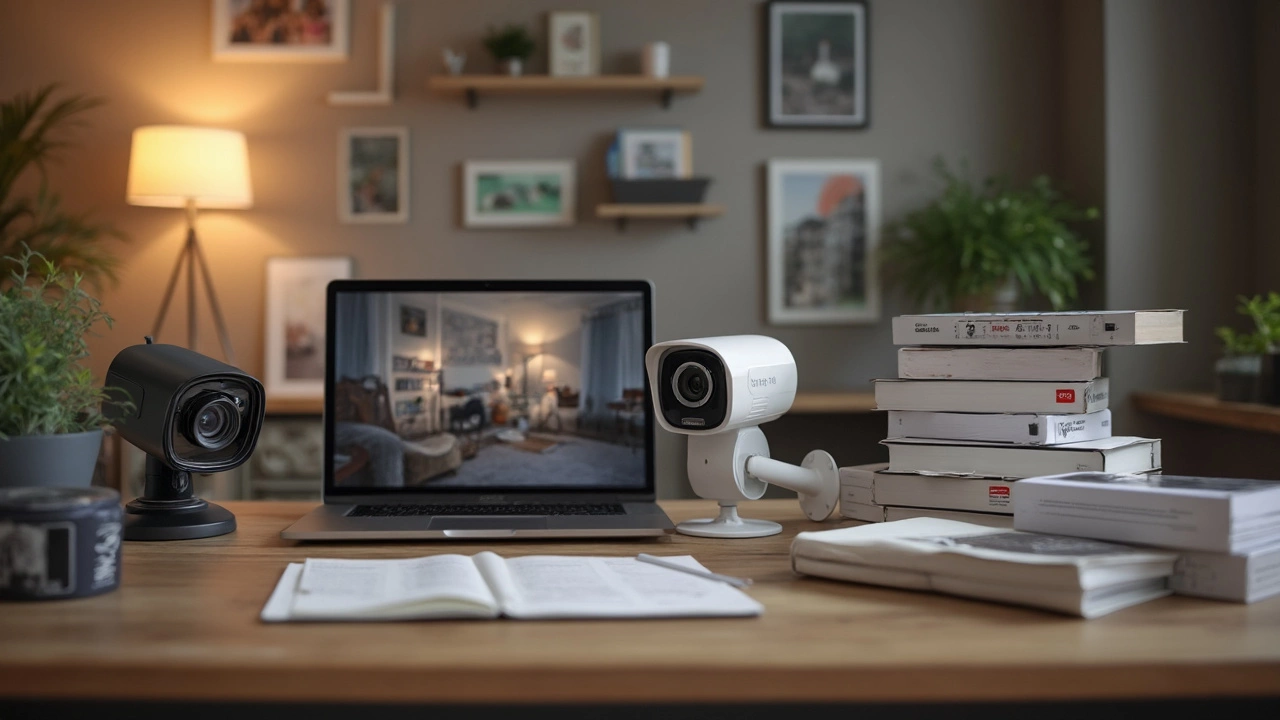
First step is figuring out what you actually need. Do you want indoor cameras that blend with décor, or outdoor models that can handle rain? Look at resolution – 1080p is a solid baseline, 4K gives extra detail but costs more and needs more storage. Night vision matters if you’ll be watching after dark; infrared LEDs are the cheap way to get clear black‑and‑white footage.
Next, think about how the cameras will talk to you. Wired systems use Ethernet or coax and are reliable, but they need a run of cable and a bit of drilling. Wireless models hook up to Wi‑Fi and are easier to place, yet they can suffer from signal drops if your router is far away. Many installers combine both: wired for the front door and garage, wireless for a spare bedroom.
Don’t forget storage. Some brands store video on a cloud service – you pay a monthly fee, but you can watch footage from any phone. Others use a local NVR (network video recorder) that sits in your garage. Local storage avoids ongoing fees but you have to protect it from theft.
The Installation Process Explained
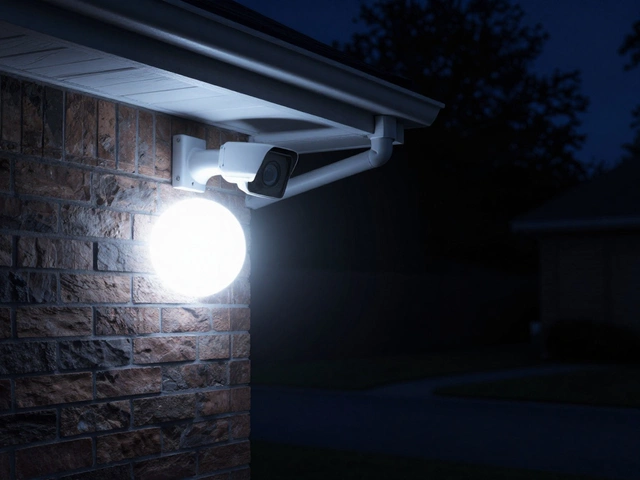
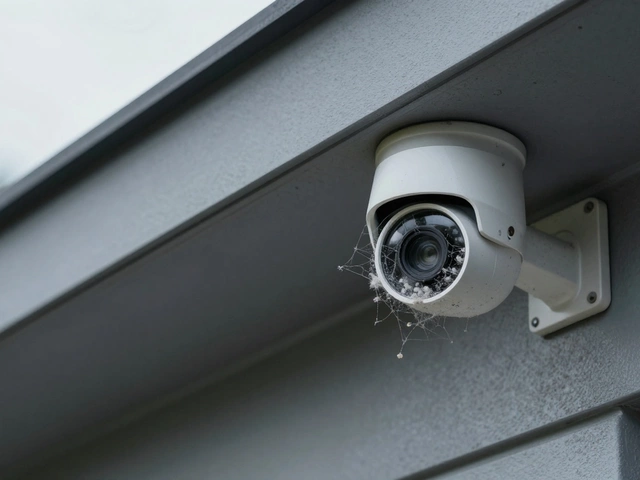
When you call a professional, the first visit is a site survey. The installer checks light levels, Wi‑Fi strength, and where you want the cameras. They’ll suggest the best spot for each lens – usually high and angled down to cover doors, windows, and walkways.
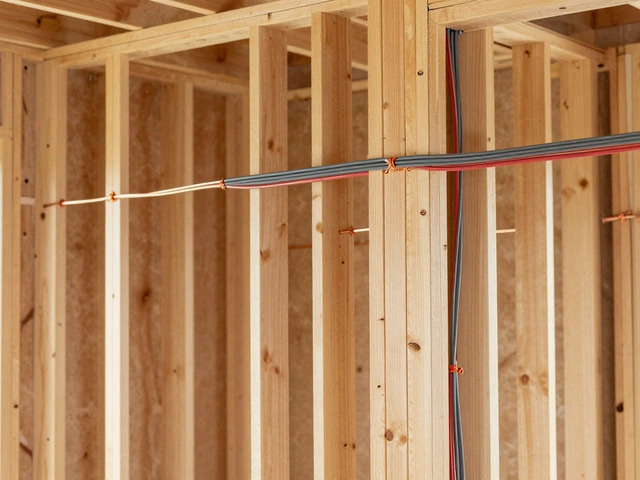
On the day of install, the tech runs cable (if you chose wired) or mounts brackets for wireless units. They’ll drill holes, seal them with weather‑proof grommets, and pull Ethernet through your walls. For power, most cameras use PoE (Power over Ethernet) – one cable does both data and electricity, which keeps things tidy.
After the hardware is up, they configure the system. This includes linking cameras to your app, setting motion zones, and testing night vision. You’ll get a quick walkthrough so you know how to arm the system, view live feeds, and retrieve recordings.
Most installers finish within a few hours. If you go DIY, expect to spend a weekend on the same tasks – and be ready for a bit of trial and error with Wi‑Fi placement.
Why choose Birmingham Security Command Center? They specialize in local regulations, have 24/7 monitoring options, and can upgrade your system later as tech improves. Their pricing is transparent and they offer a warranty on both hardware and labour.
In short, a good security camera installation starts with clear goals, the right hardware, and a trusted installer who knows the area. Whether you’re protecting a family home or a small business, the right setup gives peace of mind without endless fuss.