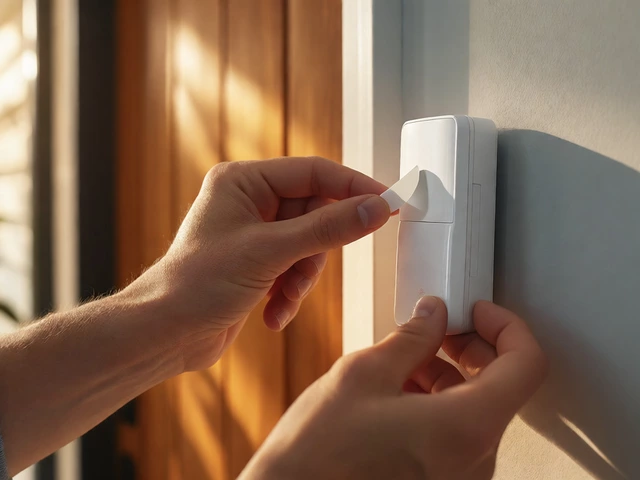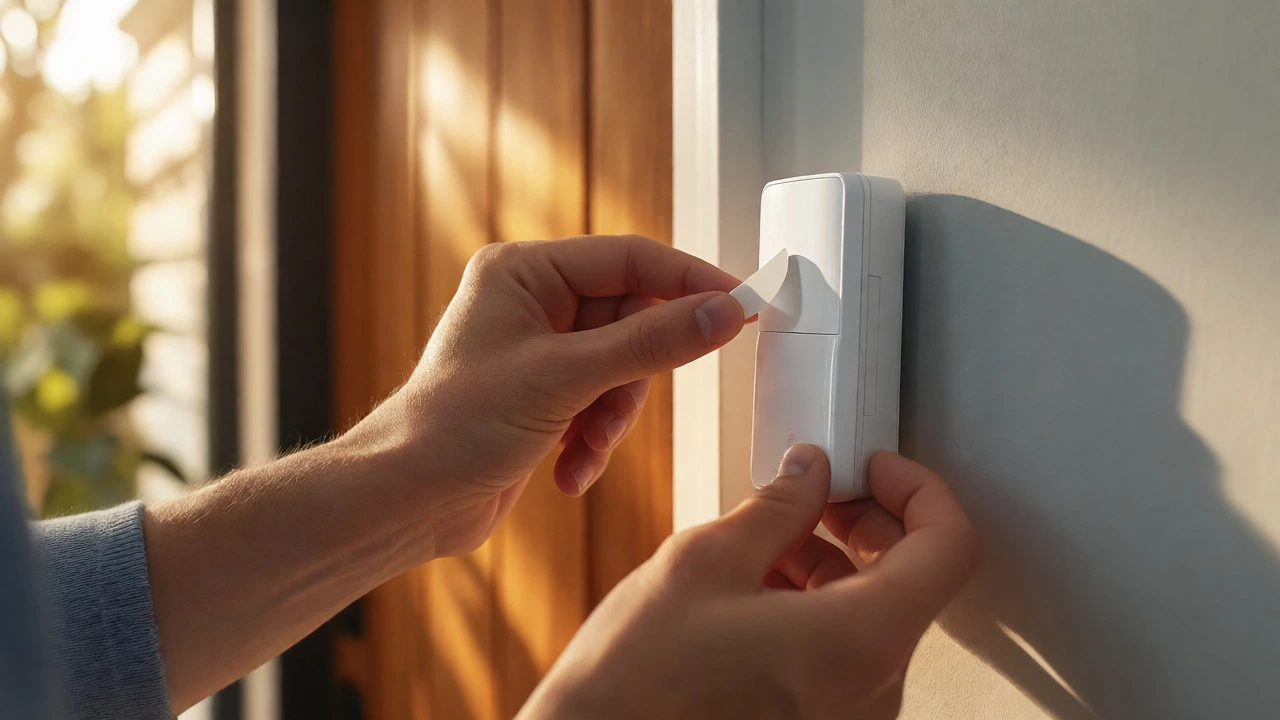
Are Wireless Alarms Easy to Install? A Realistic DIY Guide
Discover if wireless alarms are truly easy to install. Learn about installation times, tools needed, and common pitfalls for DIY home security systems.
When you hear the word “alarm,” you probably picture a loud siren and flashing lights. In reality, modern alarm systems are a mix of sensors, panels, and connectivity options that keep your home safe without turning it into a tech nightmare. This page breaks down the basics, so you can pick a system that fits your budget and lifestyle.
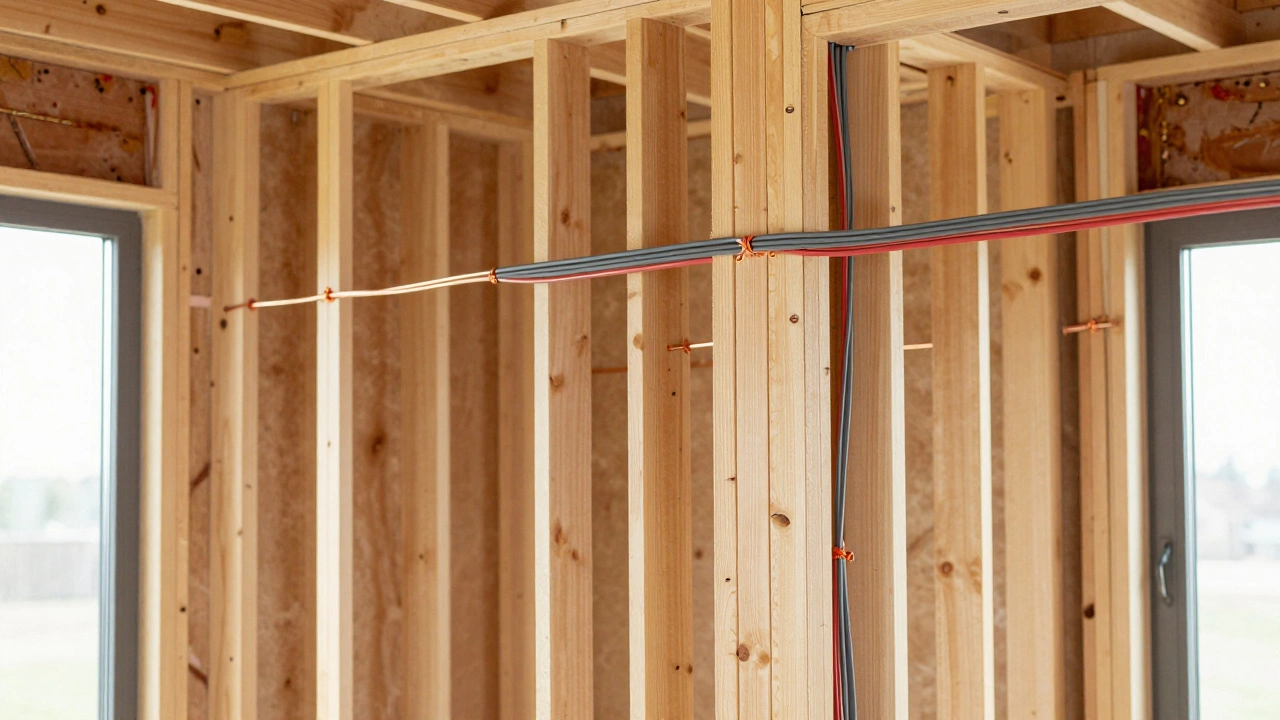
First off, there are three main families of alarm systems: wired, wireless, and hybrid. Wired systems run cables through walls and are usually installed by professionals. Wireless units use battery‑powered sensors that talk to a central panel via radio signals, meaning no drilling and easy relocation. Hybrid setups combine both, giving you the reliability of wired power lines with the flexibility of wireless sensors.
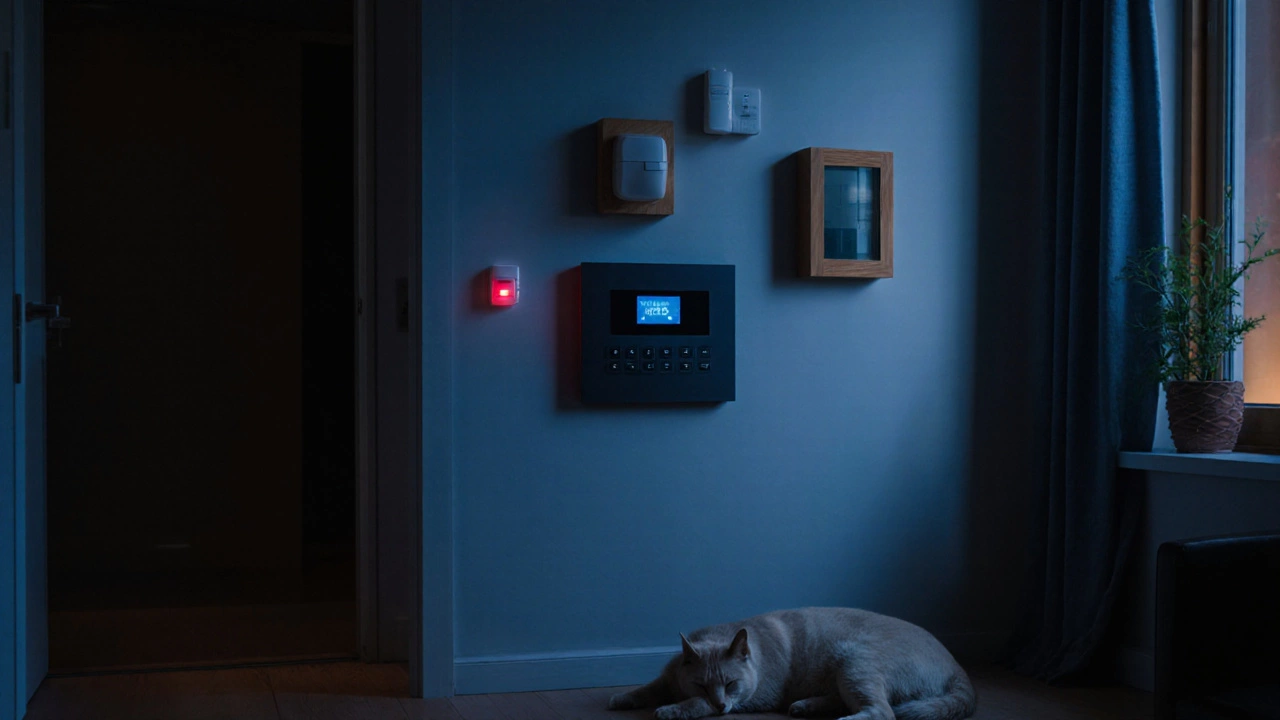
Basic Security Alarm – The entry‑level option includes door/window sensors and a simple keypad. It’s perfect for renters or anyone who wants a quick, low‑cost solution. You won’t get video monitoring or smart‑home integration, but you’ll have a solid deterrent against casual intruders.
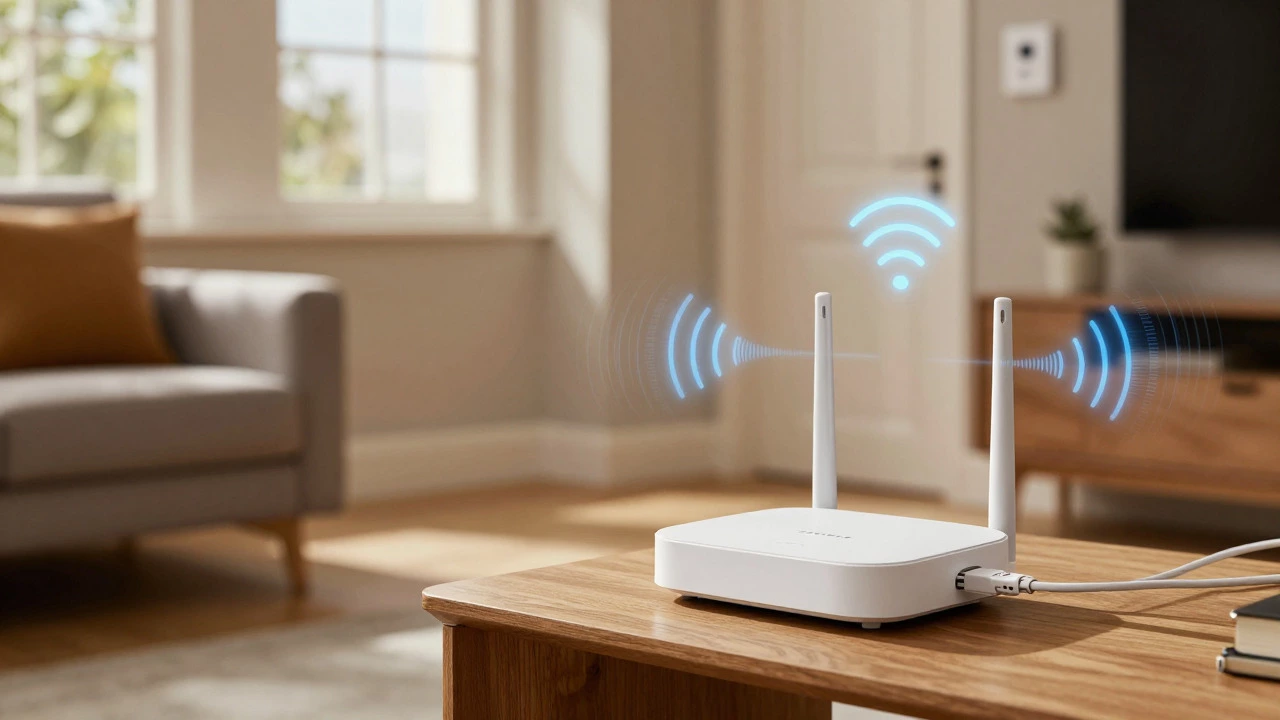
Wireless Alarm with Wi‑Fi – Modern systems like ADT or Ring often rely on Wi‑Fi to push alerts to your phone. If the internet drops, many still send alerts via cellular backup, so you stay protected. Check the specs: some features (remote arm/disarm, video streaming) need a steady connection, while core sensors continue to work offline.
Cellular‑Only Alarm – These avoid Wi‑Fi entirely and talk to the monitoring center over a cellular network. Ideal for areas with unreliable internet or for users who prefer a stand‑alone setup. The trade‑off is a slightly higher monthly fee for the cellular service.
Start with your budget. Basic alarms can be under £100 for equipment, while fully integrated smart systems can run several hundred pounds plus a monthly monitoring fee. ADT, for example, averages £30‑£50 a month, but you might pay extra for add‑ons like video cameras or senior discounts.
Next, think about connectivity. Do you want alerts on your phone even when you’re away? If yes, a Wi‑Fi or cellular system is a must. If you’re okay with a loud siren and a local keypad, a basic wired system will do.
Consider expansion. Many wireless panels allow you to add motion detectors, glass break sensors, or smart locks later on. This future‑proofs your investment and lets you start small before upgrading.
Installation style matters too. DIY kits are popular for tech‑savvy homeowners and can save you £150‑£300 in labor. However, professional installation guarantees proper placement, especially for hard‑to‑reach doors or windows, and often includes a monitored service contract.
Finally, check for hidden fees. Some providers bundle equipment costs into the monthly bill, while others charge separate activation fees. Read the fine print for things like early‑termination penalties or fees for extra sensors.
Bottom line: a good alarm system should fit your home’s layout, your internet situation, and your budget without overcomplicating things. Whether you go basic, wireless, or cellular, you’ll get a solid layer of protection that lets you sleep easier.
Ready to upgrade? Browse our latest models, compare features, and contact our team for a free assessment. We’ll help you choose the right alarm, set it up, and keep it running smooth for years to come.
Discover if wireless alarms are truly easy to install. Learn about installation times, tools needed, and common pitfalls for DIY home security systems.
Wondering if a burglar alarm is worth it? Discover what crime data really says about deterrence, false alarms, and why locks matter more than sirens.
You don't need Wi-Fi for basic alarm protection, but you do need it for apps and cameras. Learn how cellular backup works and which features fail without internet.
Do burglar alarms stop burglars? Yes, data shows 60% avoid alarmed homes and 87% flee when sirens sound. Learn how visibility, monitoring, and layered security maximize deterrence and safety.
Find out exactly what happens to your Ring Alarm when Wi-Fi fails. We compare the Standard vs. Pro models, explain cellular backup limits, battery life during outages, and how to troubleshoot offline issues.
Discover the differences between wired, wireless, and hybrid burglar alarm systems. Learn about reliability, costs, and which one fits your home or business best.
Alarms don't scare burglars-they raise the risk of getting caught. Most burglars avoid homes with visible alarms, but only if the system is real, monitored, and verified. Learn what actually works to stop break-ins.
Learn the real ways to cancel your ADT contract without paying steep early termination fees. ADT doesn't offer 5-year contracts - here's how to get out legally and save money.
A burglar alarm system detects break-ins using sensors, control panels, and alerts. Learn how it works, the different types available, and what to look for to protect your home effectively in 2025.
Ever wondered what actually sets off a burglar alarm? This guide breaks down every trigger, common mishaps, and how to keep your security tight and reliable.
Discover if your ADT system protects your home without internet. Learn how ADT works offline, its limitations, and smart tips for your peace of mind.
Curious if ADT gives senior discounts for their wireless alarm systems? This article breaks down what older adults can expect when it comes to saving money on ADT security. You'll find straight answers, plus some handy tips to help seniors cut costs and get the most out of their home security choices. We look at other ways to snag deals with ADT and offer real advice for stretching your budget. No fluff, just what you need to know.