Baby Monitors – What Parents Need to Know in 2025
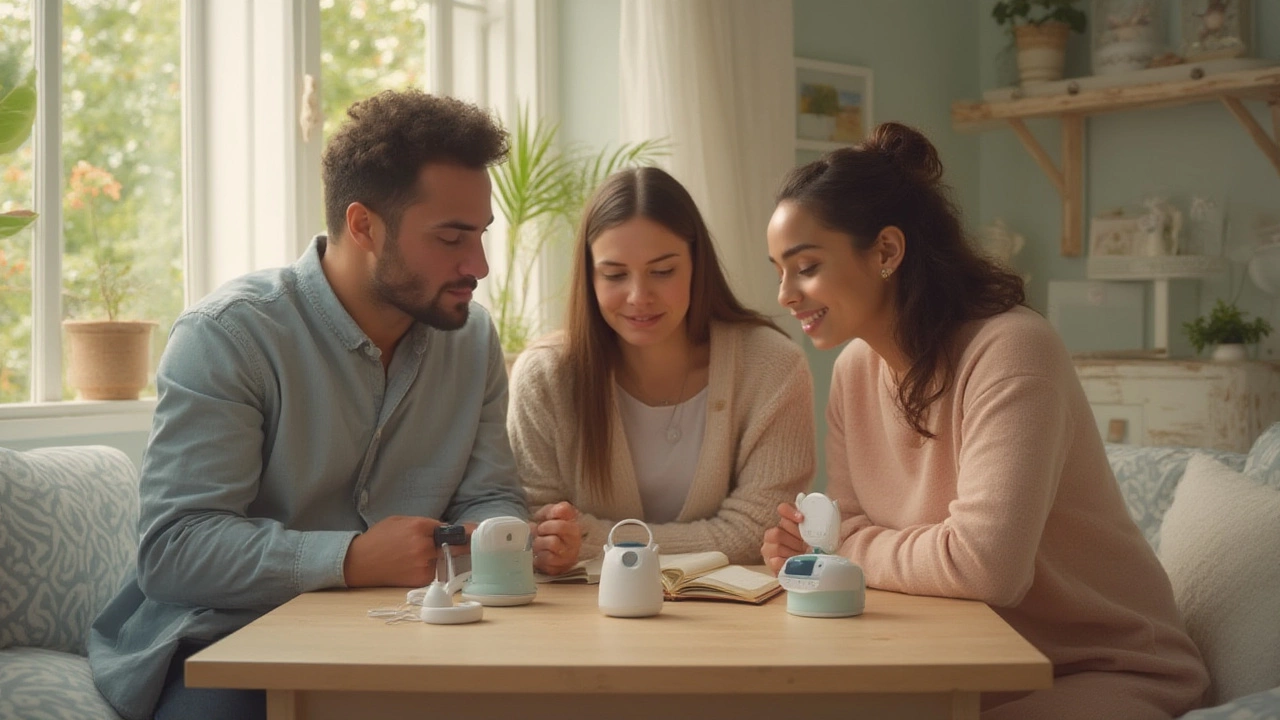
If you’ve ever wondered whether a baby monitor is worth the price, you’re not alone. Parents today juggle work, errands, and sleep, and a reliable monitor can make those hectic nights a lot calmer. In this guide we’ll break down the basics, point out hidden pitfalls, and help you choose a model that actually fits your life.
Types of Baby Monitors and How They Work
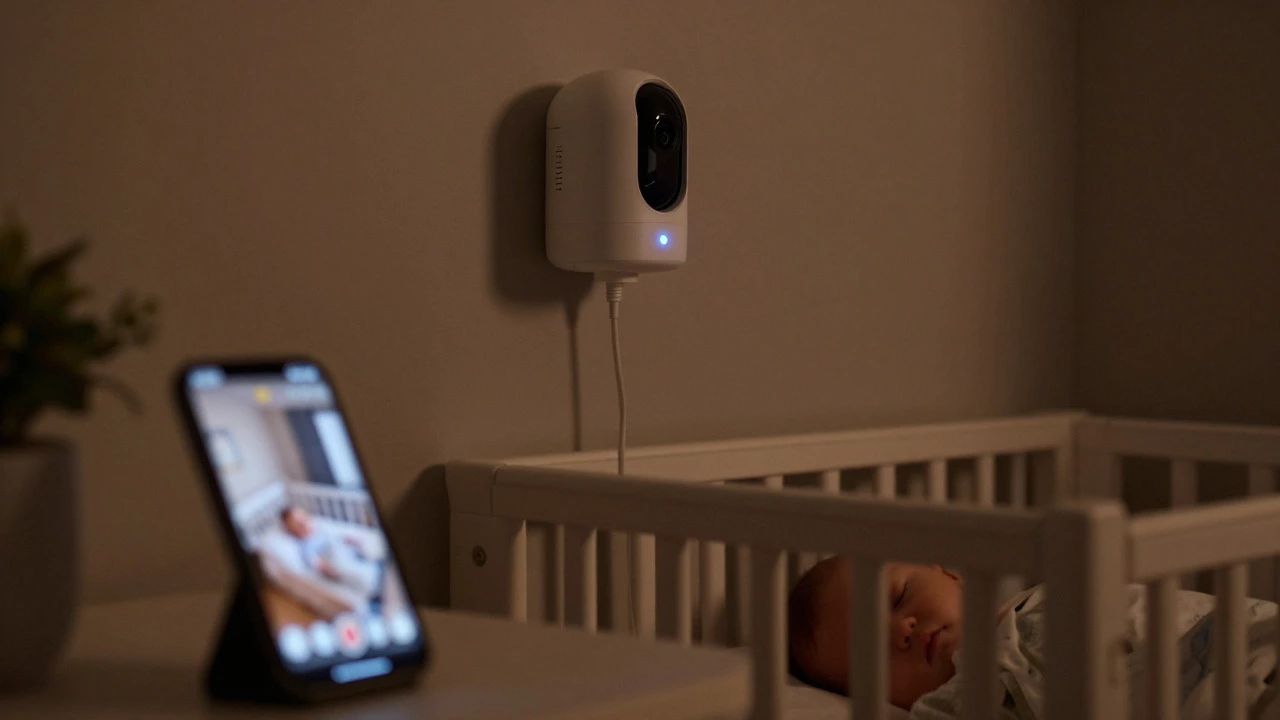
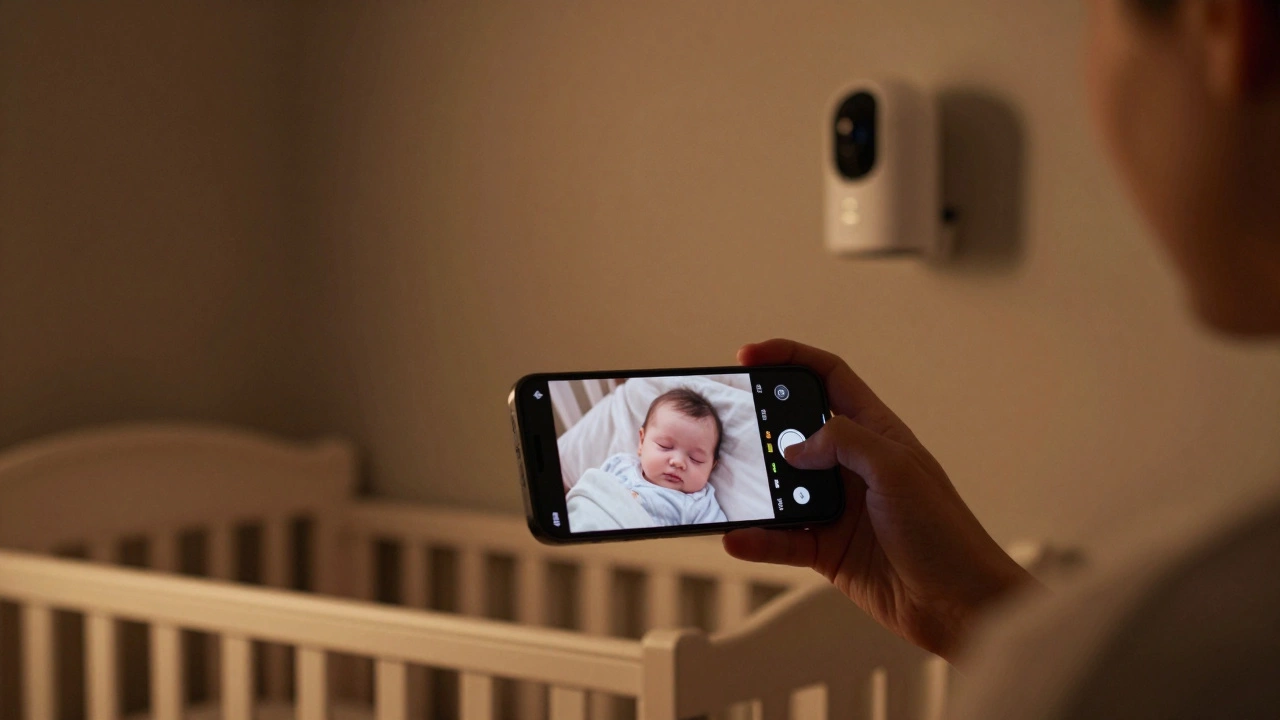
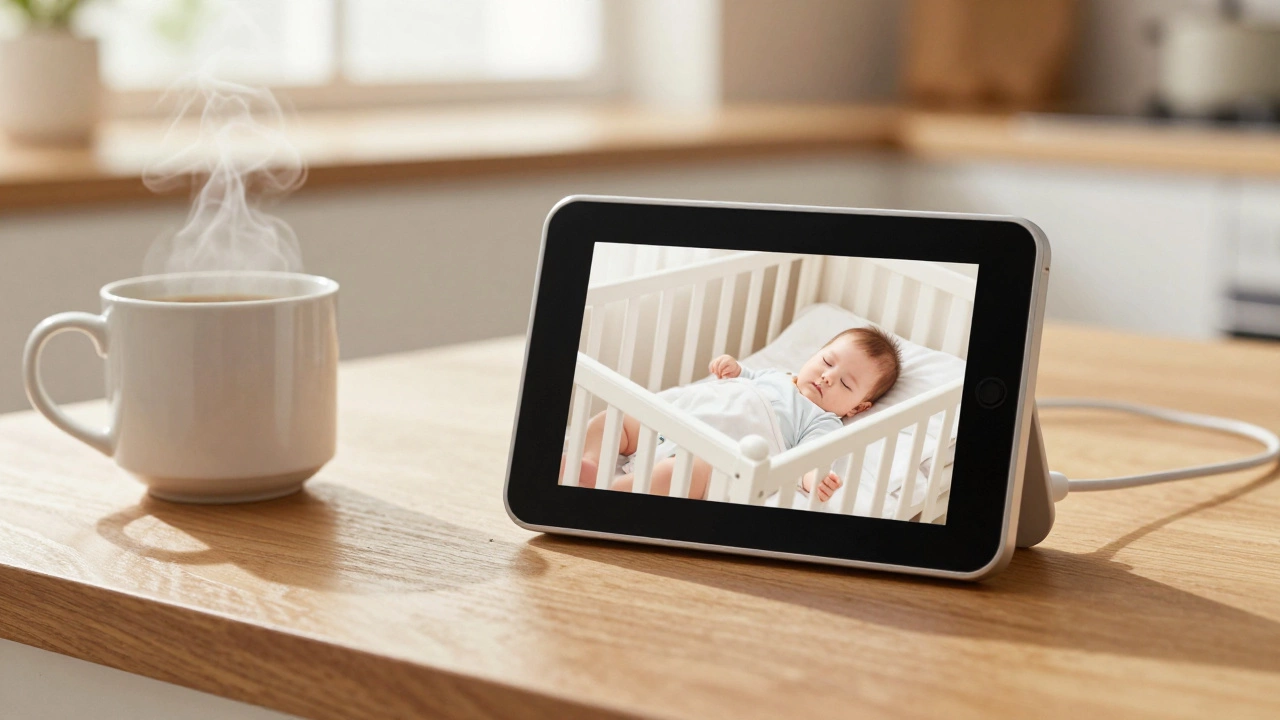
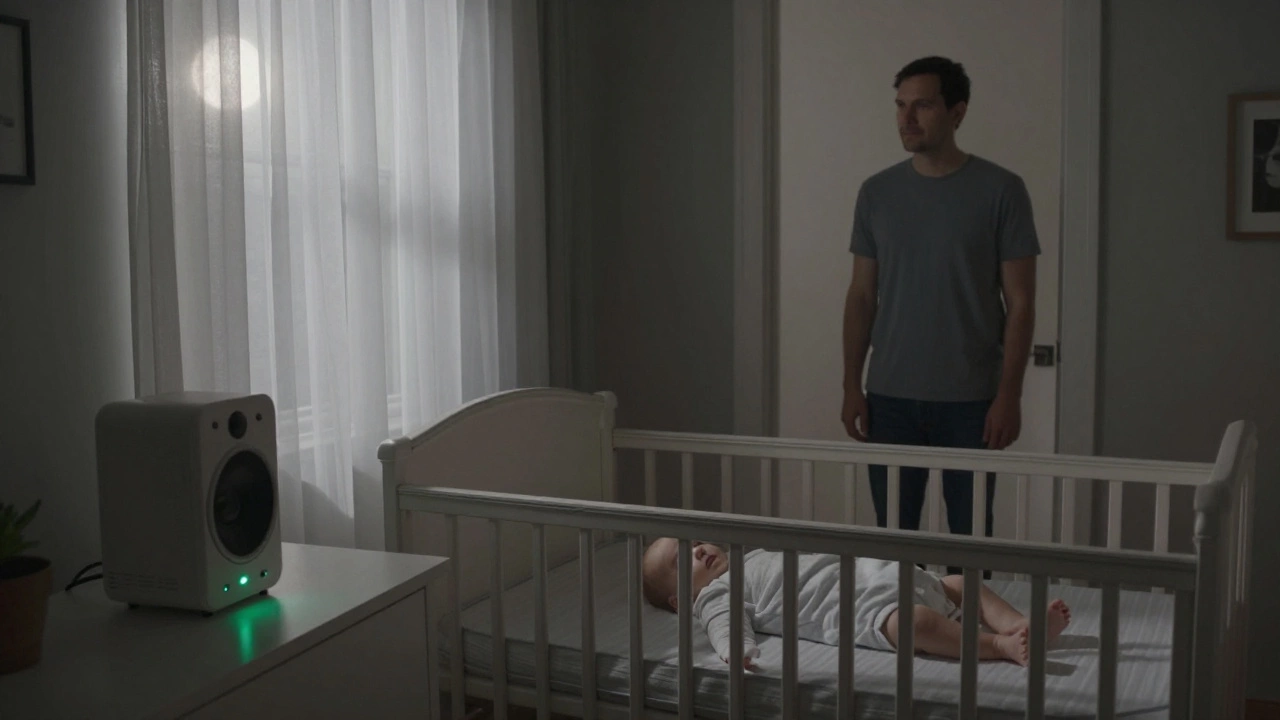
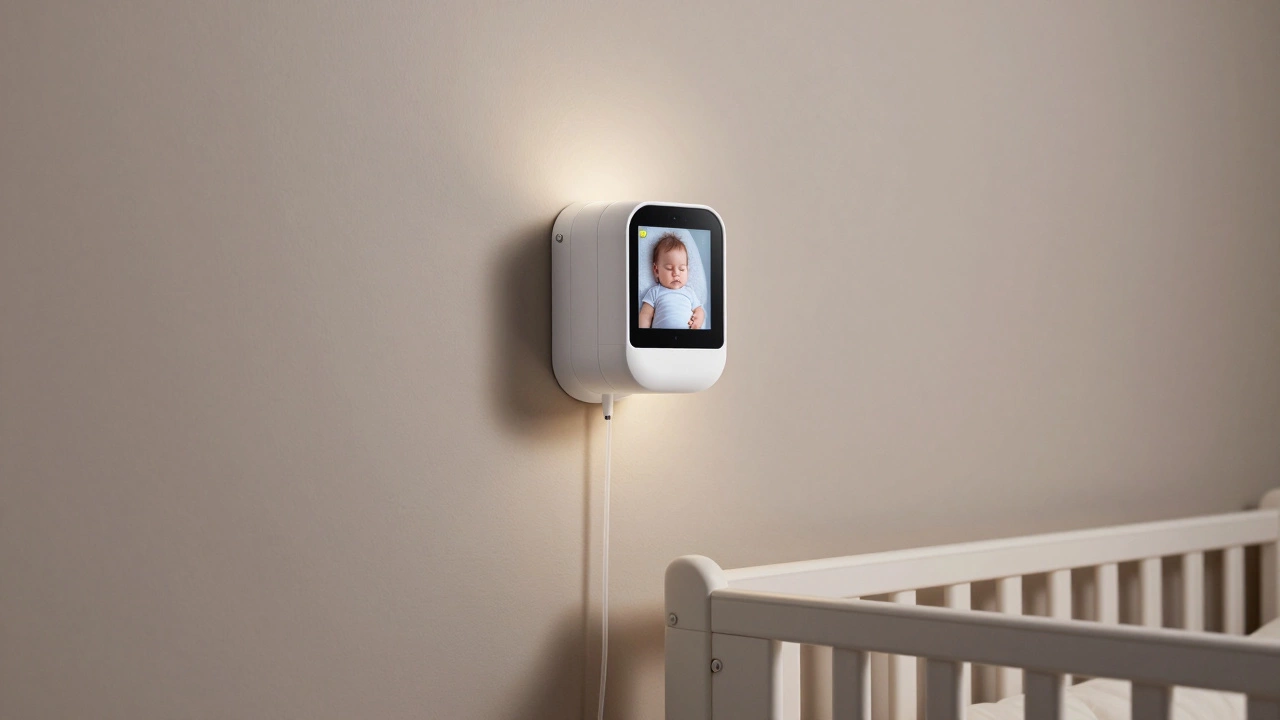
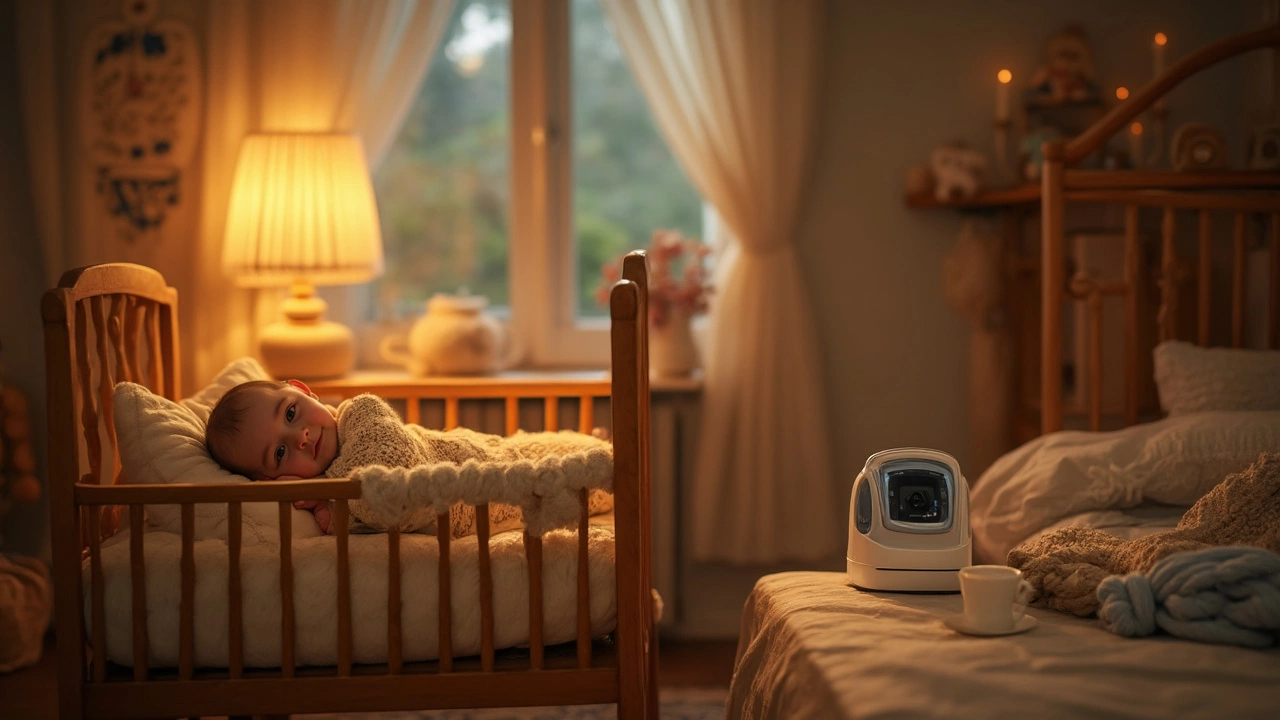
There are three main families of monitors: audio‑only, video, and wearable. Audio monitors simply transmit sound, which is great for checking if your baby is crying without lighting up a screen. Video monitors add a camera, so you can see the crib, temperature, and sometimes even lullabies. Wearable monitors sit on the baby’s wrist or ankle and track heart rate or breathing. Each type has pros and cons, but the best choice depends on your nursery layout and how much visual feedback you want.
Range, Connectivity, and Security
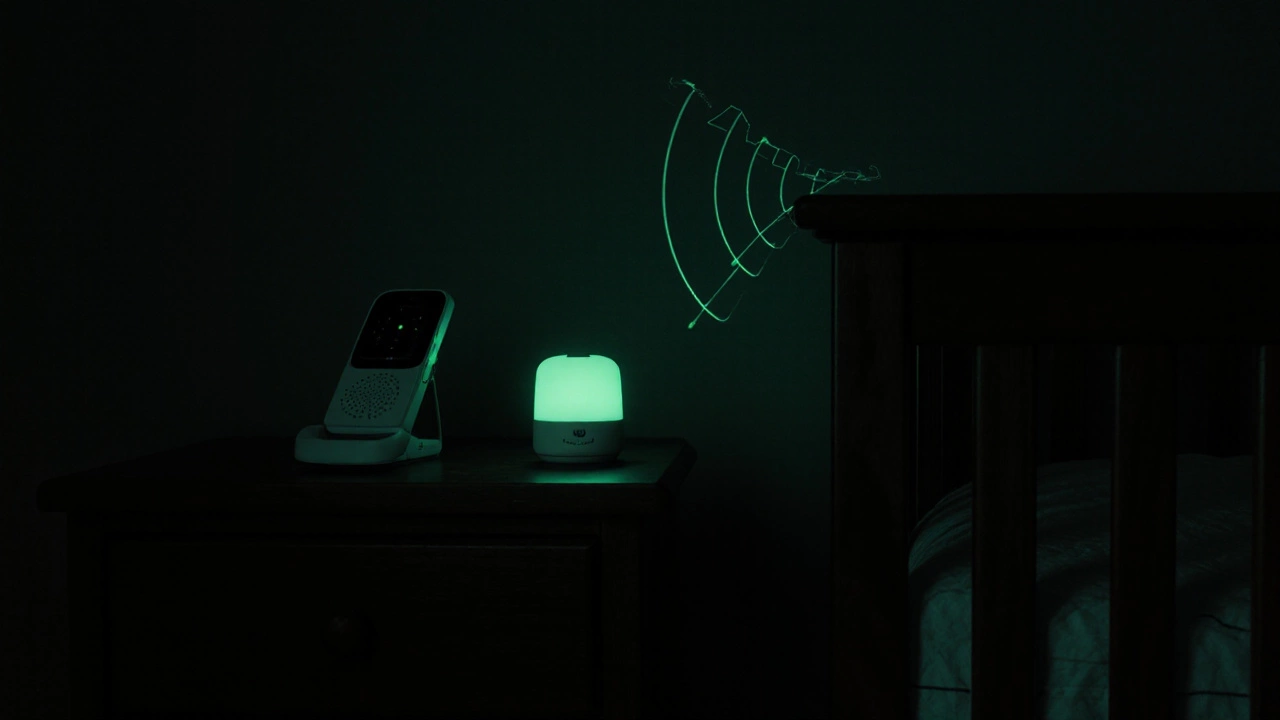
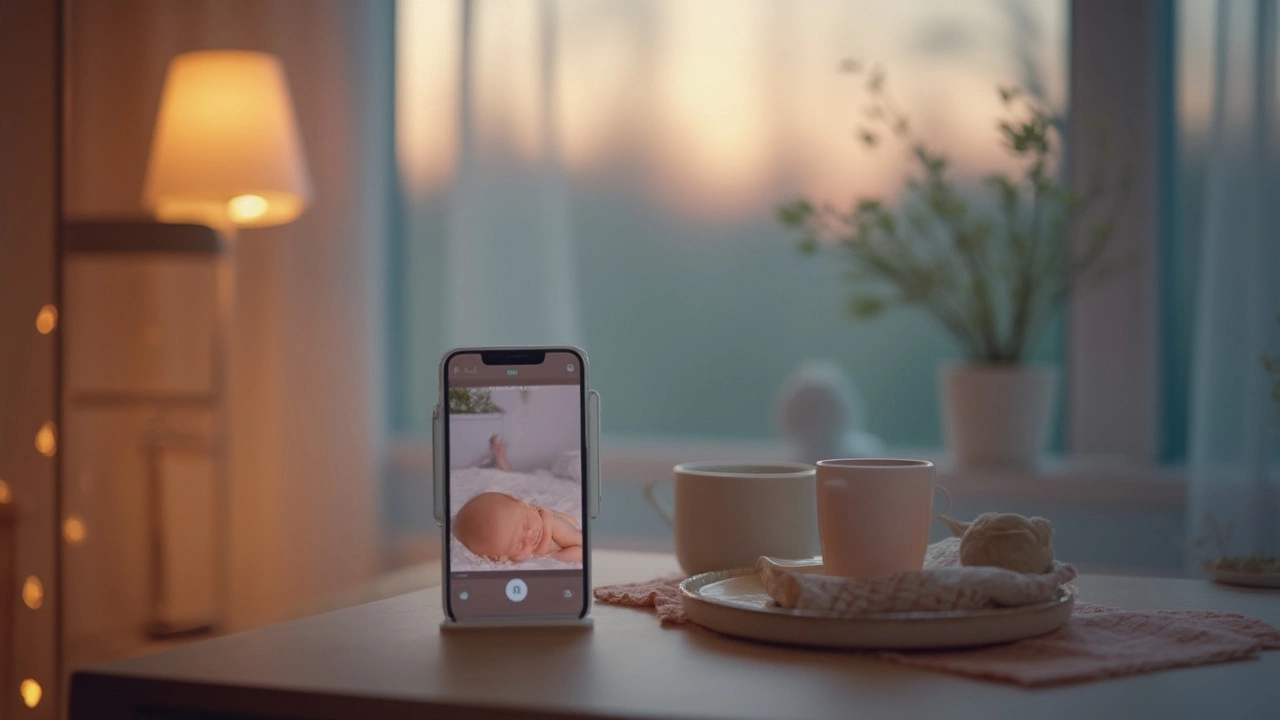
Range matters more than most people think. A monitor that works well in a small apartment may lose signal in a two‑storey house. Look for a spec that lists at least 300‑ft indoor range; real‑world tests often show a bit less, so give yourself a safety margin. If you need to check in from work or the grocery store, a Wi‑Fi model is the only way to go, but it also opens the door to hacking. Choose a monitor with end‑to‑end encryption, change default passwords, and keep the firmware updated to lock out snoops.
Battery life is another practical concern. Video monitors with night vision can drain a charger in a few hours, while audio‑only units often last a week on a single set of AA batteries. Some newer models offer solar or USB‑C charging, which can be handy if you forget to plug in overnight.
Price isn’t everything, but the cheapest monitors often cut corners on range and security. Mid‑range options (around £100‑£200) tend to hit a sweet spot: solid video quality, decent battery life, and encrypted Wi‑Fi. Premium brands may add extras like two‑way talk, lullabies, or temperature alerts, but ask yourself if you’ll actually use those features.
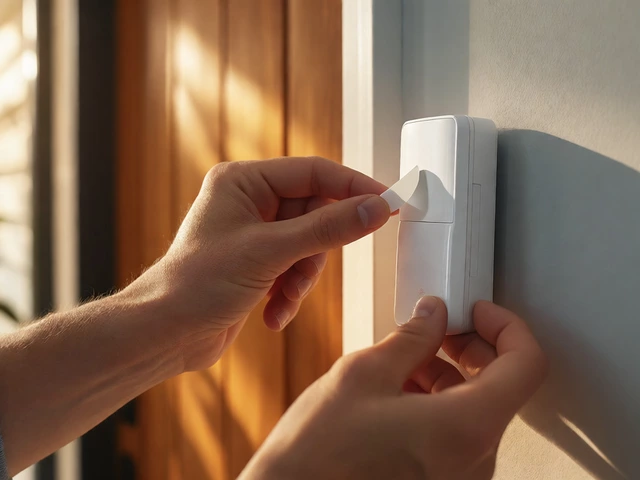
Installation is usually a breeze. Most monitors come with a base station for the parent unit and a plug‑in camera for the baby side. If you’re using a Wi‑Fi monitor, download the app, follow the QR‑code setup, and you’re ready. Make sure the camera is placed at least 2‑3 feet away from the crib to avoid overheating and to give the newborn room to move.
One common mistake is placing the monitor too close to other electronics. Wi‑Fi routers, microwaves, and cordless phones can cause interference, shrinking the effective range. Keep the camera and parent unit away from large metal objects for a cleaner signal.
Safety isn’t just about signal strength. Check that any cords are out of reach and that the camera housing is sturdy. If you opt for a wearable monitor, read the manufacturer’s guidelines about weight limits and skin contact. Most reputable brands certify that their wearables meet European safety standards.
When it comes to privacy, remember that a camera in a private room can record more than you intend. Disable cloud storage if you don’t need it, and use a strong, unique password for the app. Regularly review the device’s access logs—many apps show the last login time and device.
Finally, think about the long term. Some families keep a monitor until the child is three or four years old, especially if the device doubles as a pet camera or a home security sensor. If you anticipate a longer use, choose a model with upgradeable firmware and good customer support.
In a nutshell, the right baby monitor gives you peace of mind without breaking the bank. Pick a type that matches your nursery size, verify the range, lock down the Wi‑Fi security, and keep the setup simple. With those basics covered, you’ll be able to focus on what matters most—spending quality time with your little one.