Do I Need Internet or WiFi for Security Cameras? Complete Guide
Do security cameras need internet? Learn when WiFi is essential for remote viewing and when local storage works offline. Compare Ring, Arlo, and Reolink.
Ever wonder why some cameras seem to catch everything while others miss the obvious? The answer isn’t magic – it’s about picking the right gear and setting it up right. In the next few minutes you’ll learn how to choose a camera that fits your space, budget, and peace‑of‑mind needs, plus simple steps to get it working fast.
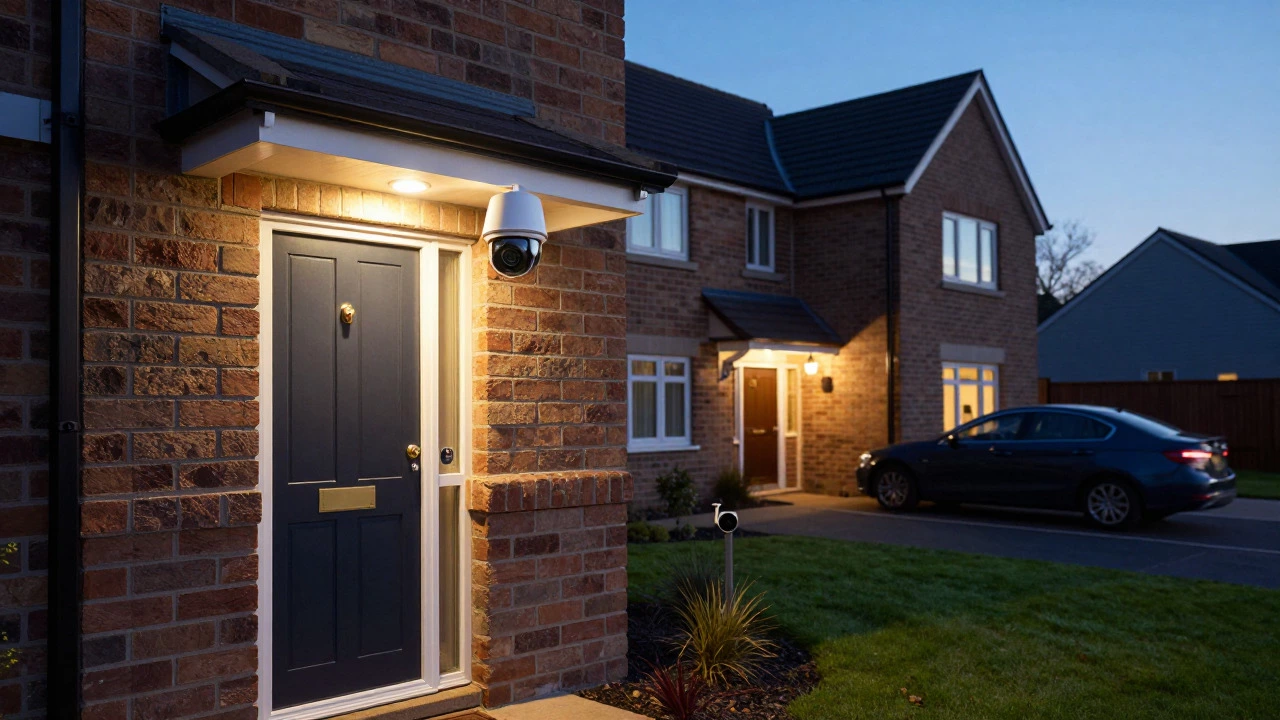
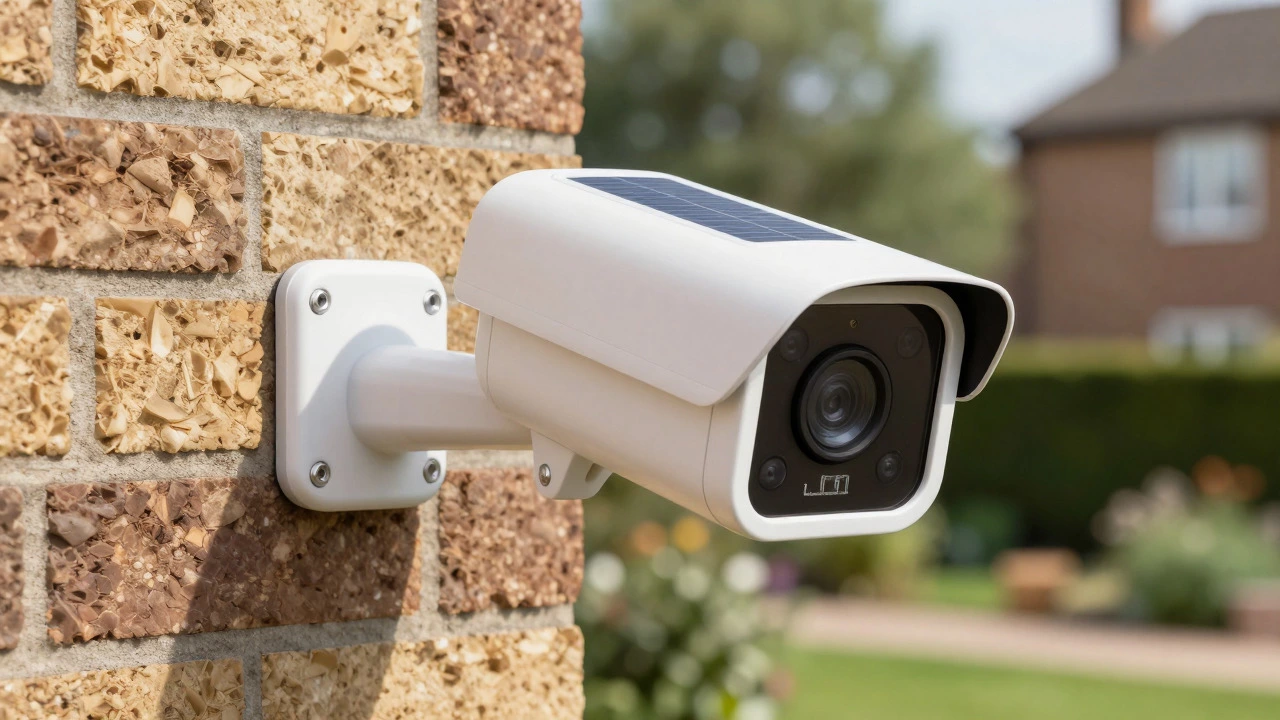
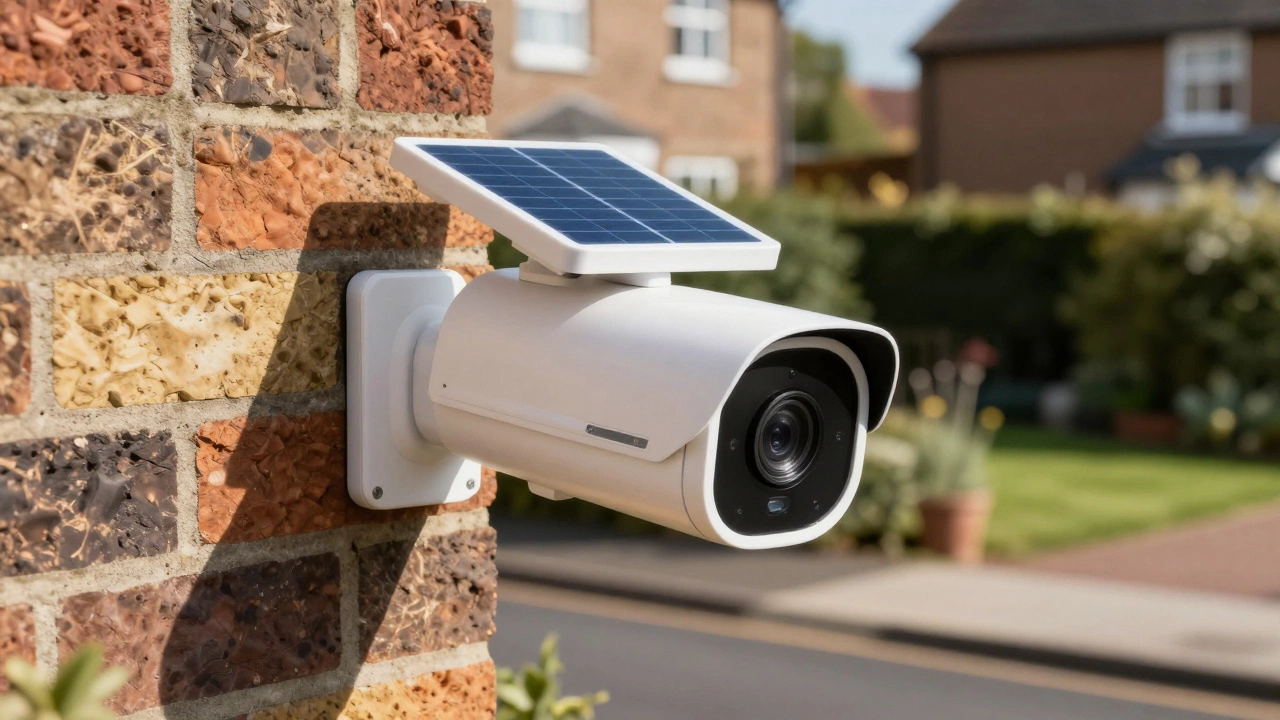
First, decide where the camera will live. Indoor units need a clear view of doors, windows or hallways and should blend with décor. Outdoor models must handle rain, heat and night‑time darkness, so look for weather‑proof ratings and infrared night vision.
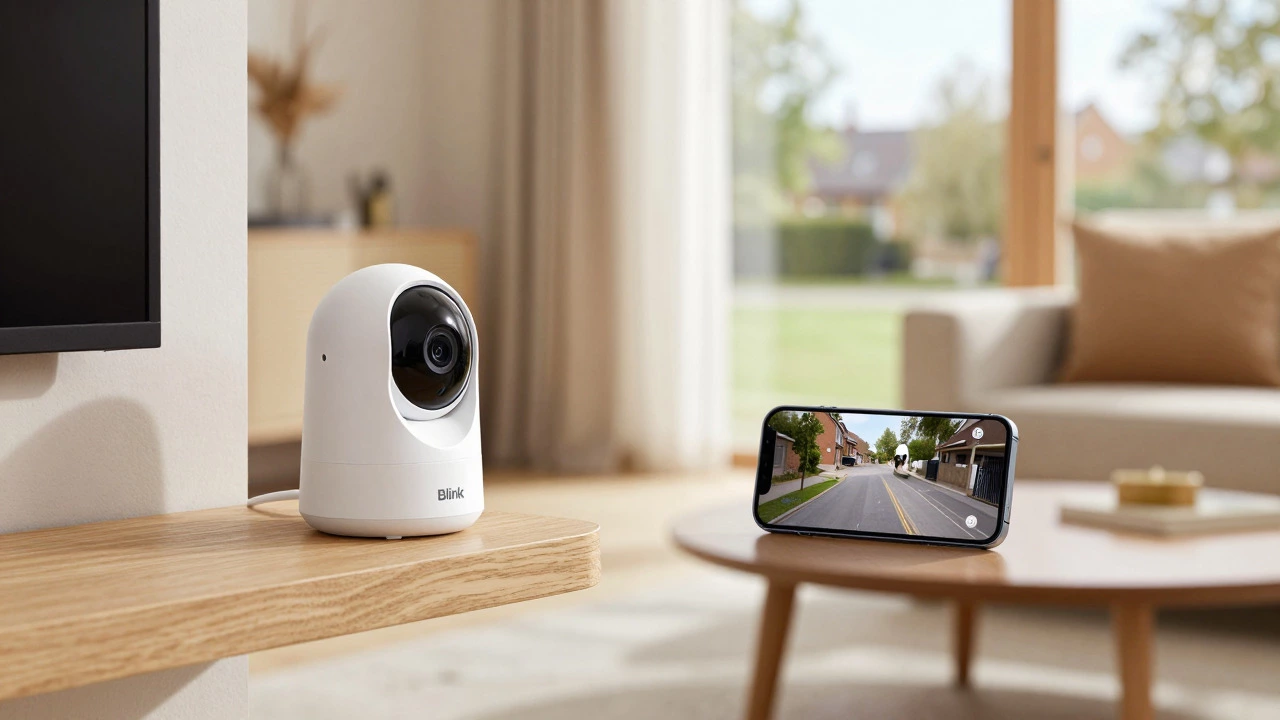
Next, think about wiring. Wired cameras give steady power and reliable video, but they require drilling and cable runs. Wireless (or Wi‑Fi) cameras are quick to mount, yet they rely on a strong network and a power source – many still need a plug or battery. If your Wi‑Fi is spotty, a wired or hybrid system will save you headaches.
Resolution matters for identifying faces or license plates. 1080p is the sweet spot for most homes; go higher only if you need zoomed‑in detail. Motion detection and smart alerts cut down on footage you never watch – set zones so the camera only pings you when something moves where it matters.
Privacy is a real concern. Choose cameras with encrypted streams and change default passwords right away. Some brands let you keep footage locally on a micro‑SD card, avoiding cloud fees and reducing hack risk.
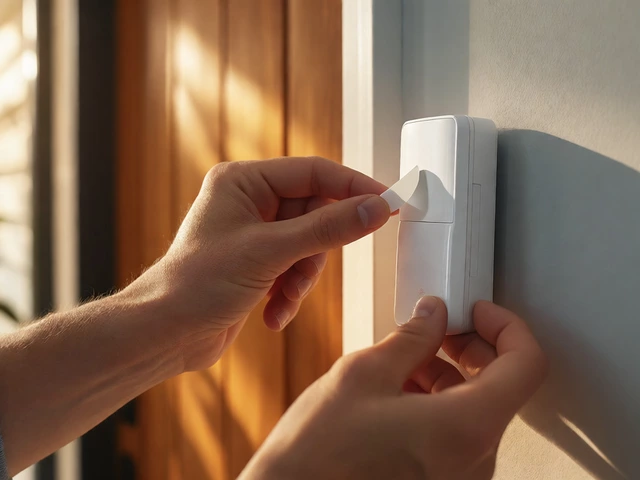
Start with a power source. For wired units, run a low‑voltage cable from the nearest outlet or use a PoE (Power over Ethernet) switch if you have a network cable already in place. For wireless, position the camera within 30‑40 feet of the router to keep the signal strong.
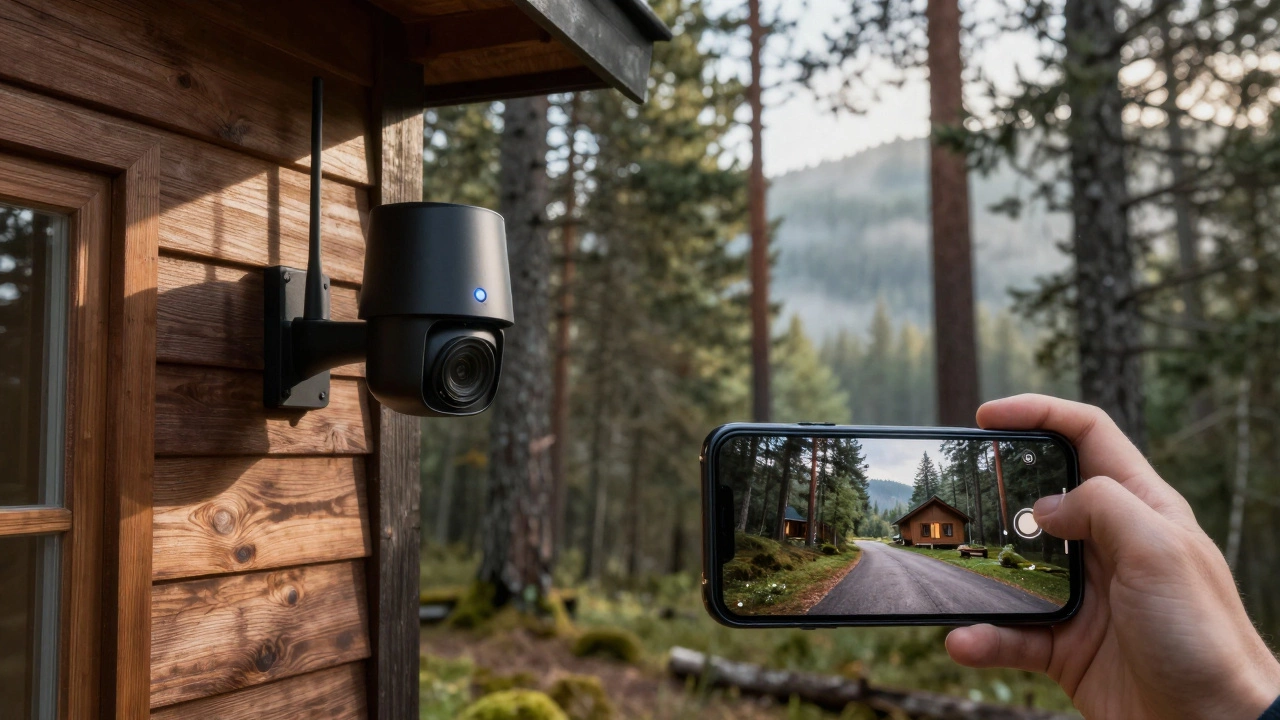
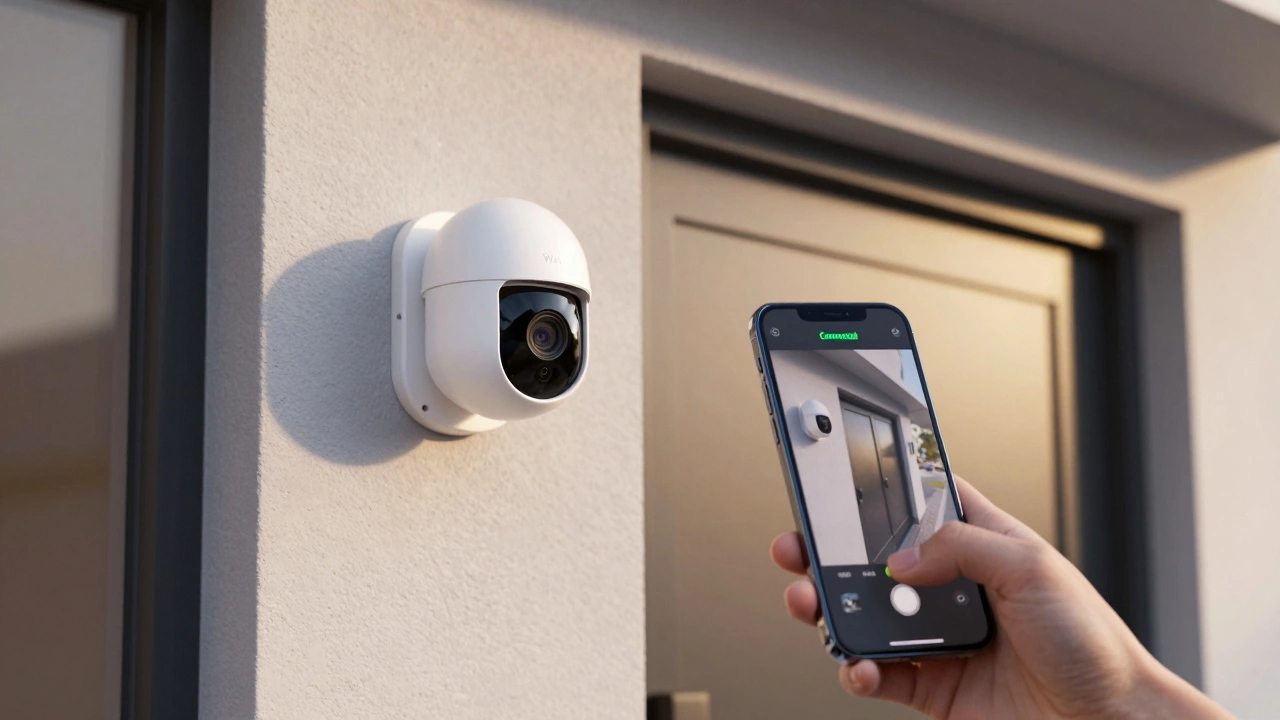
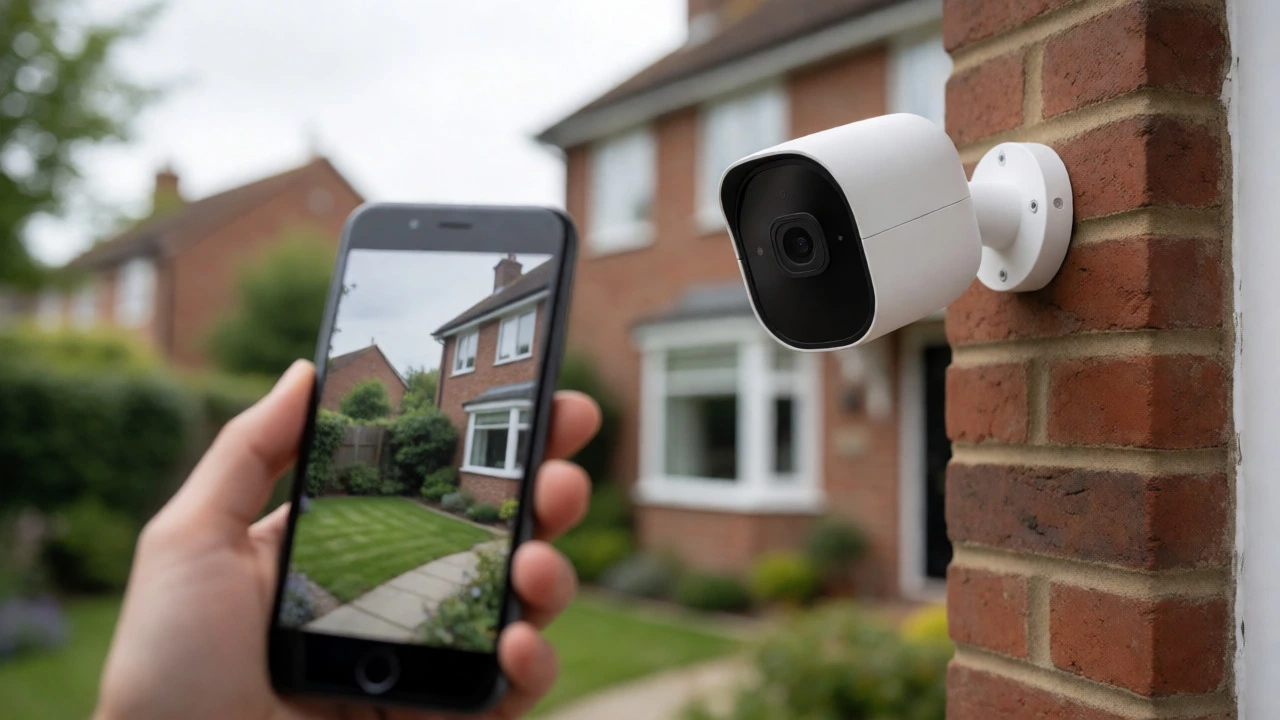
Mount the camera high enough to avoid vandalism but low enough to capture faces. Angles of 30‑45 degrees usually cover a doorway without blind spots. Test the view on a phone before tightening the screws – you can adjust the field of view in the app later.
Don’t forget lighting. Even the best night‑vision sensors need some ambient light or infrared LEDs. Trim overhanging trees that cast shadows and consider adding a small floodlight for extra clarity.
Finally, run a quick test after installation. Trigger motion, check the live feed on both Wi‑Fi and offline modes, and verify that alerts reach your phone. If the camera stores to the cloud, confirm the subscription works; if you use local storage, make sure the SD card is recorded properly.
With these basics, you’re ready to pick a camera that actually works for you and set it up without a tech‑support nightmare. Keep an eye on firmware updates – manufacturers often release security patches that keep your footage safe. When the system runs smoothly, you’ll notice the real benefit: peace of mind, not just a blinking light on the wall.
Do security cameras need internet? Learn when WiFi is essential for remote viewing and when local storage works offline. Compare Ring, Arlo, and Reolink.
Does the iPhone have a real night vision camera? We break down the difference between Night mode, infrared sensors, and true thermal imaging to help you understand what your phone can actually do in the dark.
Discover the true cost of a good home security camera in 2026. We break down price tiers, hidden subscription fees, and the best value options for UK homeowners.
Discover the real limits of night vision cameras. Learn why advertised IR ranges differ from actual identification distances and how to choose the right tech for your home.
Stop paying monthly fees for home security. Discover the best subscription-free security cameras in 2026 that use local storage, including top picks from Eufy, Reolink, and Wyze.
Discover if Blink cameras require a monthly fee. Learn about the 2026 pricing changes, free local storage options, and whether Basic or Plus subscriptions are worth the cost.
Discover the true range limits of Wi-Fi security cameras. Learn how walls, frequency bands, and router placement affect performance, plus practical tips to extend your coverage without rewiring.
Explore the science of seeing shadows in darkness. Learn how human biology limits vision in the dark and how night vision cameras use infrared light to reveal hidden threats.
Wireless CCTV cannot work without electricity, but it can operate without mains power. Learn how battery, solar, and cellular options enable off-grid surveillance for homes and businesses.
Learn how to connect security cameras to your phone without Wi-Fi using cellular data, hotspots, or local networks. Compare costs, range, and best practices for remote monitoring in 2026.
Learn how to connect your security camera to your phone in minutes. We cover Wi-Fi setups, DVR/NVR systems, cellular options, and troubleshooting tips for a seamless remote viewing experience.
Learn how to convert an old smartphone into a night vision camera using software apps or hardware modifications. Discover the pros, cons, and steps for DIY infrared surveillance.